Gaming Mouse Sensor Guide 2026: Optical vs Laser, Best Sensors Ranked
How Gaming Mouse Sensors Work
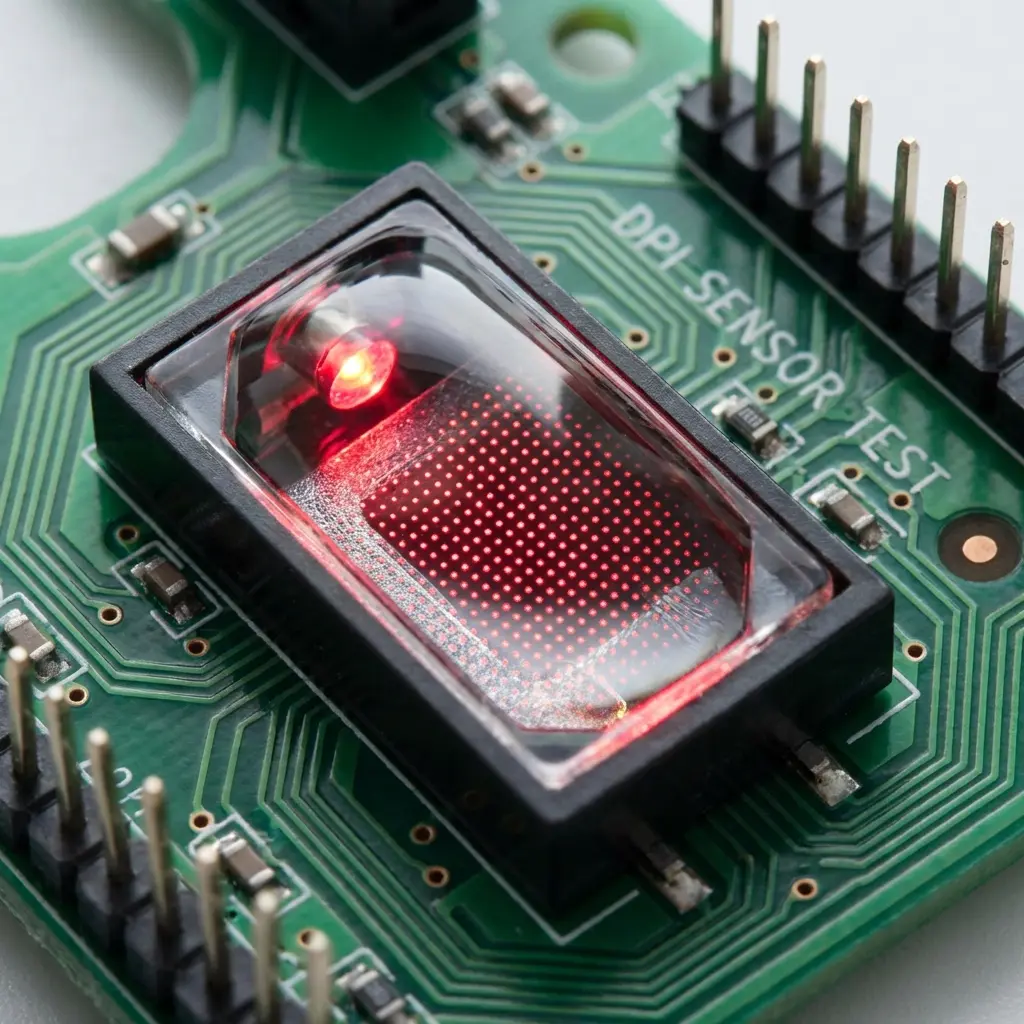
All modern gaming mice use optical sensors — a tiny camera that takes thousands of photos of the surface per second and calculates displacement between frames. The key metrics:
- IPS (Inches Per Second): Maximum speed the sensor can track without losing accuracy. Modern sensors: 400–650 IPS. Human gaming movement: rarely exceeds 100 IPS.
- Max Acceleration (G): Maximum acceleration trackable without spin-out. Modern sensors: 50G+. Human gaming: rarely exceeds 20G.
- CPI/DPI accuracy: How closely the actual counts-per-inch matches the set value. Premium sensors: within 2% accuracy. Budget sensors: up to 10% deviation.
- Jitter: Micro-variance in cursor position when the mouse is completely stationary. Premium sensors have near-zero jitter.
Optical vs Laser: The Definitive Answer
The optical vs laser debate was settled years ago: optical wins for gaming, always. Here is why:
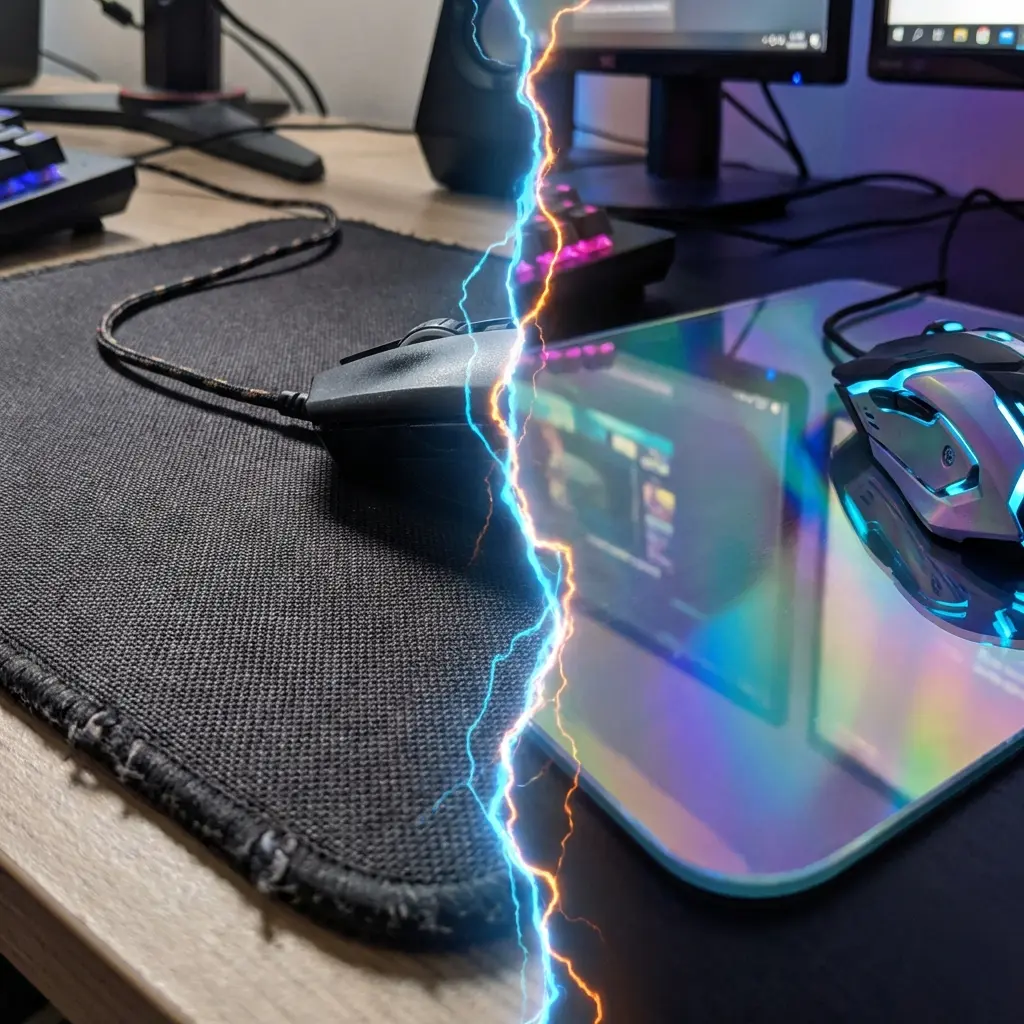
- Laser sensors: Use infrared laser. The higher frequency allows them to read any surface (including glass) but creates a problem called "laser sensitivity" — the sensor over-reads surface texture on cloth, causing mini jitters and inconsistent tracking on standard gaming mousepads.
- Optical sensors: Use visible or near-visible LED. Reads cloth mousepads perfectly without over-reading texture. Zero laser sensitivity issue. More consistent tracking on all standard gaming surfaces.
Every competitive FPS player at tier-1 level uses optical sensors. Laser sensors are preferred only for office mice used on glass or glossy surfaces.
Best Gaming Mouse Sensors for FPS in 2026
| Sensor | Found In | Rating | Max DPI |
|---|---|---|---|
| PixArt PAW3395 | Lamzu, Pulsar, Endgame Gear | S-Tier | 26,000 |
| Logitech HERO 25K | G Pro X Superlight 2 | S-Tier | 25,600 |
| Razer Focus Pro 30K | DeathAdder V3, Viper V3 | S-Tier | 30,000 |
| PixArt PAW3370 | Zowie EC3-C, Finalmouse | A-Tier | 19,000 |
| SteelSeries TrueMove Pro | SteelSeries Prime+ | A-Tier | 18,000 |
| PixArt PMW3360 | Many budget-mid options | B-Tier (still excellent) | 12,000 |
Does Sensor Quality Actually Affect Your Aim?
For players below the top 2% of competitive players: not meaningfully. The PMW3360 (a "B-tier" sensor from 2018) is still used by professional CS2 players today. The marginal improvements in jitter performance between S-tier and B-tier sensors are measurable in lab conditions but invisible in gameplay.
Priority order for competitive FPS: Sensitivity/DPI settings → Mouse shape → Mousepad surface → Sensor choice. Sensor is last on the list because modern sensors are all competition-viable above $40 retail price. Use our eDPI calculator to optimize your sensitivity, then match it across games with our converter — far more impactful than sensor choice.
Equipamentos de Elite Recomendados
Mouses ultra-leves topo de linha recomendados pelo Treinador Dalto para máxima precisão de sensor e consistência física no seu mousepad:
Logitech G Pro X Superlight 2
O mouse mais vencedor do cenário competitivo. Shape icônico, sensor HERO 2 e switches ópticos-mecânicos híbridos.
Razer Viper V3 Pro
Rastreador preciso com polling rate sem fio nativo de 8.000 Hz e formato simétrico ergonômico moderno.
Razer DeathAdder V3 Pro
Excelente para pegadas palm ou claw que querem apoio anatômico. Sensor Focus Pro 30K de última geração.
Lamzu Atlantis OG V2 / Thorn
Mouse boutique com peso irrisório e base vazada. Pegada traseira perfeita para controle agressivo de claw grip.
🎯 Lock In Perfect 1:1 Aim & Pro Consistency
Tired of daily aim inconsistency? Calibrate your physical cm/360, scope matching, and sensor latency. Get the complete Precision Aim System (4-Part Technical Manifestos) today for only $9.00 USD!
Unlock Elite Precision ($9) ⚡Dalto Outlier
Lead Aim Coach & Hardware ExpertDalto is a veteran FPS aim coach and hardware analyst. Having trained hundreds of competitive players in Valorant and CS2, he specializes in mouse sensor technology, perfect sensitivity calibrations, and cognitive muscle memory optimization.