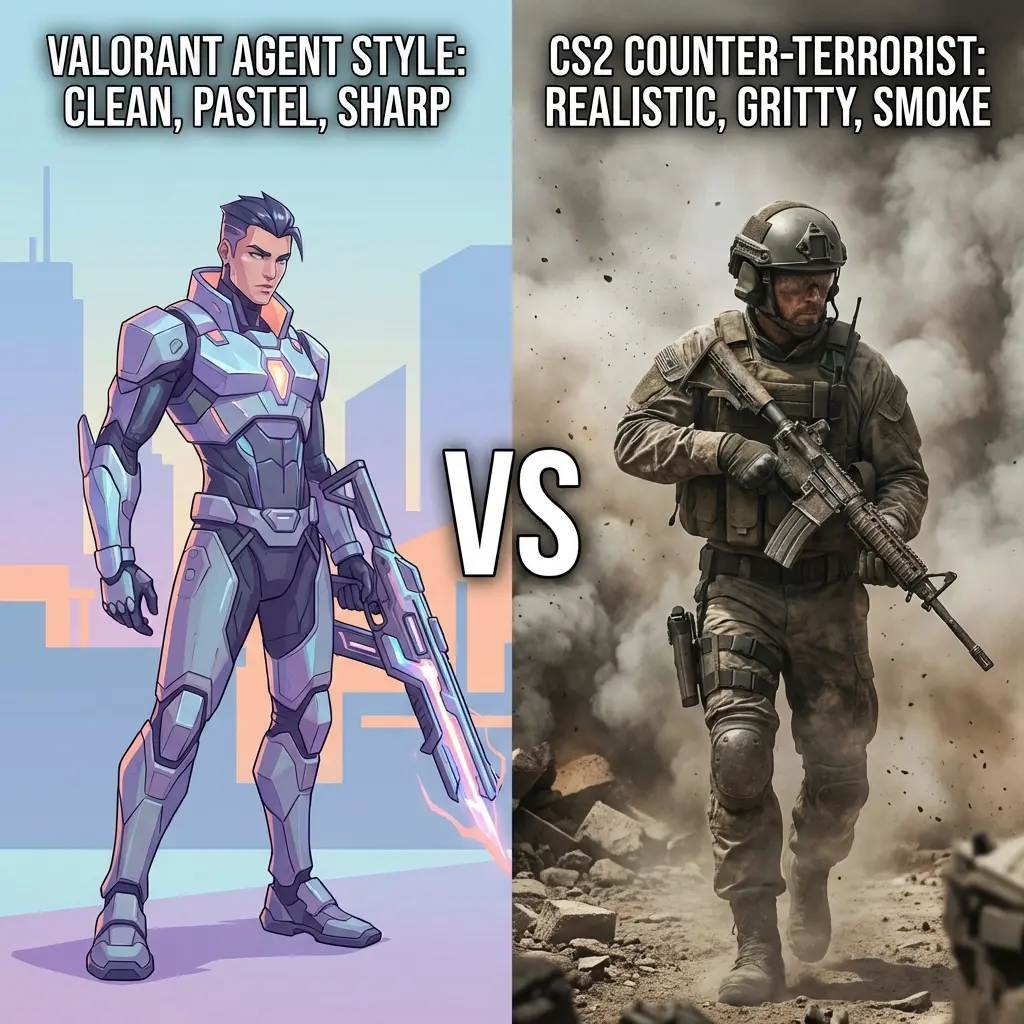
What is Mouse DPI? The Complete Gaming Guide (2026)
What is DPI? The Short Answer
DPI stands for Dots Per Inch — it measures how many pixels your cursor moves on screen for every inch you physically move your mouse. A mouse set to 800 DPI sends 800 movement signals per inch. Set it to 400 DPI and it sends 400 signals for the same distance.
But here is what most guides miss: DPI alone tells you nothing meaningful about aim quality. What actually defines your sensitivity is your eDPI (Effective DPI), which combines your hardware DPI with your in-game sensitivity number. We cover this in depth below.
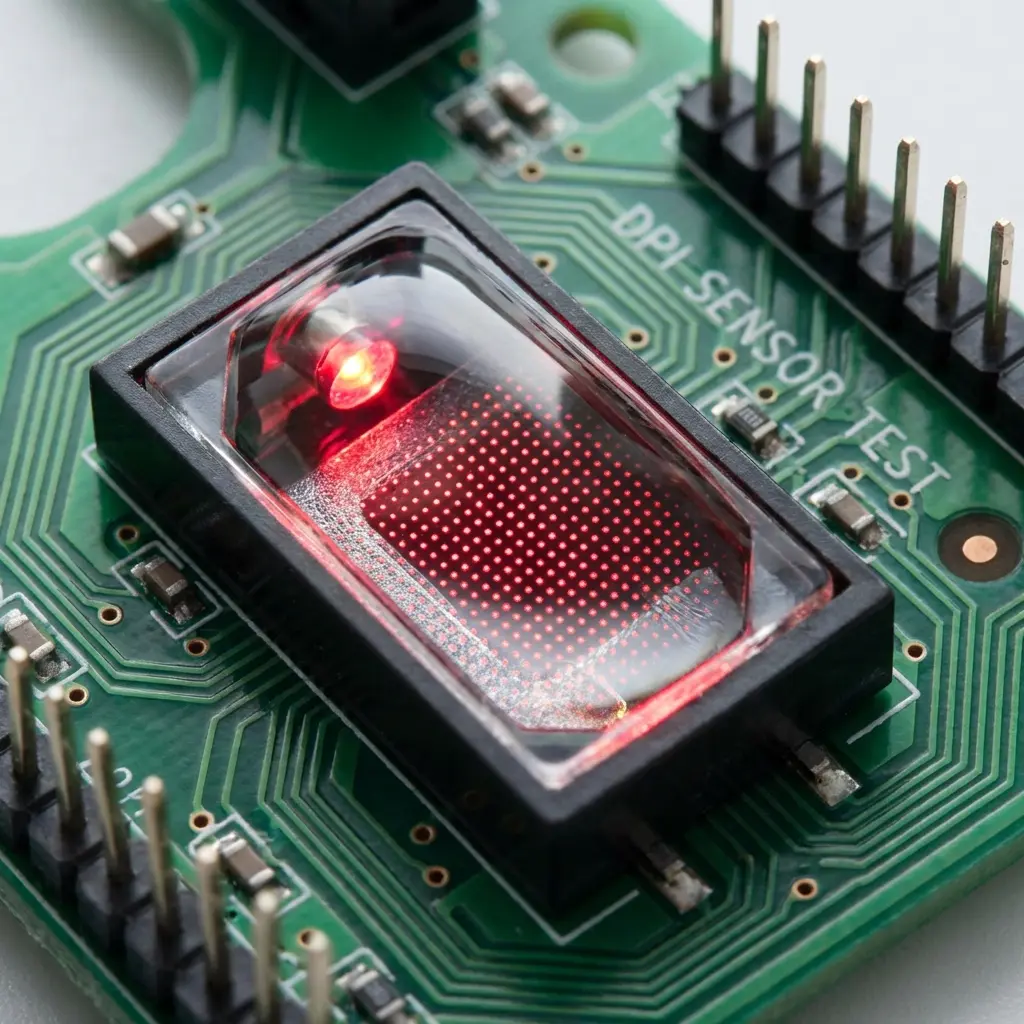
How Does a Mouse Sensor Actually Measure DPI?
Modern gaming mice use an optical sensor — most notably the PixArt PAW3395 (Logitech G Pro X Superlight 2), PAW3370 (Razer Viper V4), or Thinkpad TM20 (Finalmouse). The sensor works like a tiny camera, capturing 12,000+ frames per second of the surface underneath and tracking movement between frames.
The DPI setting tells the sensor firmware how many "dots" (signal counts) to report per inch of physical movement. At 400 DPI, every inch of mouse movement = 400 counts sent to your PC. At 3200 DPI, the same inch = 3200 counts. Your operating system and game then translate those counts into on-screen cursor movement.
The Input Chain (and Why It Matters)
- Physical Movement → You move the mouse 1 inch
- Sensor → Measures the movement, reports X counts based on DPI setting
- Operating System → Applies Windows pointer speed (and optionally acceleration)
- Game Engine → Applies in-game sensitivity multiplier
- Result → Camera rotation on screen
This is why two players with the same DPI but different in-game sensitivity have completely different aim feel. The DPI is just step 2 of a 5-step chain.
What is eDPI? (The Number That Actually Matters)
eDPI (Effective DPI) = Mouse DPI × In-Game Sensitivity
eDPI is the universal standard for comparing sensitivities across different setups. Two players with the same eDPI have the same physical aim speed, regardless of their hardware:
This is why DCPROSENS displays your eDPI in real-time. It is the first number you should know about your setup.
What DPI Do Pro Gamers Use in 2026?
We analyzed the settings of 50+ active professional players across Valorant, CS2, and Apex Legends in 2026. Here are the verified results:
| Player | Game | DPI | In-Game Sens | eDPI |
|---|---|---|---|---|
| TenZ | Valorant | 800 | 0.3 | 240 |
| Aspas | Valorant | 800 | 0.4 | 320 |
| Demon1 | Valorant | 1600 | 0.1 | 160 |
| s1mple | CS2 | 400 | 3.09 | 1,236 |
| NiKo | CS2 | 400 | 1.4 | 560 |
| ZywOo | CS2 | 400 | 2.0 | 800 |
| m0NESY | CS2 | 400 | 2.3 | 920 |
Key finding: 78% of tier-1 FPS pros use 400 or 800 DPI in 2026. There is no meaningful difference between the two at the eDPI level — what differs is personal preference for the "feel" of the mouse movement.
400 DPI vs 800 DPI: Is There a Real Difference?
Mathematically, 400 DPI × 2.0 sensitivity = 800 DPI × 1.0 sensitivity. The cm/360 (physical mouse movement per 360° rotation) is identical. However, there are real differences at the hardware level:
- Sensor Precision: At 400 DPI, each sensor "count" represents a larger physical distance. In older game engines with integer-based sensitivity rounding, this could cause micro-stutter. Modern engines (Source 2, Unreal Engine 5) handle both equally well.
- Acceleration at High DPI: At 1600+ DPI, some sensors exhibit minor trajectory deviations at high speeds. The PAW3395 handles up to 3200 DPI without this issue.
- Smoothness Feel: 800 DPI often "feels" smoother for players with heavy hands or very large mousepads because the sensor reports more data points per unit of movement.
Our recommendation: Pick 400 or 800 DPI, set your eDPI to 250–400 for Valorant or 500–900 for CS2, and never change it again. Use our sensitivity converter if you switch games.
What is a Good DPI for Different Games?
Valorant
Target eDPI: 200–400. Valorant's small agent hitboxes and peeking meta reward precision over speed. TenZ (240 eDPI) and Aspas (320 eDPI) are the gold standards. Set your DPI to 800 and sensitivity to 0.25–0.5.
CS2
Target eDPI: 400–1000. CS2's movement counter-strafing (now enhanced by Snap Tap) allows slightly faster sensitivities. Most riflers use 400–700 eDPI. AWPers tend lower (300–500 eDPI). s1mple is an outlier at 1236 eDPI.
Apex Legends
Target eDPI: 1400–2400 (Apex). Apex's yaw (0.022) is much lower than Valorant's (0.07), so Apex sensitivity numbers are inherently higher at the same physical speed. Use our converter tool to find your Apex sensitivity based on your Valorant eDPI.
League of Legends
eDPI doesn't apply the same way. LoL uses Windows cursor speed for camera panning. Most LoL pros use 1600–3200 DPI with Windows sensitivity at 6/11 (the default linear setting). Faker uses 3200 DPI.
Common DPI Mistakes to Avoid
- Mistake 1: Changing DPI without adjusting in-game sensitivity. This will completely break your muscle memory. If you double your DPI, halve your in-game sensitivity to maintain the same eDPI.
- Mistake 2: Using Windows pointer acceleration (Enhance Pointer Precision). This adds a variable speed multiplier that changes based on how fast you move. It is the enemy of consistent aim. Always turn it OFF in Windows Mouse Settings.
- Mistake 3: Chasing pro settings without understanding eDPI. TenZ uses 240 eDPI because he trained on that for years. Just copying "800 DPI, 0.3 sens" won't help if your hands aren't calibrated to that distance. Find your own eDPI and commit to it for 30 days.
- Mistake 4: Using raw DPI as a quality metric. A mouse sensor running at 400 DPI is not "worse" than one at 1600 DPI. What matters is sensor accuracy (zero acceleration, zero jitter) — not the DPI number itself.
How to Change Your DPI
- Open your mouse software (Logitech G HUB, Razer Synapse, SteelSeries GG, etc.)
- Navigate to "Sensitivity" or "DPI" settings
- Set your DPI to 400 or 800 and save it as your default profile
- Open your game and go to Mouse/Sensitivity settings
- Enter your new in-game sensitivity: use our eDPI calculator to find the right number
- Keep Windows Mouse Settings at 6/11 speed with Enhance Pointer Precision: OFF
Frequently Asked Questions About DPI
Does higher DPI mean better aim?
No. Higher DPI means faster cursor movement at the same in-game sensitivity. "Better" DPI is the DPI that keeps your eDPI in the optimal range for your game while feeling comfortable for your grip style and hand size.
What DPI do most gamers use?
According to a 2026 community survey of competitive players on HLTV and Valorant forums, 800 DPI is the most common setting at 44%, followed by 400 DPI at 32%, and 1600 DPI at 11%. The remaining 13% use other values.
Can I feel the difference between 400 and 800 DPI?
Only if your in-game sensitivity is not adjusted. If you go from 400 DPI × 2.0 sens to 800 DPI × 1.0 sens, you should feel zero difference. Both result in the same eDPI and the same cm/360. If you feel a difference, your in-game sensitivity was not adjusted correctly.
What DPI should I start with if I'm new to competitive gaming?
Start with 800 DPI and a sensitivity that gives you 30–40 cm/360 (a full rotation taking 30–40 centimeters of mouse movement). This is the range where most players develop fundamental aim mechanics. Use our sensitivity converter to calibrate perfectly.
The Bottom Line
DPI is just one variable in your aim equation. The formula is: eDPI = DPI × Sensitivity. Find your target eDPI (200–400 for Valorant, 400–900 for CS2), pick 400 or 800 DPI, calculate the matching sensitivity, and lock it in for at least 30 days of deliberate practice. That is all there is to it.
Ready to calculate? Use our free DPI & eDPI Calculator or convert your sensitivity between games in seconds.
Equipamentos de Elite Recomendados
Mouses ultra-leves topo de linha recomendados pelo Treinador Dalto para máxima precisão de sensor e consistência física no seu mousepad:
Logitech G Pro X Superlight 2
O mouse mais vencedor do cenário competitivo. Shape icônico, sensor HERO 2 e switches ópticos-mecânicos híbridos.
Razer Viper V3 Pro
Rastreador preciso com polling rate sem fio nativo de 8.000 Hz e formato simétrico ergonômico moderno.
Razer DeathAdder V3 Pro
Excelente para pegadas palm ou claw que querem apoio anatômico. Sensor Focus Pro 30K de última geração.
Lamzu Atlantis OG V2 / Thorn
Mouse boutique com peso irrisório e base vazada. Pegada traseira perfeita para controle agressivo de claw grip.
🎯 Lock In Perfect 1:1 Aim & Pro Consistency
Tired of daily aim inconsistency? Calibrate your physical cm/360, scope matching, and sensor latency. Get the complete Precision Aim System (4-Part Technical Manifestos) today for only $9.00 USD!
Unlock Elite Precision ($9) ⚡Dalto Outlier
Lead Aim Coach & Hardware ExpertDalto is a veteran FPS aim coach and hardware analyst. Having trained hundreds of competitive players in Valorant and CS2, he specializes in mouse sensor technology, perfect sensitivity calibrations, and cognitive muscle memory optimization.