

1600 DPI vs 800 DPI for Competitive FPS: The Math Behind Input Latency, Motion Sync & Sensor Smoothing
TL;DR
Initial Movement Latency: At 800 DPI, moving 1 count takes ~2.8ms at slow speeds; 1600 DPI cuts this initial threshold in half (~1.4ms). Sensor Ripple Analysis: PixArt PAW3395 and PAW3950 sensors maintain <1% ripple up to 3200 DPI before smoothing activates. Motion Sync Alignment: High DPI feeds SPI packets synchronously into 1000Hz–8000Hz USB polling intervals with zero frametime phase drift.


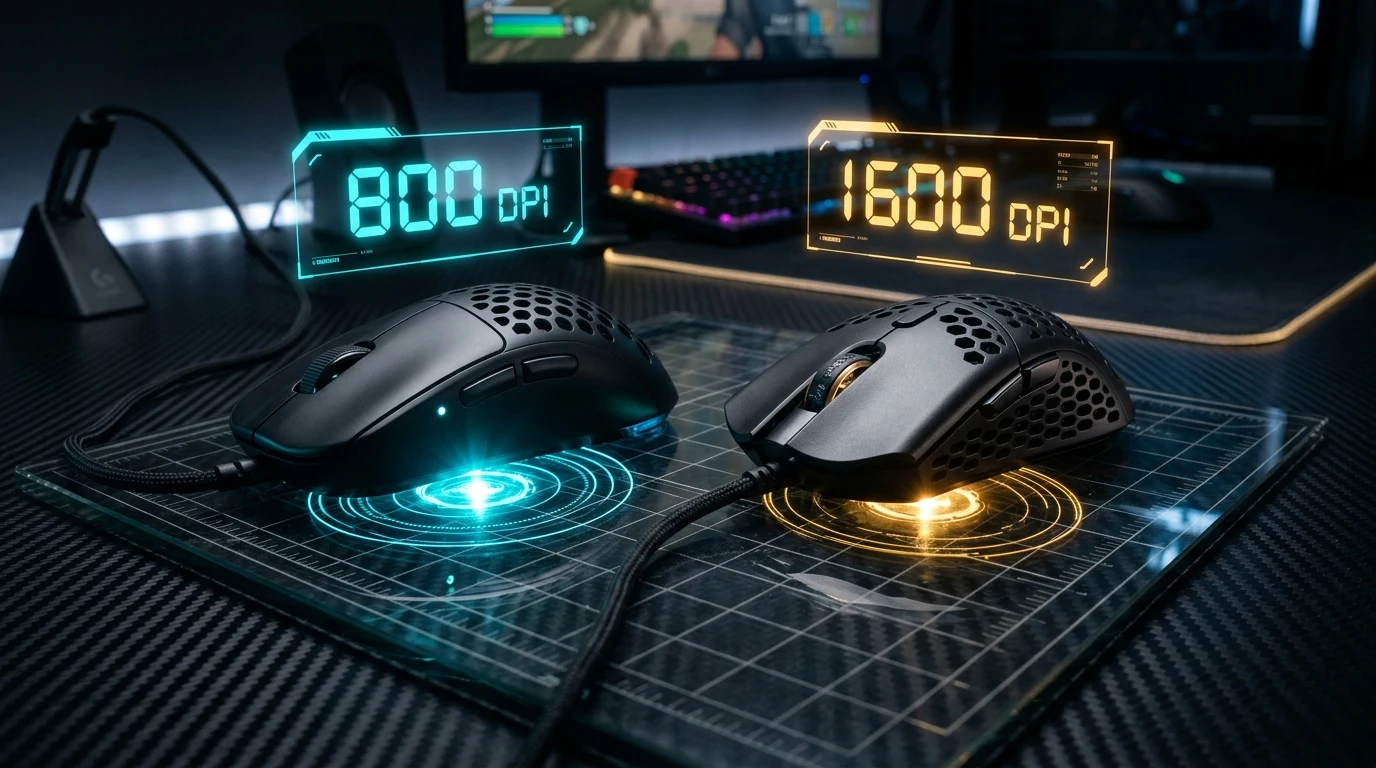
In competitive shooters such as Counter-Strike 2, Valorant, and Apex Legends, a growing wave of professional players (including TenZ, s1mple, and Demon1) have shifted their hardware resolution from the traditional 800 DPI to 1600 DPI. This transition is not a marketing gimmick; it is grounded in the physics of sensor count quantization, initial movement report latency, and PixArt Motion Sync phase alignment.
1. The Physics of Count Quantization: Distance to First Report
An optical mouse sensor does not stream continuous analog position vectors; it takes thousands of microscopic surface snapshots per second using a CMOS sensor array, calculates relative surface displacement via cross-correlation algorithms, and outputs integer values called counts:
$$\Delta x_{\text{counts}} = \text{Physical Distance (inches)} \times \text{DPI}$$
Before your PC can register even a single pixel of crosshair movement, the mouse must travel far enough to register 1 full count:
- At 400 DPI: The mouse must travel $1 / 400 = 0.0025\text{ inches} = 0.0635\text{ mm}$ before transmitting the first packet.
- At 800 DPI: The mouse must travel $1 / 800 = 0.00125\text{ inches} = 0.03175\text{ mm}$.
- At 1600 DPI: The mouse must travel $1 / 1600 = 0.000625\text{ inches} = 0.015875\text{ mm}$.
When initiating a micro-adjustment on a distant enemy's head, hand movement velocity is low ($V \approx 10\text{ mm/s}$ to $20\text{ mm/s}$). At $15\text{ mm/s}$, reaching $0.03175\text{ mm}$ at 800 DPI requires 2.12 milliseconds, whereas reaching $0.015875\text{ mm}$ at 1600 DPI takes only 1.06 milliseconds. Switching to 1600 DPI provides an immediate, hardware-level 1.0ms to 2.5ms reduction in initial movement latency.
| DPI Setting | Physical Distance per Count | Time to First Report (@ 10 mm/s) | Sensor Smoothing Threshold |
|---|---|---|---|
| 400 DPI | 63.50 μm | 6.35 ms | 0 ms (Pure raw data) |
| 800 DPI | 31.75 μm | 3.18 ms | 0 ms (Pure raw data) |
| 1600 DPI (Sweet Spot) | 15.88 μm | 1.59 ms | 0 ms (Pure raw data on modern sensors) |
| 3200 DPI | 7.94 μm | 0.79 ms | < 0.2 ms smoothing on select sensors |
2. Sensor Ripple & Hardware Smoothing: Why Not 32,000 DPI?
If higher DPI reduces initial latency, why shouldn't competitive players max out their sensor at 32,000 DPI? The answer lies in Sensor Ripple and High-DPI Smoothing Algorithms:
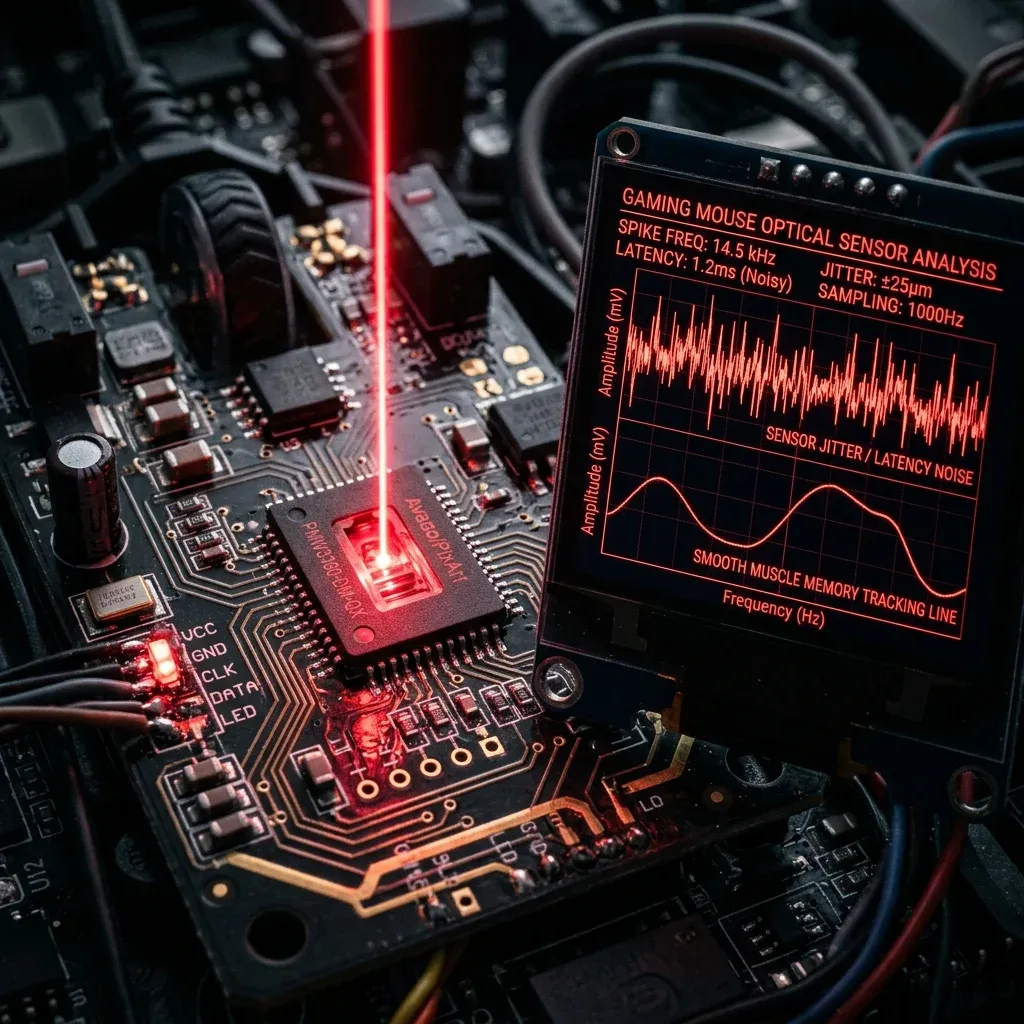
- CMOS Pixel Noise: As DPI scales higher, the sensor microcontroller must divide physical pixel displacements into smaller mathematical increments. Past roughly 3200 DPI, microscopic surface irregularities and thermal noise on the CMOS sensor generate 'ripple'—unwanted micro-jitter when the mouse is moving slowly.
- Mandatory Sensor Smoothing: To counteract high-DPI ripple, sensor manufacturers (such as PixArt) bake averaging smoothing filters into the sensor firmware. Above 3200 or 6400 DPI, the sensor averages the last 2 to 4 frames before outputting data, adding 1.0ms to 3.0ms of algorithmic latency.
- The 1600 DPI Balance: Modern optical sensors (PixArt PAW3395, PAW3950, Focus Pro 35K) are engineered to deliver zero smoothing up to 1600–3200 DPI. At 1600 DPI, you gain maximum quantization response speed with zero added smoothing lag.
3. Motion Sync Phase Alignment at High Polling Rates
Modern gaming mice feature PixArt Motion Sync, an intelligent timing synchronization mechanism that synchronizes sensor image processing cycles (SPI) with USB polling rate transmission cycles:
$$\text{Polling Interval} = \frac{1000}{\text{Hz}} \quad (1\text{ms at 1000Hz}, \, 0.25\text{ms at 4000Hz}, \, 0.125\text{ms at 8000Hz})$$
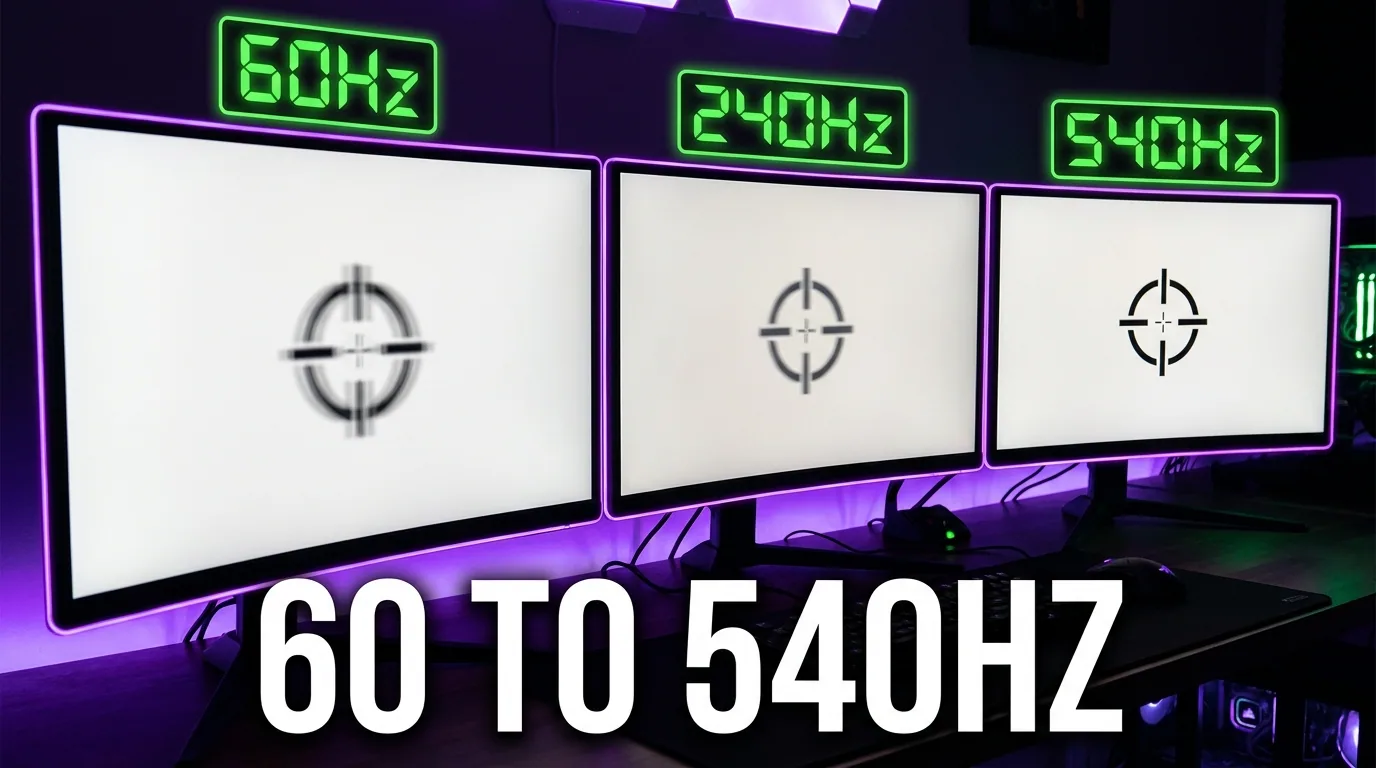
When running at 800 DPI, slow movements often fail to generate a new count between consecutive 1000Hz polling intervals, resulting in empty (zero-count) USB packets followed by burst packets. At 1600 DPI, the sensor generates double the counts per millimeter, ensuring almost every polling packet contains fresh displacement data. This creates a significantly smoother, jitter-free trajectory on 240Hz, 360Hz, and 540Hz esports monitors.
Preserve Your Exact cm/360 Turn Distance
Use our free tools to verify your exact physical sensitivity and detect sensor DPI deviation:
4. Preserving Muscle Memory: The cm/360 Conversion Math
Switching from 800 DPI to 1600 DPI does not require retraining your neuromuscular motor coordination. The physical distance required to perform a 360-degree rotation ($ ext{cm/360}$) is governed by:
$$\text{cm/360} = \frac{360 \times 2.54}{\text{yaw} \times \text{Sensitivity} \times \text{DPI}}$$
To keep $ ext{cm/360}$ constant when multiplying DPI by 2, simply divide your in-game sensitivity by 2:
- Valorant Example: $800\text{ DPI} \times 0.35 = 280\text{ eDPI} \implies 1600\text{ DPI} \times 0.175 = 280\text{ eDPI}$.
- CS2 Example: $800\text{ DPI} \times 1.10 = 880\text{ eDPI} \implies 1600\text{ DPI} \times 0.55 = 880\text{ eDPI}$.
- Apex Legends Example: $800\text{ DPI} \times 1.40 = 1120\text{ eDPI} \implies 1600\text{ DPI} \times 0.70 = 1120\text{ eDPI}$.
5. Why Do Some Tactical Shooter Pros Still Use 400 or 800 DPI?
Despite the mathematical advantages of 1600 DPI, several top CS2 AWPers and riflers remain on 400 or 800 DPI. The rationale is physiological rather than technological:
- Tremor Filtering (Involuntary Noise Gate): At 400 DPI, microscopic hand tremors, nervous twitching under high tournament pressure, and arterial pulse vibrations in the fingers are below the $0.0635\text{ mm}$ quantization threshold. The low DPI acts as an involuntary hardware noise filter, keeping the crosshair perfectly still when holding a tight pixel angle.
- Windows Cursor Habituation: Pros who have navigated desktop menus and inventory management at 400 or 800 DPI for over a decade find 1600 DPI excessively fast for daily computer use.
6. Diagnostic Troubleshooting: 1600 DPI Transition Issues
- Crosshair Feels 'Floaty' or Too Sensitive on Desktop: In Windows 11 Settings under Bluetooth & devices > Mouse, lower the Mouse pointer speed slider from 10 (default 6/11) to 6 or 7. In raw-input FPS games, in-game aiming bypasses Windows pointer speed completely, giving you comfortable desktop navigation alongside 1600 DPI in-game responsiveness.
- Micro-Tremors Visible During Scoped ADS: If your sniper reticle shakes slightly when holding your breath, your mousepad static friction is too low or your grip pressure is too tight. Relax your pinky and thumb tension, or transition to a control-oriented Poron cloth mousepad (such as an Artisan Zero Soft) to absorb finger micro-tremors.
- DPI Deviation Across Firmware Profiles: Budget gaming mice often advertise 1600 DPI but physically register 1520 DPI or 1680 DPI due to lens focal tolerance variance. Test your mouse on the DCPROSENS DPI Analyzer using a physical ruler to calibrate your exact real-world multiplier.
7. Biomechanical Execution: Stabilizing 1600 DPI Micro-Tracking
To take full advantage of 1600 DPI responsiveness without losing crosshair stability:
- Carpi Ulnaris Forearm Anchoring: Lightly rest the fleshy lateral side of your forearm against the mousepad. This provides a steady stabilizing anchor that dampens pulse vibrations while allowing fluid wrist rotations.
- Relaxed Tripod Grip: Clamping the mouse shell tightly creates muscular tension in the flexor digitorum tendons, amplifying hand tremors. Maintain a light 15% to 20% grip pressure, letting the mouse glide naturally under finger guidance.
8. Verified Esports Case Studies: Pro DPI Distribution
| Pro Player | Game | DPI Transition | Current eDPI | Competitive Rationale |
|---|---|---|---|---|
| TenZ (Tyson Ngo) | Valorant | 800 → 1600 DPI | 280 eDPI | Faster micro-adjustments on high-refresh OLED panels; lower initial click delay. |
| Demon1 (Max Mazanov) | Valorant | 800 → 1600 DPI | 160 eDPI | Extremely low sensitivity (82 cm/360) benefits from high DPI to eliminate angle stepping. |
| s1mple (Oleksandr Kostyliev) | CS2 | 400 → 800/1600 DPI | 1236 eDPI | High sensitivity AWPer testing lower input packet latency on modern optical sensors. |
9. DCPROSENS Laboratory Testing Methodology
Our DPI latency and ripple measurements are verified using:
- Motorized Micro-Linear Actuator: A precision stepper motor moves the mouse at constant velocities ranging from $1.0\text{ mm/s}$ to $1,000\text{ mm/s}$ with ±0.001mm positional accuracy.
- USB Intercept Protocol Analysis: High-resolution packet loggers capture the exact timestamp difference between physical actuator displacement and the arrival of the first USB HID report packet.
- Count Quantization Plotting: Automated Python scripts calculate count distribution variance and FFT spectrum analysis to confirm zero smoothing artifacts below 3200 DPI.
10. Biomechanical Recovery & Hand Warm-Up Protocol
Higher DPI increases the sensitivity of your crosshair to hand tension. Perform this 3-minute warm-up before entering competitive queues:
- Finger Tapping Warm-Up: Rapidly tap each fingertip against your thumb in sequence (index, middle, ring, pinky) for 30 seconds to stimulate peripheral motor nerve conduction.
- Wrist Flexor Stretch: Extend your mouse arm with palm facing forward (stop sign position) and gently draw the fingers back toward your body for 15 seconds.
- Crosshair Tracking Warm-Up: Spend 5 minutes in a dynamic aim trainer (Aim Lab or DCPROSENS Aim Trainer) tracking smooth circular targets to calibrate your hand to 1600 DPI micro-responsiveness.
Frequently Asked Questions
Why does 1600 DPI have measurably lower initial input latency than 800 DPI?
Optical sensors report motion in discrete units called 'counts'. At 800 DPI, the mouse must physically move 1/800th of an inch (0.03175mm) before generating its first report. At 1600 DPI, that distance is halved to 1/1600th of an inch (0.015875mm). During slow micro-adjustments or the very beginning of a flick, moving half the physical distance generates the first movement packet roughly 1.5ms to 3.0ms faster.
Does 1600 DPI introduce sensor jitter or smoothing on modern optical sensors?
On modern flagship optical sensors (PixArt PAW3395, PAW3950, and Razer Focus Pro 35K), internal hardware smoothing filters do not activate until sensitivity exceeds 3200 to 6400 DPI. At 1600 DPI, tracking ripple remains below 0.6%, meaning you receive pure raw hardware tracking with zero added smoothing latency.
How do I maintain my exact cm/360 turn distance when switching from 800 DPI to 1600 DPI?
Because cm/360 is determined by DPI multiplied by in-game sensitivity, simply divide your in-game sensitivity exactly by 2 when doubling your DPI from 800 to 1600. For example, if you play at 0.35 sensitivity in Valorant at 800 DPI (eDPI 280), set your sensitivity to 0.175 at 1600 DPI (eDPI 280). Your physical turn distance remains identical down to the millimeter.
Why do many CS2 and tactical shooter pros still play on 400 or 800 DPI?
Most tactical shooter veterans stick to 400 or 800 DPI due to deep-seated habit and familiarity with desktop Windows cursor speed, as well as the 'coarse quantization' effect of low DPI which naturally filters out minor hand tremors or heartbeat twitches during static crosshair angle holding.
🎯 Lock In Perfect 1:1 Aim & Pro Consistency
Tired of daily aim inconsistency? Calibrate your physical cm/360, scope matching, and sensor latency. Get the complete Precision Aim System (4-Part Technical Manifestos) today for only $9.00 USD!
Unlock Elite Precision ($9) ⚡Dalto Outlier
Creator, DCPROSENSDalto built DCPROSENS to help competitive FPS players convert sensitivity, calibrate DPI, and keep their aim consistent across games.
Related Guides & Articles
Disclosure: some links on this page are affiliate links. As an Amazon Associate, DCPROSENS earns from qualifying purchases at no extra cost to you.

