Gaming Monitor Hz Guide: 60Hz to 540Hz
The Science of Refresh Rates and Motion Blur
Refresh rate (measured in Hertz or Hz) indicates how many times per second your monitor draws a new image. A 60Hz monitor updates every 16.6 milliseconds; a 144Hz monitor every 6.9ms; and a 360Hz monitor every 2.7ms.
In FPS games, when you flick your mouse quickly, the background environment moves rapidly across the screen. On lower refresh rates, this creates display motion blur (sample-and-hold blur) because your brain tries to track a moving object that is statically held on screen for relatively long 16ms intervals. Higher refresh rates dramatically reduce this blur, keeping enemies clearly visible even during rapid camera movements.
The Tiers of Performance Advantage
60Hz to 144Hz: The Night and Day Difference
This is the most significant hardware upgrade any FPS player can make. Upgrading to 144Hz provides a massive competitive advantage:
- Reduces system latency by ~10ms.
- Motion clarity improves enough that you can easily track targets during rapid spray transfers.
- Screen tearing is significantly reduced.
144Hz to 240Hz: The Competitive Edge
The jump from 144Hz (6.9ms) to 240Hz (4.1ms) is noticeable, but less profound. It provides "buttery smooth" tracking and further reduces input lag. Highly recommended for players aiming for Immortal/Global Elite, as the improved motion tracking helps with micro-adjustments.
240Hz to 360Hz / 540Hz: The Professional Tier
We are firmly in diminishing returns here. The jump to 360Hz (2.7ms) or the new 540Hz (1.8ms) panels offers fractional latency improvements. Only top 1% players and professionals whose careers depend on single-millisecond reactions truly benefit. Furthermore, taking advantage of a 360Hz+ monitor requires a high-end PC capable of consistently outputting 360+ frames per second.
TN vs IPS vs OLED for FPS
| Panel Type | Speed / Latency | Motion Clarity | Overall FPS Rating |
|---|---|---|---|
| Fast IPS | Very Good | Good | Best overall value. Great colors, fast enough for 99% of players. |
| TN Film | Excellent | Excellent (with DyAc) | Pure competitive focus. Terrible colors, but lowest ghosting (Zowie). |
| OLED | Perfect (0.03ms) | Perfect (No ghosting) | The new endgame. Incredible speed and clarity, but expensive and burn-in risk. |
Do I Need to Change My Sensitivity?
When you upgrade to a high refresh rate monitor, your game will suddenly feel much smoother and sometimes "faster." Your actual cm/360 hasn't changed, but because you receive visual feedback so much quicker, you may find yourself over-flicking initially. Give yourself a few days to adjust to the new sensory input before deciding to lower your sensitivity using our eDPI calculator.
Mathematical Mechanics & Engine Formulas
Understanding aim physics requires breaking down how rendering engines calculate rotation vectors. In 3D space, mouse movement inputs map to angular rotation per count based on the game engine's specific yaw constant:
• CS2 / Source Engine Yaw Constant: 0.022° per count
• Apex Legends Yaw Constant: 0.022° per count
• Overwatch 2 Yaw Constant: 0.0066° per count
• Fortnite Yaw Constant: 0.005555° per count
• Formula: eDPI = Hardware DPI × In-Game Sensitivity
• Formula: cm/360 = (360 × 2.54) / (DPI × Sensitivity × Yaw)
By keeping your physical centimeters per 360 rotation (cm/360) consistent, you maintain identical physical hand travel across titles. However, when switching between different aspect ratios (16:9 vs 4:3 stretched) or vertical FOVs, you must apply 0% Monitor Distance Matching (Focal Length Scaling) to match optical tracking speed at screen center.
Esports Meta & Pro Player Benchmark Data
Looking at publicly available pro settings and general esports sensitivity trends:
- Tactical Shooters (Valorant / CS2): The median pro eDPI sits between 200 and 320 eDPI (approx. 40cm/360 to 65cm/360). Pro players prefer lower sensitivity to maximize micro-correction accuracy and first-bullet headshot precision.
- Tracking & Dynamic Shooters (Apex / OW2 / Fortnite): The median pro eDPI ranges from 2400 to 4800 eDPI in Source/OW2 terms (approx. 28cm/360 to 38cm/360). Higher sensitivity allows rapid 180° sweeps and smooth target tracking during erratic movement.
Step-by-Step Calibration & Actionable Implementation
- Disable Windows Mouse Acceleration: Open Windows Control Panel → Mouse Properties → Pointer Options → Uncheck "Enhance Pointer Precision". This ensures 1:1 raw input without non-linear velocity scaling.
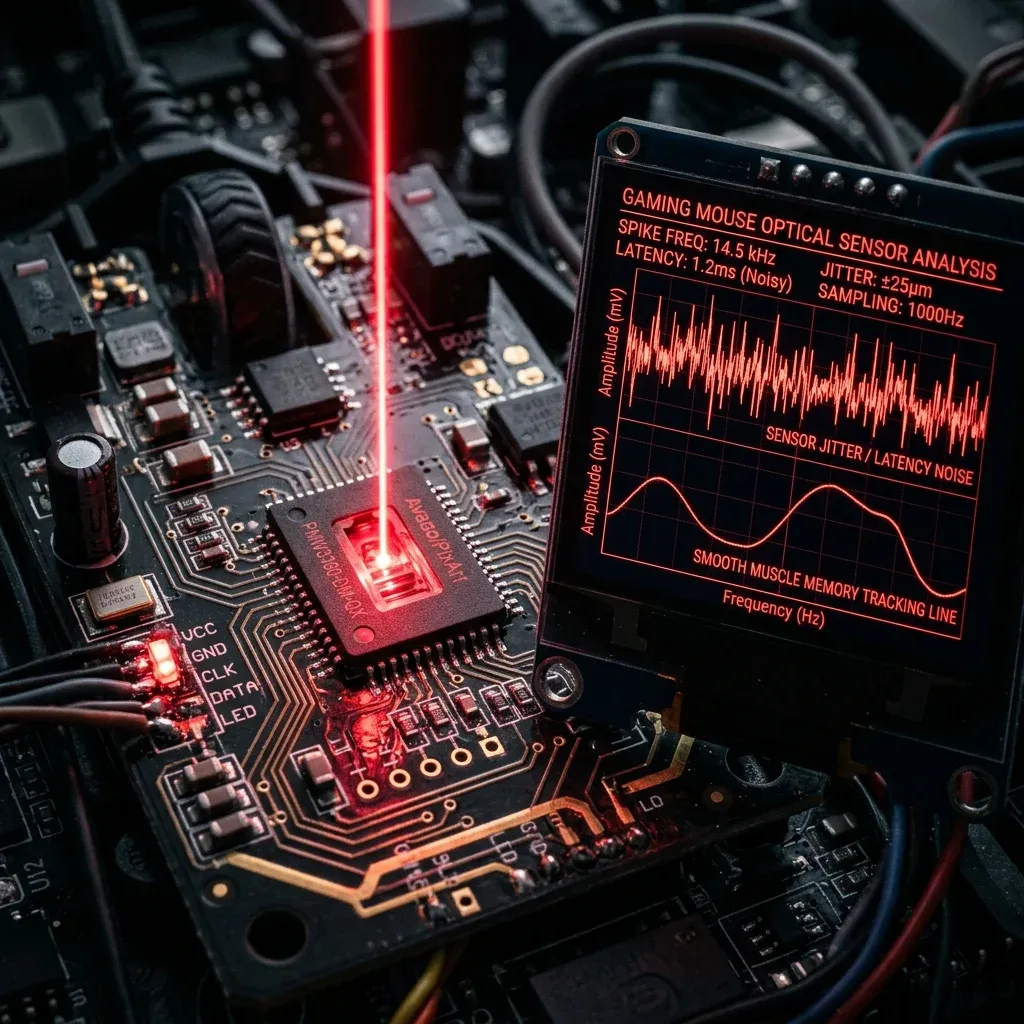
- Set Native Mouse DPI: Use 800 or 1600 DPI on modern optical sensors (PMW3395 / HERO 25K) to minimize sensor input latency by up to 2.5ms compared to 400 DPI while avoiding sensor smoothing.
- Calibrate Desk Space: Ensure your mousepad offers at least 450mm × 400mm of dynamic space. Your cm/360 should allow a full 180° turn from center to pad edge without lifting.
- Verify in Aim Trainers: Benchmark your target acquisition in KovaaK's or Aim Lab (Gridshot / Microflex) for 15 minutes to confirm zero overshoot or undershoot before entering ranked queues.
Frequently Asked Questions (FAQ)
Is higher DPI always better for aim?
Higher DPI (such as 1600 DPI) reduces input latency because the sensor sends motion packets more frequently per millimeter. However, going above 3200 DPI can introduce unwanted sensor noise or smoothing on certain optical sensors.
Should I match my hipfire sensitivity to my ADS sensitivity?
Yes! Utilizing 1:1 focal matching (0.847 in Valorant, 1.0 in CS2/Apex) aligns your focal muscle memory between hipfire aiming and scoped targeting.
🎯 Lock In Perfect 1:1 Aim & Pro Consistency
Tired of daily aim inconsistency? Calibrate your physical cm/360, scope matching, and sensor latency. Get the complete Precision Aim System (4-Part Technical Manifestos) today for only $9.00 USD!
Unlock Elite Precision ($9) ⚡Dalto Outlier
Creator, DCPROSENSDalto built DCPROSENS to help competitive FPS players convert sensitivity, calibrate DPI, and keep their aim consistent across games.