ASUS Unveiled the First OLED Monitor Built Specifically for Esports — Does It Change How You Should Calibrate Sens?
TL;DR
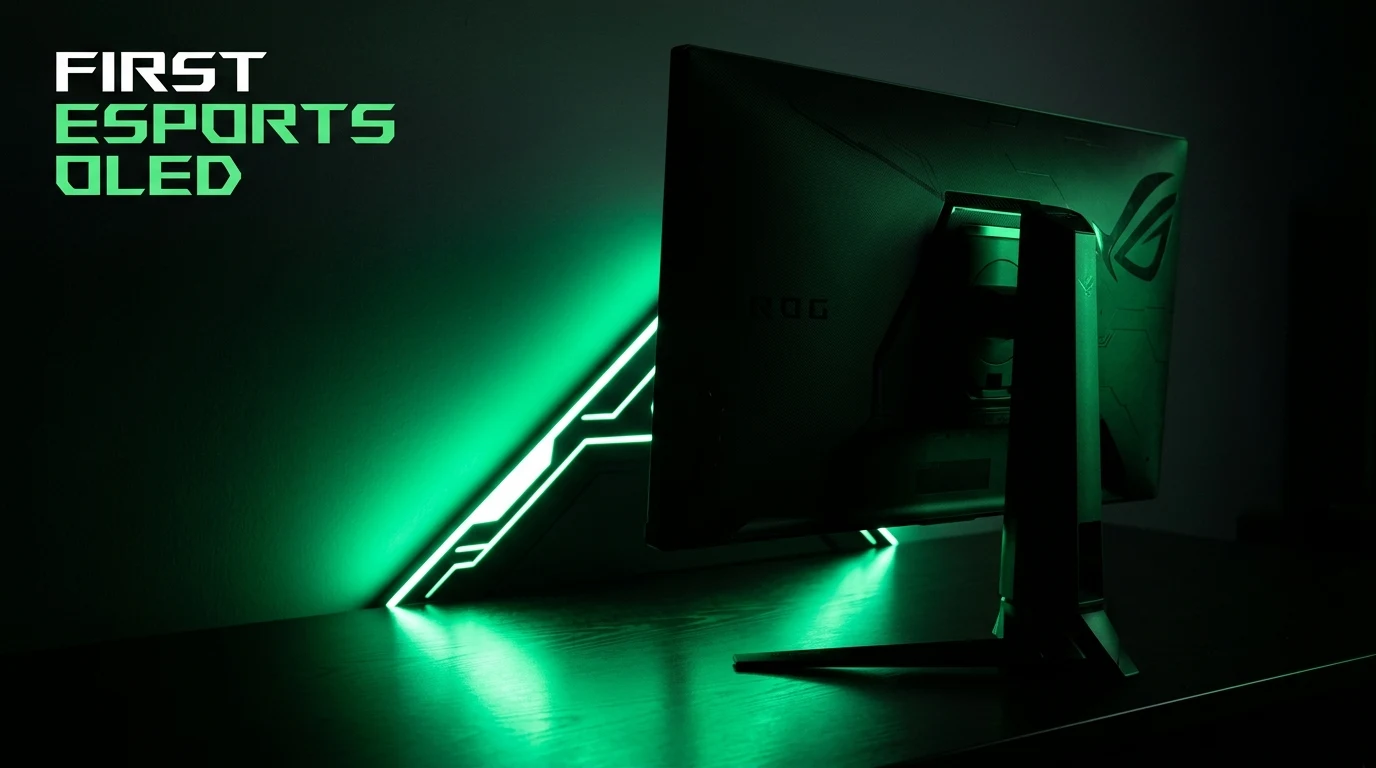
ASUS used Gamescom 2026 to expand its ROG OLED esports monitor lineup around the Strix OLED XG259QWPG Ace — the world's first 24.5-inch OLED monitor built specifically for esports, which first debuted at Computex 2026 and ships in early Q4 for $699.


ASUS's Esports OLED Lineup Grows at Gamescom 2026
ASUS used Gamescom 2026 to expand its ROG esports OLED lineup, adding the ROG Swift OLED PG259QWS Ace, the ROG Strix OLED XG259QDPG Ace, and the XG259QDNS Ace alongside the ROG Strix OLED XG259QWPG Ace, which first made its debut earlier this year at Computex 2026, according to ASUS's own Gamescom 2026 recap. The XG259QWPG Ace remains the headline product: a 24.5-inch, 1920×1080 TrueBlack Glossy Tandem WOLED panel running at 540Hz with a 0.2ms response time — the first OLED panel ASUS has built specifically to match the exact screen size and resolution pro esports players already gravitate toward, rather than adapting a general-purpose gaming OLED.
Tandem WOLED technology gives the panel roughly 15% higher peak brightness, 25% larger color volume, and 60% longer OLED lifespan compared to the previous generation of WOLED panels — addressing two of the biggest historical objections competitive players had to OLED: brightness and burn-in risk. It's set to ship in early Q4 2026 with a $699 MSRP.
Does an Esports-Specific OLED Change Your Sensitivity?
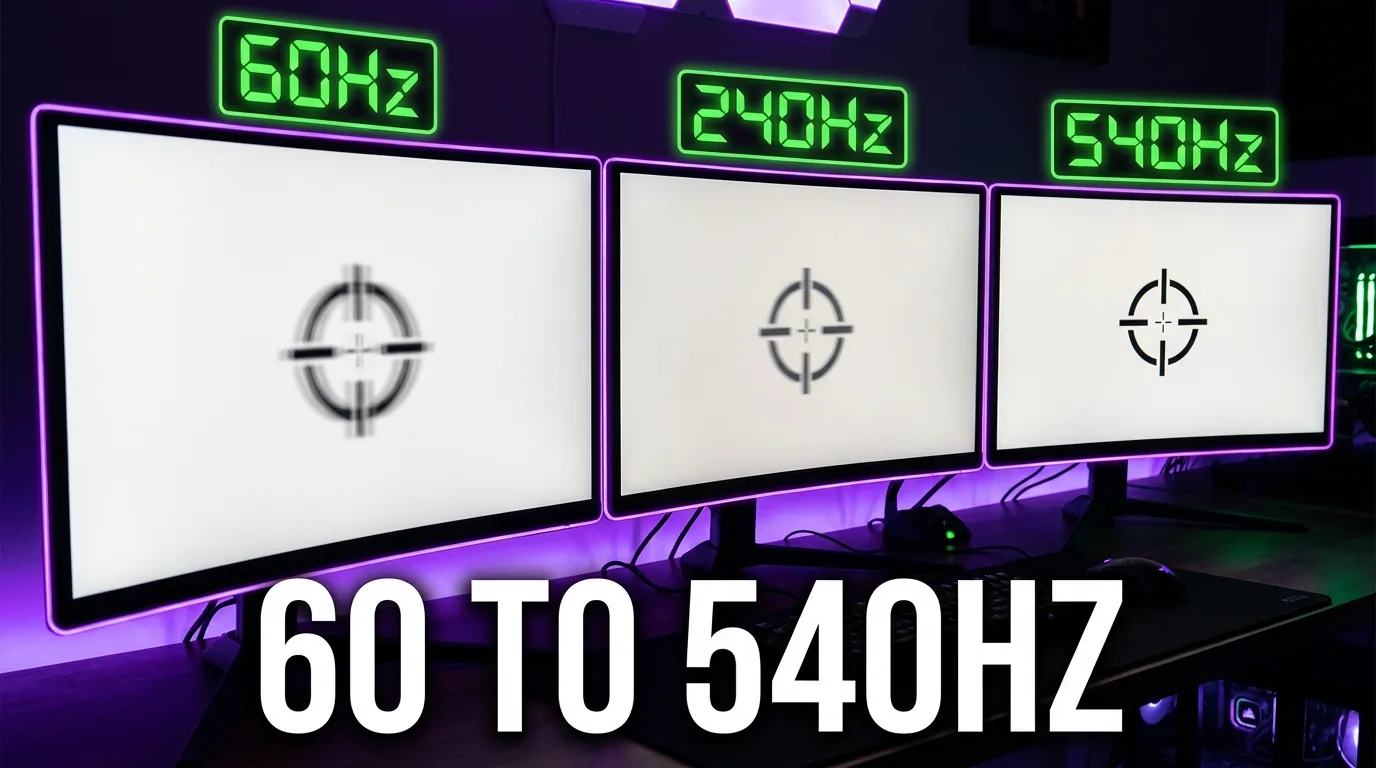
Not mathematically — your cm/360 or degrees-per-inch conversion doesn't change based on panel technology. What OLED's near-instant pixel response does change is perceived motion clarity: fast-moving targets and quick flicks show noticeably less motion blur than on a comparable LCD panel, which means your eyes can track a target more precisely at the same in-game sensitivity than they could before.
Practically, that can translate into two different, equally valid outcomes depending on the player: some competitive players find they can comfortably run a slightly lower sensitivity once tracking feels cleaner, since less blur means less need to compensate with faster, less-precise flicks. Others keep their exact numbers unchanged and simply benefit from cleaner visual feedback on the same setup. Neither is wrong — it's worth testing both in a private match rather than assuming either direction automatically applies to you.
The 24.5-Inch Size Choice Isn't Arbitrary
24.5 inches at 1080p is the resolution and screen-size combination most competitive FPS pros have standardized on for years, since it maximizes pixel density and minimizes the head/eye movement needed to track the full playing field. ASUS building an OLED specifically at that spec, rather than the more common 27-inch gaming-OLED size, is a direct acknowledgment of that competitive standard rather than a general-audience decision.
If you're evaluating whether a size or resolution change like this is right for your own setup, test the exact field-of-view and pixel-density tradeoffs with the DCPROSENS monitor simulator before committing to new hardware, and re-verify your sensitivity afterward with the sensitivity converter.
Frequently Asked Questions
Frequently Asked Questions
What makes the ROG Strix XG259QWPG different from other OLED monitors?
It's built specifically at the 24.5-inch, 1080p spec most competitive esports players already use, running Tandem WOLED technology at 540Hz with roughly 15% higher peak brightness, 25% larger color volume, and 60% longer lifespan than the prior WOLED generation — rather than a general-purpose gaming OLED adapted for esports.
Does an esports-specific monitor change my ideal sensitivity?
Not mathematically — your underlying cm/360 conversion stays the same. What changes is perceived tracking clarity from OLED's near-instant pixel response, which some players use as a reason to test a slightly lower sensitivity, while others keep their numbers unchanged and simply benefit from cleaner visual feedback.
Dalto Cardoso (Dalto Outlier)
✓ Verified Founder, DCPROSENSSoftware developer and founder of DCPROSENS (DCOUTLIER). Dalto engineers precision sensitivity calculators, yaw telemetry databases, and hardware calibration guides for competitive FPS players.
Related Guides & Articles
Disclosure: some links on this page are affiliate links. As an Amazon Associate, DCPROSENS earns from qualifying purchases at no extra cost to you.