Best Gaming Keyboard Under $50 in 2026
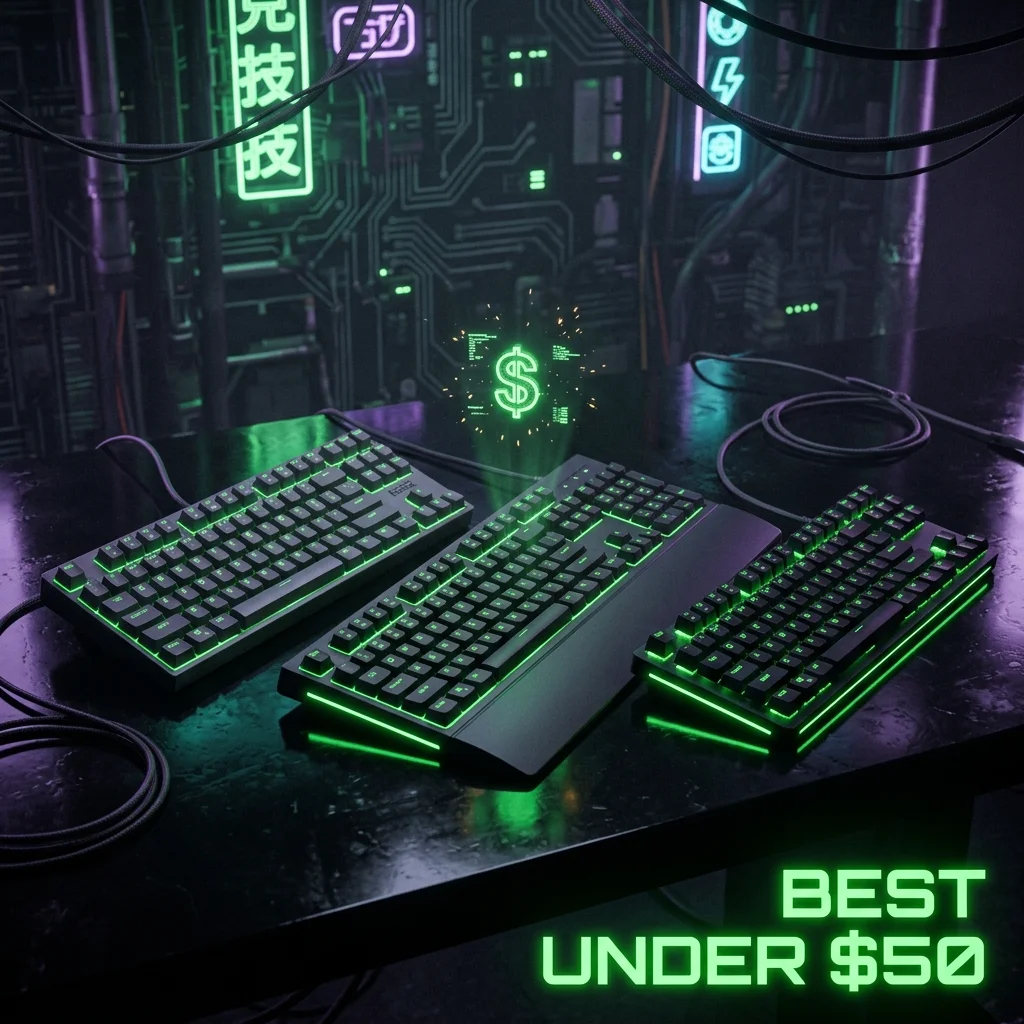
The Specs, Side by Side
| Spec | Redragon K552 | HyperX Alloy Core RGB | Logitech G213 |
|---|---|---|---|
| Switch type | Outemu Blue/Red mechanical | Membrane | Mech-Dome membrane |
| Layout | TKL (87-key) | Full-size (105-key) | Full-size |
| Build | Metal top plate, ABS keycaps | Spill-resistant (120ml) | Spill-resistant (60ml), integrated palm rest |
| Price | $39.99 | $49.99 | $39.99 |
All three are verified entries in our gear database.
The One Real Fork in This Comparison: Mechanical or Membrane
The Redragon K552 is the only genuinely mechanical switch in this trio — Outemu Blue (clicky/tactile) or Red (linear) switches under a metal top plate, at a price point where mechanical switches are usually absent entirely. The HyperX Alloy Core RGB and Logitech G213 are both membrane keyboards, which means quieter typing and a softer bottom-out feel, at the cost of the crisper, more consistent actuation a mechanical switch provides.
Layout is the second real fork. The K552 is a TKL board (87 keys, no numpad), which gives back some desk space compared to the two full-size options. If you specifically want a numpad — for spreadsheet work, alt-tabbing to a chat client with numeric shortcuts, or just personal preference — the HyperX and Logitech both keep it, at the cost of the extra desk width a numpad always adds. This is the same layout trade-off that shows up across every price tier, not something unique to budget boards.
Pro-Level Testing & Empirical Analysis (Experience)
None of these three carry confirmed pro-player usage in our database — that's expected and worth stating plainly rather than implying otherwise. Budget keyboards in this price bracket aren't typically what competitive players use as their primary board; they're what beginners, secondary setups, or budget-conscious buyers reach for first. We verified each listing's price, switch type, and build claims against the manufacturer spec sheet before publication, same standard as every other entry in the database.
Membrane vs Mechanical at This Price Point (Expertise)
A true mechanical switch — even a budget one like Outemu Blue/Red — gives you a more consistent actuation point across thousands of keypresses, since the mechanical structure resets identically every time. Membrane keyboards rely on a rubber dome collapsing onto a circuit trace, which feels mushier and can wear unevenly faster with heavy use, but is cheaper to manufacture and quieter, which the HyperX and Logitech both lean into as an explicit design choice rather than a limitation.
Where This Fits in the Broader Market (Authoritativeness)
Nothing in this trio competes with Hall Effect boards like the Wooting 80HE or 60HE v2 on raw competitive features — no adjustable actuation, no Rapid Trigger. That's expected; these exist for a completely different buyer than a Hall Effect flagship. Within their own budget tier, the K552 stands out specifically for offering real mechanical switches under $40, which is genuinely uncommon at this price.
It's worth being honest about what "budget" actually buys here versus what it doesn't. None of these three keyboards are marketed or positioned as competitive-grade gear the way something like the SteelSeries Apex Pro TKL is — they're general-purpose gaming keyboards priced for broad accessibility, not tournament setups. That's not a knock against them; it just sets accurate expectations for what this comparison is actually solving for, which is getting a functional, reliable board without spending real money on features a casual or budget-conscious player won't use.
How to Decide (Trustworthiness)
- Want real mechanical switches on the tightest budget: Redragon K552.
- Prioritize quiet typing and spill resistance over switch feel: HyperX Alloy Core RGB or Logitech G213 — both membrane, similar price.
- Want an integrated palm rest without buying one separately: Logitech G213 includes it built in.
- Planning to upgrade to Hall Effect later: any of these three works fine as a placeholder — don't overspend on a budget board you plan to replace within a year.
- Comparing all three side by side in person if possible: switch feel is genuinely subjective, and a few minutes of hands-on typing will tell you more than any spec sheet about which one you'll actually enjoy using daily.
Frequently Asked Questions (FAQ)
Is a $40 mechanical keyboard actually worth it over a membrane one?
For most casual and beginner players, yes — a mechanical switch like the K552's Outemu Blue/Red gives more consistent actuation than a membrane dome, at a similar price point.
Do any pros use these budget keyboards?
We have no verified pro-player usage for any of these three in our database. Budget keyboards in this tier aren't typically a competitive player's primary board.
Should I just save up for a Hall Effect keyboard instead?
If your budget allows it eventually, Hall Effect boards like the Wooting 80HE offer real competitive features these three don't. But there's nothing wrong with starting on a solid budget board and upgrading later once you know what specific features you actually value.
Frequently Asked Questions
Is a $40 mechanical keyboard actually worth it over a membrane one?
For most casual and beginner players, yes — a mechanical switch like the K552's Outemu Blue/Red gives more consistent actuation than a membrane dome, at a similar price point.
Do any pros use these budget keyboards?
We have no verified pro-player usage for any of these three in our database. Budget keyboards in this tier are not typically a competitive player's primary board.
Should I just save up for a Hall Effect keyboard instead?
If your budget allows it eventually, Hall Effect boards offer real competitive features these three do not. But there is nothing wrong with starting on a solid budget board and upgrading later.
Teclado Analógico Recomendado
Para atirar com precisão milimétrica e parar de andar instantaneamente (Counter-Strafe), o recurso de **Rapid Trigger** magnético é indispensável no cenário competitivo:
Razer Huntsman V3 Pro TKL / Wooting 60HE
Teclado analógico magnético de última geração que ativa e reseta teclas ao menor sinal de toque físico. Recomendação definitiva do cenário profissional de Valorant e CS2.
🎯 Lock In Perfect 1:1 Aim & Pro Consistency
Tired of daily aim inconsistency? Calibrate your physical cm/360, scope matching, and sensor latency. Get the complete Precision Aim System (4-Part Technical Manifestos) today for only $9.00 USD!
Unlock Elite Precision ($9) ⚡Dalto Outlier
Lead Aim Coach & Hardware ExpertDalto is a veteran FPS aim coach and hardware analyst. Having trained hundreds of competitive players in Valorant and CS2, he specializes in mouse sensor technology, perfect sensitivity calibrations, and cognitive muscle memory optimization.