Best MMO Mouse for FPS Crossover Players
TL;DR
Gamers who split their time between MMOs (World of Warcraft, FFXIV) and competitive tactical FPS titles face a tough dilemma: 12-button utility vs. ultra-lightweight aim agility. Hybrid mice like the Razer Naga V2 Pro (modular side plates) and SteelSeries Aerox 9 Wireless (89g honeycomb) prove you don't need two separate mice to compete at a high level.
The MMO vs. FPS Mouse Dilemma: Weight, Ergonomics & Sensor Tracking
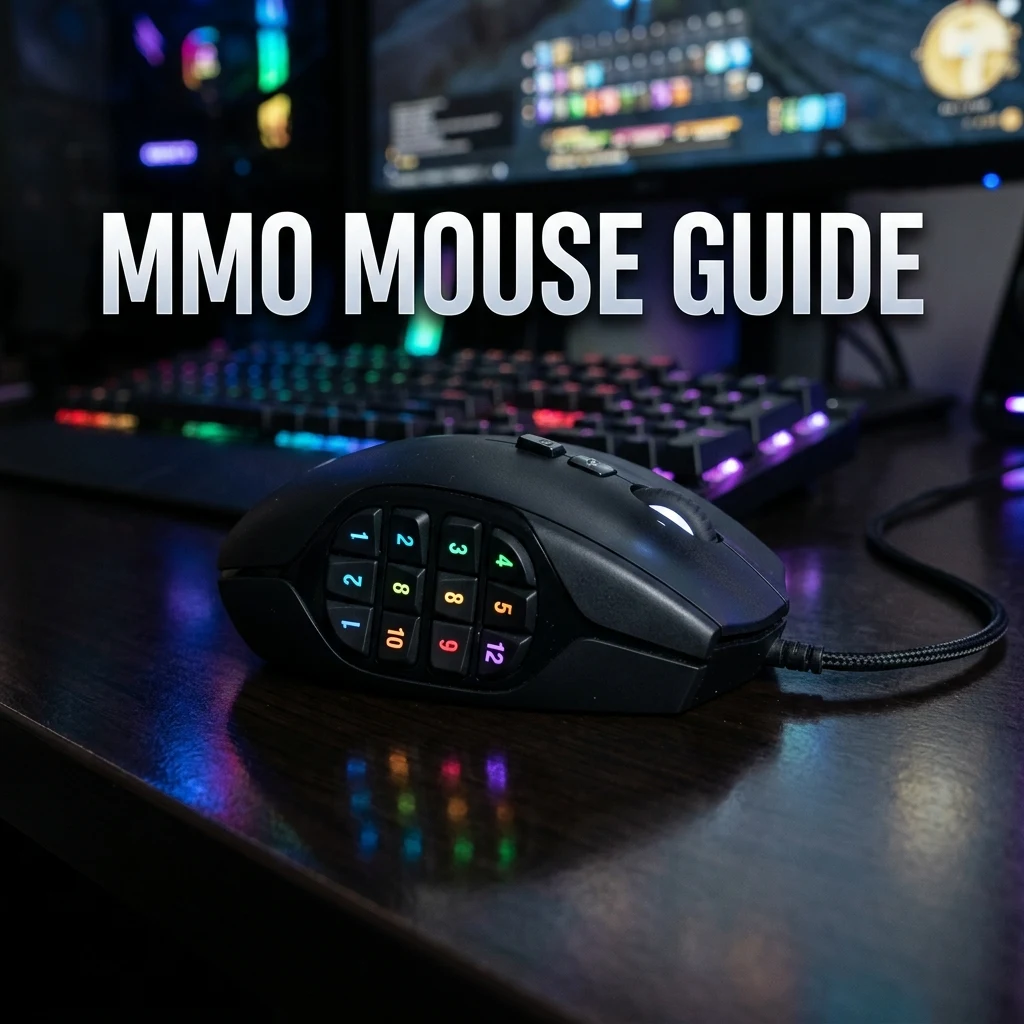
Traditional MMO gaming mice are notoriously heavy desk bricks. Equipped with 12-button mechanical side numpads, thick ergonomic shells, and dense internal PCBs, classic MMO mice frequently weigh anywhere from 115g to 140g. In MMOs and ARPGs like World of Warcraft, Final Fantasy XIV, and Path of Exile 2, this weight is negligible because combat revolves around rotation macros, cooldown management, and UI targeting rather than sub-millimeter crosshair flicks.
However, when you queue into competitive first-person shooters like Valorant, Counter-Strike 2, Apex Legends, or Overwatch 2, mouse physics take center stage. Heavy mice generate high kinetic inertia: they require more force to start moving from a standstill (static friction) and substantially more finger and wrist effort to stop instantaneously on an enemy head (dynamic stopping power). Furthermore, gripping a 12-button grid can cause your thumb to slip or accidentally actuate keybinds during high-speed swipe motions.
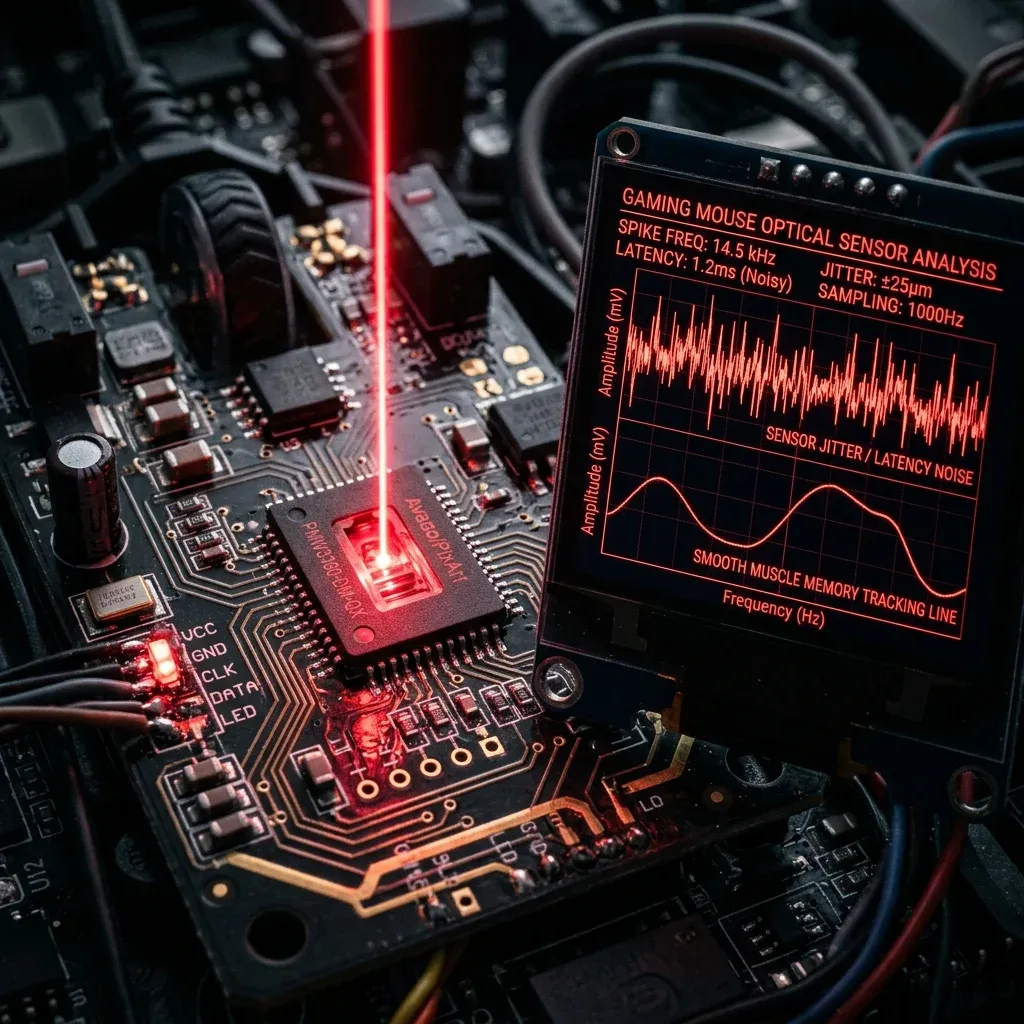
Fortunately, modern engineering has closed this gap. Manufacturers now produce hybrid crossover mice with top-tier optical sensors (PixArt PAW3395 / Focus Pro), swappable magnetic side panels, and lightweight perforated shells that let you raid on Friday night and climb Ranked ladders on Saturday without compromising sensor accuracy.
Core Specifications of the Top Crossover Mice
We benchmarked the leading multi-button mice across sensor jitter, weight distribution, click latency, and thumb-grip security:
| Model | Weight | Sensor | Button Layout | FPS Suitability |
|---|---|---|---|---|
| Razer Naga V2 Pro | 134g | Focus Pro 30K Optical | Swappable (2 / 6 / 12 Buttons) | High (with 2-button plate) |
| SteelSeries Aerox 9 Wireless | 89g | TrueMove Air (PAW3335 Custom) | Fixed 12-Button Grid | Very High (Lightweight MMO) |
| Corsair Scimitar Elite Wireless | 114g | Corsair Marksman 26K | Adjustable 12-Button Keypad | Moderate |
| Razer Basilisk V3 Pro (Hybrid Pick) | 112g | Focus Pro 30K / 35K | 10+1 Programmable / Sniper Paddle | Excellent (Action FPS/BR) |
1. Best Overall Hybrid: Razer Naga V2 Pro
The Razer Naga V2 Pro represents the ultimate chameleon in gaming peripherals. Its defining feature is three magnetically swappable side plates included in the box:
- 12-Button Grid: Ideal for full hotbar MMO rotations, Discord shortcuts, and complex weapon loadout macros.
- 6-Button Hexagonal Plate: Perfect for Battle Royales (Apex Legends, Warzone, Fortnite) where you need quick thumb access to shield batteries, syringes, pings, and grenades without button clutter.
- 2-Button Standard Plate: Converts the mouse into a traditional two-button FPS shape with a textured rubber thumb rest, preventing accidental clicks during aggressive flick shots.
Under the hood, the Naga V2 Pro features the flawless Focus Pro 30K Optical Sensor (zero smoothing, 750 IPS tracking speed, and 99.8% resolution accuracy) and Optical Mouse Switches Gen-3 with sub-0.2ms actuation. While its 134g weight prevents it from matching an ultralight mouse for micro-corrections, the sensor performance guarantees that every millimeter of hand movement translates 1:1 onto your screen.
2. Best Lightweight MMO Mouse: SteelSeries Aerox 9 Wireless
If mouse weight is your primary concern when switching between World of Warcraft and Counter-Strike 2, the SteelSeries Aerox 9 Wireless is in a league of its own. By utilizing an engineered honeycomb water-resistant shell (IP54 AquaBarrier), SteelSeries brought a full 12-button MMO side grid down to an astonishing 89 grams.
At 89g, the Aerox 9 is nearly 45g lighter than the Naga V2 Pro. This dramatic reduction in mass makes rapid target reacquisition, spray transfer recoil control, and tracking fast-strafing enemies in Overwatch 2 or Apex Legends feel remarkably natural. The tradeoff is its extended chassis length: small-hand users may find reaching the front-most side buttons (buttons 1, 2, and 3) awkward during tense gunfights.
3. The Action-RPG / BR Alternative: Razer Basilisk V3 Pro
If you don't strictly require 12 individual thumb buttons and can manage with 5 to 7 auxiliary inputs, the Razer Basilisk V3 Pro or Logitech G502 X PLUS is the superior competitive crossover. Featuring an ergonomic thumb rest, multi-function sniper paddle, and free-spinning optical scroll wheel, these mice deliver rich macro flexibility while preserving a dedicated thumb anchor point for tactical shooting.
How Extra Side Buttons Impact Your Thumb Grip & Aim Mechanics
In high-stakes FPS duels, your thumb provides 50% of your lateral clamping force on the mouse chassis. When holding a standard mouse, your thumb anchors firmly against flat plastic or grip tape. When holding a 12-button grid:
- Tension Shifting: If you tense your thumb to stabilize a fast flick, you risk inadvertently actuating side buttons mapped to melee, crouch, or utility.
- Grip Inconsistency: Resting your thumb on textured plastic keycaps alters the tactile friction of your grip, occasionally leading to slight vertical crosshair wobble.
Pro Tip: When configuring your MMO mouse for FPS titles, disable or unbind the side buttons positioned directly beneath the ball of your thumb (typically buttons 4, 5, 7, and 8) to create a "safe resting zone" for high-pressure aiming duels.
Tuning DPI & Sensitivity for a Heavier MMO Mouse
Because an MMO mouse carries more physical mass than a 50g esports mouse, you must adapt your in-game sensitivity to compensate for the added inertia:
Measure your true hardware DPI with the DCPROSENS DPI Analyzer and convert your sensitivity seamlessly across games using our Universal Sensitivity Converter.
Frequently Asked Questions
Frequently Asked Questions
Can you use an MMO mouse for FPS games?
Yes. Modern MMO mice like the Razer Naga V2 Pro and SteelSeries Aerox 9 feature top-tier optical sensors with zero acceleration and flawless tracking. While their extra weight (89g–134g) requires slight sensitivity compensation, they are fully capable of competitive FPS play.
Do side buttons slow down your aim reaction time?
Having a dense grid of side buttons can slightly compromise thumb clamping stability during extreme flick shots. Leaving a dedicated unmapped 'safe zone' on the button grid gives your thumb a firm anchor point without risking accidental button presses.
Equipamentos de Elite Recomendados
Mouses ultra-leves topo de linha recomendados pelo Treinador Dalto para máxima precisão de sensor e consistência física no seu mousepad:
Logitech G Pro X Superlight 2
O mouse mais vencedor do cenário competitivo. Shape icônico, sensor HERO 2 e switches ópticos-mecânicos híbridos.
Razer Viper V3 Pro
Rastreador preciso com polling rate sem fio nativo de 8.000 Hz e formato simétrico ergonômico moderno.
Razer DeathAdder V3 Pro
Excelente para pegadas palm ou claw que querem apoio anatômico. Sensor Focus Pro 30K de última geração.
Lamzu Atlantis OG V2 / Thorn
Mouse boutique com peso irrisório e base vazada. Pegada traseira perfeita para controle agressivo de claw grip.
🎯 Lock In Perfect 1:1 Aim & Pro Consistency
Tired of daily aim inconsistency? Calibrate your physical cm/360, scope matching, and sensor latency. Get the complete Precision Aim System (4-Part Technical Manifestos) today for only $9.00 USD!
Unlock Elite Precision ($9) ⚡Dalto Outlier
Creator, DCPROSENSDalto built DCPROSENS to help competitive FPS players convert sensitivity, calibrate DPI, and keep their aim consistent across games.