How to Clean and Maintain Your Gaming Mouse Sensor for Consistent Tracking
TL;DR
Micro-dust, pet hair, and sebum oils inside your optical sensor cavity cause invisible tracking stutter, lift-off distance variance, and sudden crosshair spin-outs. Here is the definitive step-by-step cleaning and maintenance guide to keep your mouse tracking flawlessly.
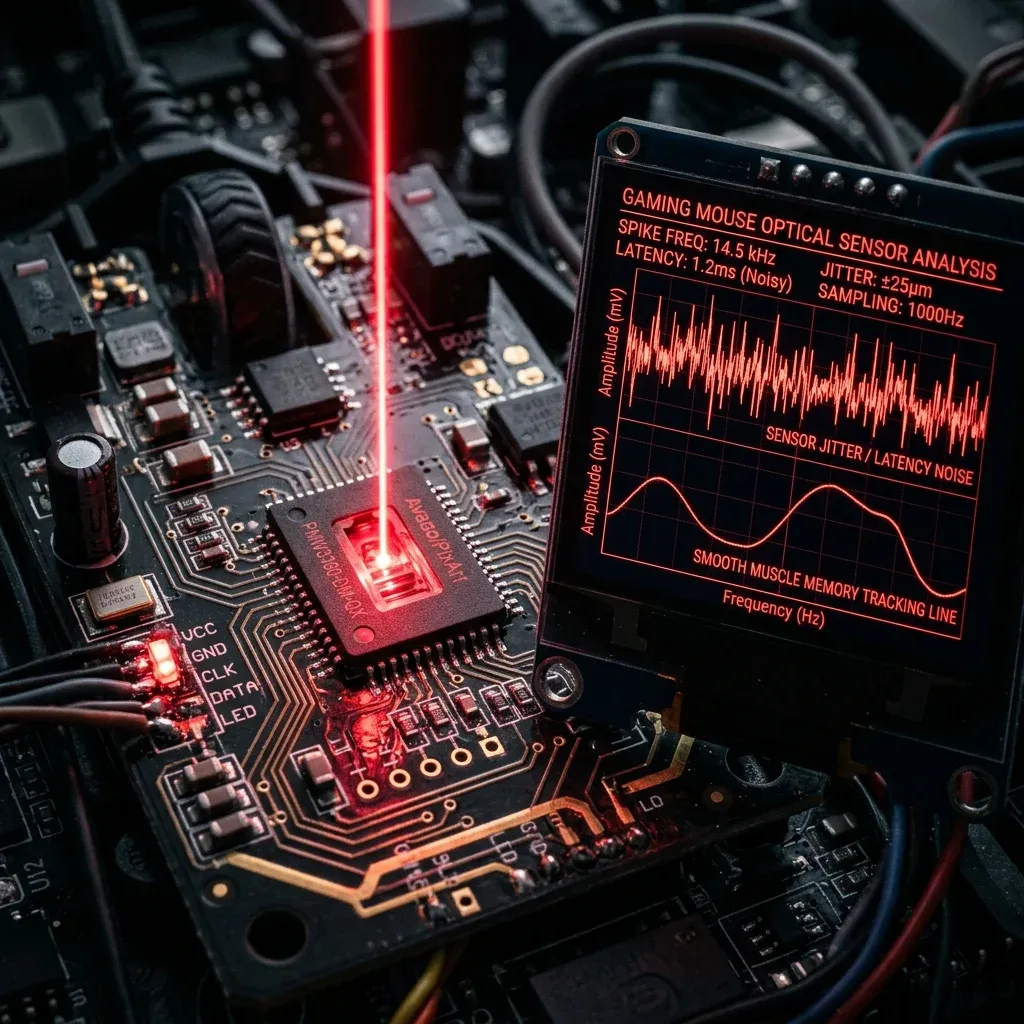
How Optical Sensors Work: CMOS Illumination & Image Capture
Modern gaming mouse sensors (such as the PixArt PAW3950 or Logitech HERO 2) are essentially microscopic high-speed cameras. The infrared LED/laser illuminates your mousepad surface, and the CMOS sensor snaps up to 20,000 images per second, comparing consecutive frames to calculate directional mouse displacement.
If even a microscopic pet hair, dust fiber, or skin flake settles inside the sensor cavity lens, it obstructs the optical path. This causes your crosshair to suddenly spin toward the sky, stutter during micro-aim, or experience random lift-off distance (LOD) cutouts.
Symptoms of a Contaminated Mouse Sensor
- Random Crosshair Spin-Out: Swiping your mouse rapidly causes your crosshair to flick directly to the floor or sky.
- Micro-Stuttering on Smooth Swipes: The crosshair feels like it "catches" or stutters during slow diagonal tracking.
- Lift-Off Distance (LOD) Inconsistency: The mouse continues tracking when lifted 3mm off the pad, or cuts out when placed flush.
Step-by-Step Sensor Cleaning Guide
- Blow Out Loose Debris with Compressed Air: Hold an air duster can upright (never tilted to avoid propellant spray) and give 2–3 short bursts into the sensor cavity from 10cm away.
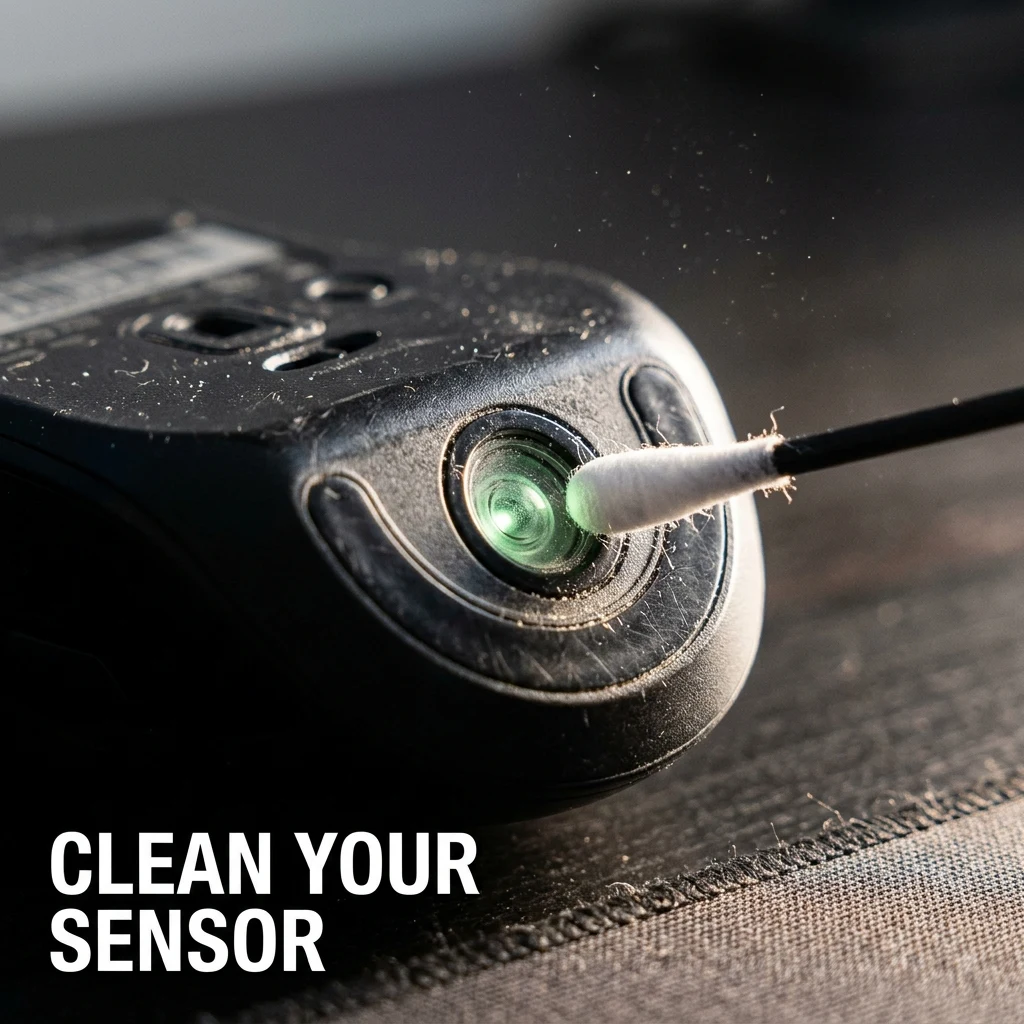
- Clean the Optical Lens with 99% Isopropyl Alcohol:
- Lightly dampen a precision micro-swab or pointed Q-tip with 99% electronic-grade Isopropyl Alcohol (IPA).
- Gently rotate the swab over the transparent sensor prism lens without applying heavy downward pressure.
- Use the dry side of the swab to wipe away any dissolved oil residue.
- Clean the PTFE Skate Rims: Run a microfiber cloth around the rounded edges of your mouse skates to remove the sticky ring of dust and mousepad lint that accumulates over time.
What NEVER to Do
- Never use water or window cleaner (Windex): Water does not dissolve sebum oils and contains minerals that leave a cloudy residue on optical lenses.
- Never scrape the lens with toothpicks or needles: Scratches on the polycarbonate sensor prism permanently destroy optical focus.
Verify sensor accuracy after cleaning with our DPI Analyzer Tool and maintain pad cleanliness with the Mousepad Guide.
Frequently Asked Questions
Frequently Asked Questions
Can a dirty sensor cause aim tracking issues?
Yes. Dust fibers, hair, or skin oils on the optical lens distort the sensor's surface images, causing crosshair jitter, spin-outs, and inconsistent lift-off distance.
What should I use to clean a mouse sensor lens?
Use short bursts of compressed air followed by a cotton swab lightly dampened with 99% Isopropyl Alcohol (IPA) to gently dissolve oil residue without scratching the optical lens.
Equipamentos de Elite Recomendados
Mouses ultra-leves topo de linha recomendados pelo Treinador Dalto para máxima precisão de sensor e consistência física no seu mousepad:
Logitech G Pro X Superlight 2
O mouse mais vencedor do cenário competitivo. Shape icônico, sensor HERO 2 e switches ópticos-mecânicos híbridos.
Razer Viper V3 Pro
Rastreador preciso com polling rate sem fio nativo de 8.000 Hz e formato simétrico ergonômico moderno.
Razer DeathAdder V3 Pro
Excelente para pegadas palm ou claw que querem apoio anatômico. Sensor Focus Pro 30K de última geração.
Lamzu Atlantis OG V2 / Thorn
Mouse boutique com peso irrisório e base vazada. Pegada traseira perfeita para controle agressivo de claw grip.
🎯 Lock In Perfect 1:1 Aim & Pro Consistency
Tired of daily aim inconsistency? Calibrate your physical cm/360, scope matching, and sensor latency. Get the complete Precision Aim System (4-Part Technical Manifestos) today for only $9.00 USD!
Unlock Elite Precision ($9) ⚡Dalto Outlier
Creator, DCPROSENSDalto built DCPROSENS to help competitive FPS players convert sensitivity, calibrate DPI, and keep their aim consistent across games.