Do You Have Enough Desk Space for Low Sensitivity?
TL;DR
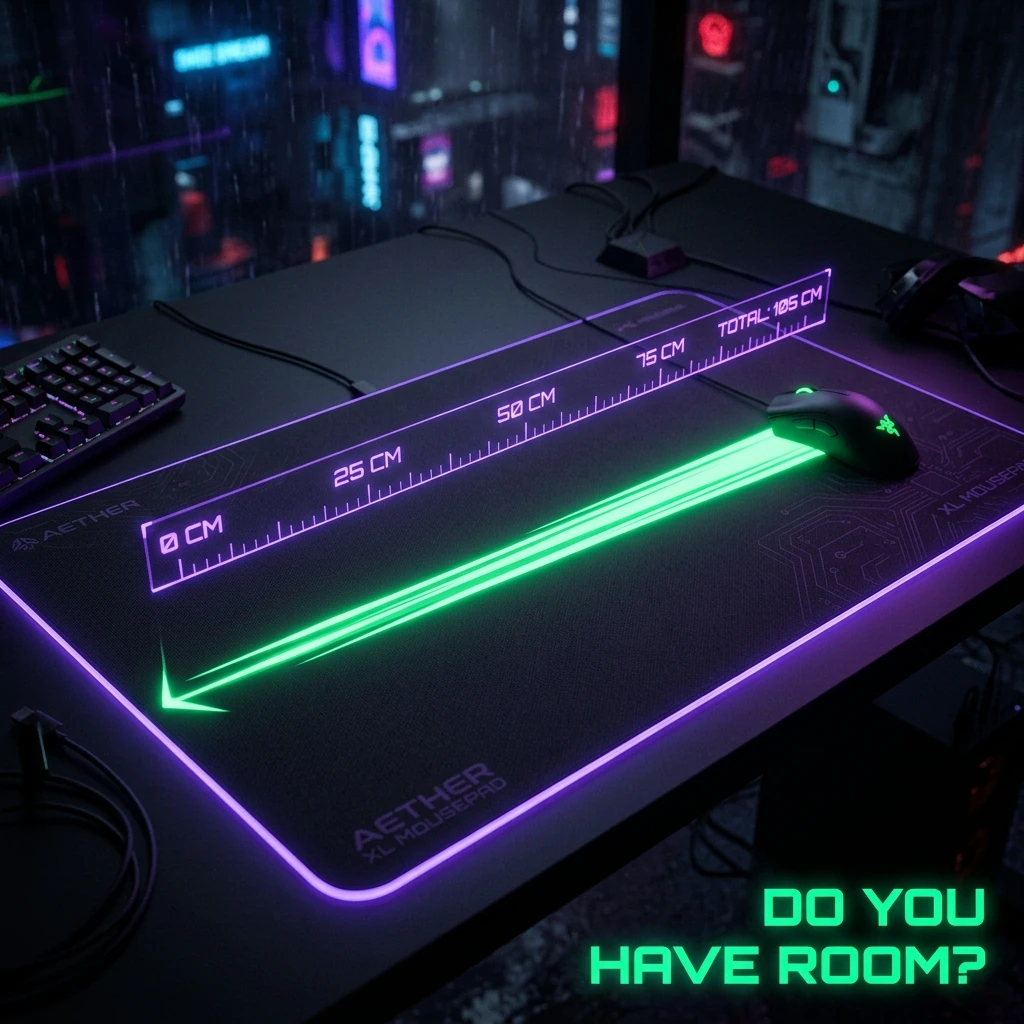
Low sensitivity (40cm/360 or lower) requires enough mousepad and desk room to physically sweep that distance without lifting your mouse. If your setup can't fit it, you're not "bad at low sens" — your desk is capping you before your aim ever gets a chance to.
The 30-Second Answer
To play at a given cm/360 without constantly lifting and repositioning your mouse, you need roughly that many centimeters of clear sweep room in your dominant horizontal direction, plus a margin for micro-adjustments after a full turn. A 40cm/360 setup needs meaningfully more physical room than a 15cm/360 setup — if your desk or pad can't fit the sweep, you'll lift constantly, and lifting breaks the exact muscle-memory consistency low sensitivity is supposed to buy you. Check your current cm/360 with the sensitivity converter before doing anything else here.
The Math: Why cm/360 Sets Your Minimum Pad Width
cm/360 is literally defined as the physical distance your mouse travels for a full 360° in-game turn. A player at 40cm/360 who wants to flick a full 180° without lifting needs about 20cm of clear lateral room in one direction, plus space to return without immediately hitting the pad edge. Add micro-adjustment headroom — the small corrective movements after a flick — and the practical minimum pad width for comfortable 40cm/360 play sits closer to 45-50cm, not the bare 20cm the geometry alone suggests. Use the mousepad calculator to check the exact minimum for your own cm/360.
Pad Size by Sensitivity Bracket
| cm/360 Range | Practical Minimum Width | Common Commercial Size |
|---|---|---|
| 60cm+ (Very Low) | ~60cm+ | XXL (900mm+) |
| 40–60cm (Low) | 45–55cm | XL (450-500mm) |
| 25–40cm (Medium) | 30–40cm | L (400mm) |
| Under 25cm (High) | 20–30cm | M (350mm) or smaller |
Arm Aim vs Wrist Aim Changes the Answer
The same cm/360 needs different amounts of physical room depending on whether you aim primarily from the wrist or the whole arm. An arm-aim player generates the same sweep distance using shoulder and elbow movement across a flatter, wider arc, which typically needs more raw pad width than a wrist-aim player covering the identical distance in a tighter motion closer to the pad's center. If your desk is genuinely too narrow for your preferred cm/360, shifting more of the motion to the wrist is often more realistic than buying a bigger desk.
What Pro Players Use
Most low-sensitivity pro players in tactical shooters run XL or larger pads specifically to support their cm/360 without lifting — see our pro player setups for real examples of pad size paired with sensitivity.
Surface Type Matters as Much as Size
A pad that's technically wide enough but has the wrong friction level still causes problems — too much friction on a low-sensitivity setup makes long sweeps physically tiring, while too little makes fine corrections harder to control. See our mousepad friction comparison for how glass, cloth, and hybrid surfaces affect control at different sensitivities.
Desk Space Is the Real Constraint
A big enough mousepad doesn't help if the desk underneath it isn't deep enough to hold it, or if a keyboard, monitor stand, or wrist rest is already eating the room you'd sweep into. Use the desk space calculator to check your actual available surface before buying a pad sized for a desk you don't have.
Frequently Asked Questions
Frequently Asked Questions
How much desk space do I need for 40cm/360 sensitivity?
Roughly 45–55cm of clear pad width in your dominant sweep direction, once you account for the return stroke and micro-adjustment room after a flick — not just the bare 20cm the 180°-turn geometry alone implies.
Can I play low sensitivity on a small desk if I use wrist aim instead of arm aim?
Yes — wrist-driven motion covers the same cm/360 distance in a tighter arc than arm-driven motion, so it needs meaningfully less raw pad width for the same sensitivity.
Is a bigger mousepad always better for aim?
No — a pad much larger than your actual cm/360 needs just adds unused space and can encourage inconsistent hand positioning. Size the pad to your sensitivity, not the other way around.
🎯 Lock In Perfect 1:1 Aim & Pro Consistency
Tired of daily aim inconsistency? Calibrate your physical cm/360, scope matching, and sensor latency. Get the complete Precision Aim System (4-Part Technical Manifestos) today for only $9.00 USD!
Unlock Elite Precision ($9) ⚡Dalto Outlier
Creator, DCPROSENSDalto built DCPROSENS to help competitive FPS players convert sensitivity, calibrate DPI, and keep their aim consistent across games.