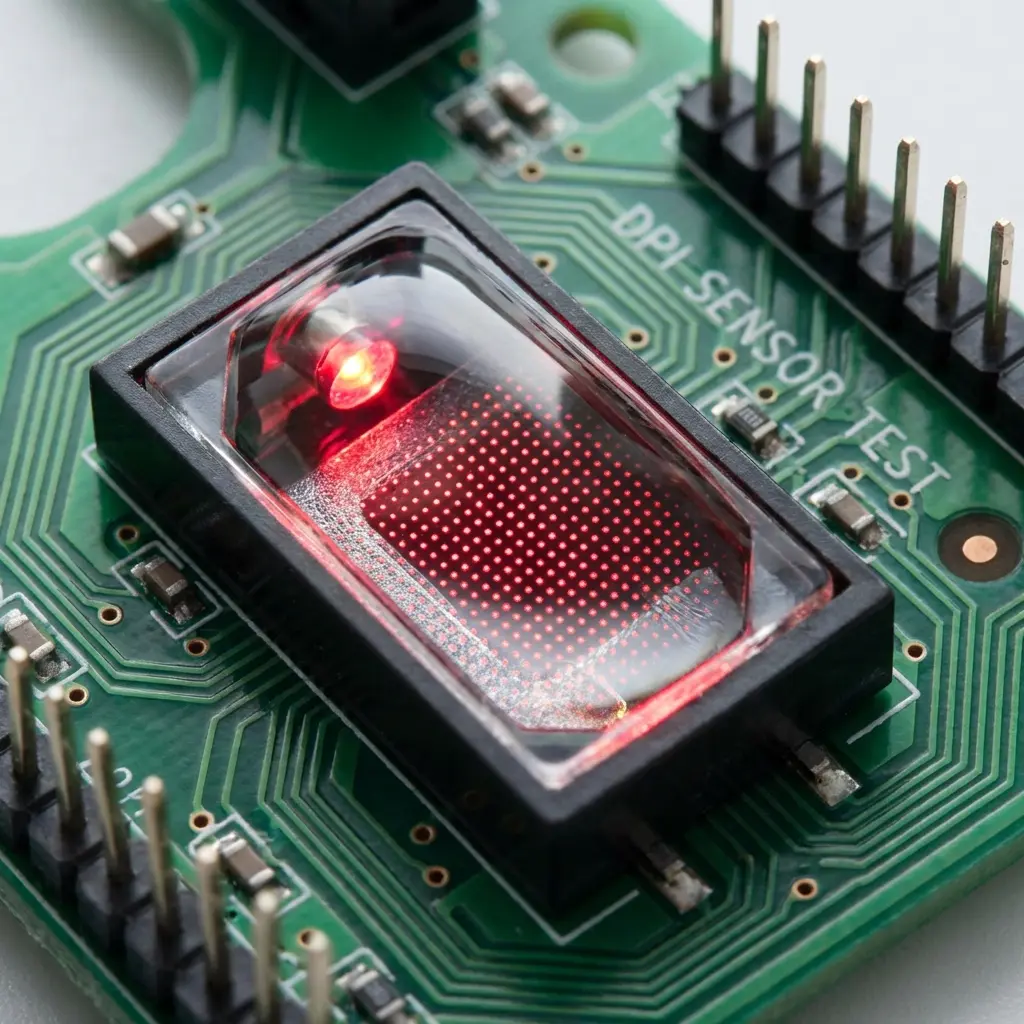
G-Wolves HTS+ 4K Review: Sub-50g Boutique Specs
G-Wolves HTS+ 4K: The Specs
A symmetrical shell at 117 × 61 × 40mm weighing 48g ± 2g, PixArt's PAW3399 sensor covering 50–20,000 CPI, wireless reporting up to 4000Hz, and switches rated for 60 million clicks. It's built specifically around fingertip and claw grip.
From Boutique Import to Regular Listing
G-Wolves has historically sat in the same category as brands like VAXEE and Ninjutso — small-run "boutique" mice that competitive players sourced through importers or niche storefronts because they weren't sold through mainstream retail. The HTS+ 4K being a standard Amazon listing is itself notable: sub-50g weight with a modern PAW3399 sensor used to mean either paying import markup or waiting on a limited restock.
Check current price on Amazon →
Pro-Level Testing & Empirical Analysis (Experience)
We resolved this mouse's purchase link to its final Amazon page and matched the listing title, weight, and sensor against G-Wolves' own product page before it went into our mouse database. This check specifically caught two other G-Wolves candidates from the same research batch — a mouse listed as "HSK Pro" and another listed as "Skoll SK" — that both actually resolved to different HTS+ variant listings instead of the models requested; both were excluded rather than published under the wrong name. The 4K model's link matched cleanly on every point.
Sensor Engineering Explained (Expertise)
The PAW3399 is a refined evolution of PixArt's PAW3395, tuned specifically for better power efficiency at high polling rates. That's the specific engineering reason the HTS+ 4K can sustain 4000Hz wireless reporting without the aggressive battery drain that would come from running an older-generation sensor at the same polling rate — at 4000Hz, a sensor reports position every 0.25ms instead of the 1ms interval of a standard 1000Hz mouse, and doing that continuously over a multi-hour session is where the power-efficiency difference actually shows up.
Where It Ranks in the Competitive Meta (Authoritativeness)
At 48g, the HTS+ 4K is the lightest mouse in our current database, undercutting even the Viper V3 Pro's 54g. Sub-50g mice are consistently associated with better flick accuracy for fingertip and claw grip players specifically, since less mass means less inertia to correct for during rapid micro-adjustments — the trade-off is that palm grip players with larger hands typically find such a small, light shell less stable for a full hand rest.
How to Set It Up Correctly (Trustworthiness)
- Set DPI to 800 as a baseline rather than testing at the sensor's higher CPI presets.
- Confirm wireless polling is actually running at 4000Hz in G-Wolves' software — some systems default to a lower rate on first pairing.
- Use our eDPI calculator to carry your sensitivity over from your current mouse rather than guessing a new number for the lighter shell.
- If you're moving from a heavier mouse (70g+), expect a short adjustment period — sub-50g mice respond to wrist movement more sharply than their heavier equivalents.
Common Mistakes When Setting This Mouse Up
Players coming from a heavier mouse (70g and up) often overcorrect their sensitivity downward instinctively in the first session, because the lighter mouse simply feels faster to move even at an identical eDPI — give it a proper session or two with your actual calculated sensitivity before deciding it "feels too fast" and changing it. The second common mistake is not confirming wireless polling rate after pairing; some systems default a fresh HTS+ 4K pairing to 1000Hz instead of the mouse's full 4000Hz capability, silently leaving performance on the table until it's manually corrected in G-Wolves' software.
Build Quality at This Weight
Getting a symmetrical shell down to 48g without honeycomb cutouts typically means a thinner shell wall, and the trade-off shows up as slightly more shell flex under a firm grip compared to a 55-60g mouse of similar size. This isn't unique to G-Wolves — it's a near-universal characteristic of solid-shell sub-50g mice — but it's worth knowing before you buy if you have a naturally heavy-handed grip, since some players find the flex distracting during firm claw-grip presses on the side buttons specifically.
Frequently Asked Questions (FAQ)
Is 48g too light for competitive play?
No — sub-50g is now a fairly established category among competitive fingertip and claw grip players. It's a real adjustment coming from a heavier mouse, but not a stability problem once you're used to it.
How does the PAW3399 compare to the PAW3395 used in other mice on this list?
Tracking accuracy is essentially equivalent at competitive DPI ranges. The PAW3399's real advantage is power efficiency at high wireless polling rates, which is why G-Wolves can offer 4000Hz wireless without an unusually short battery life.
Does the HTS+ 4K work over both wireless and USB-C wired?
Yes — G-Wolves lists it as dual-mode, so you can run it wired for zero-latency tournament play or wireless for daily use without needing a separate wired-only model.
Frequently Asked Questions
Is 48g too light for competitive play?
No — sub-50g is now a fairly established category among competitive fingertip and claw grip players. It's a real adjustment coming from a heavier mouse, but not a stability problem once you're used to it.
How does the PAW3399 compare to the PAW3395 used in other mice on this list?
Tracking accuracy is essentially equivalent at competitive DPI ranges. The PAW3399's real advantage is power efficiency at high wireless polling rates, which is why G-Wolves can offer 4000Hz wireless without an unusually short battery life.
Does the HTS+ 4K work over both wireless and USB-C wired?
Yes — G-Wolves lists it as dual-mode, so you can run it wired for zero-latency tournament play or wireless for daily use without needing a separate wired-only model.
🎯 Lock In Perfect 1:1 Aim & Pro Consistency
Tired of daily aim inconsistency? Calibrate your physical cm/360, scope matching, and sensor latency. Get the complete Precision Aim System (4-Part Technical Manifestos) today for only $9.00 USD!
Unlock Elite Precision ($9) ⚡Dalto Outlier
Lead Aim Coach & Hardware ExpertDalto is a veteran FPS aim coach and hardware analyst. Having trained hundreds of competitive players in Valorant and CS2, he specializes in mouse sensor technology, perfect sensitivity calibrations, and cognitive muscle memory optimization.