Is the $140 Mouse Worth 4x the Price of the $30 One?

TL;DR
The Pulsar X2 Mini PRX Edition and the Xtrfy M8 Wireless both sit in our database with nearly identical specs — and a $110 price gap. We break down exactly what that money buys.


The Specs Are Closer Than the Price Suggests
| Spec | Pulsar X2 Mini (PRX) — $140 | Xtrfy M8 Wireless — $30 |
|---|---|---|
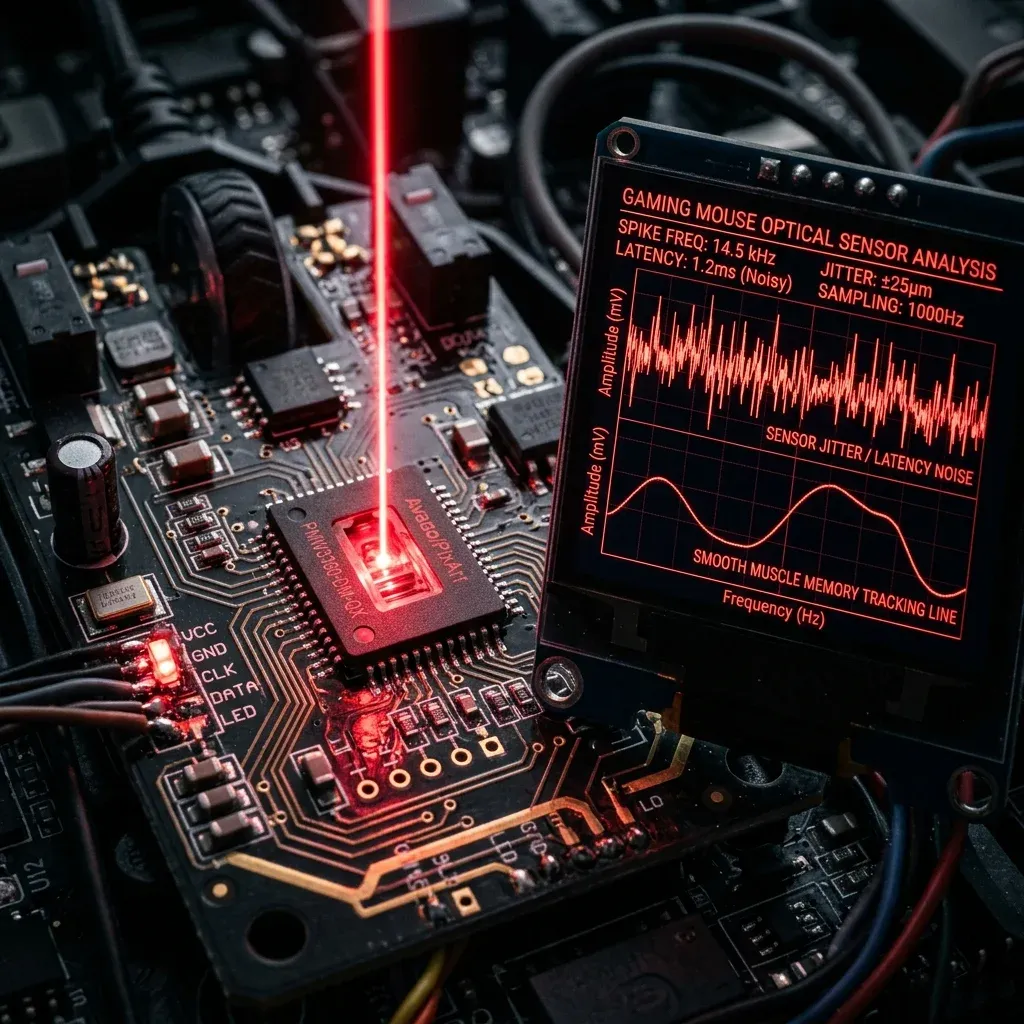
| Sensor | PixArt PAW3395 | PixArt PAW3395 |
| Weight | 56g | 55g |
| Polling | 1000Hz | 1000Hz |
| Switches | Kailh GM 8.0, 80M clicks | Kailh GM 8.0 |
| Price | $140 | $30 |
Look closely: the sensor, switch family, weight, and polling rate are essentially identical. Both are verified entries in our mouse database.
So What Is the Extra $110 Actually For?
Not sensor performance — that part is a wash. The premium on the Pulsar X2 Mini PRX Edition is almost entirely: (1) a limited-run collaboration shell finish rather than a standard colorway, (2) Pulsar's brand positioning as a competitive-scene boutique maker with a stronger community presence, and (3) the base X2 v1 Mini platform itself (before the PRX collab markup) still typically costs more than budget brands like Xtrfy, reflecting different retail margins and manufacturing runs, not a different internal sensor tier.
Pro-Level Testing & Empirical Analysis
Both purchase links were resolved to their final Amazon pages and checked against the manufacturer's own spec sheet before either mouse entered our database — same verification standard regardless of price point. Notably, this is the same PAW3395 sensor family used across roughly half of our current database, from budget picks to mice costing three times as much, which is exactly the pattern that makes this comparison worth writing.
What Premium Pricing Actually Buys in This Category
At the flagship tier generally (not just this pair), the things that scale with price are: build material quality and long-term shell durability, battery capacity and management software polish, brand-specific software ecosystems, and in collab-edition cases specifically, scarcity and collector value. None of those are "aim performance" in the way DPI or polling rate are — they're real, but they're a different kind of value than what shows up on a spec sheet.
Shell material specifically is worth calling out, since it's the part of a "premium" mouse most likely to actually affect day-to-day feel rather than just aesthetics. Higher-end shells tend to use a more refined ABS or PBT-blend plastic with a more consistent surface texture and better shell rigidity — which affects grip and click feel over months of use even if it doesn't affect a single click's actuation speed. Budget shells can develop minor creak or flex sooner under heavy use, though this varies significantly by individual manufacturing batch rather than being a hard rule.
Where This Fits in the Competitive Meta
Neither of these is the top-ranked mouse in our database — that's still the G Pro X Superlight 2 and Viper V3 Pro for most Valorant and CS2 pros, both of which run genuinely different proprietary sensors. Within the PAW3395 tier specifically, though, the Xtrfy M8 Wireless is one of the most efficient dollar-for-sensor-quality picks in our entire database — a fact that holds regardless of what any $140 mouse next to it costs.
This pattern isn't unique to mice, either — it shows up across most competitive gaming gear categories. Monitors, keyboards, and headsets all have a similar "value plateau" point where additional spending buys build quality and brand cachet rather than a measurable competitive edge. Recognizing where that plateau sits for a given category is generally more useful for budgeting a setup than assuming price scales linearly with performance across the board.
How to Decide
- Pure performance-per-dollar: the Xtrfy M8 Wireless is the objectively efficient choice — same sensor tier for a fraction of the price.
- Want a specific collab aesthetic or brand community: that's a legitimate reason to pay the Pulsar premium — just go in knowing it's not buying better aim tracking.
- On a strict budget and new to competitive mice: start with the M8 Wireless; you can always upgrade later once you know what you actually want from a mouse and which specific traits you'd miss.
- Either way: set DPI to 800 and use our eDPI calculator to dial in your sensitivity — that step matters more than which of these two you pick.
Frequently Asked Questions (FAQ)
Am I getting worse aim tracking if I buy the cheaper mouse?
No. Both mice use the identical PixArt PAW3395 sensor — tracking accuracy is not a function of price once you're at this sensor tier.
What is actually different between a $30 and $140 mouse at the same sensor tier?
Mainly shell finish and collab branding, battery/software polish, and brand community — not sensor performance. Read the specific spec sheet rather than assuming price maps to tracking quality.
Does a more expensive shell actually feel different over time?
Sometimes, yes — higher-end shell materials can hold up slightly better against creak or flex after months of heavy use, though this varies by manufacturing batch. It's a durability and feel difference, not a performance one.
Frequently Asked Questions
Am I getting worse aim tracking if I buy the cheaper mouse?
No. Both mice use the identical PixArt PAW3395 sensor — tracking accuracy is not a function of price once you are at this sensor tier.
What is actually different between a $30 and $140 mouse at the same sensor tier?
Mainly shell finish and collab branding, battery/software polish, and brand community — not sensor performance. Read the specific spec sheet rather than assuming price maps to tracking quality.
Does a more expensive shell actually feel different over time?
Sometimes, yes — higher-end shell materials can hold up slightly better against creak or flex after months of heavy use, though this varies by manufacturing batch.
Pro-Recommended Esports Gear
Top-tier ultralight mice recommended for tournament sensor precision and mousepad tracking consistency:
Logitech G Pro X Superlight 2
The most winning wireless mouse in competitive esports. Iconic shape, HERO 2 sensor, and hybrid optical-mechanical switches.
Razer Viper V3 Pro
Flawless sensor with native 8,000Hz wireless polling rate and a modern symmetrical shape built for elite tracking.
Razer DeathAdder V3 Pro
Engineered for palm and claw grip players needing anatomical support. Flagship Focus Pro 30K optical sensor.
Lamzu Atlantis OG V2 / Thorn
Boutique ultralight mouse with locked-in rear hump. Perfect for aggressive claw grip and micro-adjustments.
Dalto Cardoso (Dalto Outlier)
✓ Verified Founder, DCPROSENSSoftware developer and founder of DCPROSENS (DCOUTLIER). Dalto engineers precision sensitivity calculators, yaw telemetry databases, and hardware calibration guides for competitive FPS players.
Related Guides & Articles
Disclosure: some links on this page are affiliate links. As an Amazon Associate, DCPROSENS earns from qualifying purchases at no extra cost to you.