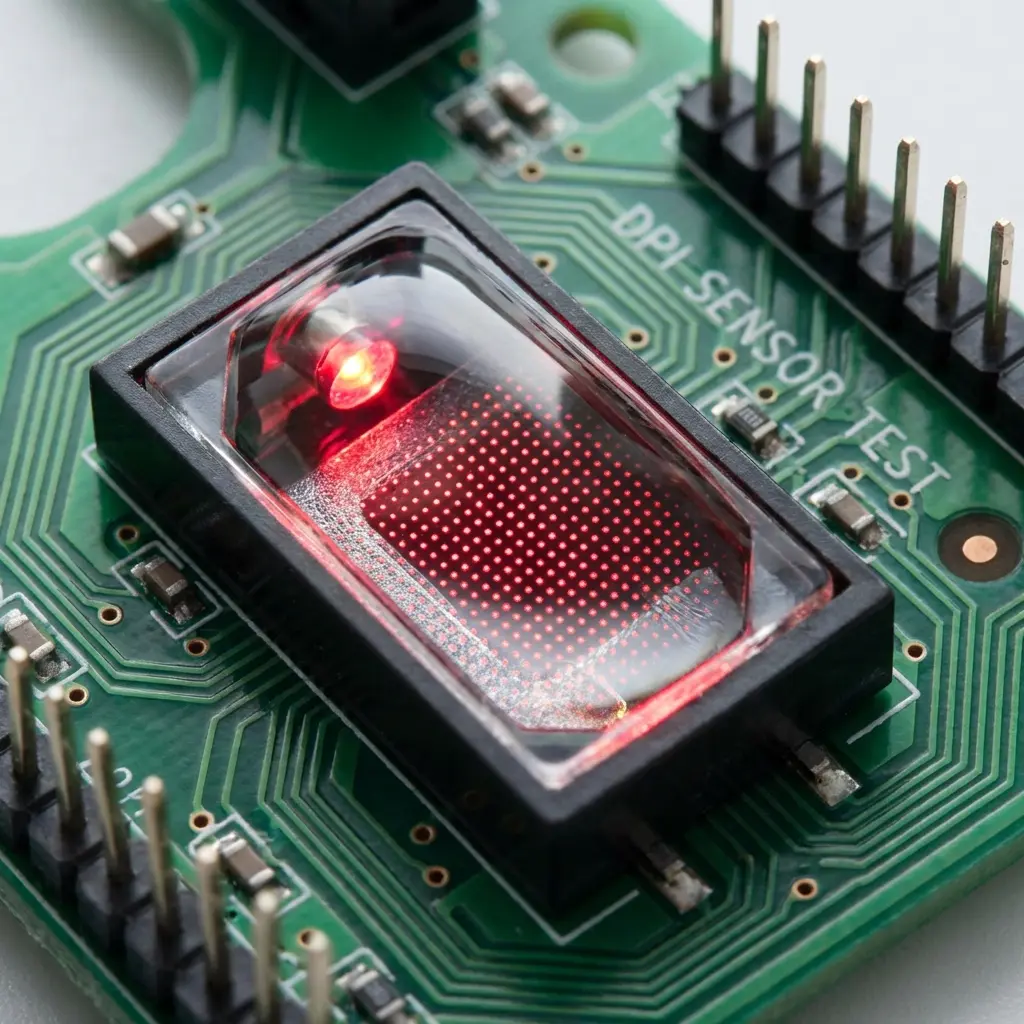
Is Your Mouse Actually the DPI It Says? Test It
TL;DR
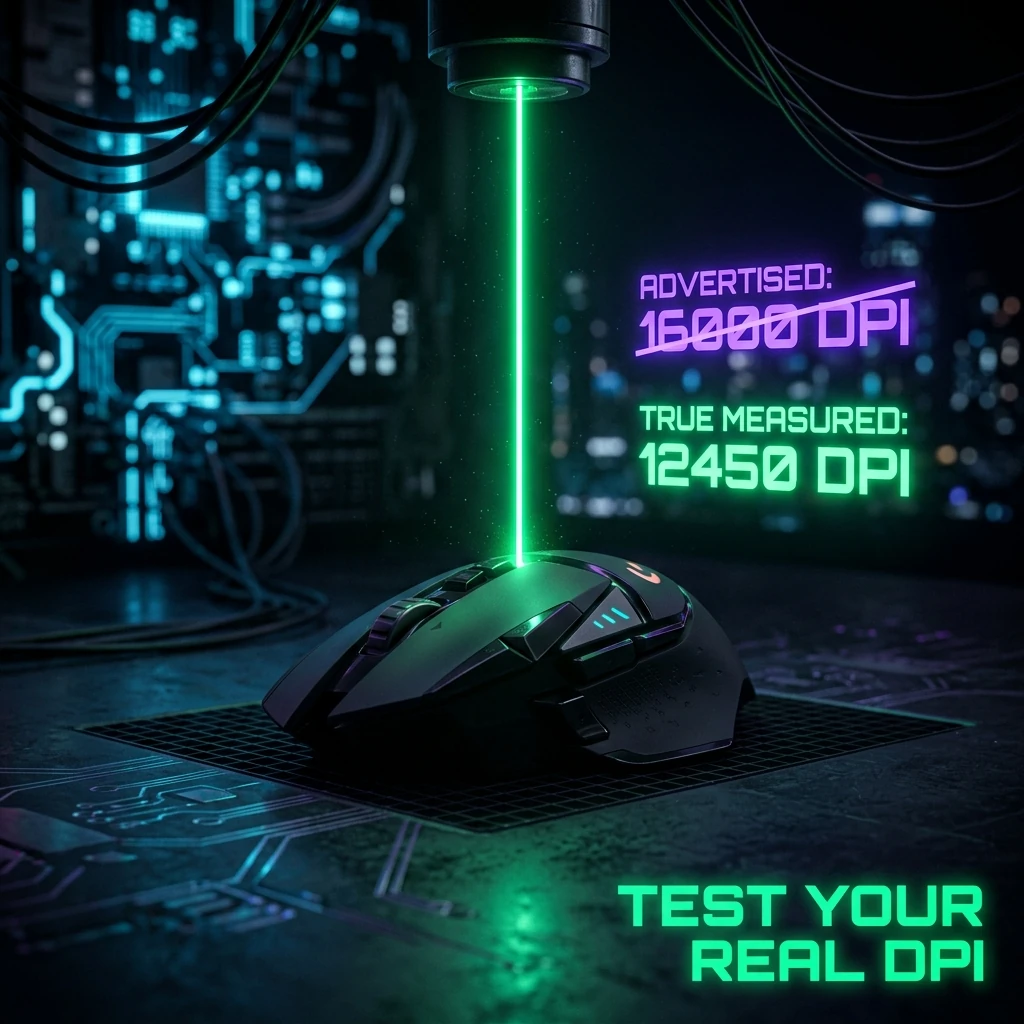
A mouse set to 800 DPI in software doesn't necessarily track at exactly 800 counts per inch — sensor manufacturing tolerance, firmware rounding, and driver-level scaling can all introduce a small but real gap. Measure it directly with the DPI analyzer instead of trusting the number in the settings panel.
Your Mouse's Real DPI Isn't Its Advertised DPI
Setting your mouse to "800 DPI" in software tells the sensor what to aim for — it doesn't guarantee the sensor delivers exactly 800 counts per inch of physical movement. Manufacturing tolerance on the sensor itself, firmware-level rounding to the nearest supported step, and in some cases software-side interpolation can all introduce a gap between the number you set and what the hardware actually outputs. This matters for sensitivity conversion specifically: the yaw-based math this site uses assumes your DPI input is accurate, so a mismatch here quietly throws off every converted number downstream. Measure your actual DPI with the DPI analyzer rather than assuming the software panel is exact.
400 vs 800 vs 1600: The Actual Differences
Within the 400–1600 DPI range most competitive players use, the practical difference between steps is mostly about how finely your in-game sensitivity slider lets you dial in a given cm/360, not raw tracking accuracy — modern optical sensors track accurately across this entire range. Going with a round, commonly-used DPI (400, 800, or 1600) mostly matters because it makes your settings easier to communicate, compare against pro settings, and reproduce on a new mouse — not because one of these numbers is inherently more "correct" than another.
Does Higher DPI Reduce Input Lag?
There's a real but small effect here that gets wildly overstated in marketing: a higher DPI means the sensor reports position updates at finer physical granularity, which can very slightly reduce the perceptible "steppiness" of very slow, precise movements. The actual latency difference this produces is on the order of a fraction of a millisecond to low single-digit microseconds at the sensor level for any modern gaming mouse sensor — not the multi-millisecond figures some marketing and older guides claim. Don't choose a higher DPI expecting a noticeable competitive input-lag advantage; choose it because it makes your preferred cm/360 land on a sensitivity number you're comfortable dialing in.
Sensor Smoothing at High DPI
Pushing DPI very high (above roughly 3200–6400 depending on the sensor) can introduce smoothing or filtering on some sensors, where the firmware averages out rapid position changes to reduce reported noise — the opposite of the precision boost people expect from "more DPI." If you're running unusually high DPI and your aim feels slightly delayed or floaty compared to a lower setting at the same converted cm/360, this is worth ruling out before blaming your sensitivity numbers.
What Pros Use and Why It's Mostly Habit
The overwhelming majority of pro players across tactical and hero shooters sit at 400 or 800 DPI — see pro player settings for real examples. This isn't because those specific numbers are technically superior; it's because they're round, well-documented, and easy to recreate exactly on a new mouse or at a LAN. There's no measured competitive advantage to an unusual DPI value like 923 over a round 800 — if your mouse's real, tested DPI doesn't land on a round number, converting your sensitivity to compensate is more useful than chasing a specific DPI figure.
Frequently Asked Questions
Frequently Asked Questions
How do I check my mouse's real DPI?
Use a DPI analyzer tool that measures actual counts-per-inch from physical mouse movement, rather than trusting the number shown in your mouse's software panel.
Does it really matter if my mouse is a few percent off its advertised DPI?
For casual play, not much. For precise sensitivity conversion between games, a few percent of DPI error compounds into a real cm/360 mismatch — worth checking if your converted sensitivity never quite feels exactly right.
Is 1600 DPI better than 800 DPI for input lag?
The real difference is a fraction of a millisecond at most on modern sensors — far smaller than commonly claimed. Pick a DPI based on what makes your target cm/360 easy to set precisely, not for a latency advantage that isn't practically noticeable.
Equipamentos de Elite Recomendados
Mouses ultra-leves topo de linha recomendados pelo Treinador Dalto para máxima precisão de sensor e consistência física no seu mousepad:
Logitech G Pro X Superlight 2
O mouse mais vencedor do cenário competitivo. Shape icônico, sensor HERO 2 e switches ópticos-mecânicos híbridos.
Razer Viper V3 Pro
Rastreador preciso com polling rate sem fio nativo de 8.000 Hz e formato simétrico ergonômico moderno.
Razer DeathAdder V3 Pro
Excelente para pegadas palm ou claw que querem apoio anatômico. Sensor Focus Pro 30K de última geração.
Lamzu Atlantis OG V2 / Thorn
Mouse boutique com peso irrisório e base vazada. Pegada traseira perfeita para controle agressivo de claw grip.
🎯 Lock In Perfect 1:1 Aim & Pro Consistency
Tired of daily aim inconsistency? Calibrate your physical cm/360, scope matching, and sensor latency. Get the complete Precision Aim System (4-Part Technical Manifestos) today for only $9.00 USD!
Unlock Elite Precision ($9) ⚡Dalto Outlier
Creator, DCPROSENSDalto built DCPROSENS to help competitive FPS players convert sensitivity, calibrate DPI, and keep their aim consistent across games.