Keyboard Ghosting vs N-Key Rollover: Can Your Keyboard Handle Your Speed?
TL;DR
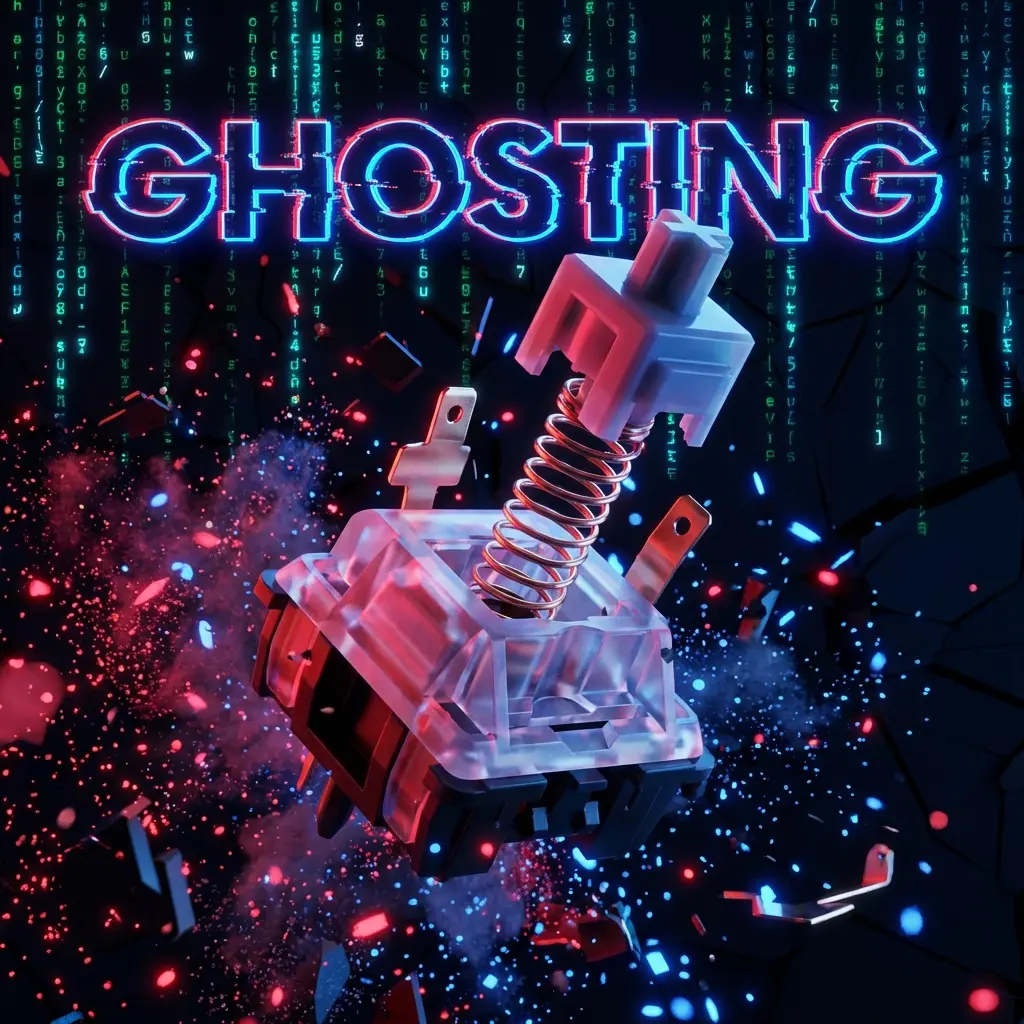
Keyboard ghosting occurs when shared matrix wiring blocks simultaneous keypresses beyond 2–6 keys. Check your keyboard with an online NKRO test before playing counter-strafe heavy tactical shooters.


The Phantom Key Press
Imagine you are in the final seconds of a high-stakes match. You need to sprint forward (W + Shift), jump (Space), and switch weapons (1) simultaneously. You press all four keys... but your character just jumps and walks, refusing to switch weapons. You die. You blame the game. You blame the server.
But the real killer was under your fingertips all along: Keyboard Ghosting.
In this guide, we will demystify the complex circuitry of keyboards, explain why "Ghosting" and "Jamming" destroy gaming performance, and how to test if your shiny new mechanical board is actually "Anti-Ghosting" or just marketing hype.
What Actually is Ghosting?
Technically, most people misuse the term. There are two distinct phenomena:
- Ghosting: When you press two keys, and a third phantom key is registered that you didn't even touch. This is rare in modern keyboards but happened frequently on old hardware.
- Jamming (Masking): This is what 99% of gamers mean when they say "Ghosting". It is when you press 3 or more keys, and the subsequent keys simply do not register. The keyboard ignores them because its internal matrix is confused.
The Matrix Grid: How Keyboards Think
To understand why this happens, you have to look inside. A keyboard isn't wire-for-key. That would require 100+ wires. Instead, it uses a Matrix Grid of Rows and Columns.
When you press 'Q', the keyboard detects a completed circuit at Row 1, Column 1. When you press 'W', it sees Row 1, Column 2.
The problem arises when you press 'Q', 'W', and 'A' together. If they share rows and columns in a specific pattern, the keyboard can't distinguish which circuits are actually closed. To prevent generating a "Ghost" key (like mistakenly registering 'S'), the controller simply ignores the 3rd or 4th key press. This is Jamming.
Rollover Explained: 2KRO vs 6KRO vs NKRO
Keyboard manufacturers rate their boards by "Rollover"—the maximum number of simultaneous keys that can be guaranteed to register.
1. 2-Key Rollover (2KRO)
Standard cheap office membrane keyboards. They guarantee only 2 keys at once. If you hold Shift + W, pressing Space might not work depending on the wiring. Horror for gamers.
2. 6-Key Rollover (6KRO)
The USB standard legacy limit. You can press any 6 alphanumeric keys + 4 modifiers (Ctrl, Alt, etc.) at once. This is sufficient for 95% of gaming. Human hands only have 10 fingers.
3. N-Key Rollover (NKRO)
The Holy Grail. "N" stands for "Infinite". You can mash your face on the keyboard and press all 104 keys simultaneously, and every single one will appear on screen. This requires a specific design where every single switch has a Diode to isolate the current.
How to Test Your Keyboard (Right Now)
You don't need a lab. You can test this instantly using our DCPROSENS Hardware Lab Tool.
The "Both Shifts" Test:
- Hold down Left Shift and Right Shift together.
- While holding them, try to type this sentence: THE QUICK BROWN FOX JUMPS OVER THE LAZY DOG
- Result on Bad Keyboard: HE QUIK BROWN FOX JUMPS OER THE LAZY DOG (Missing letters)
- Result on NKRO Keyboard: THE QUICK BROWN FOX JUMPS OVER THE LAZY DOG (Perfect)
The WASD Cluster Test:
Hold W + A + S + D. Now try to press Q, E, R, F, Space. A good gaming keyboard often optimizes the circuitry around the WASD zone specifically to allow these combinations even if it's not full NKRO.
PS/2 vs USB: A History Lesson
You might have heard that "True NKRO is only possible on PS/2 ports" (the old purple circular port). This was true in 2005. USB had a protocol limitation.
However, modern gaming keyboards simulate multiple virtual keyboards over a single USB connection to bypass this limit, ensuring Full NKRO over USB. So, no, you don't need that adapter from your grandpa's basement.
Mechanical vs Membrane: The Diode Factor
Why are Mechanical keyboards expensive? It's not just the "click". It's the Diodes.
- Membrane: Use pressure pads on a sheet. Hard to isolate circuits. Often 2KRO or optimized "Gaming Matrix".
- Mechanical: Each switch is a separate component. It is easy to solder a 1-cent diode to each switch, ensuring perfect electrical isolation and True NKRO.
The Science of Debounce Time
Even with NKRO, you might feel delay. This is Debounce Time. When a metal leaf switch hits a contact, it bounces (vibrates) for a few milliseconds before settling. The controller waits for this bouncing to stop before sending the signal, to prevent double-typing (chattering).
Standard Debounce: 5ms - 20ms.
Gaming Debounce: 1ms.
If your keyboard feels "slow", it might have a high debounce algorithm hardcoded into the firmware.
Optical & Hall Effect: The End of Ghosting
Newer technologies avoid physical metal contacts entirely.
Optical Switches (Razer Huntsman): Use a beam of light. No metal bounce = almost zero debounce delay.
Hall Effect (Wooting, SteelSeries): Use magnets. They allow for "Rapid Trigger" (resetting the key instantly upon release) and have zero chance of electrical ghosting because there is no physical matrix grid in the traditional sense.
Historical Context: Why Did Keyboards Beep?
In the MS-DOS era, the BIOS handled keyboard inputs. The buffer was tiny. If you held too many keys (or cat sat on the keyboard), the BIOS buffer would overflow, resulting in a loud system BEEP from the motherboard speaker. This was the original "Ghosting" alert. Modern USB drivers simply drop packets silently, which is less annoying but harder to diagnose.
Conclusion: Do You Need NKRO?
If you are a writer, no. If you play turn-based strategy games, no. But if you play FPS (CS2, Valorant), Rhythm Games (osu!), or Fighting Games (Street Fighter), ghosting can literally cost you the match. Don't let your hardware be the skill ceiling. Test your rollover, and if you are failing the "Shift Test", it's time to upgrade.
Frequently Asked Questions
What is the difference between 6KRO and NKRO?
6KRO registers up to six simultaneous alphanumeric keys plus modifiers, whereas NKRO registers every switch independently no matter how many keys are held together.
How do I test my keyboard for ghosting?
Open DCPROSENS' Keyboard & NKRO Tester and hold WASD plus Left Shift, Ctrl, and Space simultaneously to see if all keys illuminate together.
Can software fix keyboard ghosting on a membrane board?
No. Anti-ghosting requires physical matrix diodes or individual magnetic/optical switch scanning in hardware.
Pro-Recommended Magnetic Keyboard
For pixel-perfect counter-strafing and instant movement reset, analog magnetic Rapid Trigger switches are essential in competitive FPS:
Razer Huntsman V3 Pro TKL / Wooting 60HE
Next-gen magnetic analog switches with instant actuation and rapid reset. The definitive pro choice for CS2 counter-strafing and Valorant movement.
Dalto Cardoso (Dalto Outlier)
✓ Verified Founder, DCPROSENSSoftware developer and founder of DCPROSENS (DCOUTLIER). Dalto engineers precision sensitivity calculators, yaw telemetry databases, and hardware calibration guides for competitive FPS players.
Related Guides & Articles
Disclosure: some links on this page are affiliate links. As an Amazon Associate, DCPROSENS earns from qualifying purchases at no extra cost to you.