Keyboard Input Lag: Wired vs Wireless, Polling Rate, and What Actually Affects Competitive Gaming (2026)
TL;DR
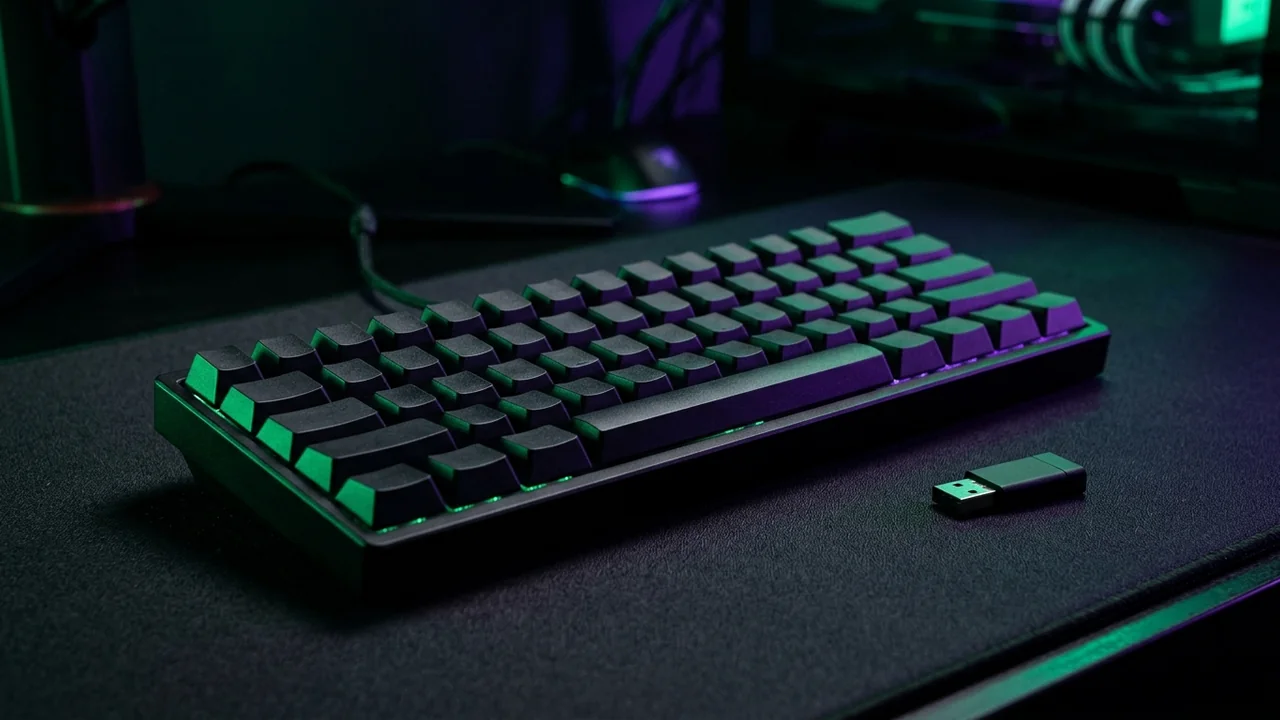
Low-latency 2.4GHz wireless dongles match 1000Hz–8000Hz wired keyboards, whereas Bluetooth introduces noticeable buffer lag and polling instability unsuitable for competitive FPS.


The "wireless adds lag" narrative was true when gaming wireless keyboards were running on 2.4GHz with basic USB dongles polling at 125Hz. Modern dedicated gaming wireless operates at 1000Hz polling over proprietary 2.4GHz protocols — and the measurable latency difference versus wired is under 1ms. Whether you can detect sub-1ms input differences in gaming is a different conversation.
Measured Keyboard Latency (2026 Hardware)
| Keyboard / Mode | Measured Latency | Polling Rate |
|---|---|---|
| Wired USB (1000Hz) | ~1ms | 1000Hz standard |
| SteelSeries Apex Pro HFT (8000Hz) | ~0.125ms | 8000Hz (new standard) |
| Logitech G Pro X TKL (Lightspeed Wireless) | ~1.1ms | 1000Hz wireless |
| Razer BlackWidow V4 Pro (HyperSpeed Wireless) | ~1.3ms | 1000Hz wireless |
| Corsair K65 Plus Wireless | ~1.8ms | 2000Hz wireless |
| Budget wireless (Bluetooth, 125Hz) | ~8-25ms | 125Hz (unacceptable for gaming) |
What Polling Rate Actually Means
Polling rate determines how often the keyboard reports its state to the PC. 1000Hz = report every 1ms. 8000Hz = report every 0.125ms. The perceptible difference between 1000Hz and 8000Hz in gaming is debated — controlled studies show marginal improvement in reaction time consistency at 4000Hz+, but not speed.
⚠️ High Polling Rate Trade-off
8000Hz polling significantly increases CPU usage (0.5-2% more CPU time processing HID input) and requires USB 3.0 port. On older systems with USB 2.0 only, 8000Hz causes USB interrupt issues. Use 1000Hz on older hardware.
Wireless Keyboards to Avoid for Gaming
- Bluetooth-only models: polling at 125Hz adds 8ms minimum latency
- Dongles shared with gaming mouse: congests 2.4GHz channel, causes interference spikes
- Budget wireless without dedicated gaming firmware: no latency optimization
The Switch Actuation Argument
Switch type (linear, tactile, clicky) does not affect input timing — only the feel of the keypress. Linear switches (Red, Speed Silver) have shorter actuation travel which technically could enable faster keypresses if you are limited by physical movement — but in practice typing speed is the bottleneck, not switch physics.
Test Your Keyboard
Our Keyboard Test Tool detects ghosting, tests rollover, and measures USB polling rate confirmation. Verify your keyboard is actually running at your intended polling rate — some keyboards default to 125Hz unless manually set in software.
Conclusion
Wired 1000Hz: the safe baseline for competitive gaming. Premium wireless (Lightspeed, HyperSpeed) at 1000Hz: imperceptible difference to wired for 99.9% of players. 8000Hz: marginal benefit, increased CPU overhead. Bluetooth: never for competitive gaming. The switch between 1ms wired and 1.3ms wireless Lightspeed is 0.3ms — less than the variation in your own reaction time between attempts.
Frequently Asked Questions
Is wireless slower than wired for keyboards in 2026?
Over a dedicated 2.4GHz esports dongle (1000Hz+), modern wireless latency matches wired within roughly a fraction of a millisecond. Only Bluetooth adds noticeable lag.
Does 8000Hz keyboard polling help over 1000Hz?
Moving from 1000Hz (1ms interval) to 8000Hz saves ~0.875ms on average polling delay — helpful at tournament level with 360Hz+ displays, though tiny compared to Rapid Trigger.
How can I check if my keyboard switches double-click or drop inputs?
Use our online Keyboard & NKRO Tester and slowly tap each key 10 times to catch intermittent chatter or dead switches.
Pro-Recommended Magnetic Keyboard
For pixel-perfect counter-strafing and instant movement reset, analog magnetic Rapid Trigger switches are essential in competitive FPS:
Razer Huntsman V3 Pro TKL / Wooting 60HE
Next-gen magnetic analog switches with instant actuation and rapid reset. The definitive pro choice for CS2 counter-strafing and Valorant movement.
Dalto Cardoso (Dalto Outlier)
✓ Verified Founder, DCPROSENSSoftware developer and founder of DCPROSENS (DCOUTLIER). Dalto engineers precision sensitivity calculators, yaw telemetry databases, and hardware calibration guides for competitive FPS players.
Related Guides & Articles
Disclosure: some links on this page are affiliate links. As an Amazon Associate, DCPROSENS earns from qualifying purchases at no extra cost to you.