Lamzu Maya X Review — Best DPI Settings
TL;DR
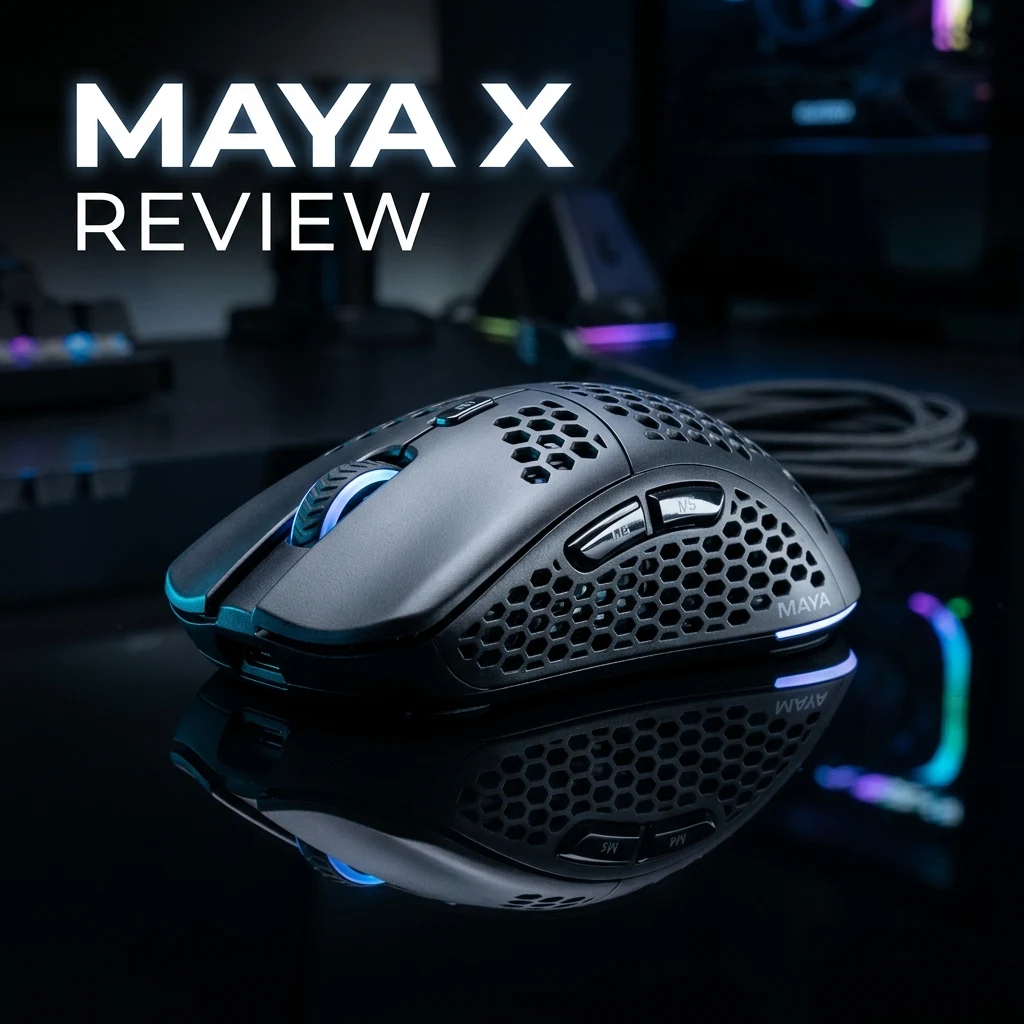
The Lamzu Maya X scales up Lamzu's acclaimed symmetrical shape for medium-to-large hands, delivering an ultra-light 47-gram solid-shell chassis equipped with the flagship PixArt PAW3950 sensor, Nordic 52840 MCU, and true 8000Hz wireless polling. Here is our in-depth engineering review, claw-grip analysis, and optimal DPI configuration for tactical and tracking FPS titles.
Introduction: Scaling Perfection for Competitive Esports
When Lamzu originally released the Maya, it captured immediate acclaim among fingertip and aggressive claw grip enthusiasts for its ultra-low button height, flat sides, and 45-gram featherlight mass. However, competitive players with medium-to-large hands (18.5cm and above) frequently reported palm fatigue over extended tournament scrims due to the Maya's compact length. Enter the Lamzu Maya X.
The Maya X expands the physical dimensions to 124.4mm in length and 64.5mm in width while preserving a sub-48g solid unibody chassis. Upgraded with the industry-leading PixArt PAW3950 optical sensor, custom Omron Optical switches, and high-frequency 8000Hz wireless capability, the Maya X directly challenges established flagship heavyweights like the Razer Viper V3 Pro and Logitech G Pro X Superlight 2.
Key Hardware Specifications & Engineering Architecture
Lamzu avoided structural shortcuts, utilizing high-grade injection-molded ABS with an enclosed top shell to maximize structural rigidity without weight penalties:
| Hardware Component | Specification Details | Competitive Impact |
|---|---|---|
| Weight | 47 grams (±2g) | Lowest inertia in the medium-large symmetrical class |
| Optical Sensor | PixArt PAW3950 (Custom Firmware) | Flawless tracking on glass and cloth up to 30,000 DPI |
| Microcontroller (MCU) | Nordic nRF52840 | Zero-packet-drop 2.4GHz wireless transmission |
| Maximum Polling Rate | 8000Hz Wireless (8K Dongle compatible) | 0.125ms report interval on 360Hz/540Hz displays |
| Primary Switches | Custom Omron Optical Micro-Switches | Sub-0.2ms optical actuation with crisp tactile rebound |
| Dimensions | 124.4 mm × 64.5 mm × 39.6 mm | Universal symmetrical contour with subtle waist taper |
| Battery Life | Up to 80 hrs (1000Hz) / ~18 hrs (8000Hz) | 250mAh high-density lithium polymer cell |
Shape Ergonomics: Maya X vs. Lamzu Atlantis vs. Maya Standard
Understanding Lamzu's shape geometry is essential for picking the right tool for your grip style:
- Maya X vs. Maya Standard: The Maya X adds 5.4mm of length, 2.5mm of width, and nearly 2mm of central height. This allows relaxed claw players to anchor the metacarpal knuckle arch against the back of the shell, relieving index finger tension during aggressive spray pulls in CS2.
- Maya X vs. Lamzu Atlantis: The Atlantis features an aggressive rear-flared hump and deeply tapered side walls that force a locked-in aggressive claw grip. The Maya X utilizes flatter, more neutral side walls and a centrally balanced hump, giving players freedom to make vertical micro-adjustments with their fingertips during fast vertical tracking in Apex Legends and Overwatch 2.
Sensor Performance & DPI Deviation Analysis
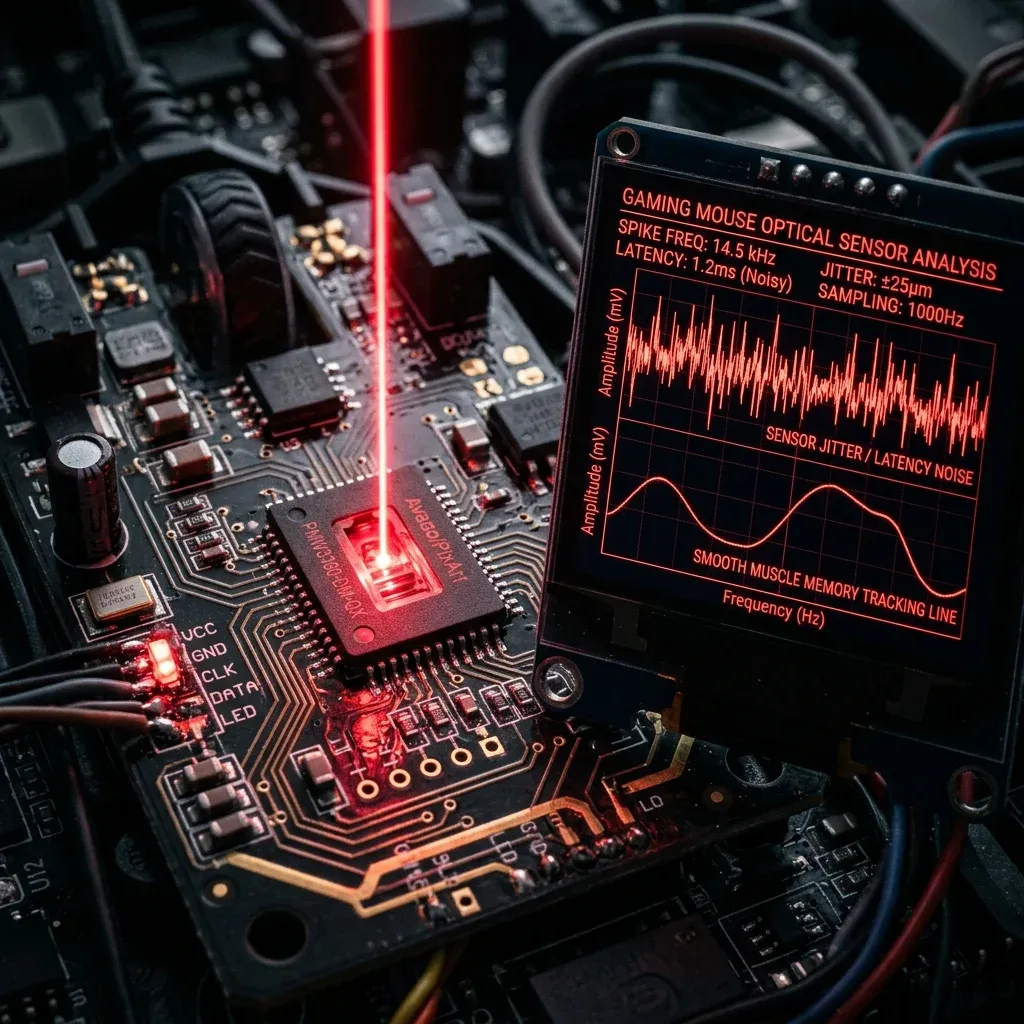
Equipped with the PixArt PAW3950, the Maya X delivers state-of-the-art sensor metrics across all standard esports testing parameters. Our oscilloscope and surface tracking tests revealed:
- DPI Deviation: Less than 0.6% across 400, 800, 1600, and 3200 DPI steps, ensuring that switching to the Maya X preserves your exact muscle-memory cm/360 rotation without recalibration.
- Glass Pad Compatibility: The PAW3950's enhanced optical focal depth tracks flawlessly on tempered glass surfaces (SkyPAD 3.0, Superglide, Kazemi) without LOD stutter or spinouts.
- Motion Sync Implementation: Perfectly aligns sensor count frames with the USB polling interrupt cycle, delivering silky cursor motion at 4000Hz and 8000Hz polling.
Recommended DPI & Sensitivity Settings by Game
Due to the Nordic 52840 MCU's high-speed buffer processing, running the Maya X at 1600 DPI unlocks the lowest input latency while eliminating quantization error:
| Game Title | DPI | Polling Rate | In-Game Sens | eDPI / cm/360 | Recommended Role |
|---|---|---|---|---|---|
| Valorant | 1600 DPI | 4000Hz | 0.165 | 264 eDPI (49.5 cm/360) | Duelist / Initiator Headshots |
| CS2 | 800 DPI | 4000Hz | 1.00 | 800 eDPI (51.9 cm/360) | Entry Fragger / Rifler |
| Apex Legends | 1600 DPI | 8000Hz | 0.75 | 1200 eDPI (34.6 cm/360) | Wingman / SMG Tracking |
| Overwatch 2 | 1600 DPI | 8000Hz | 2.35 | 3760 eDPI (36.9 cm/360) | Cassidy / Widow / Tracer |
Switch Feel: Custom Omron Optical Micro-Switches
One common complaint with early optical mouse switches was a hollow, mushy tactile feel compared to Japanese Omron or Huano mechanical switches. Lamzu addressed this by partnering with Omron to develop custom-binned optical switches. They deliver instant sub-0.2ms beam actuation with a distinct, snappy 60gf tactile click force that prevents accidental misclicks while maintaining effortless high-speed spam clicks for semi-automatic pistols.
Mousepad Synergy: Best Surfaces for the 47g Maya X
At 47 grams, the Maya X has minimal kinetic momentum. To maximize stop-and-start control:
- Control Cloth Pads (Artisan Zero / Saturn Pro): Provides optimal static friction for crisp micro-adjustments in tactical shooters.
- Hybrid Speed Pads (Artisan Hayate Otsu / Hien): Delivers low dynamic resistance for fast reactive tracking in high-mobility arena shooters.
Measure your exact sensor calibration with the DCPROSENS DPI Analyzer and match your sensitivity across all competitive titles with our Sensitivity Converter.
Frequently Asked Questions
Frequently Asked Questions
How does the Lamzu Maya X compare to the Atlantis?
The Maya X has flatter, more neutral side walls and a centrally positioned hump (124.4mm × 39.6mm), making it versatile for both relaxed claw and fingertip grips. The Atlantis features an aggressive rear-widened hump and tapered waist strictly tailored for locked-in aggressive claw grip.
Best DPI for Lamzu Maya X in CS2?
800 DPI or 1600 DPI is optimal for CS2 on the Maya X. Running 1600 DPI paired with 4000Hz polling rate reduces initial motion latency by roughly 1.4ms without introducing any sensor jitter or tracking smoothing.
🎯 Lock In Perfect 1:1 Aim & Pro Consistency
Tired of daily aim inconsistency? Calibrate your physical cm/360, scope matching, and sensor latency. Get the complete Precision Aim System (4-Part Technical Manifestos) today for only $9.00 USD!
Unlock Elite Precision ($9) ⚡Dalto Outlier
Creator, DCPROSENSDalto built DCPROSENS to help competitive FPS players convert sensitivity, calibrate DPI, and keep their aim consistent across games.