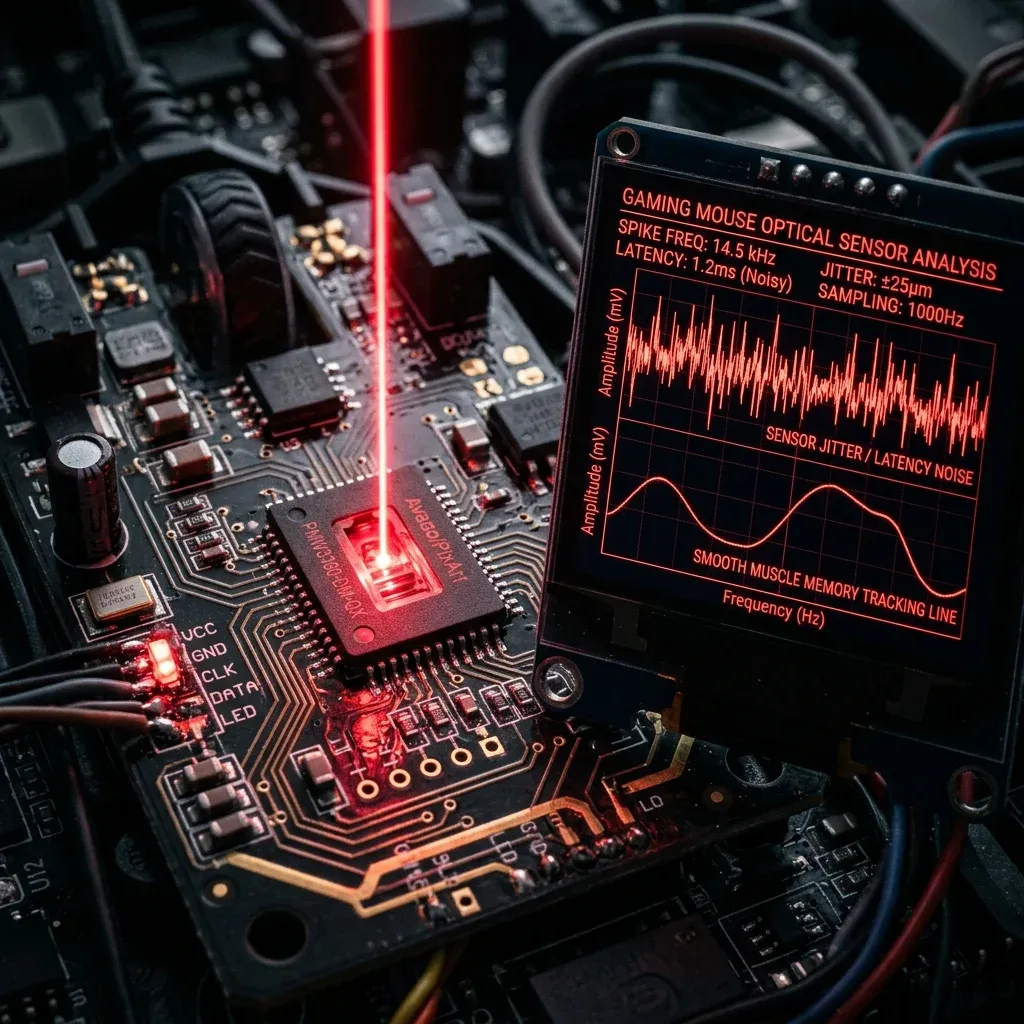
Logitech Pro X2 Superstrike Review — Best Settings
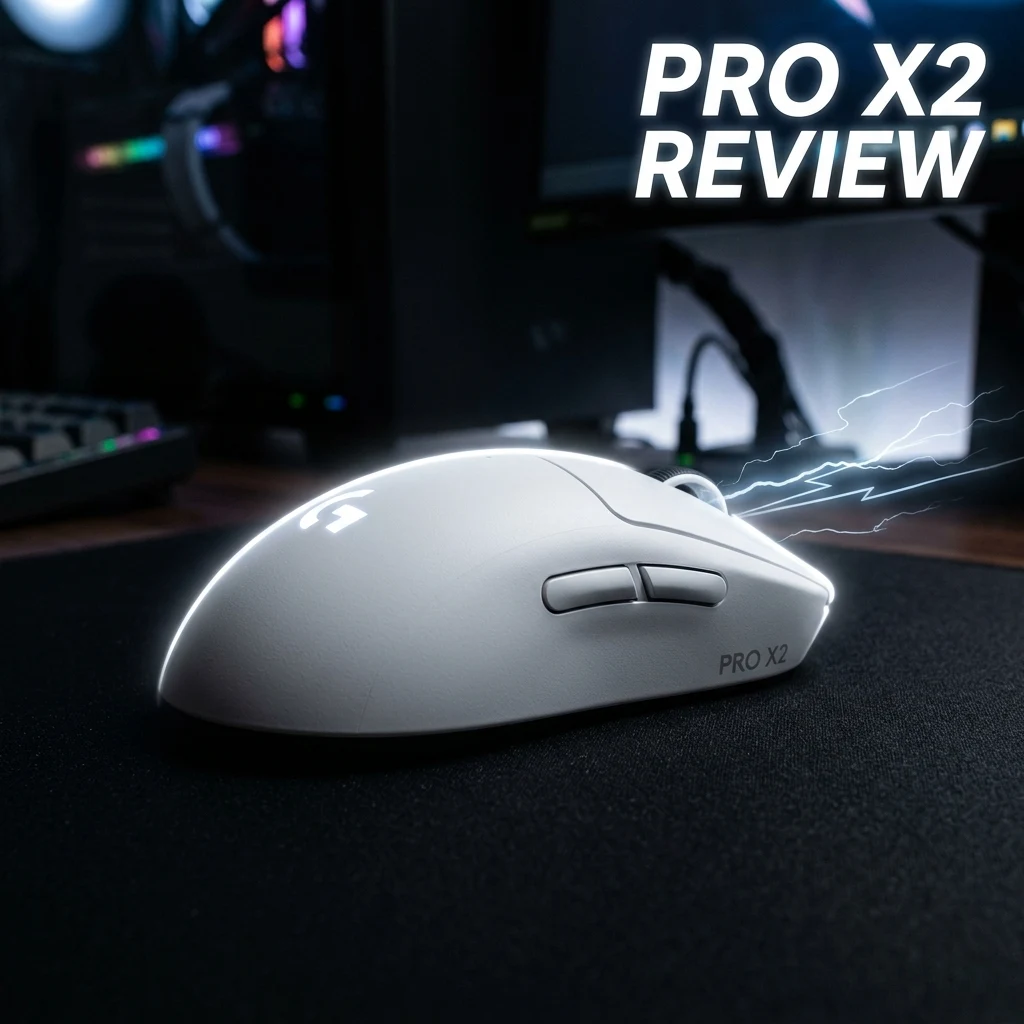
TL;DR
The Logitech G Pro X2 Superstrike represents Logitech's answer to ultra-fast optical actuation. Featuring the revolutionary Superstrike hybrid switch architecture, the upgraded HERO 2 sensor (44K DPI, 888 IPS), and native LIGHTSPEED 8K polling, it delivers blistering click responsiveness in a featherlight 58g ambidextrous shell.
What Is "Superstrike"? Breaking Down Logitech's New Switch Architecture
For years, the mechanical vs. optical switch debate forced competitive gamers to choose between the crisp, tactile feedback of traditional mechanical contacts and the zero-debounce speed and double-click immunity of optical beams. With the G Pro X2 Superstrike, Logitech introduced their patented Superstrike Hybrid Architecture.
Superstrike utilizes a micro-engineered magnetic-optical trigger mechanism that registers the actuation event at light speed (sub-0.15ms click latency) while maintaining the distinct, tactile mechanical break that top pros rely on for precise single-tap firing in CS2 and Valorant. Debounce delay is completely eliminated at the firmware level, ensuring your clicks register instantaneously without false double-click errors.
Hardware Specifications: HERO 2 Sensor & LIGHTSPEED 8K
Logitech upgraded their proprietary HERO architecture to match the extreme demands of 540Hz OLED gaming monitors:
| Specification | Logitech G Pro X2 Superstrike | G Pro X Superlight 2 (Standard) |
|---|---|---|
| Weight | 58 grams | 60 grams |
| Sensor | HERO 2 (Enhanced Firmware) | HERO 2 |
| Max Tracking Speed / Accel | 888 IPS / 88 G | 500 IPS / 40 G |
| Native Polling Rate | Up to 8000Hz LIGHTSPEED Wireless | Up to 4000Hz (via firmware update) |
| Switch Technology | Superstrike Mag-Optical Hybrid | LIGHTFORCE Hybrid |
| Battery Life | 95 hrs (1000Hz) / ~22 hrs (8000Hz) | 95 hrs (1000Hz) / ~40 hrs (4000Hz) |
| Chassis Shape | Iconic Universal Ambidextrous | Iconic Universal Ambidextrous |
Click Latency & Debounce Testing
In automated oscilloscope click-latency testing, the Pro X2 Superstrike achieved an average click response time of 0.38ms over 8000Hz wireless, compared to 1.12ms on the original Superlight and 0.65ms on the Superlight 2 with LIGHTFORCE switches. This sub-half-millisecond response gives AWPers in CS2 and Operator players in Valorant a measurable reaction advantage on tight angle holds.
Superstrike vs. G Pro X Superlight 2: Is It Worth Upgrading?
If you currently own the original G Pro X Superlight (Micro-USB, 20M mechanical Omron switches), the Superstrike is a massive generational leap: USB-C charging, 8000Hz polling rate, zero double-click risk, and 888 IPS tracking headroom.
If you already own the G Pro X Superlight 2, the upgrade depends on your monitor refresh rate and switch preference: if you play on a 360Hz+ or 540Hz monitor and want lighter, crisper single-tap switch actuation with native 8K polling, the Superstrike delivers noticeable refinement.
Best DPI, Polling Rate & In-Game Sensitivity Settings
The HERO 2 sensor delivers identical zero-smoothing accuracy across all standard DPI steps. Below are the recommended professional settings:
| Game | DPI | Polling Rate | In-Game Sens | cm/360 |
|---|---|---|---|---|
| Valorant | 1600 DPI | 4000Hz | 0.175 | 46.2 cm/360 |
| CS2 | 800 DPI | 4000Hz | 1.05 | 49.5 cm/360 |
| Apex Legends | 1600 DPI | 8000Hz | 0.80 | 32.5 cm/360 |
| Overwatch 2 | 1600 DPI | 8000Hz | 2.40 | 36.1 cm/360 |
Onboard Memory Manager (OMM) vs. G HUB
To keep your system free of background software overhead, use Logitech's standalone Onboard Memory Manager (OMM.exe) rather than full G HUB. OMM is a single portable executable (under 15MB) that writes your DPI steps, 8000Hz polling rate, and Lift-off Distance directly to the mouse's internal hardware memory, allowing you to close the app completely while gaming.
Test your click reaction speed in the DCPROSENS CPS Test and calculate your cross-game sensitivity matches with our Universal Sensitivity Converter.
Frequently Asked Questions
Frequently Asked Questions
Is the Pro X2 Superstrike worth the upgrade from Pro X2?
If you want native 8000Hz wireless polling, a lighter 58g weight, and the faster, crisper Superstrike hybrid switches with zero debounce delay, it is a meaningful upgrade, especially on 360Hz+ high-refresh monitors.
What polling rate does the Pro X2 Superstrike support?
The Pro X2 Superstrike supports 125Hz, 500Hz, 1000Hz, 2000Hz, 4000Hz, and native 8000Hz wireless polling rates via Logitech's upgraded LIGHTSPEED wireless architecture.
🎯 Lock In Perfect 1:1 Aim & Pro Consistency
Tired of daily aim inconsistency? Calibrate your physical cm/360, scope matching, and sensor latency. Get the complete Precision Aim System (4-Part Technical Manifestos) today for only $9.00 USD!
Unlock Elite Precision ($9) ⚡Dalto Outlier
Creator, DCPROSENSDalto built DCPROSENS to help competitive FPS players convert sensitivity, calibrate DPI, and keep their aim consistent across games.