

Magnetic Controller Sticks Reduce One Drift Risk, Not Every Failure
TL;DR
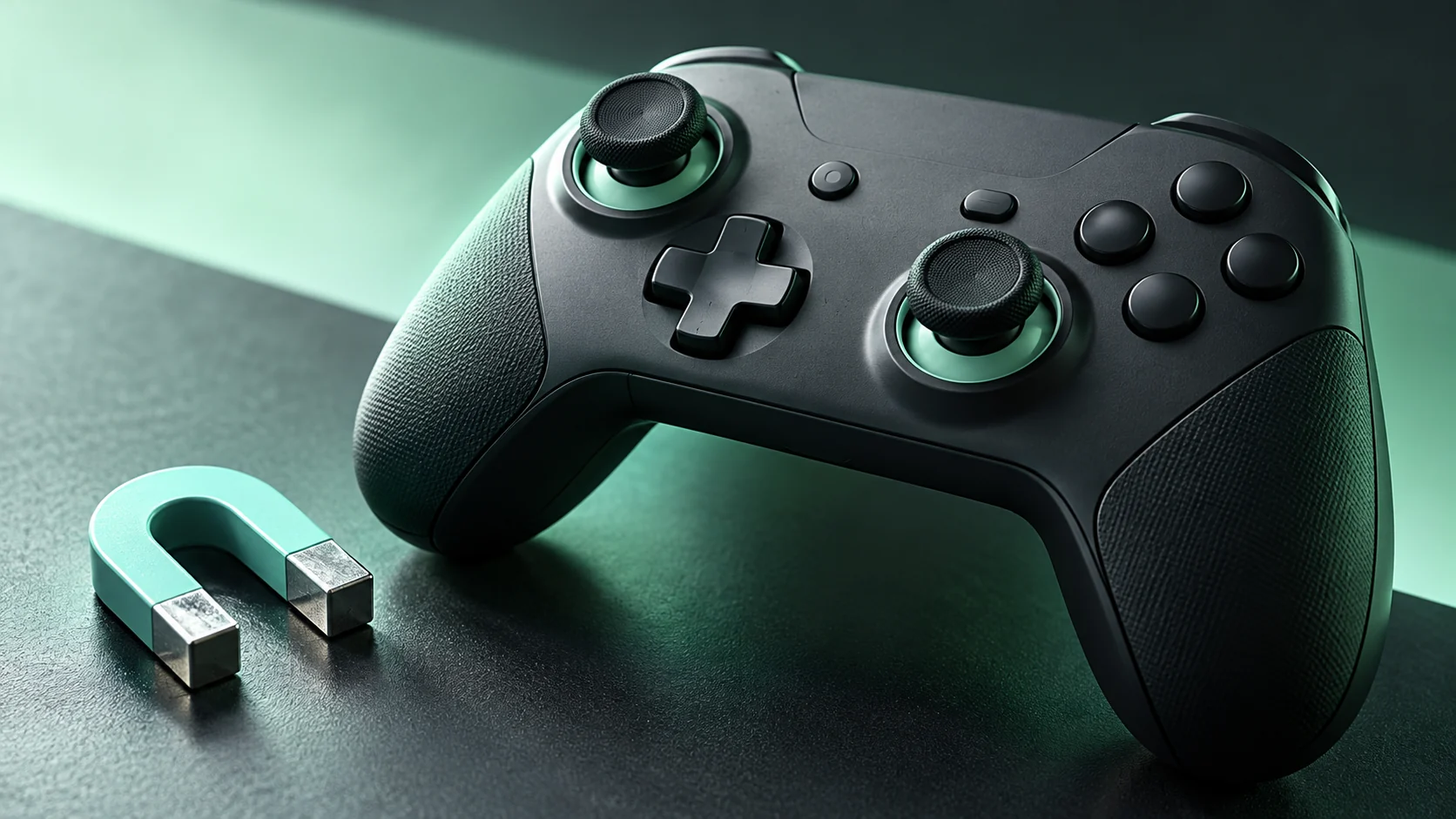
Hall-effect and TMR sticks use magnetic sensing rather than the sliding electrical contact found in potentiometer designs. That avoids one contact-wear mechanism; it does not establish that every part of the controller will last forever or that every unit will center perfectly.


“Anti-drift” is an appealing promise if you have ever watched a character move while your thumb was off the stick. Magnetic sensing addresses a real design issue, but a controller is more than its position sensor.
Hall-effect and TMR sticks use magnetic sensing rather than the sliding electrical contact found in potentiometer designs. That avoids one contact-wear mechanism; it does not establish that every part of the controller will last forever or that every unit will center perfectly.
Separate the sensor from the whole assembly
Razer's explanation of controller stick designs contrasts potentiometer contact wear with magnetic sensing and discusses Hall-effect and TMR implementations. It is manufacturer material, useful for understanding the stated design but not independent proof of lifetime or comparative performance.
The broader reliability conclusion is an engineering distinction: changing the sensing method does not remove all mechanical parts, firmware behavior or calibration requirements from a controller.
That is why a sensor label is useful information without being a complete buying decision. A promising technology still has to be implemented in a product you can use comfortably.
Ask what “drift” describes in your case
Players use the word for several observations: a character moves at rest, the camera slowly rotates, or the center position appears offset in a test. Those symptoms describe what you see, not necessarily the cause.
Before judging a controller, check whether the behavior appears in more than one supported game or test environment. Record which input path you are using and whether a game-specific setting changes the result. Do not compare two products with different software filters and assume you have isolated their sensors.
This article is not a repair procedure. If a new controller behaves unexpectedly, the manufacturer's documented calibration and support process is a better starting point than opening it.
What to evaluate beyond the label
A useful shortlist includes the parts of ownership you will actually notice:
| Check | Why it belongs in the decision |
|---|---|
| Platform and connection support | A good stick does not solve incompatibility |
| Grip shape and reachable buttons | Controls need to suit your hands and use |
| Centering behavior in supported software | It shows how the complete unit behaves |
| Calibration and firmware support | It establishes the documented maintenance path |
| Return and warranty terms | They matter when an individual unit disappoints |
| Independent tests with a described method | They are more informative than an unexplained ranking |
Treat advertised accuracy or longevity figures as claims to examine. Look for what was measured, how many units were tested and which connection and firmware were used. If that information is absent, do not fill the gap with assumptions.
Compare a repeatable movement
For a controller you already have, use a familiar practice environment. Release the sticks normally, make slow movements near center, and perform wider turns. Note whether the issue is repeatable and whether it affects the task you care about.
Avoid turning a calibration screen into a contest for the prettiest circle. A test display is evidence about a defined input behavior, not a complete measure of comfort, reliability or in-game control.
Keep the controller's baseline settings before experimenting so you can restore a known configuration.
Buy the implementation you can evaluate
Magnetic sensing can be a meaningful reason to consider a controller. It should sit alongside compatibility, comfort, measured behavior and support—not replace them.
The useful question is not whether the box contains the newest acronym. It is whether the whole controller meets your needs, with claims specific enough that you can check them.
Eliminate Stick Drift & Optimize Rapid Trigger
Calibrate Hall Effect and TMR magnetic sticks, response curves, and 1000Hz USB polling in our Controller Precision Guide.
🎯 Lock In Perfect 1:1 Aim & Pro Consistency
Tired of daily aim inconsistency? Calibrate your physical cm/360, scope matching, and sensor latency. Get the complete Precision Aim System (4-Part Technical Manifestos) today for only $9.00 USD!
Unlock Elite Precision ($9) ⚡Dalto Outlier
Creator, DCPROSENSDalto built DCPROSENS to help competitive FPS players convert sensitivity, calibrate DPI, and keep their aim consistent across games.
Related Guides & Articles
Disclosure: some links on this page are affiliate links. As an Amazon Associate, DCPROSENS earns from qualifying purchases at no extra cost to you.

