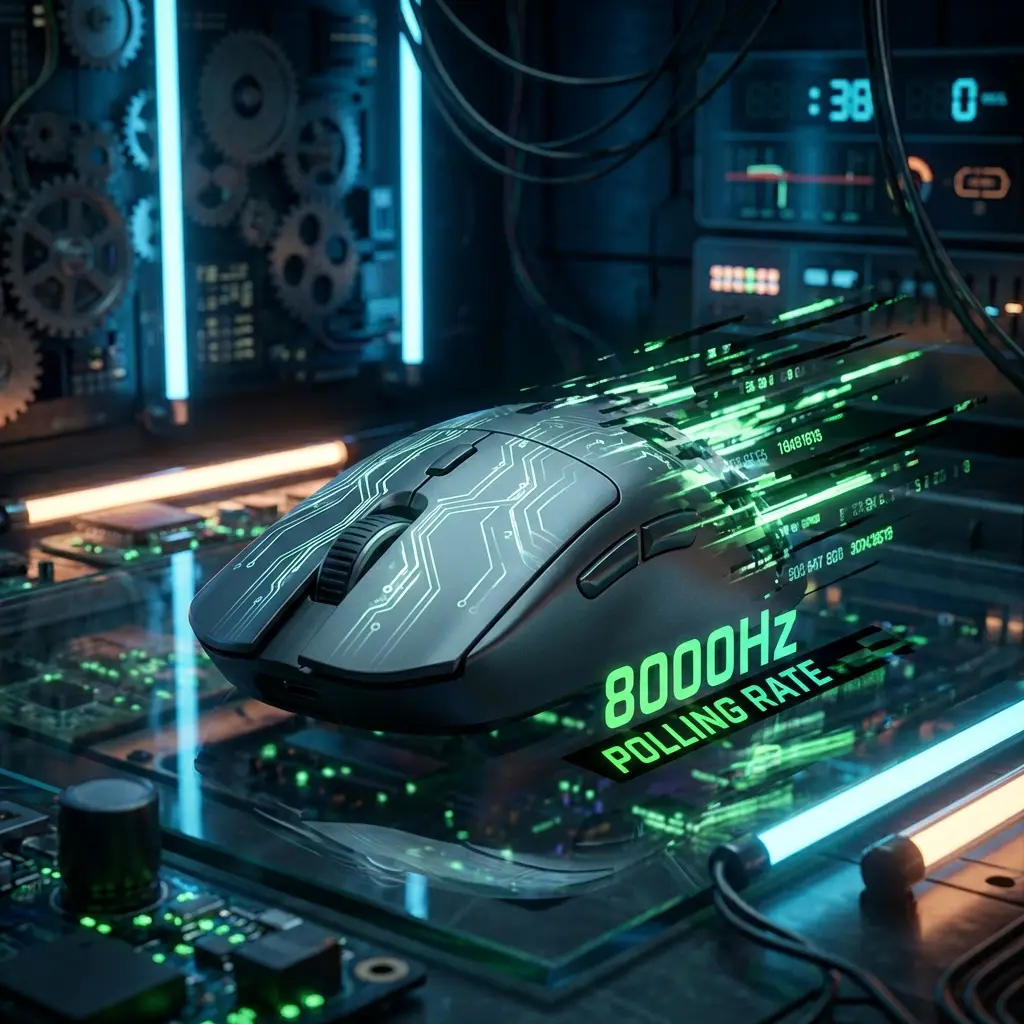
Mouse Sensor Jitter & Latency Explained
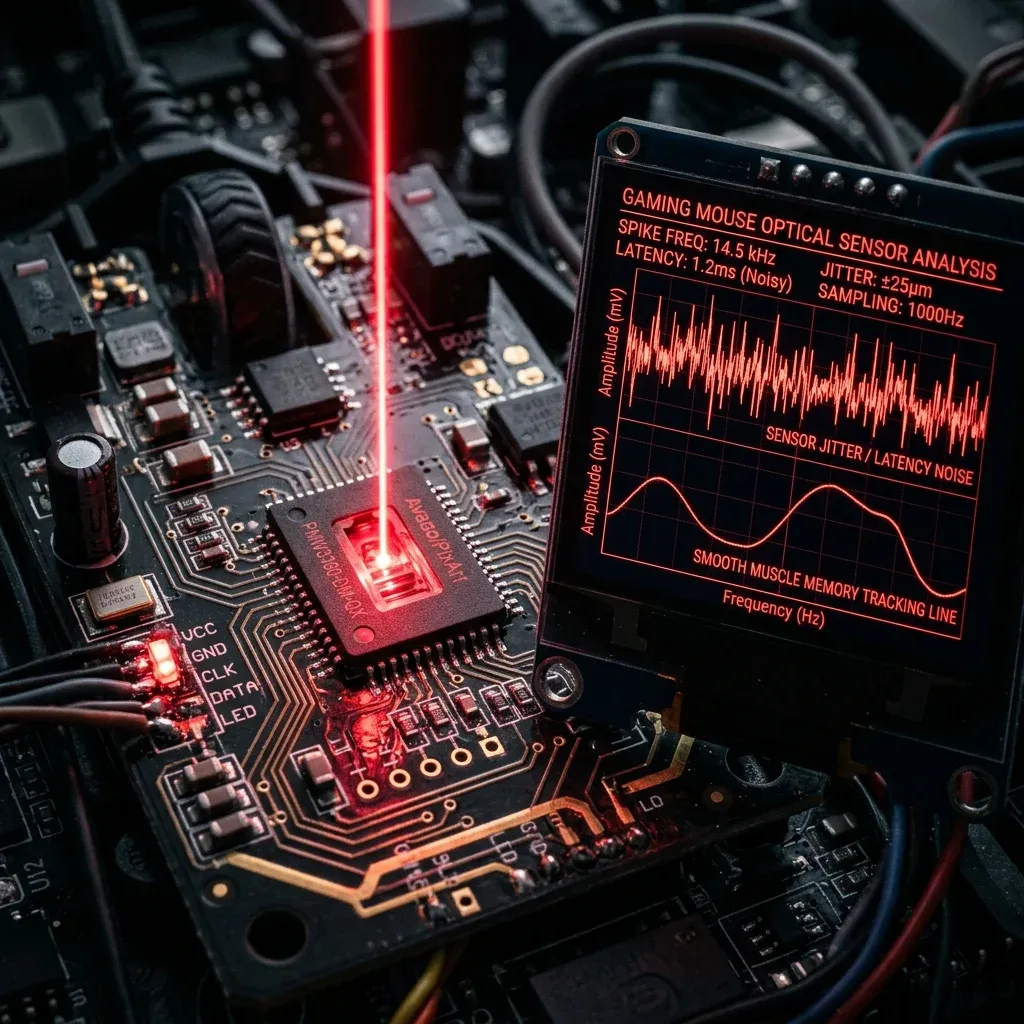
The Microscopic Enemy: Sensor Jitter
In competitive FPS games like Valorant or CS2, consistency is everything. You train your aim for hours in KovaaK's or Aim Labs, but when you enter a ranked lobby, your crosshair feels slightly erratic, heavy, or floaty. Often, this isn't a skill issue—it's sensor jitter and signal latency ruining your muscle memory.
Sensor jitter refers to the microscopic, unintended variations in your cursor's trajectory. When you flick your mouse in a straight horizontal path, your sensor registers thousands of sub-millimeter displacement frames per second. If there is surface friction variation, wireless radio interference, or a low-quality sensor, the crosshair will "micro-shake" along its path, deviating by 2-5 pixels from where your hand physically moved.
How Jitter Destroys Muscle Memory
Human motor learning operates on absolute consistency. When you repeat a movement, your brain calculates the exact force required to slide your hand a specific distance. If your mouse sensor registers different displacement counts for the same physical movement due to jitter, the cognitive loop breaks down. Your brain cannot build a reliable reflex, forcing you to constantly react and micro-adjust rather than rely on subconscious muscle memory.
The Three Primary Sources of Input Latency
1. DPI Deviation (DPI Variance)
Most gaming mice do not actually output the exact DPI set in their software. A mouse set to 800 DPI might actually track at 824 DPI (a 3% deviation). If you switch to a new mouse, even at the same DPI, your physical sensitivity will feel completely off. Calibrating this deviation is critical.
2. Wireless Interference
Dedicated 2.4GHz wireless dongles are incredibly fast, but they operate on the same congested radio band as your home router, Bluetooth devices, and smart appliances. Microscopic packet drops from RF congestion create tiny spikes in system latency, which feels like "slippery" or heavy aiming.
3. Surface Friction (Skates vs Pad)
The static friction between your mouse skates (PTFE or glass) and your mousepad dictates the force required to start moving. High static friction makes micro-adjustments jerky, leading to over-aiming when trying to click heads at long range.
How to Calibrate and Achieve 1:1 Precision
To eliminate jitter and build unbreakable muscle memory, you must run a hardware diagnostic:
- Lock the Sweet Spot: Use 800 DPI or 1600 DPI to minimize sensor processing latencies (input lag) inside your mouse microcontroller.
- Raw Input: Enable Raw Input in all games to bypass the Windows cursor pointer multiplier entirely.
- Value Stack Calibration: If you are serious about achieving pro-level mechanical accuracy, check out our newly launched Precision Aim System (4-Part Technical Manifestos). Specifically, System 1 ("The Architect of Precision") and System 4 ("Zero-Friction Hardware") cover every calibration equation to eliminate jitter and lock in a 1:1 physical response on your mousepad.
Mathematical Mechanics & Engine Formulas
Understanding aim physics requires breaking down how rendering engines calculate rotation vectors. In 3D space, mouse movement inputs map to angular rotation per count based on the game engine's specific yaw constant:
• CS2 / Source Engine Yaw Constant: 0.022° per count
• Apex Legends Yaw Constant: 0.022° per count
• Overwatch 2 Yaw Constant: 0.0066° per count
• Fortnite Yaw Constant: 0.005555° per count
• Formula: eDPI = Hardware DPI × In-Game Sensitivity
• Formula: cm/360 = (360 × 2.54) / (DPI × Sensitivity × Yaw)
By keeping your physical centimeters per 360 rotation (cm/360) consistent, you maintain identical physical hand travel across titles. However, when switching between different aspect ratios (16:9 vs 4:3 stretched) or vertical FOVs, you must apply 0% Monitor Distance Matching (Focal Length Scaling) to match optical tracking speed at screen center.
Esports Meta & Pro Player Benchmark Data
Looking at publicly available pro settings and general esports sensitivity trends:
- Tactical Shooters (Valorant / CS2): The median pro eDPI sits between 200 and 320 eDPI (approx. 40cm/360 to 65cm/360). Pro players prefer lower sensitivity to maximize micro-correction accuracy and first-bullet headshot precision.
- Tracking & Dynamic Shooters (Apex / OW2 / Fortnite): The median pro eDPI ranges from 2400 to 4800 eDPI in Source/OW2 terms (approx. 28cm/360 to 38cm/360). Higher sensitivity allows rapid 180° sweeps and smooth target tracking during erratic movement.
Step-by-Step Calibration & Actionable Implementation
- Disable Windows Mouse Acceleration: Open Windows Control Panel → Mouse Properties → Pointer Options → Uncheck "Enhance Pointer Precision". This ensures 1:1 raw input without non-linear velocity scaling.
- Set Native Mouse DPI: Use 800 or 1600 DPI on modern optical sensors (PMW3395 / HERO 25K) to minimize sensor input latency by up to 2.5ms compared to 400 DPI while avoiding sensor smoothing.
- Calibrate Desk Space: Ensure your mousepad offers at least 450mm × 400mm of dynamic space. Your cm/360 should allow a full 180° turn from center to pad edge without lifting.
- Verify in Aim Trainers: Benchmark your target acquisition in KovaaK's or Aim Lab (Gridshot / Microflex) for 15 minutes to confirm zero overshoot or undershoot before entering ranked queues.
Frequently Asked Questions (FAQ)
Is higher DPI always better for aim?
Higher DPI (such as 1600 DPI) reduces input latency because the sensor sends motion packets more frequently per millimeter. However, going above 3200 DPI can introduce unwanted sensor noise or smoothing on certain optical sensors.
Should I match my hipfire sensitivity to my ADS sensitivity?
Yes! Utilizing 1:1 focal matching (0.847 in Valorant, 1.0 in CS2/Apex) aligns your focal muscle memory between hipfire aiming and scoped targeting.
Equipamentos de Elite Recomendados
Mouses ultra-leves topo de linha recomendados pelo Treinador Dalto para máxima precisão de sensor e consistência física no seu mousepad:
Logitech G Pro X Superlight 2
O mouse mais vencedor do cenário competitivo. Shape icônico, sensor HERO 2 e switches ópticos-mecânicos híbridos.
Razer Viper V3 Pro
Rastreador preciso com polling rate sem fio nativo de 8.000 Hz e formato simétrico ergonômico moderno.
Razer DeathAdder V3 Pro
Excelente para pegadas palm ou claw que querem apoio anatômico. Sensor Focus Pro 30K de última geração.
Lamzu Atlantis OG V2 / Thorn
Mouse boutique com peso irrisório e base vazada. Pegada traseira perfeita para controle agressivo de claw grip.
🎯 Lock In Perfect 1:1 Aim & Pro Consistency
Tired of daily aim inconsistency? Calibrate your physical cm/360, scope matching, and sensor latency. Get the complete Precision Aim System (4-Part Technical Manifestos) today for only $9.00 USD!
Unlock Elite Precision ($9) ⚡Dalto Outlier
Creator, DCPROSENSDalto built DCPROSENS to help competitive FPS players convert sensitivity, calibrate DPI, and keep their aim consistent across games.