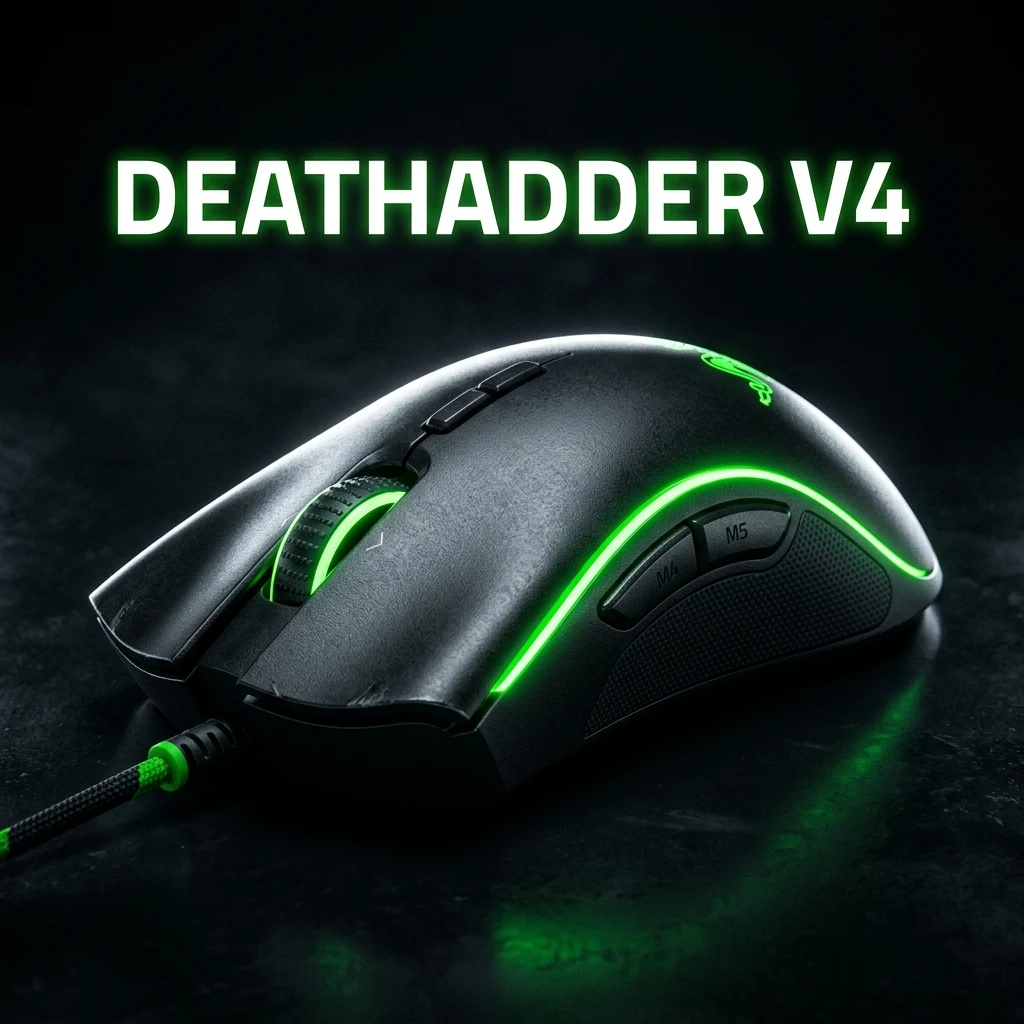
Razer DeathAdder V4 Pro Review — Best DPI & Sens Settings
TL;DR
The Razer DeathAdder V4 Pro sets a new benchmark for ergonomic esports mice. Dropping down to 56g while packing the Focus Pro 35K Gen-2 sensor, 3rd-generation optical switches, and native 8000Hz wireless polling, it combines legendary palm-grip comfort with elite tournament-grade tracking precision.
Overview & Key Hardware Specifications
The DeathAdder lineage is the most winning ergonomic mouse shape in competitive gaming history, carrying championships across CS:GO, CS2, Valorant, and League of Legends. With the release of the Razer DeathAdder V4 Pro, Razer has successfully stripped away excess weight while implementing their most sophisticated sensor architecture to date.
| Specification | Razer DeathAdder V4 Pro | DeathAdder V3 Pro (Previous Gen) |
|---|---|---|
| Weight | 56g (Ultra-Lightweight) | 63g |
| Optical Sensor | Focus Pro 35K Gen-2 | Focus Pro 30K Gen-1 |
| Max DPI | 35,000 DPI (1-DPI Step Granularity) | 30,000 DPI (50-DPI Steps) |
| Max Polling Rate | 8000Hz True Wireless (Dongle Included) | 1000Hz (8K Sold Separately) |
| Switches | Optical Mouse Switches Gen-3 (90M Clicks) | Optical Switches Gen-3 |
| Battery Life | Up to 100 hrs (1000Hz) / 20 hrs (8000Hz) | 90 hrs (1000Hz) / 17 hrs (8000Hz) |
| Dimensions | 128.0 mm × 68.0 mm × 44.0 mm | 128.0 mm × 68.0 mm × 44.0 mm |
Ergonomic Evolution: DeathAdder V4 Pro vs. V3 Pro
Unlike the dramatic shape overhaul between the V2 and V3 (which eliminated the flared front wings and lowered the hump), the DeathAdder V4 Pro keeps the beloved refined contour of the V3 while making subtle, high-impact improvements:
- Weight Reduction to 56g: Shaving 7 grams without adding honeycomb perforations brings the V4 Pro into the same weight bracket as flagship symmetrical mice like the Viper V3 Pro and Superlight 2.
- Smooth-Touch Matte Coating: The V4 Pro introduces an improved micro-textured coating that provides superior tackiness when palms sweat, eliminating the immediate need for aftermarket grip tape.
- Included 8K Dongle: The HyperPolling Wireless Dongle is now bundled directly in the box, giving players instant access to 0.125ms polling intervals out of the gate.
Sensor Performance: Focus Pro 35K Gen-2 Under the Microscope
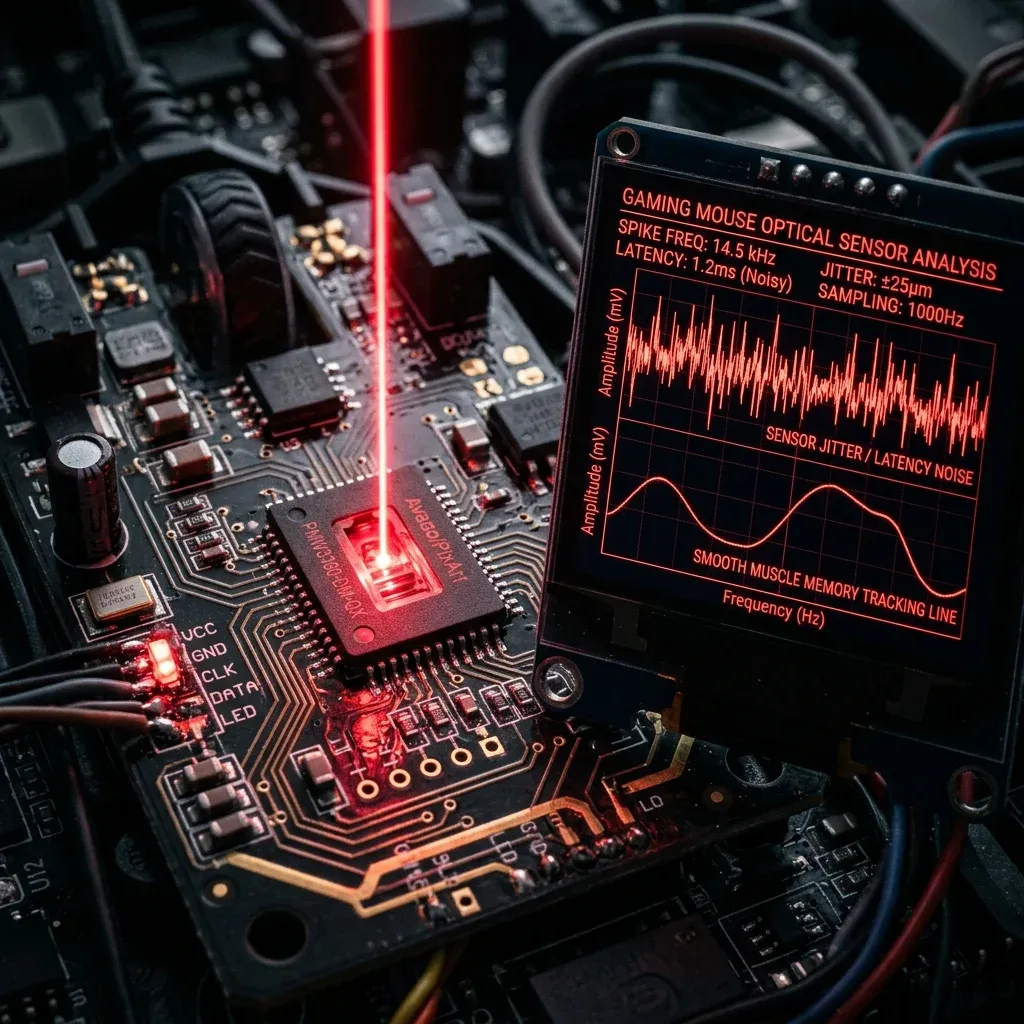
The Focus Pro 35K Gen-2 sensor (developed in partnership with PixArt) is currently the most technically advanced optical sensor on the market. In our tracking benchmarks:
- Zero Smoothing & Zero Jitter: Up to 16,000 DPI, raw sensor output exhibits zero algorithmic smoothing or latency penalties.
- True 1-DPI Step Tuning: Unlike older sensors that only allow increments of 50 or 100 DPI, the Focus Pro 35K allows you to match your exact hardware sensitivity down to the single digit (e.g., exactly 793 DPI).
- Dynamic Motion Sync: Synchronizes sensor report packets with your PC's USB polling clock, ensuring perfectly uniform interval data delivery to your game engine.
Best DPI & Sensitivity Settings by Game
Because the DeathAdder V4 Pro operates with zero sensor latency at 8000Hz, running higher DPI values (1600 or 3200 DPI) reduces initial hardware input delay without causing jitter. Below are the recommended professional settings across major competitive titles:
| Game | Recommended DPI | In-Game Sensitivity | eDPI / cm/360 | Target Playstyle |
|---|---|---|---|---|
| Valorant | 1600 DPI | 0.175 | 280 eDPI (46.2 cm/360) | Precision Headshot Tapping |
| CS2 | 800 DPI | 1.00 | 800 eDPI (51.9 cm/360) | Crosshair Placement & Spray |
| Apex Legends | 1600 DPI | 0.75 | 1200 eDPI (34.6 cm/360) | High-Speed Reactive Tracking |
| Overwatch 2 | 1600 DPI | 2.50 | 4000 eDPI (34.6 cm/360) | Hitscan & Tracer Tracking |
Grip Style Compatibility: Palm vs. Claw
The DeathAdder V4 Pro's elevated left arch and gentle right-side flare are engineered specifically for:
- Palm Grip (10/10): The highest comfort rating in gaming. Full contact with the palm reduces hand fatigue over marathon scrim sessions.
- Relaxed Claw Grip (9/10): The subtle mid-body waist allows the index and middle fingers to curl naturally while the rear hump stabilizes the base of the thumb.
- Fingertip Grip (5/10): Due to its 128mm length and 44mm height, pure fingertip players with smaller hands will find micro-vertical adjustments constrained compared to a Viper Mini or G-Wolves HTS+.
Software Setup in Razer Synapse
To extract maximum performance from your DeathAdder V4 Pro, configure these settings in Razer Synapse:
- Polling Rate: Set to 4000Hz or 8000Hz if your PC runs an Intel Core i7/i9 13th+ Gen or AMD Ryzen 7000/9000 series CPU. On older hardware, 2000Hz or 4000Hz avoids micro-stutters.
- Asymmetric Cut-off: Set Lift-off Distance to Low (1mm) and Landing Distance to 1mm to ensure crisp crosshair cut-off when resetting your mouse during wide swipes.
- Motion Sync: Enabled by default. Keeps sensor packet delivery locked to your display refresh cycle.
Verify your sensor tracking and calculate your exact game-to-game sensitivity matches using our Universal Sensitivity Converter and DPI Analyzer.
Frequently Asked Questions
Frequently Asked Questions
What DPI do pros use on the DeathAdder V4 Pro?
Professional esports players predominantly run 800 DPI or 1600 DPI on the DeathAdder V4 Pro. Running 1600 DPI is increasingly popular because it minimizes initial click-to-motion latency without adding any sensor jitter on the Focus Pro 35K sensor.
Is the V4 Pro good for claw grip?
Yes, especially for relaxed claw grip. While it is an ergonomic right-handed mouse, its refined narrower waist and reduced 56g weight make it exceptionally agile for claw players with medium to large hands (18cm+).
🎯 Lock In Perfect 1:1 Aim & Pro Consistency
Tired of daily aim inconsistency? Calibrate your physical cm/360, scope matching, and sensor latency. Get the complete Precision Aim System (4-Part Technical Manifestos) today for only $9.00 USD!
Unlock Elite Precision ($9) ⚡Dalto Outlier
Creator, DCPROSENSDalto built DCPROSENS to help competitive FPS players convert sensitivity, calibrate DPI, and keep their aim consistent across games.