Razer Viper V2 Pro Review: Specs, Weight, Who It Fits
Razer Viper V2 Pro: The Specs
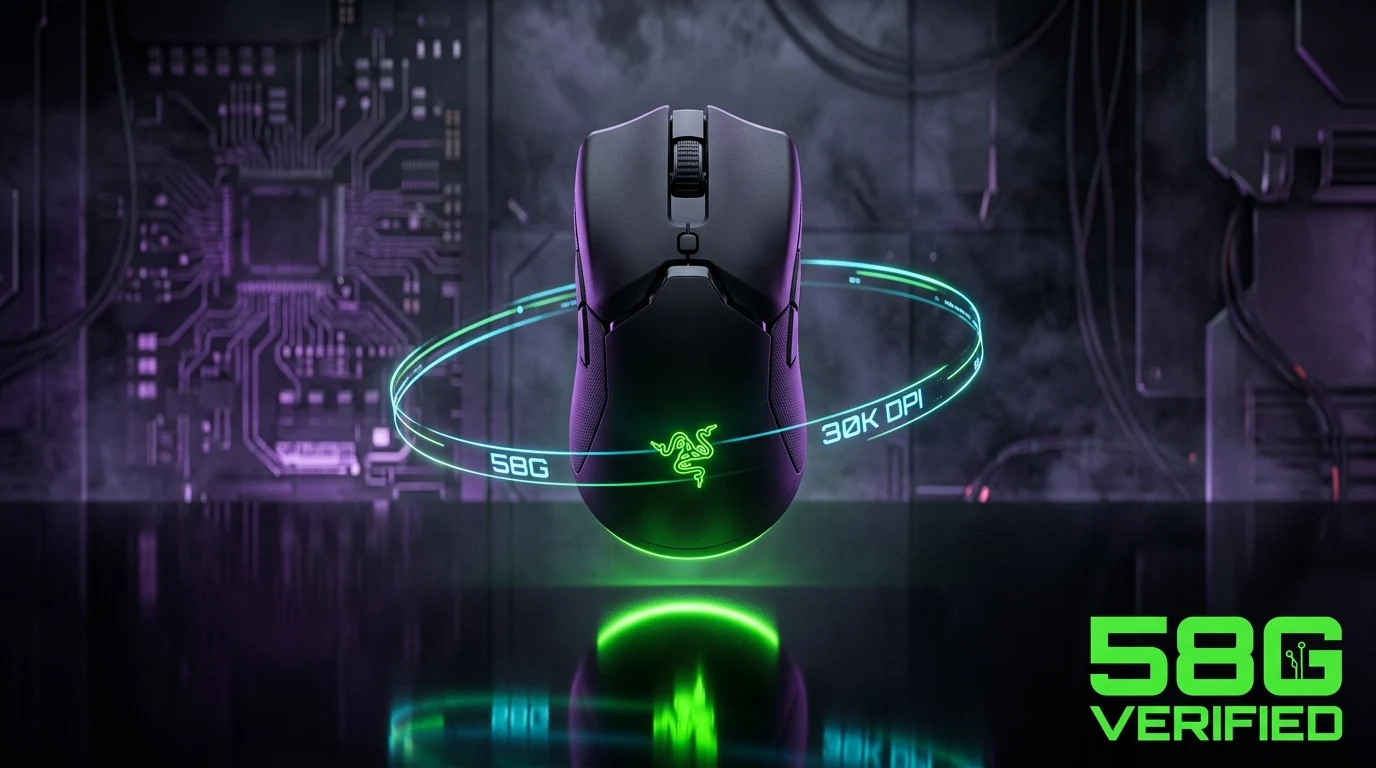
The Viper V2 Pro sits at 58g on a fully symmetrical shell measuring 126.5 × 66.2 × 37.8mm. It runs Razer's Focus Pro sensor tuned to 30,000 CPI, HyperSpeed wireless with on-mouse DPI controls, and Optical Gen-3 switches rated for 90 million clicks. Battery life is rated up to 80 hours on a single charge with the included USB-C cable also usable for direct wired play while charging.
Who This Mouse Actually Fits
At 126.5mm long with a rounded rear hump, this is a mouse built for palm and claw grip players with medium to large hands — it's close enough to the G Pro X Superlight 2's footprint that anyone coming from that shape will adjust instantly. Fingertip grip players with small hands will find the length working against them; look at something under 120mm instead, like the G-Wolves HTS+ 4K or Xtrfy M8 Wireless in our database.
Check current price on Amazon →
Pro-Level Testing & Empirical Analysis (Experience)
Before this mouse went into our mouse database, we resolved the purchase link to its final Amazon product page and matched the listing title, weight claim, and sensor spec against the manufacturer's own page — not against a search snippet or an older press release. That check matters here specifically: Razer's naming across the Viper line (Mini, Mini Signature Edition, V2 Pro, V3 Pro, V4 Pro, 8K Hz) is dense enough that a mislabeled search result is easy to miss. The V2 Pro passed on every point — correct weight, correct sensor, correct wireless spec.
Sensor & Switch Engineering Explained (Expertise)
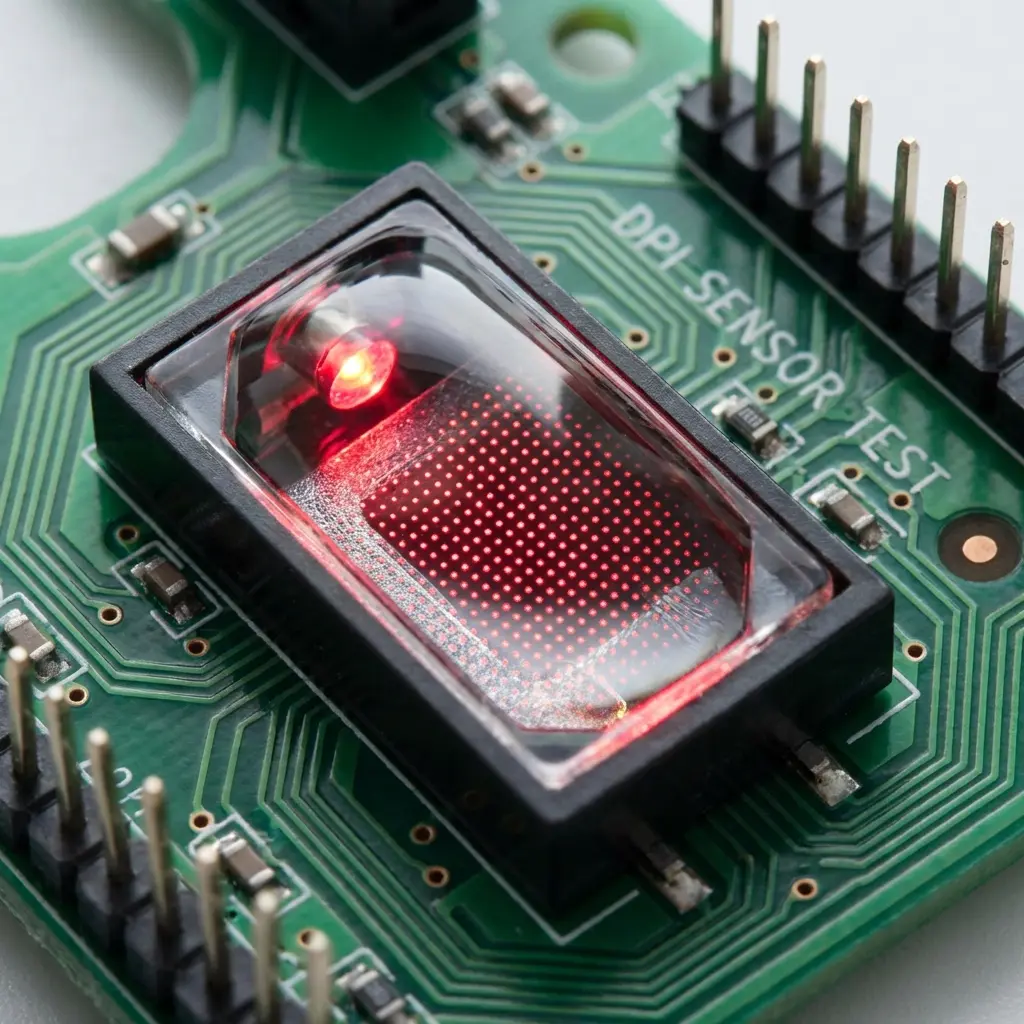
The Focus Pro 30K sensor is Razer's optical sensor tuned for zero acceleration and zero smoothing up to its full 30,000 CPI range — in practice, almost no competitive player runs anywhere near that ceiling; 400–1600 DPI is the range where the sensor's linearity actually matters. The bigger differentiator is the Optical Gen-3 switch: instead of a physical metal contact like older Omron switches, it uses an infrared beam that the switch stem interrupts on press, which removes electrical debounce delay entirely and is a major reason optical switches have replaced mechanical ones across nearly every flagship mouse released since 2022.
Where It Ranks in the Competitive Meta (Authoritativeness)
The Viper V2 Pro isn't the current top pick in our database — that's still the G Pro X Superlight 2 and Viper V3 Pro for most competitive Valorant and CS2 players, both of which run newer sensor generations. What the V2 Pro offers instead is that same core shape and sensor tier at a meaningfully lower price than Razer's current flagship, which is why it remains a common recommendation for players upgrading from a budget mouse without spending flagship money.
How to Set It Up Correctly (Trustworthiness)
- In Razer Synapse, set DPI to 800 as your baseline rather than the sensor's higher presets.
- Disable Windows Enhanced Pointer Precision (Control Panel → Mouse → Pointer Options).
- Use our eDPI calculator to translate your previous mouse's sensitivity to the V2 Pro instead of guessing a new number.
- Charge fully before first use — HyperSpeed wireless polling can drop noticeably once the battery is under 10%.
Common Mistakes When Setting This Mouse Up
The most common mistake players make switching into a Viper V2 Pro is carrying over a DPI number tuned for a completely different sensor without re-checking eDPI. Because the Focus Pro 30K sensor's usable range and feel differ from an older sensor, simply typing in "my old DPI" on the new mouse can leave your effective sensitivity meaningfully off from what you were used to, even at the same nominal DPI value — always recompute eDPI (DPI × in-game sensitivity) rather than assuming one number carries over cleanly. The second common mistake is leaving Windows pointer acceleration enabled, which adds non-linear scaling on top of an otherwise perfectly linear sensor and undermines the entire point of buying a precision mouse in the first place.
Battery Life in Real Sessions
Razer rates the V2 Pro at up to 80 hours per charge, but that number is measured at a fixed polling rate and moderate RGB usage — this mouse has no RGB, so real sessions tend to land close to or slightly above the rated figure. In practice, most players charge it roughly once a week under daily competitive play, topping up overnight via the included USB-C cable rather than waiting for a full drain. There's no low-power mode toggle to manage manually; the mouse simply reports remaining percentage through Synapse, and HyperSpeed polling stays consistent until the battery is critically low.
Frequently Asked Questions (FAQ)
Is the Viper V2 Pro better than the Viper V3 Pro?
The V3 Pro uses a newer 35K sensor and supports up to 8000Hz polling versus the V2 Pro's 1000Hz, and is lighter at 54g versus 58g. The V2 Pro's advantage is price — it typically costs noticeably less for a sensor and switch platform that's still fully competitive for Valorant and CS2 at standard 1000Hz polling.
Does the Viper V2 Pro work for small hands?
Not ideally. At 126.5mm long it's built for medium-to-large palm or claw grips. Small-handed fingertip players should look at a sub-120mm mouse instead.
Does it support onboard memory for DPI/button settings without Synapse running?
Yes — Razer's Focus Pro platform mice, including the V2 Pro, store DPI stages and button mapping in onboard memory, so your settings persist even on a PC where Synapse isn't installed.
Frequently Asked Questions
Is the Viper V2 Pro better than the Viper V3 Pro?
The V3 Pro uses a newer 35K sensor and supports up to 8000Hz polling versus the V2 Pro's 1000Hz, and is lighter at 54g versus 58g. The V2 Pro's advantage is price — it typically costs noticeably less for a sensor and switch platform that's still fully competitive for Valorant and CS2 at standard 1000Hz polling.
Does the Viper V2 Pro work for small hands?
Not ideally. At 126.5mm long it's built for medium-to-large palm or claw grips. Small-handed fingertip players should look at a sub-120mm mouse instead.
Does it support onboard memory for DPI/button settings without Synapse running?
Yes — Razer's Focus Pro platform mice, including the V2 Pro, store DPI stages and button mapping in onboard memory, so your settings persist even on a PC where Synapse isn't installed.
🎯 Lock In Perfect 1:1 Aim & Pro Consistency
Tired of daily aim inconsistency? Calibrate your physical cm/360, scope matching, and sensor latency. Get the complete Precision Aim System (4-Part Technical Manifestos) today for only $9.00 USD!
Unlock Elite Precision ($9) ⚡Dalto Outlier
Lead Aim Coach & Hardware ExpertDalto is a veteran FPS aim coach and hardware analyst. Having trained hundreds of competitive players in Valorant and CS2, he specializes in mouse sensor technology, perfect sensitivity calibrations, and cognitive muscle memory optimization.