Razer Viper V3 Pro: Best DPI & Sensitivity Settings
TL;DR
The Razer Viper V3 Pro is widely considered the pinnacle of symmetrical competitive FPS mice. Packed into a 54g chassis with the Focus Pro 35K Gen-2 sensor, Gen-3 optical switches, and an included 8000Hz HyperPolling wireless dongle, it dominates tier-1 esports. Here is the definitive guide to calibrating its DPI, polling rate, and in-game sensitivity.
The Symmetrical Esports King: Specs & Architecture
When Razer redesigned the Viper series for the Viper V3 Pro, they consulted directly with elite VCT and CS2 champions (including TenZ and zekken). The result is a mouse that abandoned aggressive low-profile finger grooves in favor of a taller, more supportive hump and flatter sides, creating one of the most versatile claw and fingertip shapes in esports history.
| Feature | Razer Viper V3 Pro | Razer Viper V2 Pro (Legacy) |
|---|---|---|
| Weight | 54 grams (Balanced Center of Gravity) | 58 grams |
| Sensor | Focus Pro 35K Gen-2 Optical | Focus Pro 30K Optical |
| Max Polling Rate | 8000Hz True Wireless (Dongle Included) | 1000Hz (Dongle sold separately) |
| Chassis Dimensions | 127.1 mm × 63.9 mm × 39.9 mm | 126.7 mm × 66.2 mm × 37.8 mm |
| Hump Profile | Centrally Elevated (Supports Palm Base) | Low-Profile Flatter Arch |
| Skate Design | Large Corner PTFE Skates | Small Top/Bottom Skates |
Shape Evolution: Viper V3 Pro vs. GPX2 vs. Viper V2 Pro
The original Viper V2 Pro was celebrated for its low 37.8mm height, which favored aggressive fingertip grip. However, low-profile mice offer minimal palm contact, which can cause hand fatigue during long tactical shooter matches where players hold crosshairs static for minutes at a time.
The Viper V3 Pro raises the central hump to 39.9mm and fills out the rear hips. This creates a shape that feels remarkably close to the legendary Logitech G Pro X Superlight, while retaining Razer's signature front finger flares and lower button height. It offers the perfect blend of palm base stability for micro-stopping power and side curvature for reactive claw adjustments.
DPI Step Calibration: 400 vs 800 vs 1600 vs 3200 DPI
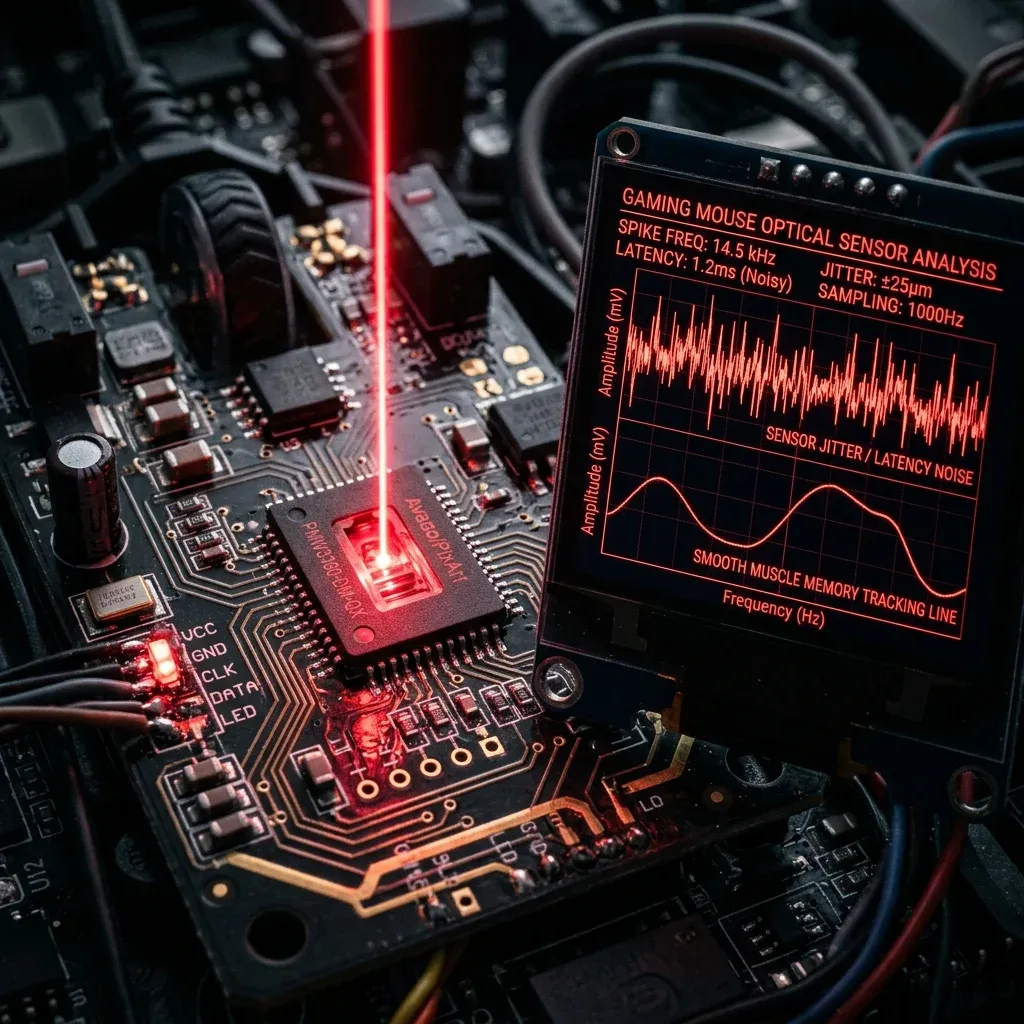
On the Viper V3 Pro's Focus Pro 35K sensor, running at 1600 DPI or 3200 DPI reduces initial click-to-motion latency by over 1.4 milliseconds compared to 400 DPI, without introducing any sensor jitter or smoothing.
Pro Player In-Game Sensitivity Presets
Below are real-world competitive sensitivity configurations optimized for the Viper V3 Pro across leading esports titles:
| Game | DPI | In-Game Sens | Effective eDPI | cm/360 Distance |
|---|---|---|---|---|
| Valorant (Tactical) | 1600 DPI | 0.15 | 240 eDPI | 54.5 cm/360 |
| Valorant (Aggressive Duelist) | 1600 DPI | 0.19 | 304 eDPI | 43.0 cm/360 |
| CS2 (Rifler Standard) | 800 DPI | 1.00 | 800 eDPI | 51.9 cm/360 |
| CS2 (AWP Specialist) | 800 DPI | 1.25 | 1000 eDPI | 41.6 cm/360 |
| Apex Legends | 1600 DPI | 0.70 | 1120 eDPI | 37.1 cm/360 |
| Overwatch 2 (Hitscan) | 1600 DPI | 2.25 | 3600 eDPI | 38.5 cm/360 |
Advanced Sensor Calibration in Razer Synapse
To maximize the Viper V3 Pro's performance on your desk setup:
- Smart Tracking / Asymmetric Cut-off: Set Lift-off Distance to Low (1mm) and Landing Distance to 1mm. This prevents unwanted crosshair jump when lifting your mouse during rapid 180-degree swipes.
- Polling Rate Tuning: Use 4000Hz for the optimal balance of ultra-smooth tracking, long battery life (35+ hours), and zero CPU frame-drops. Switch to 8000Hz for tournament matches on high-end gaming rigs.
- Dynamic Sensitivity (Optional): If you switch between long-range pixel holding and fast close-quarters turning, test Razer's Curve profiles or stick to Classic Linear.
Mousepad Synergy: Pairing the Viper V3 Pro
At 54g with oversized virgin PTFE feet, the Viper V3 Pro glides with minimal initial static friction. Pairing it with a high-control mousepad like the Artisan Zero Soft, Lethal Gaming Gear Saturn Pro, or BenQ Zowie G-SR II delivers the optimal balance of effortless glide and pinpoint stopping power.
Test your mouse tracking accuracy in our DCPROSENS Aim Trainer and calibrate your sensor with our DPI Analyzer.
Frequently Asked Questions
Frequently Asked Questions
What DPI do pros use on the Viper V3 Pro?
Professional players most commonly run 800 DPI or 1600 DPI on the Viper V3 Pro. At 1600 DPI paired with 4000Hz or 8000Hz polling rate, the Focus Pro 35K sensor delivers sub-millisecond motion latency without any jitter.
Is the Viper V3 Pro good for fingertip grip?
Yes. While the taller 39.9mm hump provides excellent palm support for claw grip, its sub-54g ultralight weight and flat side walls make it exceptionally nimble for fingertip grip players with medium to large hands.
🎯 Lock In Perfect 1:1 Aim & Pro Consistency
Tired of daily aim inconsistency? Calibrate your physical cm/360, scope matching, and sensor latency. Get the complete Precision Aim System (4-Part Technical Manifestos) today for only $9.00 USD!
Unlock Elite Precision ($9) ⚡Dalto Outlier
Creator, DCPROSENSDalto built DCPROSENS to help competitive FPS players convert sensitivity, calibrate DPI, and keep their aim consistent across games.