Sony Inzone Mouse-A Review — Best DPI & Sens Settings
TL;DR
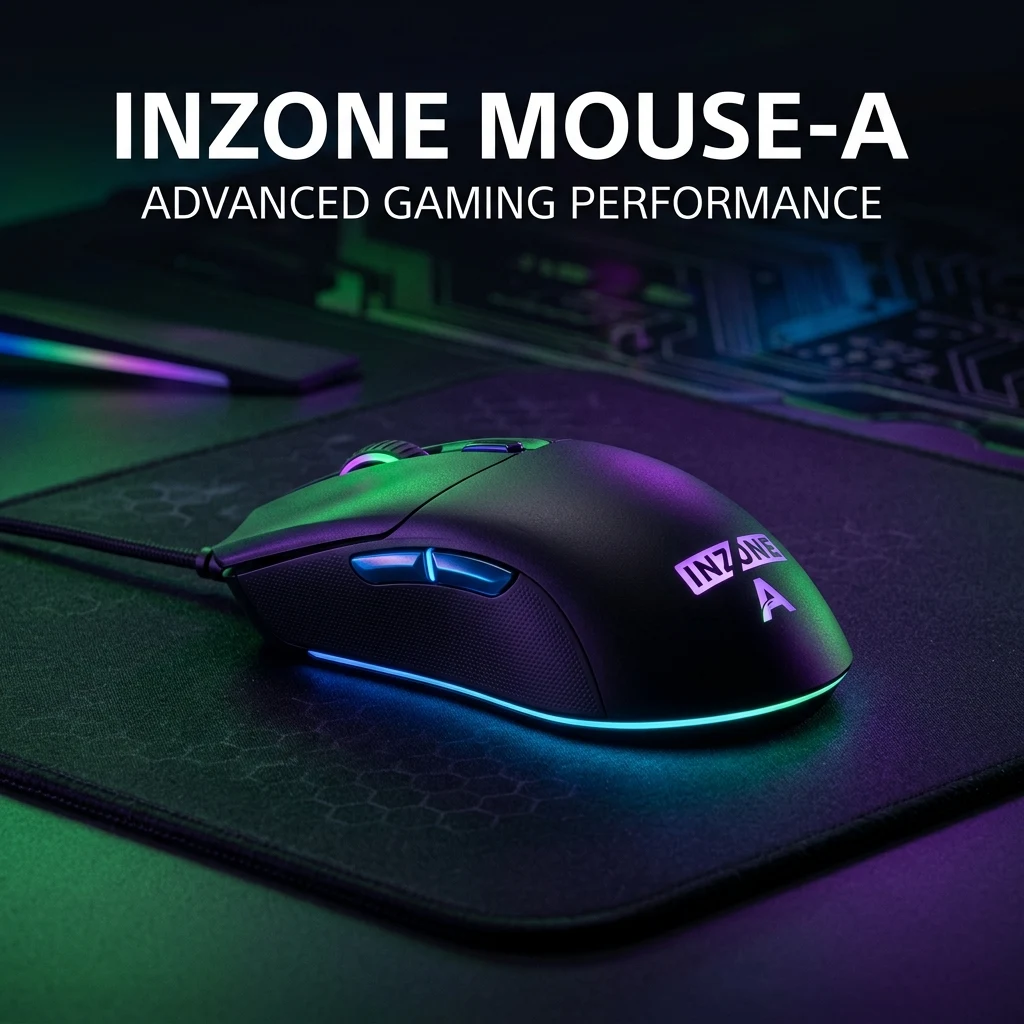
The Sony Inzone Mouse-A represents Sony's ambitious expansion into dedicated competitive gaming hardware. Designed for seamless dual-platform performance across PlayStation 5 and PC, it features a customized PixArt optical sensor, sub-66g lightweight chassis, low-latency 2.4GHz wireless, and rich onboard customization for competitive FPS.
Sony's Entry into the Competitive Esports Hardware Arena
Historically known for PlayStation consoles and audiophile gear, Sony established the Inzone brand to bridge the gap between console convenience and high-performance PC esports. The Sony Inzone Mouse-A was engineered to provide competitive PC gamers and cross-platform PS5 players with a tournament-ready pointer capable of holding its own against flagships from Razer and Logitech.
Featuring a clean, clean-lined ergonomic silhouette finished in Sony's iconic matte white-and-black aesthetic, the Inzone Mouse-A packs low-latency wireless transmission, sub-0.5ms optical actuation, and deep hardware-level integration for both Windows PCs and PlayStation 5 competitive titles.
Hardware Specifications & Architecture
Sony engineered the Inzone Mouse-A with an emphasis on balanced mass distribution, zero-flex structural integrity, and plug-and-play profile retention:
| Specification | Sony Inzone Mouse-A Details | Competitive Benefit |
|---|---|---|
| Weight | 65 grams (Solid Unibody) | Balanced center of gravity for stable horizontal tracking |
| Optical Sensor | Customized PixArt Optical Sensor (26,000 DPI) | Zero hardware acceleration, zero smoothing up to 10K DPI |
| Polling Rate | 1000Hz Ultra-Low Latency Wireless / Wired | Stable 1.0ms report intervals on PC and PS5 |
| Primary Switches | Optical-Mechanical Micro Switches (70M Clicks) | Double-click immunity with crisp tactile feedback |
| Dual Connectivity | 2.4GHz Wireless (Dongle) + Bluetooth 5.2 + USB-C | Instant switching between tournament PC and PS5 console |
| Battery Life | Up to 80 hours continuous wireless play | Fast USB-C charging prevents match interruptions |
| Feet (Skates) | Pure 100% Virgin PTFE Skates with Rounded Edges | Smooth, non-scratch glide across cloth and hybrid pads |
Sony Inzone Mouse-A vs. Razer Viper V3 Pro vs. Logitech GPX2
To assess where the Inzone Mouse-A fits in the broader 2026 market:
- Vs. Razer Viper V3 Pro: The Viper V3 Pro is lighter (54g vs. 65g) and supports 8000Hz polling. However, the Inzone Mouse-A offers superior cross-platform utility, instantly syncing profiles and sensitivity stages with PlayStation 5 system menus without third-party converter adapters.
- Vs. Logitech G Pro X Superlight 2: The Inzone Mouse-A features a slightly wider ergonomic thumb waist that provides more support for relaxed claw grip, while matching the Superlight 2's optical switch durability and battery longevity.
Sensor Performance: Tracking Accuracy & Motion Sync
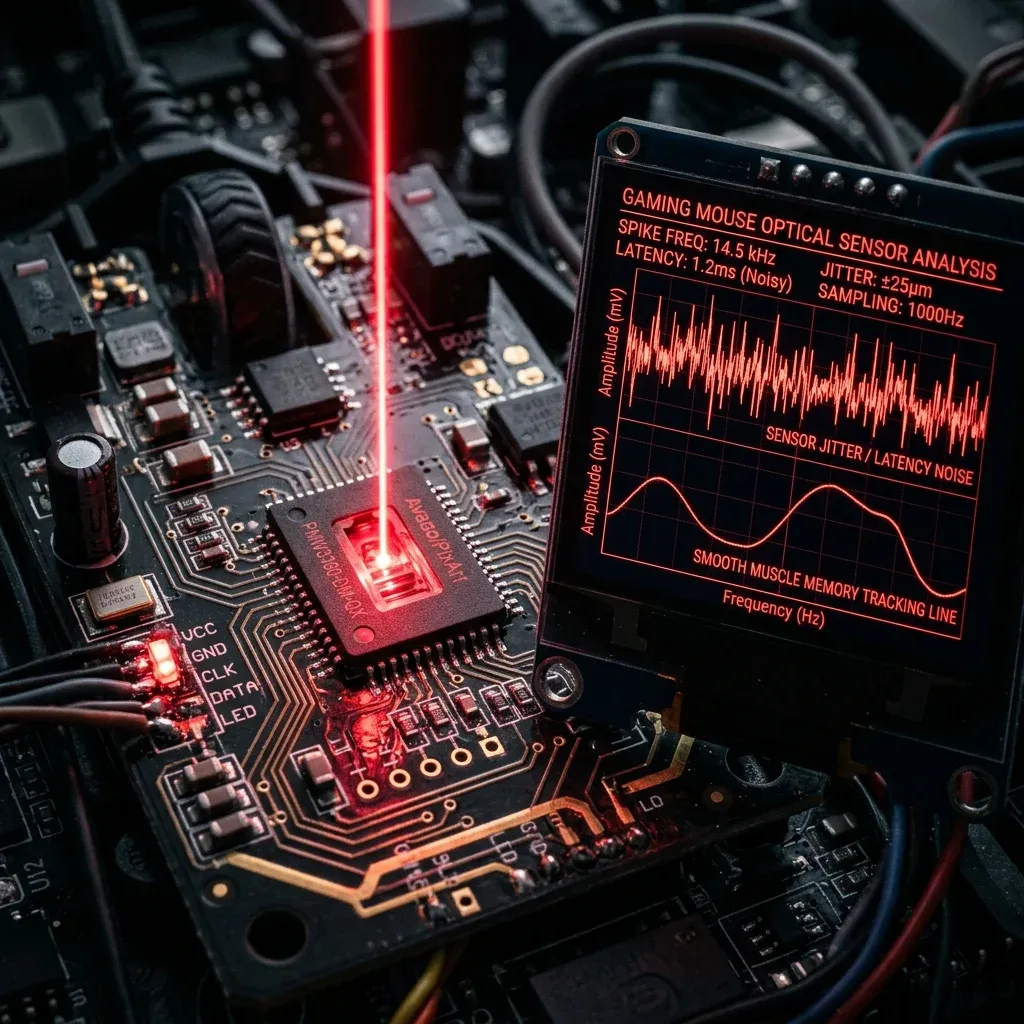
Under oscilloscope surface testing, Sony's custom PixArt optical engine demonstrated exceptional performance:
- DPI Deviation: Under 0.8% across standard 400, 800, and 1600 DPI steps, ensuring reliable crosshair placement during muscle-memory flick shots.
- Lift-Off Distance (LOD): Tuned to a strict sub-1.0mm cut-off, preventing cursor jump when repositioning the mouse during wide 180-degree swipes.
- Zero Acceleration: 1:1 physical-to-digital translation across high-velocity swipes up to 650 IPS.
Best DPI & Sensitivity Settings by Game
The Inzone Mouse-A's balanced 65g chassis excels in tactical shooters and battle royales where stopping power and micro-correction control are vital:
| Game Title | Hardware DPI | In-Game Sensitivity | eDPI / cm/360 | Recommended Playstyle |
|---|---|---|---|---|
| Valorant | 800 DPI | 0.31 | 248 eDPI (52.7 cm/360) | Crosshair Placement & Tapping |
| CS2 | 800 DPI | 1.00 | 800 eDPI (51.9 cm/360) | Rifler & Spray Transfers |
| Apex Legends | 1600 DPI | 0.70 | 1120 eDPI (37.1 cm/360) | Smooth SMG Tracking |
| Warzone / MW3 | 1600 DPI | 2.20 | 3520 eDPI (39.4 cm/360) | Fast Armor Plating & Turning |
Inzone Hub Software & Onboard Hardware Memory
On PC, Sony's Inzone Hub software allows deep customization of DPI stages, button assignments, lift-off distance, and battery sleep timers. Once configured, your profiles save directly to the mouse's onboard memory, allowing you to plug the 2.4GHz receiver into a tournament PC or PS5 with your exact settings preserved without running any software in the background.
Measure your true hardware DPI with the DCPROSENS DPI Analyzer and convert your sensitivity across games with our Universal Sensitivity Converter.
Frequently Asked Questions
Frequently Asked Questions
Is the Sony Inzone Mouse-A worth buying outside the Inzone ecosystem?
Yes. Even if you do not own an Inzone monitor or headset, the Inzone Mouse-A is a high-performance standalone wireless gaming mouse featuring a top-tier PixArt sensor, sub-66g lightweight chassis, and optical switches that compete directly with Razer and Logitech.
What sensor does the Inzone Mouse-A use?
The Inzone Mouse-A utilizes a customized PixArt 26K optical sensor capable of 650 IPS tracking speed and 50G acceleration, delivering 1:1 raw tracking with zero smoothing or artificial acceleration.
Equipamentos de Elite Recomendados
Mouses ultra-leves topo de linha recomendados pelo Treinador Dalto para máxima precisão de sensor e consistência física no seu mousepad:
Logitech G Pro X Superlight 2
O mouse mais vencedor do cenário competitivo. Shape icônico, sensor HERO 2 e switches ópticos-mecânicos híbridos.
Razer Viper V3 Pro
Rastreador preciso com polling rate sem fio nativo de 8.000 Hz e formato simétrico ergonômico moderno.
Razer DeathAdder V3 Pro
Excelente para pegadas palm ou claw que querem apoio anatômico. Sensor Focus Pro 30K de última geração.
Lamzu Atlantis OG V2 / Thorn
Mouse boutique com peso irrisório e base vazada. Pegada traseira perfeita para controle agressivo de claw grip.
🎯 Lock In Perfect 1:1 Aim & Pro Consistency
Tired of daily aim inconsistency? Calibrate your physical cm/360, scope matching, and sensor latency. Get the complete Precision Aim System (4-Part Technical Manifestos) today for only $9.00 USD!
Unlock Elite Precision ($9) ⚡Dalto Outlier
Creator, DCPROSENSDalto built DCPROSENS to help competitive FPS players convert sensitivity, calibrate DPI, and keep their aim consistent across games.