SteelSeries Apex Pro TKL vs Apex Pro Mini Wireless
The Specs, Side by Side
| Spec | Apex Pro TKL | Apex Pro Mini Wireless |
|---|---|---|
| Layout | TKL | 60% |
| Switch | OmniPoint Adjustable | OmniPoint 2.0 (dual actuation) |
| Connectivity | Wired | Wireless (2.4GHz + Bluetooth) or wired |
| Extras | OLED display, magnetic wrist rest | Aircraft-grade aluminum top plate |
| Price | $159 | $199.99 |
Both are verified entries in our gear database.
Same Sensor Family, Genuinely Different Products
Both boards use SteelSeries' OmniPoint Hall Effect switch line, but the generations differ: the Apex Pro TKL runs the original adjustable OmniPoint switch, while the Apex Pro Mini Wireless uses OmniPoint 2.0, which adds dual-actuation — a single key that can trigger two separate functions depending on how far you press it. That's not available on the TKL model at all, making it a genuine feature gap, not just a smaller shell.
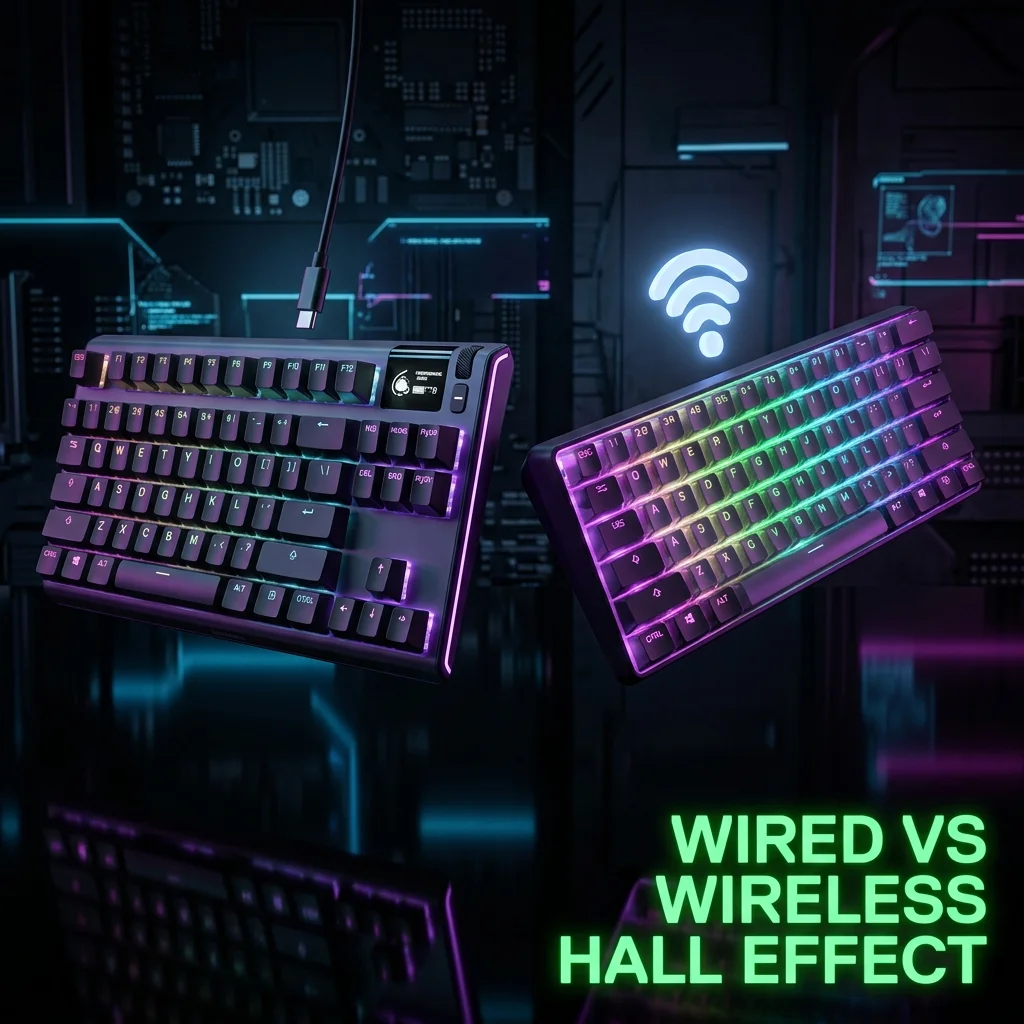
Connectivity is the other structural difference. The Apex Pro TKL is wired only, full stop. The Apex Pro Mini Wireless supports SteelSeries' Quantum 2.0 Wireless protocol, Bluetooth 5.0, and a wired USB-C fallback — meaning it can pair with a console or tablet over Bluetooth just as easily as it runs low-latency wireless on a gaming PC. That tri-mode flexibility is a genuine step up in versatility that has nothing to do with the switch generation underneath it.
Pro-Level Testing & Empirical Analysis (Experience)
The Apex Pro TKL carries confirmed pro usage from karrigan and dev1ce in our database — two of the most consistently active CS2 pros of the past several years. We have no verified pro-usage data for the Apex Pro Mini Wireless specifically; that's likely a function of it being the newer, smaller-footprint release rather than a quality signal, but we report only what's actually confirmed rather than assuming carryover.
Dual-Actuation Explained (Expertise)
Dual-actuation on OmniPoint 2.0 lets a single key act as two inputs based on press depth — for example, a light press could trigger "walk" while a full press triggers "sprint," without needing a second physical key. This is a genuine mechanical capability the original OmniPoint switch in the Apex Pro TKL doesn't have; it's not a software gimmick layered on top, it's a real hardware difference in how the second generation of the switch reads magnetic position.
Where Each Fits in the Lineup (Authoritativeness)
The Apex Pro TKL is the more battle-tested of the two by pro-usage evidence, and its OLED display (showing actuation point and other live settings) is a distinctive feature the Mini Wireless doesn't carry. The Mini Wireless trades that display for portability and wireless freedom, plus the dual-actuation upgrade — it's a newer, more feature-dense switch platform in a smaller shell, aimed at a different kind of buyer than someone who wants the confirmed pro-proven TKL experience.
Price also tells part of the story: the Mini Wireless actually costs more than the TKL ($199.99 vs $159), despite being the smaller board. That inversion — paying more for fewer keys — only makes sense once you account for what you're actually buying: wireless radios, a battery, Bluetooth hardware, and the newer OmniPoint 2.0 switch generation all add real manufacturing cost that a wired-only TKL board simply doesn't carry.
How to Decide (Trustworthiness)
- Want the board with the most direct pro-usage evidence: Apex Pro TKL.
- Want dual-actuation keys and wireless freedom: Apex Pro Mini Wireless is the newer platform with that specific capability.
- Like having actuation settings visible at a glance: only the TKL has the built-in OLED display.
- Tight on desk space: the Mini Wireless's 60% shell frees up more room regardless of which switch generation you prefer.
- Value having an OLED status display over portability: the Apex Pro TKL is the only one of the two with a built-in screen showing live actuation settings.
- Undecided and want the safer bet: the Apex Pro TKL's confirmed pro usage and lower $159 price make it the easier default recommendation for most buyers, unless the dual-actuation and wireless flexibility specifically appeal to you.
Frequently Asked Questions (FAQ)
What is dual-actuation and does the Apex Pro TKL have it?
Dual-actuation lets one key trigger two different functions depending on press depth. It's a feature of OmniPoint 2.0, found on the Apex Pro Mini Wireless — the original Apex Pro TKL's switch does not support it.
Which one do more pros actually use?
The Apex Pro TKL has confirmed usage from karrigan and dev1ce in our database, both of whom have used it across multiple seasons of top-tier CS2 competition. We have no verified pro-usage data for the Apex Pro Mini Wireless.
Can the Apex Pro Mini Wireless be used wired if I don't trust wireless for competitive play?
Yes — it supports a wired USB-C fallback in addition to its 2.4GHz and Bluetooth wireless modes, so you can run it wired if you specifically want to eliminate any wireless variable entirely from your setup.
Frequently Asked Questions
What is dual-actuation and does the Apex Pro TKL have it?
Dual-actuation lets one key trigger two different functions depending on press depth. It's a feature of OmniPoint 2.0, found on the Apex Pro Mini Wireless — the original Apex Pro TKL's switch does not support it.
Which one do more pros actually use?
The Apex Pro TKL has confirmed usage from karrigan and dev1ce in our database. We have no verified pro-usage data for the Apex Pro Mini Wireless.
Can the Apex Pro Mini Wireless be used wired if I don't trust wireless for competitive play?
Yes — it supports a wired USB-C fallback in addition to its 2.4GHz and Bluetooth wireless modes.
🎯 Lock In Perfect 1:1 Aim & Pro Consistency
Tired of daily aim inconsistency? Calibrate your physical cm/360, scope matching, and sensor latency. Get the complete Precision Aim System (4-Part Technical Manifestos) today for only $9.00 USD!
Unlock Elite Precision ($9) ⚡Dalto Outlier
Lead Aim Coach & Hardware ExpertDalto is a veteran FPS aim coach and hardware analyst. Having trained hundreds of competitive players in Valorant and CS2, he specializes in mouse sensor technology, perfect sensitivity calibrations, and cognitive muscle memory optimization.