SteelSeries' $45 Rival 3 Gen 2 Has a Sensor That Used to Cost Triple — Is It Actually Worth It?

TL;DR
SteelSeries' Rival 3 Gen 2 lineup pairs an 8,500 DPI TrueMove Core optical sensor with a 77g body and a $34.99 MSRP (commonly listed closer to $40-45 at retail) — a sensor tier that used to be reserved for SteelSeries' pricier Rival models, now sitting in one of the brand's most affordable mice.
A Flagship-Tier Sensor at Budget Pricing
The SteelSeries Rival 3 Gen 2 pairs an 8,500 DPI TrueMove Core optical sensor with a 77g lightweight body, 60-million-click-rated switches, and 100% PTFE feet, at a $34.99 MSRP for the wired version (the wireless Rival 3 Wireless Gen 2 runs $59.99 with an 18,000 DPI TrueMove Air sensor). Street pricing at retailers like Best Buy and Amazon commonly lands closer to $40-45 depending on color and region. TrueMove Core is a sensor tier SteelSeries has historically reserved for pricier Rival models — seeing it anchor one of the brand's cheapest mice is a real shift in what a budget-tier sensor now looks like.
Does It Actually Perform Like a Higher-Tier Mouse?
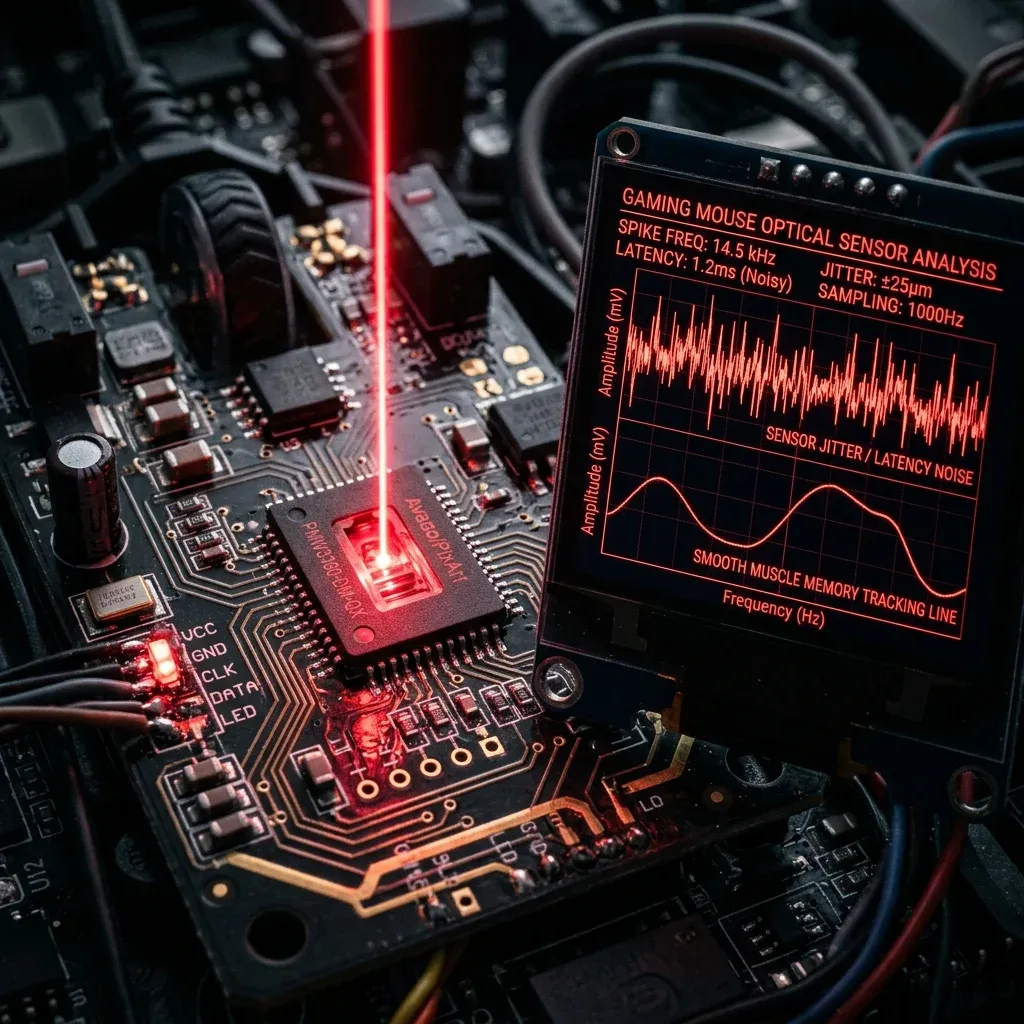
Independent testing from RTINGS and hands-on reviews from outlets like Gaming Trend point to solid, responsive tracking in fast-paced FPS titles, with testers reporting no lag or jitter and tight control across games like Delta Force, Fortnite, and Call of Duty. At 77g, it's genuinely lightweight for a budget mouse, and fits claw or fingertip grip reasonably well for average-sized hands.
Where the Budget Tier Still Shows
Sensor performance isn't the only thing that determines a mouse's ceiling. Budget-tier construction generally means less refined switch feel over years of heavy use, a simpler cable (on the wired model) compared to flagship paracord alternatives, and fewer premium shape options — the Rival 3 Gen 2's shape is a solid general-purpose ergonomic design, not a purpose-built esports shape tuned for claw or fingertip grip specifically.
None of that changes the core verdict on the sensor itself: for players who don't need 20,000+ DPI headroom (almost nobody does in competitive FPS) or a flagship-tier shape, the Rival 3 Gen 2's tracking performance genuinely competes above its price bracket.
Is It Worth It?
As a primary competitive mouse on a tight budget, or a reliable backup/travel mouse alongside a pricier daily driver, yes — the sensor is the part that actually determines your in-game tracking, and it doesn't feel like a $35-45 mouse's sensor. As a long-term flagship replacement for players who care about premium switch feel and cable weight, it's a clear step down from $100+ options.
Dial in your DPI and sensitivity for it with the DCPROSENS DPI analyzer, and compare it directly against other current budget and flagship options with the mouse finder.
Frequently Asked Questions
Frequently Asked Questions
What sensor is in the SteelSeries Rival 3 Gen 2?
The wired Rival 3 Gen 2 uses an 8,500 DPI TrueMove Core optical sensor; the wireless Rival 3 Wireless Gen 2 uses an 18,000 DPI TrueMove Air sensor. Both are sensor tiers SteelSeries has historically used in pricier Rival models.
Can a budget mouse compete with flagship models for FPS?
For raw tracking performance, largely yes — independent testing shows the Rival 3 Gen 2's sensor handles fast-paced FPS titles without lag or jitter. Where budget mice typically fall short of flagships is switch longevity, cable quality on wired models, and shape refinement, not core sensor accuracy.
🎯 Lock In Perfect 1:1 Aim & Pro Consistency
Tired of daily aim inconsistency? Calibrate your physical cm/360, scope matching, and sensor latency. Get the complete Precision Aim System (4-Part Technical Manifestos) today for only $9.00 USD!
Unlock Elite Precision ($9) ⚡Dalto Outlier
Creator, DCPROSENSDalto built DCPROSENS to help competitive FPS players convert sensitivity, calibrate DPI, and keep their aim consistent across games.