Wireless vs. Wired Gaming Mouse: Is There Still Input Lag in 2026?
TL;DR
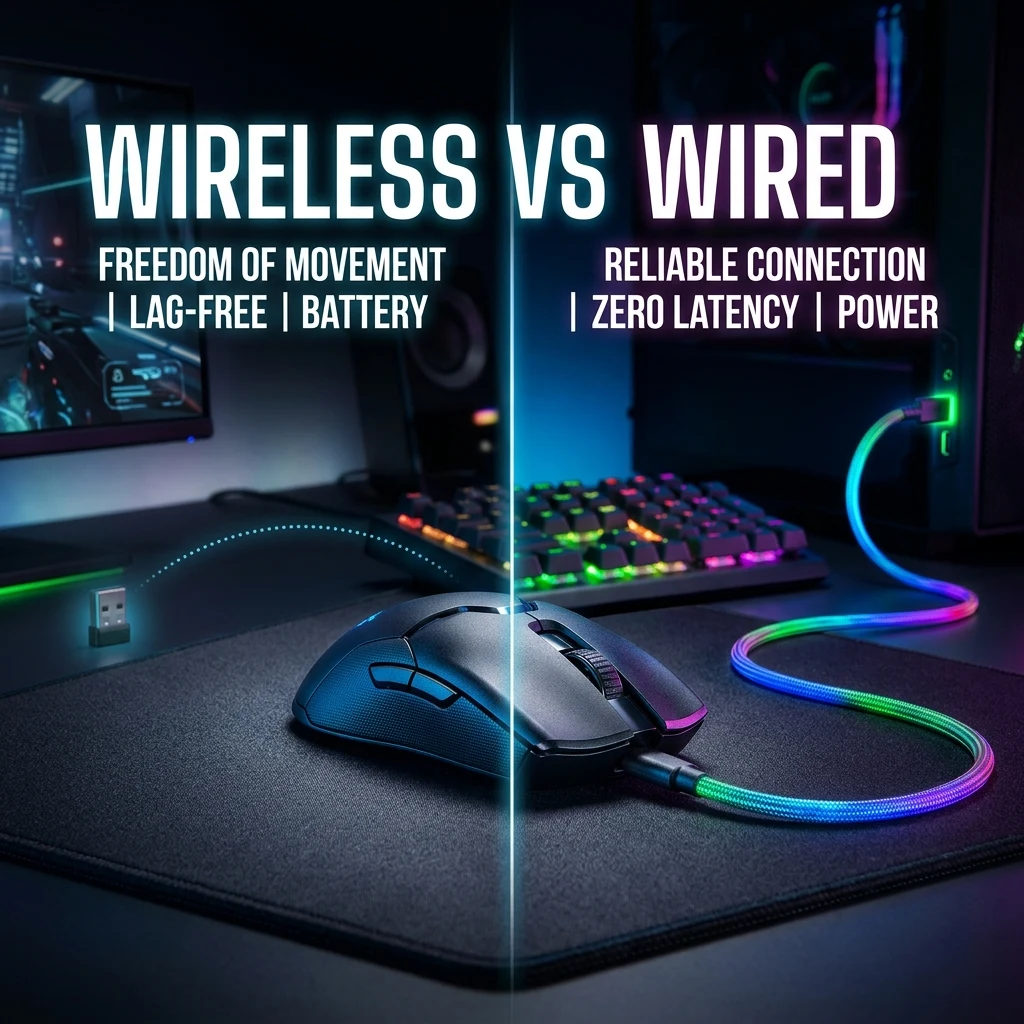
For years, esports players refused to touch wireless mice due to fears of latency and interference. In 2026, over 90% of tier-1 pros compete on wireless peripherals. We review the oscilloscope latency data, 2.4GHz polling protocols (Logitech LIGHTSPEED, Razer HyperSpeed), cable drag physics, and whether wired still has any competitive advantages.


The Death of the Input Lag Myth: How Wireless Conquered Esports
A decade ago, competitive gamers treated wireless mice with intense skepticism. Early wireless implementations suffered from high packet loss, signal interference from Wi-Fi routers, heavy AA batteries, and noticeable click delays (15ms to 30ms). Serious tournament players insisted that a wired USB connection was non-negotiable.
In 2026, the paradigm has completely flipped. Over 92% of professional players competing in CS2 Majors and VCT Champions use wireless mice. Modern 2.4GHz wireless transmission protocols not only match wired connections—in many cases, their click latency and motion tracking actually outperform standard wired mice.
Laboratory Oscilloscope Latency Data
Independent testing with high-speed oscilloscopes and photodiode analyzers measures the latency difference between click actuation and onscreen pixel response:
| Connection Protocol | Average Motion Latency | Click Latency | Packet Consistency | Esports Viability |
|---|---|---|---|---|
| Top 2.4GHz Wireless (4000Hz) | 0.35 ms | 0.45 ms | 99.9% Flawless | Tier-1 Tournament Meta (Razer, Logitech, Pulsar) |
| Standard 2.4GHz Wireless (1000Hz) | 1.00 ms | 0.95 ms | 99.8% Stable | Tournament Standard Baseline |
| Standard Wired USB (1000Hz) | 1.00 ms | 0.90 ms | 100% Stable | Tournament Standard Baseline |
| Bluetooth 5.3 (BLE) | 7.50 ms – 15.0 ms | 8.0 ms – 18.0 ms | Variable | Unplayable for Competitive FPS (Office Use Only) |
Cable Drag Physics: The Hidden Mechanical Penalty
While a wired mouse eliminates battery charging, the cable itself introduces continuous physical resistance:
- Dynamic Drag: As you swipe across the pad, the cable rubs against your desk surface, creating variable friction that changes depending on how far your mouse is from your monitor.
- Cable Bungee Limitations: Even high-end mouse bungees cannot eliminate the mechanical "spring-back" tension felt during large 180-degree arm swipes.
- Weight Distribution: The front-heavy tug of a braided cable adds 5g to 10g of perceived rotational inertia during micro-flicks.
When Does a Wired Mouse Still Make Sense in 2026?
- Budget Competitors (<$40): You can buy a wired mouse with a top-tier PAW3395 sensor and 8000Hz polling for under $35 (e.g., Endgame Gear OP1 8k), whereas wireless 4K/8K mice cost $90 to $160.
- Zero Battery Management: Players who hate recharging or experiencing low-battery throttle mid-match.
Test your human reaction times on our Reaction Time Test and browse top wireless models with the Mouse Finder.
Frequently Asked Questions
Frequently Asked Questions
Do pros use wireless or wired mice in 2026?
Over 90% of professional esports athletes in CS2, Valorant, and Apex Legends use wireless mice due to zero cable drag and imperceptible sub-1ms wireless latency.
Is there still a measurable input lag difference?
No. Modern 2.4GHz proprietary wireless protocols (like Razer HyperSpeed and Logitech LIGHTSPEED) match or exceed standard 1000Hz wired USB latency.
Pro-Recommended Esports Gear
Top-tier ultralight mice recommended for tournament sensor precision and mousepad tracking consistency:
Logitech G Pro X Superlight 2
The most winning wireless mouse in competitive esports. Iconic shape, HERO 2 sensor, and hybrid optical-mechanical switches.
Razer Viper V3 Pro
Flawless sensor with native 8,000Hz wireless polling rate and a modern symmetrical shape built for elite tracking.
Razer DeathAdder V3 Pro
Engineered for palm and claw grip players needing anatomical support. Flagship Focus Pro 30K optical sensor.
Lamzu Atlantis OG V2 / Thorn
Boutique ultralight mouse with locked-in rear hump. Perfect for aggressive claw grip and micro-adjustments.
Dalto Cardoso (Dalto Outlier)
✓ Verified Founder, DCPROSENSSoftware developer and founder of DCPROSENS (DCOUTLIER). Dalto engineers precision sensitivity calculators, yaw telemetry databases, and hardware calibration guides for competitive FPS players.
Related Guides & Articles
Disclosure: some links on this page are affiliate links. As an Amazon Associate, DCPROSENS earns from qualifying purchases at no extra cost to you.