Zowie U2-DW Review — Best DPI & Sens Settings
TL;DR
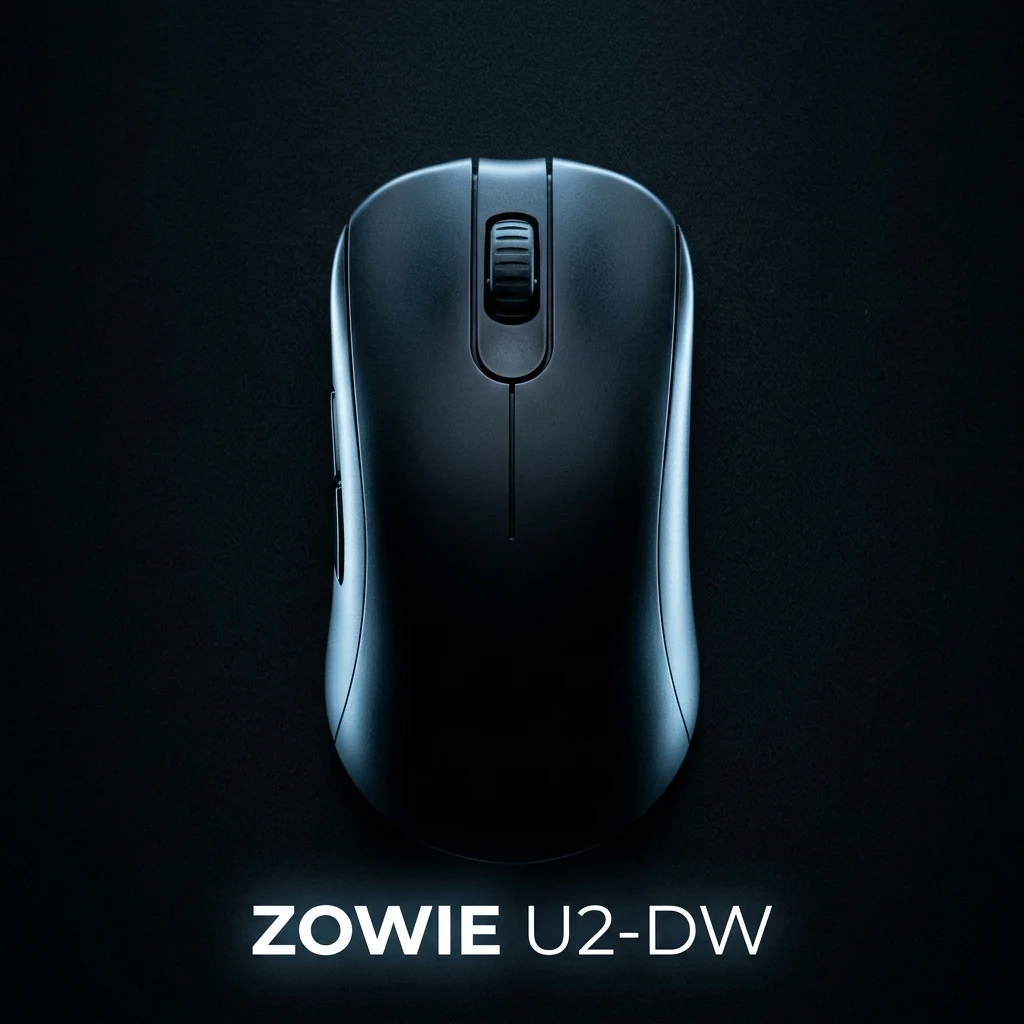
The BenQ Zowie U2-DW represents Zowie's triumphant evolution into lightweight wireless esports mice. Featuring an all-new inward-curved symmetrical shell engineered for agile claw grip, the PixArt PAW3395 optical sensor, a directional Enhanced Wireless Receiver dock, and 100% driverless tournament functionality, it delivers flawless LAN stability.
The Science Behind Zowie's Inward-Curved Ergonomic-Symmetrical Design
BenQ Zowie is renowned throughout the esports industry for prioritizing biomechanical sports science above all else. Rather than designing mice based on aesthetic renders, Zowie conducts extensive electromyography (EMG) muscle-strain research at their Human & Science Laboratory. The Zowie U2-DW is the culmination of this research.
Unlike standard symmetrical mice with flat or convex side walls, the U2-DW features unique inward-curved side indentations on both flanks. When holding the mouse in a claw grip, these curves allow your thumb and ring/pinky fingers to lock in naturally, reducing the muscle clamping force required to lift and reset the mouse during aggressive vertical recoil compensation.
Hardware Specifications & Tournament Features
Zowie adheres to a strict 100% plug-and-play driverless philosophy, ensuring absolute compliance with LAN tournament rules (such as ESL, BLAST, and VCT events where third-party configuration software is forbidden):
| Specification | Zowie U2-DW Details | Competitive Benefit |
|---|---|---|
| Weight | 60 grams (Lightweight Solid Shell) | Optimal balance of agility and stopping control |
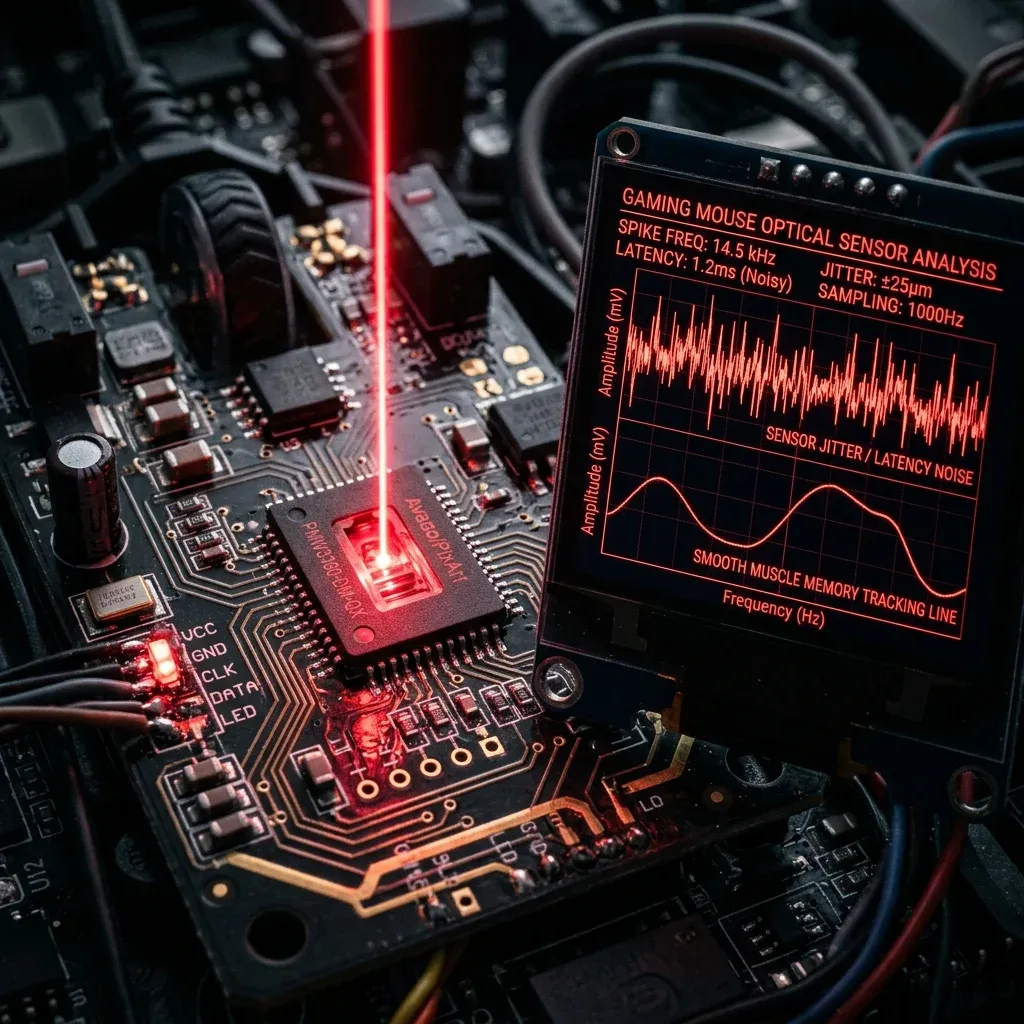
| Optical Sensor | PixArt PAW3395 Optical | Flawless 1:1 tracking, zero smoothing, zero jitter |
| Wireless Receiver | Enhanced Directional Receiver Dock | Shields wireless signal against arena Wi-Fi interference |
| Polling Rates | 125 / 500 / 1000Hz (Hardware Switch) | Rock-solid stable USB report timing |
| DPI Steps | 400 / 800 / 1000 / 1200 / 1600 / 3200 | Hardware toggled via color-coded LED switch |
| Lift-Off Distance (LOD) | Low / Medium / High (Hardware Key Combos) | Customizable cut-off distance for cloth and glass |
| Click Response Time | Fast / Normal (Hardware Toggled) | Ultra-low click latency without slam-click risk |
Enhanced Wireless Receiver: Why LAN Stability Matters
At major esports arenas and crowded LAN parties, hundreds of active smartphones, Wi-Fi routers, and wireless headsets flood the 2.4GHz spectrum with packet collisions. Zowie's Enhanced Wireless Receiver features a high-gain directional antenna positioned directly in front of your mousepad, creating an isolated signal corridor that eliminates wireless packet drops, stutter, and signal interference.
Shape & Hand Size Compatibility
The U2-DW measures 124.0mm × 65.0mm × 38.0mm with a narrower 58.0mm grip waist:
- Claw Grip (10/10): The inward side indents and rounded rear hump provide the ultimate locked-in claw feel for hands between 17.5cm and 19.5cm.
- Fingertip Grip (8/10): The 60g weight and flat button slope make vertical micro-flicks effortless.
- Palm Grip (6/10): Users with larger hands who prefer full palm contact should look toward the ergonomic Zowie EC2-CW or EC1-CW series instead.
Optimal DPI & Sensitivity Configurations for CS2 & Valorant
Zowie's factory-calibrated PAW3395 sensor has virtually zero DPI deviation. Below are the recommended professional settings:
| Game | Hardware DPI (Color) | In-Game Sens | Effective eDPI | cm/360 Distance |
|---|---|---|---|---|
| CS2 (Zowie Classic) | 400 DPI (Red) | 2.00 | 800 eDPI | 51.9 cm/360 |
| CS2 (Fast Rifler) | 800 DPI (Purple) | 1.10 | 880 eDPI | 47.2 cm/360 |
| Valorant | 800 DPI (Purple) | 0.32 | 256 eDPI | 51.1 cm/360 |
| Valorant (High-DPI) | 1600 DPI (Blue) | 0.16 | 256 eDPI | 51.1 cm/360 |
Driverless Calibration: Setting LOD & Click Response
Configure hardware parameters via physical button combinations while plugging the cable in:
- Low LOD (Recommended for Cloth Pads): Hold Back Side Button + Right Click while plugging in.
- Fast Click Response: Hold Back Side Button while powering on to activate Zowie's lowest click latency profile.
Calibrate your mousepad swipe dimensions with the DCPROSENS Mousepad Calculator and convert your sensitivity with our Universal Sensitivity Converter.
Frequently Asked Questions
Frequently Asked Questions
Is the Zowie U2-DW good for claw grip?
Yes, the Zowie U2-DW was specifically engineered for claw grip. Its inward-curved side indentations and rounded rear hump allow the thumb, ring, and pinky fingers to lock in naturally, giving unmatched stability during vertical micro-adjustments.
Does the U2-DW support onboard DPI switching?
Yes. In keeping with Zowie's 100% driverless esports philosophy, DPI (400, 800, 1000, 1200, 1600, 3200), polling rate (125/500/1000Hz), click response time, and lift-off distance are all toggled via hardware switches and button combinations on the mouse.
🎯 Lock In Perfect 1:1 Aim & Pro Consistency
Tired of daily aim inconsistency? Calibrate your physical cm/360, scope matching, and sensor latency. Get the complete Precision Aim System (4-Part Technical Manifestos) today for only $9.00 USD!
Unlock Elite Precision ($9) ⚡Dalto Outlier
Creator, DCPROSENSDalto built DCPROSENS to help competitive FPS players convert sensitivity, calibrate DPI, and keep their aim consistent across games.