

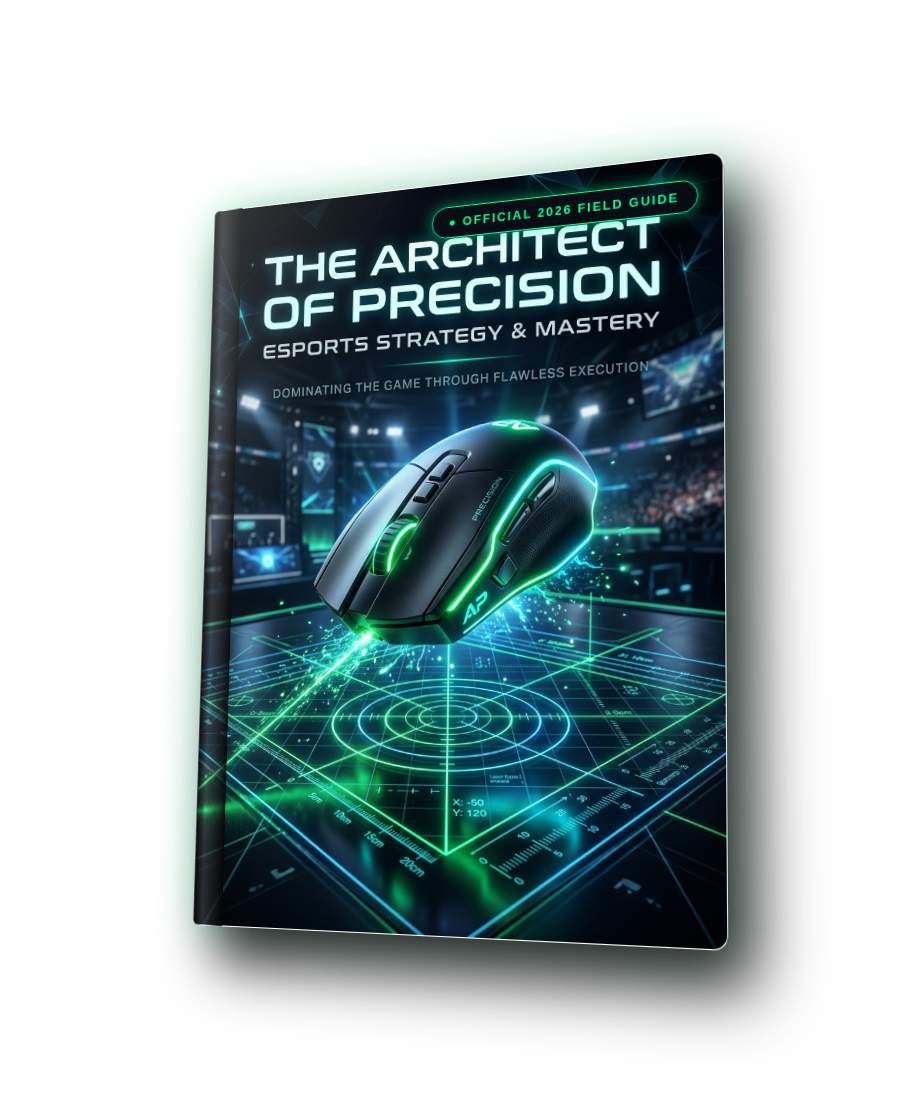
The Architect of Precision: 1:1 Universal Sensitivity Blueprint
Transitioning between tactical shooters, high-TTK battle royales, and third-person hero shooters often ruins crosshair placement because each engine computes rotational yaw differently. The Architect of Precision: 1:1 Universal Sensitivity Blueprint eliminates sensitivity confusion in 15 minutes. It provides verified sensitivity conversion tables across all major pro cm/360° brackets (from Boaster's 65.3cm arm anchor to aceu's 28.9cm wrist tracking), demystifies focal length scaling, and applies the physical desk space formula (cm/360 ÷ 2 + 8cm) so you never run out of mousepad space during 180° clutch sweeps.
Get The Complete 18-Volume Master Omnibus
Upgrade your order to include all 18 technical field guides (Full Precision Aim System, GTA VI, CS2 Sub-Tick, Valorant Radiant, Hardware & Controller Mastery) for just $39.99 instead of $89.94!
What You Will Master Inside
Zero fluff. Every page delivers actionable engineering rules, telemetry calculations, and direct settings you can apply immediately.
Complete Curriculum
Designed in an editorial field-guide format with structured steps, comparative diagrams, and a dedicated pre-match routine.
Step 1 — The 3-Step Precision Baseline Calibration
Configuring Windows 11 pointer speed to the exact 6/11 tick with raw input, selecting 1600 DPI for high-refresh scanout, and verifying zero sensor acceleration.
Step 2 — Universal Cross-Game Conversion Reference Table (800 & 1600 DPI)
Direct numerical conversions across Valorant, CS2, Apex, Overwatch 2, CoD MW4, and Deadlock matching 65.3cm (Boaster), 54.4cm (TenZ), 46.7cm (zekken), 40.8cm (Aspas), 34.0cm (s1mple), and 28.9cm (aceu).
Step 3 — Desk Clearance & Mousepad Sizing Verification
Calculating minimum usable mousepad width via (cm/360° ÷ 2) + 8 cm, sizing recommendations for XXL / Artisan XL vs Large pads, and 15°–30° keyboard angling.
Dominating The Ranked Ladders
Read how competitive players transformed their mechanical consistency using this field guide.
“The cross-game table in Step 2 is the most useful quick reference I've ever seen. I matched my 46.7 cm/360 across Valorant (0.350), CS2 (1.114), and Deadlock (0.557) in literally 2 minutes. The mouse movement feels 100% identical.”
“I was running out of pad on my 180s until I applied the desk clearance formula in Step 3. Tilting my keyboard 20 degrees gave me 10cm more mouse room without buying a new desk.”
14-Day Zero-Risk 100% Money-Back Guarantee
We stand behind our esports research 100%. If you apply this guide and do not experience a noticeable, measurable improvement in your mechanical consistency, target tracking, or system responsiveness within 14 days, simply email support@dcprosens.com for a full, prompt refund. No questions asked.
Frequently Asked Questions
Why does the guide recommend 1600 DPI instead of 800 DPI?
1600 DPI reports coordinate packets with twice the count density per millimeter compared to 800 DPI. On 240Hz, 360Hz, and 540Hz monitors, this reduces initial motion delay by ~2.2ms on subtle micro-adjustments.
Does my in-game FOV change my hipfire cm/360?
No. Hipfire cm/360° is purely determined by mouse DPI, in-game sensitivity, and engine m_yaw. FOV changes your visual angular magnification, which affects scoped 0% MDM multipliers, but not your physical 360° turn distance.
Can I use these conversion numbers on controller?
These specific tables are engineered for optical mouse sensors. For gamepad stick sensitivities, response curves, and deadzones, see Volume 2 (GTA VI), Volume 5 (Warzone/Apex), and Volume 8 (Apex ALC).
Elevate Your Mechanical Precision Today
Join thousands of competitive players who eliminated inconsistent aim and unlocked predictable tournament execution.



