

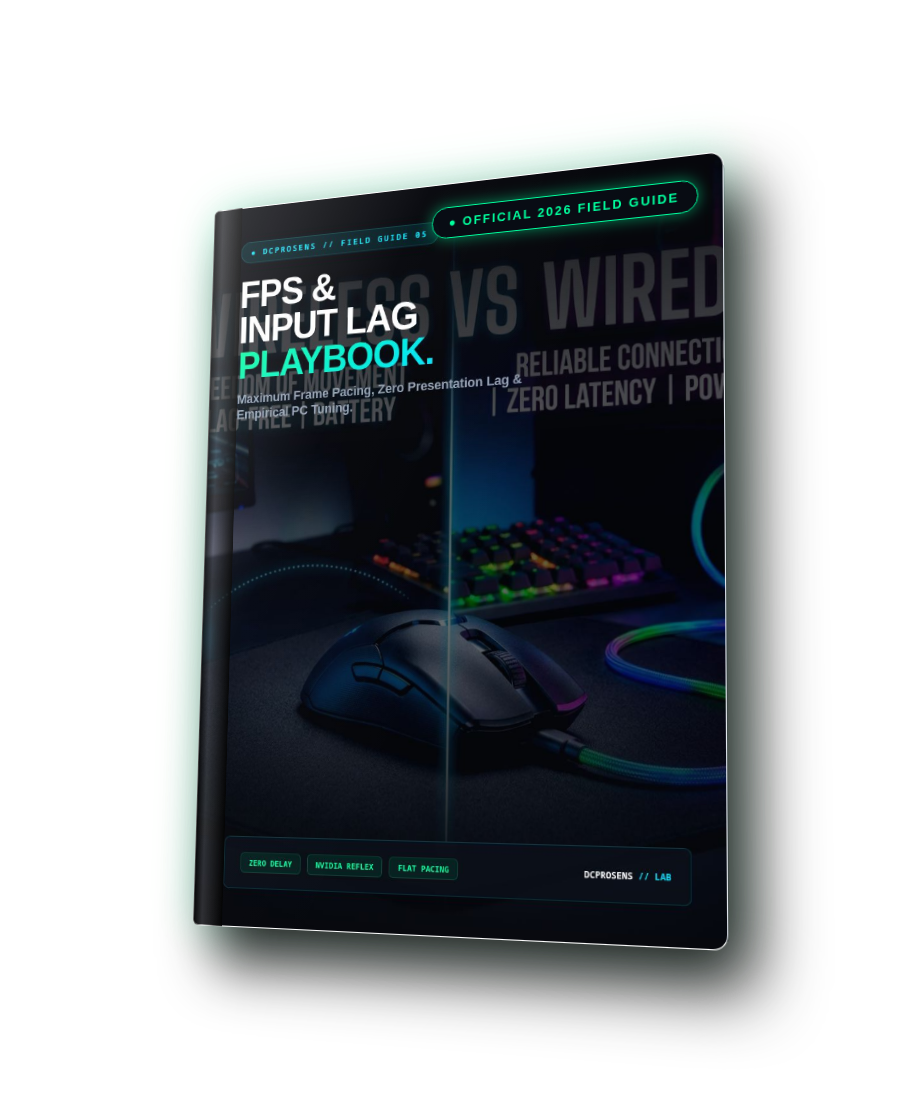
FPS & Input Lag Playbook
Most PC gaming optimization guides on the internet are filled with dangerous snake-oil: sketchy registry debloaters, disabled security features, and placebo boot-timer commands that degrade system stability. The FPS & Input Lag Playbook provides an empirical, scientific testing protocol based on official Microsoft WDDM and NVIDIA Reflex documentation to eliminate micro-stutters and slash click-to-photon latency.
Get The Complete 6-Volume Master Suite
Upgrade your order to include all 6 field guides (Sensitivity, Crosshair Placement, 15-Min Warm-Up, Pad Friction, FPS Tuning, and Controller Precision) for just $39.99 instead of $89.94!
What You Will Master Inside
Zero fluff. Every page delivers actionable engineering rules, telemetry calculations, and direct settings you can apply immediately.
Complete 10-Page Curriculum
Designed in an editorial field-guide format with structured steps, comparative diagrams, and a dedicated pre-match routine.
Diagnostic Route: What Feels Wrong?
Triage matrix: small freezes, heavy/floaty input, low FPS, or online rubber-banding.
Understand the Signal: FPS is Not Input Lag
Deconstructing the 4-stage pipeline and converting frame intervals (60, 144, 240, 360Hz).
Experiment 01: Build a Repeatable Baseline
Synthesizing frametime pacing curves and executing the 3-run 60-second median protocol.
Experiment 02: Reversible Windows Optimizations
WDDM modern flip-model swapchains, borderless latency elimination, and HAGS.
Placebo Purge: What We Strictly Reject
Why BCDEdit boot options and registry cleaners are dangerous debugging flags, not gaming presets.
Experiment 03: Choose Your Graphics Route
NVIDIA Reflex render queue pacing vs AMD Anti-Lag and manual engine frame capping.
Experiment 04: Mouse Polling Without The Hype
1000Hz (1.0ms) vs 4000Hz (0.25ms), DPC interrupt loads, and 2.4GHz receiver placement.
Your Interactive Experiment Log
Fillable telemetry worksheet to calculate net deltas, frame pacing variance, and verdicts.
The Pre-Competitive Checklist
6-step tournament-ready validation checklist and structured hardware support ticket format.
Scientific References & Industry Standards
Official citations from NVIDIA Reflex SDK, Microsoft DirectX WDDM, and DCPROSENS Pro Tools.
Dominating The Ranked Ladders
Read how competitive players transformed their mechanical consistency using this field guide.
“I was convinced my RTX 4070 Ti had driver issues because my game felt jittery at 350 FPS. Running the 3-run baseline in Chapter 3 revealed my frame pacing variance was 18ms. Fixing the flip-model settings dropped variance to 3.2ms. The game feels completely locked in.”
“No snake oil, no sketchy registry files. Just clear, verified settings that actually shaved 12ms off my system latency.”
14-Day Zero-Risk 100% Money-Back Guarantee
We stand behind our esports research 100%. If you apply this guide and do not experience a noticeable, measurable improvement in your mechanical consistency, target tracking, or system responsiveness within 14 days, simply email support@dcprosens.com for a full, prompt refund. No questions asked.
Frequently Asked Questions
Does this require downloading third-party tweaking software?
No! The playbook relies on official Windows 11 settings, official GPU control panels, and verified telemetry tools like CapFrameX or PresentMon.
Is this safe for my Windows install?
100% safe. We explicitly reject dangerous registry debloaters or boot-flag commands that break Windows updates or anti-cheat engines (Vanguard, Easy Anti-Cheat).
Elevate Your Mechanical Precision Today
Join thousands of competitive players who eliminated inconsistent aim and unlocked predictable tournament execution.
Download FPS & Input Lag Playbook ($14.99) ⚡


