

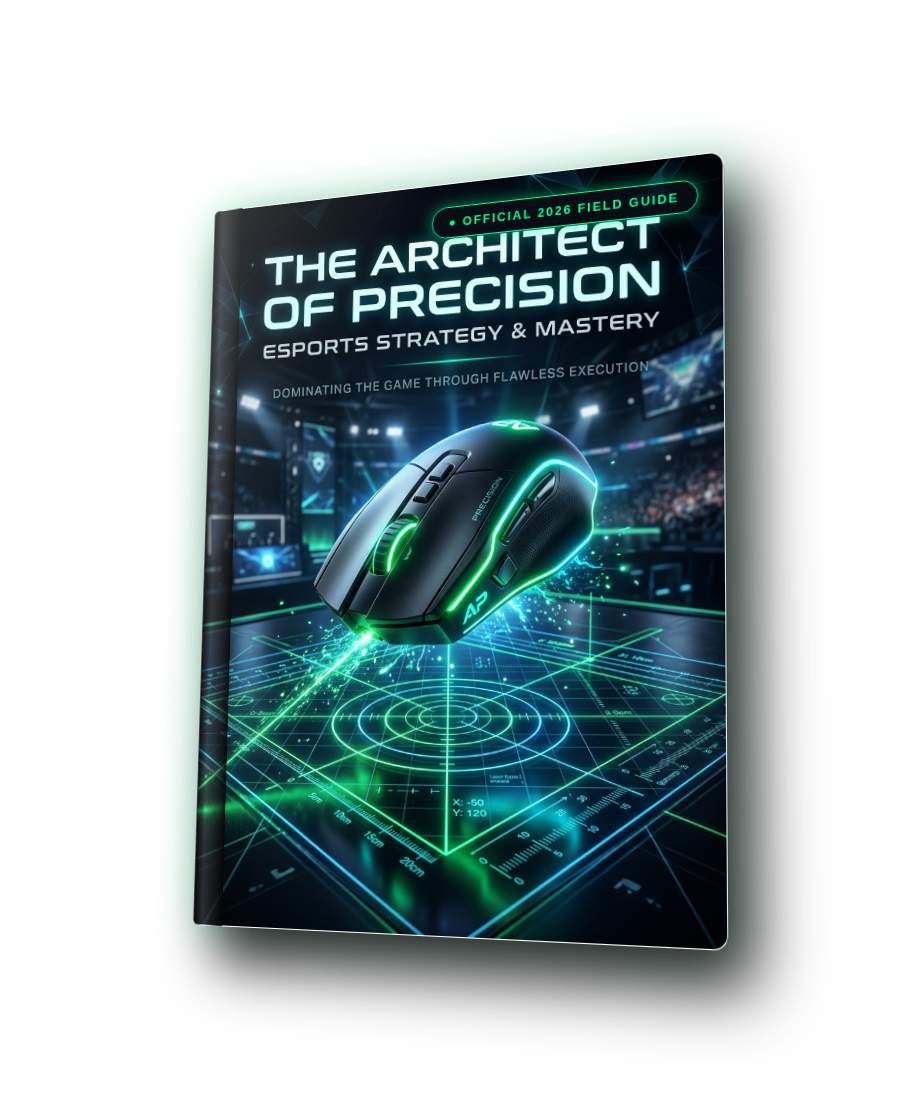
Rainbow Six Siege (Ranked 3.0): 0.002 Multiplier Unit & 1:1 ACOG Engineering
Rainbow Six Siege uses an internal angular yaw constant of 0.00572958° multiplied by MouseSensitivityMultiplierUnit in GameSettings.ini. By default, Ubisoft sets this unit to 0.02, restricting in-game sensitivity to coarse integer steps that jump physical 360° turn distance by up to 4.7 cm per notch on 800 DPI. Changing MouseSensitivityMultiplierUnit=0.002000 unlocks 10x finer decimal precision, transforming an inflexible sensitivity of 6.0 into 60 and allowing micro-adjustments like 62 or 65. The Rainbow Six Siege (Ranked 3.0): 0.002 Multiplier Unit & 1:1 ACOG Engineering handbook delivers the exact 0% MDM focal match values (45 for 1x, 74 for 2.5x ACOG) versus 100% MDM screen-edge match (50 for 1x, 83 for 2.5x ACOG), breaks down the 33% hitbox expansion of 4:3 stretched at 84°–90° FOV, and benchmarks top Six Invitational champions.
Get The Complete 18-Volume Master Omnibus
Upgrade your order to include all 18 technical field guides (Full Precision Aim System, GTA VI, CS2 Sub-Tick, Valorant Radiant, Hardware & Controller Mastery) for just $39.99 instead of $89.94!
What You Will Master Inside
Zero fluff. Every page delivers actionable engineering rules, telemetry calculations, and direct settings you can apply immediately.
Complete Curriculum
Designed in an editorial field-guide format with structured steps, comparative diagrams, and a dedicated pre-match routine.
Anvil Engine Math & The Pro 0.002 MouseSensitivityMultiplierUnit Tweak
Why default 0.02 causes 4.7cm jumps per slider unit, editing GameSettings.ini for 10x decimal granularity, and Invitational pro sensitivity benchmarks.
1:1 Visuomotor ADS Scaling Across 1x & 2.5x Magnified Scopes
Deriving 0% MDM focal match (45 for 1x, 74 for 2.5x ACOG) vs 100% MDM screen-edge match (50 for 1x, 83 for 2.5x ACOG) across all optic tiers.
Stretched Aspect Ratio Geometry (4:3 vs. 16:10 vs. 16:9) & Step-by-Step INI Setup
33% head hitbox expansion in 4:3, hybrid 16:10 ACOG tracking, and the 4-step GameSettings.ini tournament readiness checklist.
Dominating The Ranked Ladders
Read how competitive players transformed their mechanical consistency using this field guide.
“Changing MouseSensitivityMultiplierUnit to 0.002 in GameSettings.ini completely solved my aim plateau. Instead of being stuck between 7 and 8 on 400 DPI, setting 74 gave me the exact 44.5cm feel I needed.”
“Applying the 45 (1x) and 74 (2.5x ACOG) 0% MDM values on 4:3 stretched made my ACOG flicks feel identical to my hipfire micro-corrections. Best R6 technical guide by far.”
14-Day Zero-Risk 100% Money-Back Guarantee
We stand behind our esports research 100%. If you apply this guide and do not experience a noticeable, measurable improvement in your mechanical consistency, target tracking, or system responsiveness within 14 days, simply email support@dcprosens.com for a full, prompt refund. No questions asked.
Frequently Asked Questions
Where is the GameSettings.ini file located in Rainbow Six Siege?
It is located in Documents\My Games\Rainbow Six Siege\<Your-Ubisoft-UUID>\GameSettings.ini. Make sure the game is closed before editing and saving.
Why should I use the 0.002 multiplier instead of default 0.02?
Default 0.02 creates coarse jumps of ~4.7 cm/360° per slider integer. 0.002 provides 10x finer steps, so an old sensitivity of 8 becomes 80, allowing you to fine-tune to 78, 81, or 84.
Should I use 0% MDM (45/74) or 100% MDM (50/83) in Siege?
0% MDM (45 for 1x, 74 for 2.5x ACOG) matches sensitivity at the exact crosshair center, perfect for micro-flicks and pixel peeks. 100% MDM (50 for 1x, 83 for 2.5x ACOG) matches tracking feel at the screen edge, preferred by aggressive entry fraggers.
Elevate Your Mechanical Precision Today
Join thousands of competitive players who eliminated inconsistent aim and unlocked predictable tournament execution.



