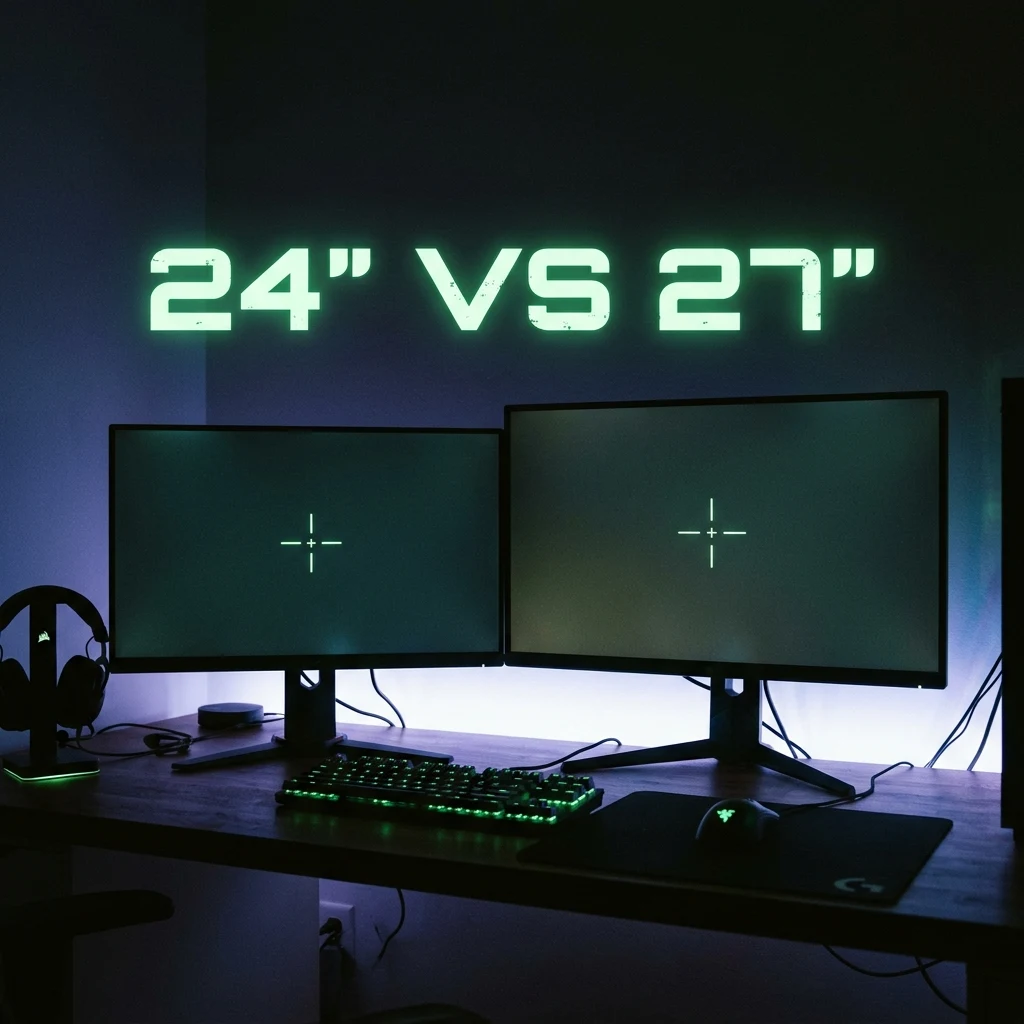
24-inch vs. 27-inch Monitor for Competitive FPS: Which Is Better for Aim?
TL;DR
Why do CS2 and Valorant pros universally stick to 24.5-inch 1080p/1440p displays while Battle Royale players favor 27-inch panels? Discover the ophthalmological science of foveal vision, saccadic eye travel distance, pixel density, and desk viewing distance.
Visual Physiology: Foveal Focus vs. Peripheral Vision
When selecting a competitive gaming monitor, screen size is not merely an aesthetic preference—it directly impacts your visual physiology and cognitive reaction time. The human eye processes visual information through two distinct systems:
- Foveal Vision (Central 2° Arc): The tiny high-resolution central region of your retina capable of sharp focus, fine detail recognition, and pixel-precise crosshair alignment.
- Parafoveal / Peripheral Vision: The wide surrounding visual field that detects high-speed motion and flashes but lacks high-resolution detail.
If your monitor is too large for your viewing distance, checking your radar/minimap or health bar forces a saccadic eye movement (a physical shift of your eyeballs), which temporarily blinds your brain during the 30ms to 50ms eye transition.
Saccadic Eye Travel Distance: Why 24.5-Inch Dominates Esports
On a 24.5-inch monitor viewed from a typical competitive desk distance of 50cm to 65cm, the entire screen spans roughly a 30° to 35° visual angle. This allows you to monitor your crosshair in foveal focus while keeping the killfeed and minimap within immediate parafoveal vision with minimal physical eye strain.
On a 27-inch monitor at the same distance, the visual angle expands to 40°+. Checking the top-left radar requires physical eye rotation away from the center of your screen, creating a dangerous visual dead-zone during intense enemy pushes.
Pixel Density & Resolution: 1080p vs. 1440p
| Monitor Size & Resolution | Pixel Density (PPI) | Recommended Viewing Distance | Esports Adoption Rate | Best Gaming Genres |
|---|---|---|---|---|
| 24.5" 1080p (FHD) | 89.9 PPI | 45 cm – 60 cm | ~85% of CS2 / Valorant Pros | Tactical Shooters (CS2, Valorant, R6) |
| 24.5" 1440p (QHD) | 120.0 PPI | 45 cm – 60 cm | Rising Rapidly (Next-Gen) | High-End Tactical & Competitive FPS |
| 27" 1440p (QHD) | 108.8 PPI | 65 cm – 85 cm | Dominant in Battle Royale | Apex Legends, Warzone, Fortnite, Simulators |
| 27" 4K (UHD) | 163.2 PPI | 60 cm – 80 cm | <2% (Framerate Heavy) | Casual / Immersive Single-Player |
Desk Distance & Ergonomics
If your desk depth is under 60cm (common in smaller setups), a 24.5-inch display is strongly recommended. If you possess a deep desk (75cm+) and can push the monitor back, a 27-inch 1440p monitor provides stunning visual clarity for spotting distant pixel snipers in Battle Royales without causing excessive eye travel.
What Esports Tournament Organizers Standardize
Major esports tournament circuits (ESL Pro League, BLAST Premier, VCT Champions) universally provide 24.5-inch 360Hz/540Hz ZOWIE or ASUS ROG displays on main stage stages. Practicing on a 24.5-inch monitor ensures 100% muscle-memory parity with competitive tournament stages.
Simulate different screen dimensions and aspect ratios using our interactive Monitor Simulator Tool and calculate desk room with the Desk Space Calculator.
Frequently Asked Questions
Frequently Asked Questions
Do pros prefer 24-inch or 27-inch monitors?
Over 85% of professional Counter-Strike 2 and Valorant players use 24.5-inch monitors because the smaller screen area allows them to view the crosshair, health, and minimap within central foveal vision without excessive eye movement.
Does a bigger monitor hurt competitive aim?
Yes, if viewed too closely. A monitor that is too large forces physical saccadic eye movements to check screen edges, creating momentary reaction delays during tactical engagements.
🎯 Lock In Perfect 1:1 Aim & Pro Consistency
Tired of daily aim inconsistency? Calibrate your physical cm/360, scope matching, and sensor latency. Get the complete Precision Aim System (4-Part Technical Manifestos) today for only $9.00 USD!
Unlock Elite Precision ($9) ⚡Dalto Outlier
Creator, DCPROSENSDalto built DCPROSENS to help competitive FPS players convert sensitivity, calibrate DPI, and keep their aim consistent across games.


