Best Apex Legends Controller Settings for Aim
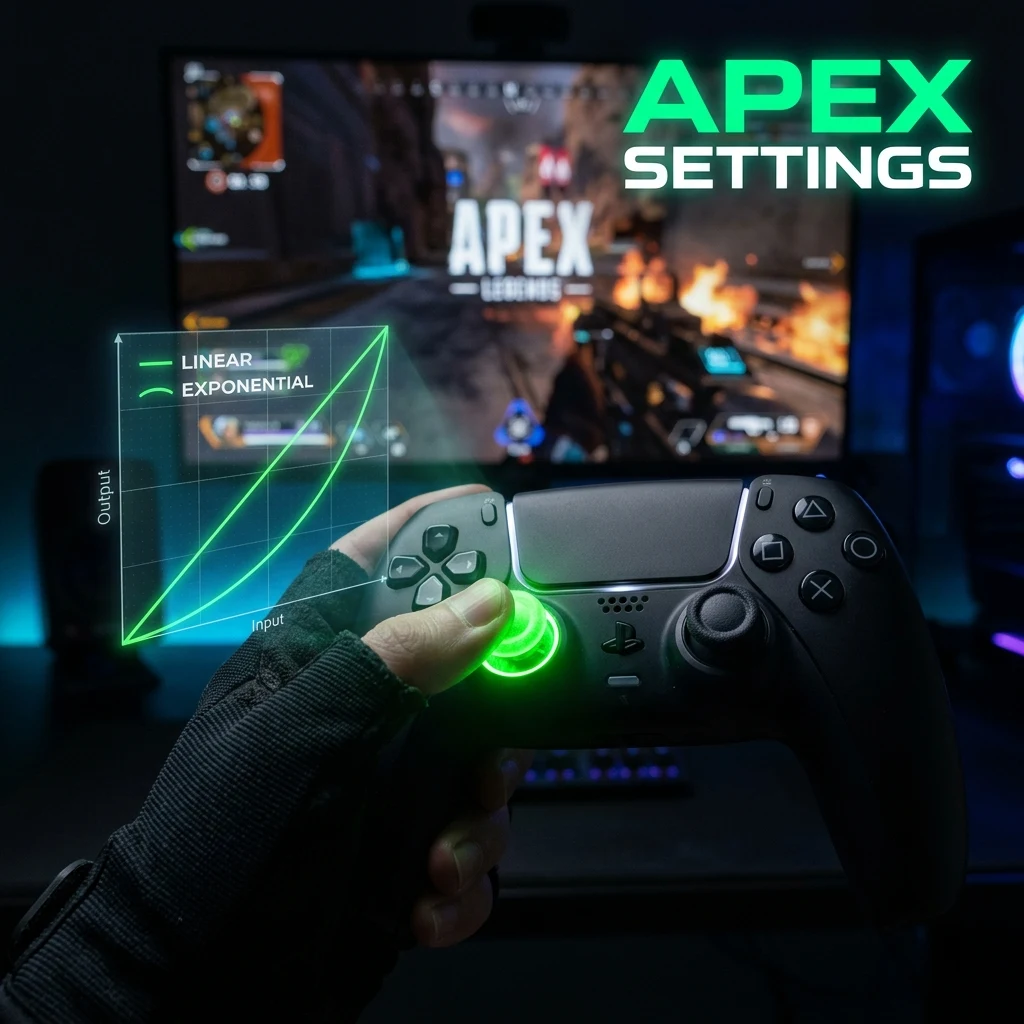
TL;DR
Apex Legends controller dominance is built on one legendary setup: 4-3 Linear with Small or None Look Deadzone. This configuration maximizes raw tracking accuracy, close-range R-99/Volt one-clips, and smooth target compensation without the artificial acceleration of classic curves.
Pro Meta Settings at a Glance: 4-3 Linear vs. 4-4 Classic
In the ALGS (Apex Legends Global Series), controller players represent a dominant force in close-to-medium-range tracking. Almost all tier-1 controller pros (such as Verhulst, Genburten, and Effect) rely on simplified preset configurations rather than bloated custom curves:
| Setting | Pro Standard (Linear) | Alternative (Classic) |
|---|---|---|
| Look Sensitivity | 4 (Very High / High) | 4 (High) |
| ADS Sensitivity | 3 (Default) | 3 or 4 |
| Response Curve | Linear | Classic |
| Look Deadzone | None (or Small) | Small |
| Movement Deadzone | Small | Small |
| Inverted Look / Vibration | Off | Off |
| Target Compensation | On (PC 0.3 / Console 0.4) | On |
Response Curves in Apex: Linear (Raw Control) vs. Classic (Smooth Tracking)
Apex Legends provides several response curve archetypes:
- Linear (The Pro Meta): Maps raw stick input directly 1:1 to crosshair velocity. Every millimeter of stick tilt produces immediate rotation. Linear allows for unmatched reactive tracking against enemy tap-strafing and wall-bouncing, making SMG and shotgun tracking virtually effortless.
- Classic: The default curve from Titanfall. It adds a slight inward curve that dampens small stick tremors. While Classic offers smoother long-range poke damage with Flatline and Scout rifles, it introduces a split-second delay when trying to snap between multiple fast-moving targets.
Look Deadzone: "None" vs. "Small"
Running Linear with "None" Deadzone unlocks maximum responsiveness. Because the game engine registers even the tiniest stick input, you have instantaneous micro-adjustments for tracking high-speed targets like Horizon gravity lifts and Octane pads.
However, "None" will almost always display slight stick drift on standard controllers. If the drift causes your crosshair to fight against your aim or drift wildly across the screen, switch to Small Deadzone or upgrade to a controller with Hall Effect sensors.
Per-Optic Sensitivity Scaling
Apex allows players to fine-tune individual sensitivity multipliers for each scope magnification. If you find 3 ADS slightly too fast on long-range scopes, use these multipliers:
- 1x HCOG / Holo: 1.0 (or 3 ADS base)
- 2x Bruiser: 1.0 – 1.1
- 3x Ranger: 1.1 – 1.2
- 4x ACOG / Sniper Scopes: 1.2
Advanced Look Controls (ALC): When to Use Custom Pitch/Yaw
While Advanced Look Controls (ALC) offers dozens of granular sliders (Yaw Speed, Pitch Speed, Extra Yaw, Ramp-Up Time), the competitive consensus has shifted firmly back to standard 4-3 Linear. ALC sliders often introduce subtle interpolation anomalies and non-standard acceleration curves that are difficult to reproduce consistently across game updates.
Only use ALC if you have a specific physical mobility limitation or need custom outer deadzone thresholds. To convert your Apex sensitivity to other games, visit our Apex Legends sensitivity converter and hone your tracking on the DCPROSENS Aim Trainer.
Frequently Asked Questions
Frequently Asked Questions
What controller settings do Apex pros use?
The vast majority of ALGS professional controller players use 4-3 Linear with Look Deadzone set to None or Small. This configuration offers the fastest response time for close-range SMG tracking and shotgun peeks.
Should I use linear or classic response curve?
Linear is strongly recommended for competitive play because it provides 1:1 raw input with zero acceleration delay, maximizing close-range tracking. Classic is only recommended if you struggle with severe stick drift or prefer a heavier, damped feel.
🎯 Lock In Perfect 1:1 Aim & Pro Consistency
Tired of daily aim inconsistency? Calibrate your physical cm/360, scope matching, and sensor latency. Get the complete Precision Aim System (4-Part Technical Manifestos) today for only $9.00 USD!
Unlock Elite Precision ($9) ⚡Dalto Outlier
Creator, DCPROSENSDalto built DCPROSENS to help competitive FPS players convert sensitivity, calibrate DPI, and keep their aim consistent across games.


