Best DPI for CS2: What the Data (and the Pros) Actually Show
TL;DR
Why do 68% of professional Counter-Strike 2 players stubbornly stick to 400 DPI while modern engineering proves 1600 DPI slashes sub-tick sensor latency? We analyze the tournament database, sub-tick input stamping, angular pixel stepping, and how to calibrate your optimal CS2 DPI.
The Legacy of 400 DPI in Counter-Strike: Nostalgia vs. Physics
Counter-Strike has the deepest esports heritage of any tactical shooter in history. For more than twenty years—dating back to CS 1.6 in the early 2000s—400 DPI was crowned the king of gaming mouse settings. Classic optical sensors (like the Microsoft IE 3.0 and early ZOWIE EC2s) had their native hardware performance locked at 400 or 450 DPI.
In Counter-Strike 2, however, Valve introduced the Sub-Tick engine architecture. Because sub-tick records the exact microsecond your mouse moves or clicks, modern sensor polling and count frequency have real competitive implications.
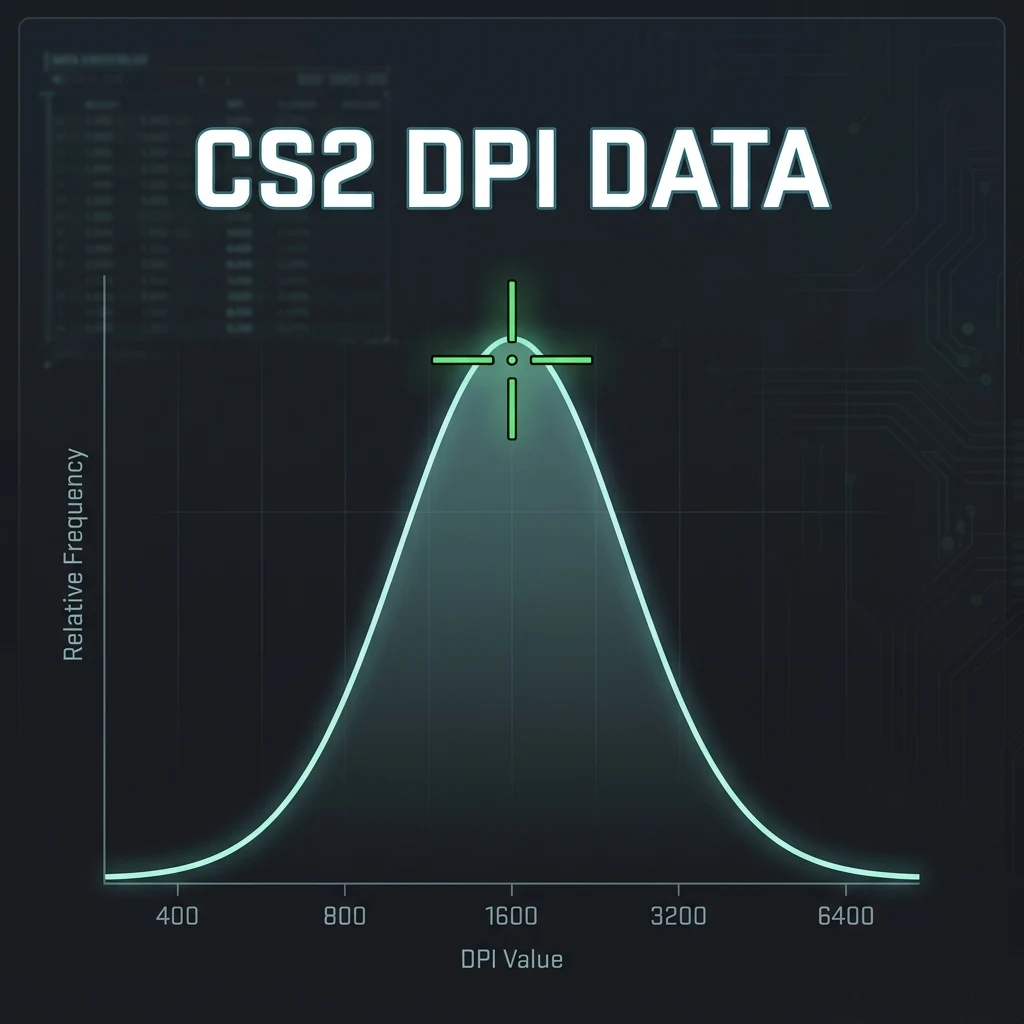
Professional CS2 Player DPI Distribution (2026 Major Data)
| Hardware DPI Setting | CS2 Pro Share (%) | Notable Champions | Competitive Rationale |
|---|---|---|---|
| 400 DPI | 68.2% (The Traditional Standard) | s1mple, NiKo, ZywOo, m0NESY, b1t, frozen | Decades of Windows desktop muscle memory; zero inadvertent jitter when holding angles. |
| 800 DPI | 25.6% (The Modern Gold Standard) | donk, sh1ro, Jimpphat, torzsi | Wielded by next-gen phenoms; lower sensor start-up latency and fluid tracking. |
| 1600 DPI | 6.2% (Ultra-Low Latency) | Modern Hybrid Aimers | Slashing input latency by ~1.5ms on sub-tick micro-corrections. |
Sub-Tick Input & Sensor Polling: The 800/1600 DPI Advantage
In CS2, every movement packet is timestamped inside the sub-tick frame window. At 400 DPI, tiny micro-movements of your hand may take several milliseconds to trigger the first hardware count. At 800 DPI or 1600 DPI, your sensor generates counts twice to four times as frequently, providing the Source 2 engine with smoother sub-tick interpolation data during rapid spray transfers.
Why Do Most Pros Still Use 400 DPI?
If 800 DPI and 1600 DPI are technically faster, why do superstars like NiKo (400 DPI @ 1.40) and s1mple (400 DPI @ 3.09) stay on 400 DPI?
The answer is subconscious mental comfort: pros spend 10+ hours a day on their PCs. Navigating the Windows desktop, buying in the CS2 buy menu, and alt-tabbing on 400 DPI feels natural. Furthermore, their crosshair placement is so pristine that they rarely rely on emergency micro-flicks where 1.5ms of sensor latency makes a difference.
The Recommended Setting for 99% of Players
For modern players building their competitive career in CS2, 800 DPI is the universal recommendation: it eliminates 400 DPI sensor start-up latency, keeps desktop cursor speed comfortable on 1080p/1440p monitors, and prevents high-DPI sensor jitter.
Convert your exact CS2 sensitivity across games with the CS2 Sensitivity Converter and test stretched aspect ratios with the Stretched Resolution Tool.
Frequently Asked Questions
Frequently Asked Questions
What DPI do most CS2 pros use?
Around 68% of professional CS2 players use 400 DPI, while 26% use 800 DPI and 6% use 1600 DPI.
Does DPI matter less than eDPI in CS2?
eDPI dictates your physical rotation distance (cm/360), while DPI dictates sensor sampling resolution and start-up latency. 800 DPI is recommended for optimal modern sensor performance.
🎯 Lock In Perfect 1:1 Aim & Pro Consistency
Tired of daily aim inconsistency? Calibrate your physical cm/360, scope matching, and sensor latency. Get the complete Precision Aim System (4-Part Technical Manifestos) today for only $9.00 USD!
Unlock Elite Precision ($9) ⚡Dalto Outlier
Creator, DCPROSENSDalto built DCPROSENS to help competitive FPS players convert sensitivity, calibrate DPI, and keep their aim consistent across games.


