Best Fortnite Controller Settings — Sensitivity, Deadzone, Curve
TL;DR
The optimal controller settings for Fortnite competitive and Battle Royale balance snappy building mechanics with pinpoint crosshair tracking. Most top controller pros run 40–45% Look Sensitivity, 2.0x–2.4x Build/Edit Multipliers, Linear Input Curve, and 5–8% Stick Deadzones to minimize latency without stick drift.
Recommended Controller Settings at a Glance
Whether you play on PlayStation DualSense, Xbox Wireless, or a high-end Scuf/Victrix controller, tuning your settings eliminates artificial input delay and gives you mouse-like agility when piece-controlling opponents. Below is the tournament-tested baseline configuration used by top Fortnite controller pros:
| Setting | Recommended Value | Pro Range |
|---|---|---|
| Look Horizontal Speed | 42% | 39% – 46% |
| Look Vertical Speed | 42% | 39% – 46% |
| Turning Boosts (Horiz / Vert) | 0% (Off) | 0% |
| ADS Horizontal Speed | 8% – 10% | 7% – 12% |
| ADS Vertical Speed | 8% – 10% | 7% – 12% |
| Build Mode Multiplier | 2.1x | 1.9x – 2.4x |
| Edit Mode Multiplier | 2.2x | 2.0x – 2.5x |
| Look Input Curve | Linear | Linear (90% Pros) |
| Left Stick Deadzone | 6% | 5% – 10% |
| Right Stick Deadzone | 6% | 5% – 9% |
| Aim Assist Strength | 100% | 100% |
Look Sensitivity & Aim Assist Tuning
Fortnite separates free-look sensitivity from Aim Down Sights (ADS) sensitivity. For hipfire shotgun duels and fast camera centering, a look sensitivity between 40% and 45% provides the best compromise between swift 180-degree turns and steady crosshair placement. Setting turning boosts to 0% is critical: turning ramp-up delays introduce inconsistent acceleration curves that destroy muscle memory.
For ADS sensitivity, keep values between 8% and 10%. This lower speed maximizes the "rotational friction" window of Fortnite's Aim Assist when tracking enemies at medium-to-long distances with assault rifles and DMRs, preventing overshooting when tracking moving targets through the air.
Look Input Curve: Linear vs. Exponential
Choosing between Linear and Exponential dictates how physical analog stick displacement translates into in-game crosshair velocity:
- Linear (Recommended): Delivers direct 1:1 input. Small thumb movements yield exact proportional reticle movement. Linear gives unmatched edit speed, piece control fluidity, and crisp close-range shotgun flicks. Over 90% of competitive controller players run Linear.
- Exponential: Softens small stick inputs and accelerates rapidly at stick extremes. Exponential delivers smoother long-range assault rifle tracking and sniper precision, but feels sluggish when doing fast triple-edits or box resets.
If you switch from Exponential to Linear, lower your base look sensitivity by 3–5% initially, as Linear feels significantly faster at micro-adjustments.
Controller Stick Deadzone Settings Explained
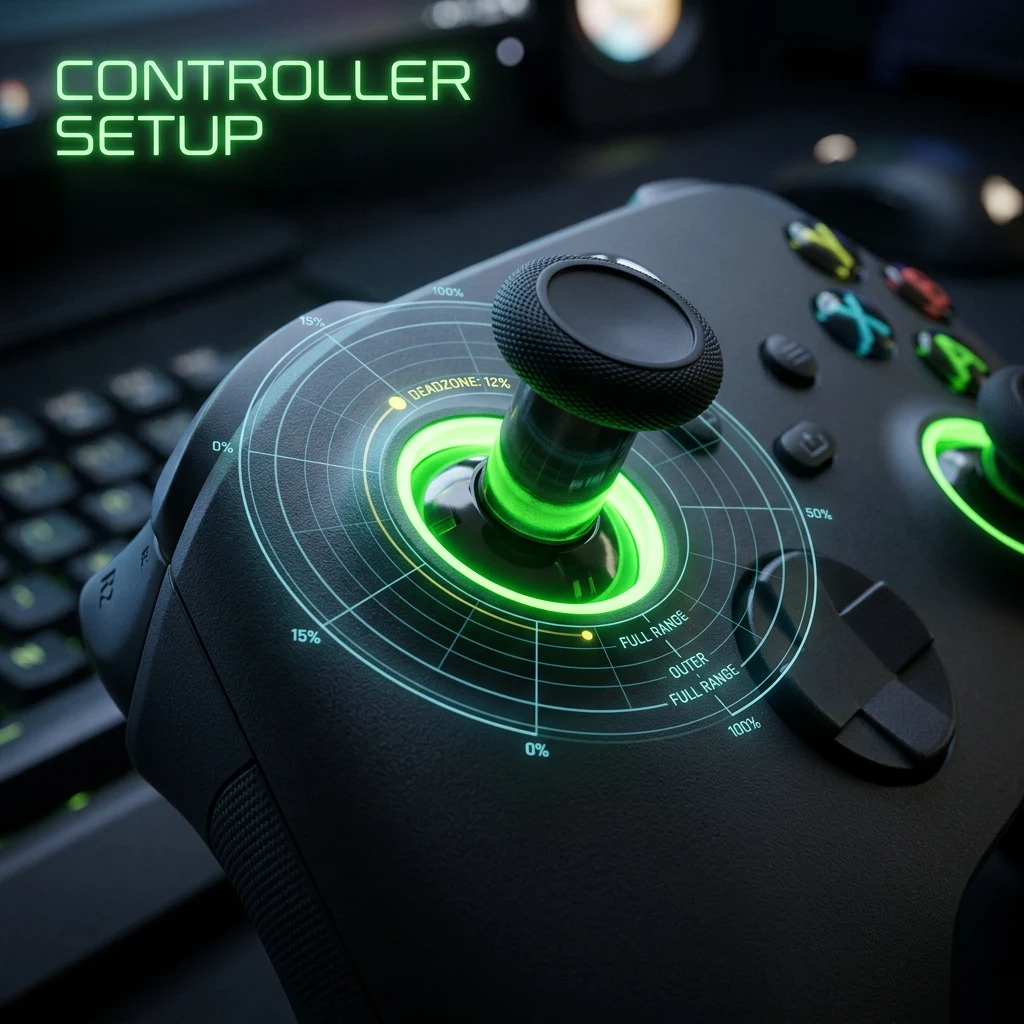
Your stick deadzone is the inner circular radius where stick movement is ignored by the game engine. The goal is to set your deadzone as low as possible without experiencing passive stick drift (your camera or character drifting when you release the thumbstick).
Standard potentiometer controllers (like stock DualSense or Xbox pads) typically perform best between 6% and 9%. If you use a modern controller equipped with Hall Effect magnetic sensors, you can often push deadzones down to 3% to 5%, unlocking near-instantaneous response for micro-adjustments.
Build & Edit Multipliers: The Math Behind Fast Mechanics
Build and Edit mode multipliers scale your base Look Sensitivity when holding blueprints or opening edit tiles. With a 42% Look Sensitivity and a 2.1x Build Multiplier, your effective sensitivity while building is 42% × 2.1 = 88.2%.
This separation allows you to maintain low, steady precision (42%) during shotgun peeks while enjoying lightning-fast 360-degree rotation (88%+) for instant high-ground retakes, tarping in storm surge, and protective tunneling.
Aim Assist Strength & Advanced Look Controls (ALC)
Always leave Aim Assist Strength at 100%. In Fortnite, aim assist provides both target slowdown (reticle deceleration near targets) and subtle rotational assist when actively moving your left stick. To practice your raw mechanical aim without relying entirely on rotational pull, spend 10 minutes warming up in the DCPROSENS Aim Trainer or convert your cross-game settings with our Fortnite sensitivity converter before queuing for ranked.
Frequently Asked Questions
Frequently Asked Questions
What controller sensitivity do Fortnite pros use?
The majority of competitive Fortnite controller pros use 40–45% Horizontal/Vertical Look Sensitivity, 8–10% ADS Sensitivity, 2.0x–2.4x Build/Edit Multipliers, and a Linear Look Input Curve with deadzones between 5% and 8%.
Should I turn off aim assist in Fortnite?
No. Competitive Fortnite is tuned around 100% Aim Assist Strength on controller. Turning it off places you at a severe disadvantage against keyboard-and-mouse players who have arm-length mousepads and sub-millimeter tracking fidelity.
🎯 Lock In Perfect 1:1 Aim & Pro Consistency
Tired of daily aim inconsistency? Calibrate your physical cm/360, scope matching, and sensor latency. Get the complete Precision Aim System (4-Part Technical Manifestos) today for only $9.00 USD!
Unlock Elite Precision ($9) ⚡Dalto Outlier
Creator, DCPROSENSDalto built DCPROSENS to help competitive FPS players convert sensitivity, calibrate DPI, and keep their aim consistent across games.


