cm/360 Explained: The Universal Sensitivity Metric for FPS Games
TL;DR
In-game sensitivity sliders and eDPI fail when switching games due to conflicting engine yaw multipliers. cm/360 is the physical, hardware-agnostic metric that guarantees identical muscle memory across every title. Learn the exact math, measuring methods, and optimal cm/360 brackets for tactical, tracking, and arena shooters.
Why In-Game Sensitivity and eDPI Are Flawed Universal Metrics
Ask a gamer for their sensitivity, and they will likely respond: "0.35 in Valorant" or "1.2 in CS2". However, these numbers are completely arbitrary. A sensitivity of 1.0 in CS2 produces a 52cm full rotation at 800 DPI, whereas a sensitivity of 1.0 in Valorant produces a 16.3cm rotation, and 1.0 in Overwatch produces an 43.3cm rotation.
Even eDPI (DPI × In-Game Sensitivity) is game-specific: 800 eDPI in CS2 is not the same as 800 eDPI in Valorant. The only true, hardware-agnostic physical measurement of aim sensitivity is cm/360 (centimeters per 360-degree rotation) or in/360 (inches per 360).
What Is cm/360? The Physical Mechanics of Aim
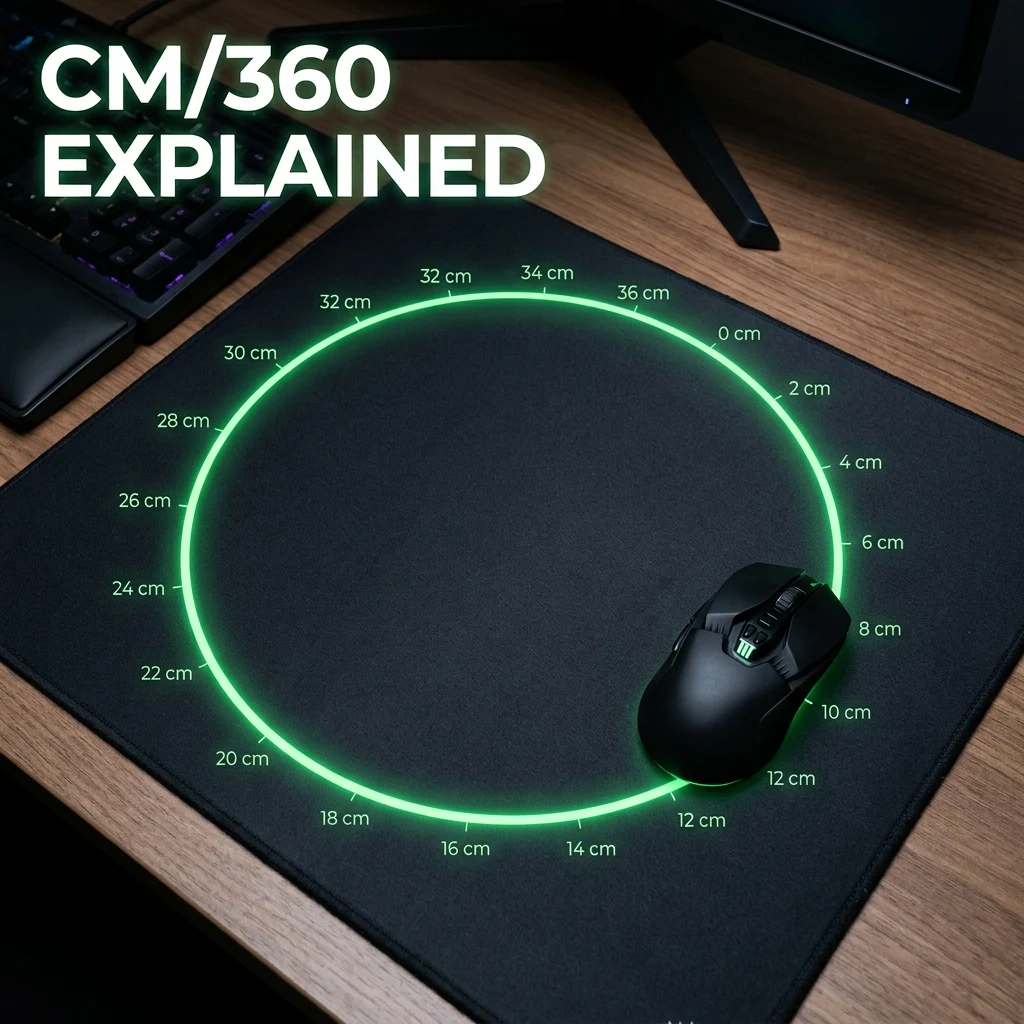
cm/360 measures the exact physical distance (in centimeters) your mouse must travel horizontally across your mousepad to complete a full 360-degree camera rotation inside the game world. Because it measures real-world physical displacement:
- A 45 cm/360 setup requires exactly 45 centimeters of mouse swipe in Valorant, CS2, Apex Legends, or Call of Duty.
- It is completely independent of monitor resolution, aspect ratio, FOV, and in-game sensitivity sliders.
The Universal Mathematical Formula for cm/360
You can calculate the exact cm/360 for any game using its underlying engine yaw multiplier:
Competitive cm/360 Brackets Across FPS Genres
| cm/360 Bracket | Physical Distance | Primary Aim Style | Ideal Game Genres | Required Mousepad Size |
|---|---|---|---|---|
| High Sensitivity | 20 – 30 cm/360 | Wrist / Fingertip Micro-Aim | Arena FPS (Quake, Ultrakill, Overwatch Genji/Tracer) | Medium (320 × 270 mm) |
| Balanced / Tracking | 32 – 44 cm/360 | Hybrid Arm + Wrist | Battle Royale (Apex Legends, Warzone, The Finals) | Large (450 × 400 mm) |
| Low Sensitivity (Tac Meta) | 45 – 65 cm/360 | Arm Sweeps + Wrist Stopping | Tactical FPS (CS2, Valorant, Rainbow Six Siege) | XL / Deskmat (490 × 490 mm+) |
| Ultra-Low Sensitivity | 65 – 85 cm/360+ | Full Arm Swipes (NiKo style) | Pure Crosshair Placement / Angle Holding | Giant Extended Pad (500 × 500 mm+) |
How to Measure Your Real cm/360 Physically
To verify your sensitivity without software:
- Align your mouse flush against a physical ruler on your mousepad.
- In-game, align your crosshair with a distinct vertical landmark (such as a doorway edge or wall pillar).
- Slowly move your mouse horizontally until your in-game camera completes a full 360-degree rotation and aligns with the exact same landmark.
- Read the distance traveled on the ruler in centimeters. That is your exact cm/360.
DPI vs. cm/360: The Latency Advantage of 1600 DPI
You can achieve identical cm/360 using different combinations of DPI and in-game sensitivity. For example, 45 cm/360 can be achieved with 400 DPI at 2.31 in CS2, 800 DPI at 1.155, or 1600 DPI at 0.578. However, 1600 DPI reduces hardware sensor latency by roughly 1.5ms to 2.2ms on initial movement detection.
Calculate your exact cm/360 instantly with the Universal Sensitivity Converter and verify your mousepad size with the Mousepad Area Calculator.
Frequently Asked Questions
Frequently Asked Questions
What's a good cm/360 for FPS games?
For tactical shooters like CS2 and Valorant, 45cm to 55cm per 360 is the competitive gold standard. For high-mobility tracking games like Apex Legends and Warzone, 32cm to 42cm per 360 is ideal.
How do I measure my cm/360 without a tool?
Place a ruler against your mouse, note an in-game vertical landmark, slide your mouse horizontally until your crosshair does a complete 360-degree spin, and read the centimeters moved on the ruler.
🎯 Lock In Perfect 1:1 Aim & Pro Consistency
Tired of daily aim inconsistency? Calibrate your physical cm/360, scope matching, and sensor latency. Get the complete Precision Aim System (4-Part Technical Manifestos) today for only $9.00 USD!
Unlock Elite Precision ($9) ⚡Dalto Outlier
Creator, DCPROSENSDalto built DCPROSENS to help competitive FPS players convert sensitivity, calibrate DPI, and keep their aim consistent across games.


