Combat Master Sensitivity Converter (Mobile/Cross-Play)
TL;DR
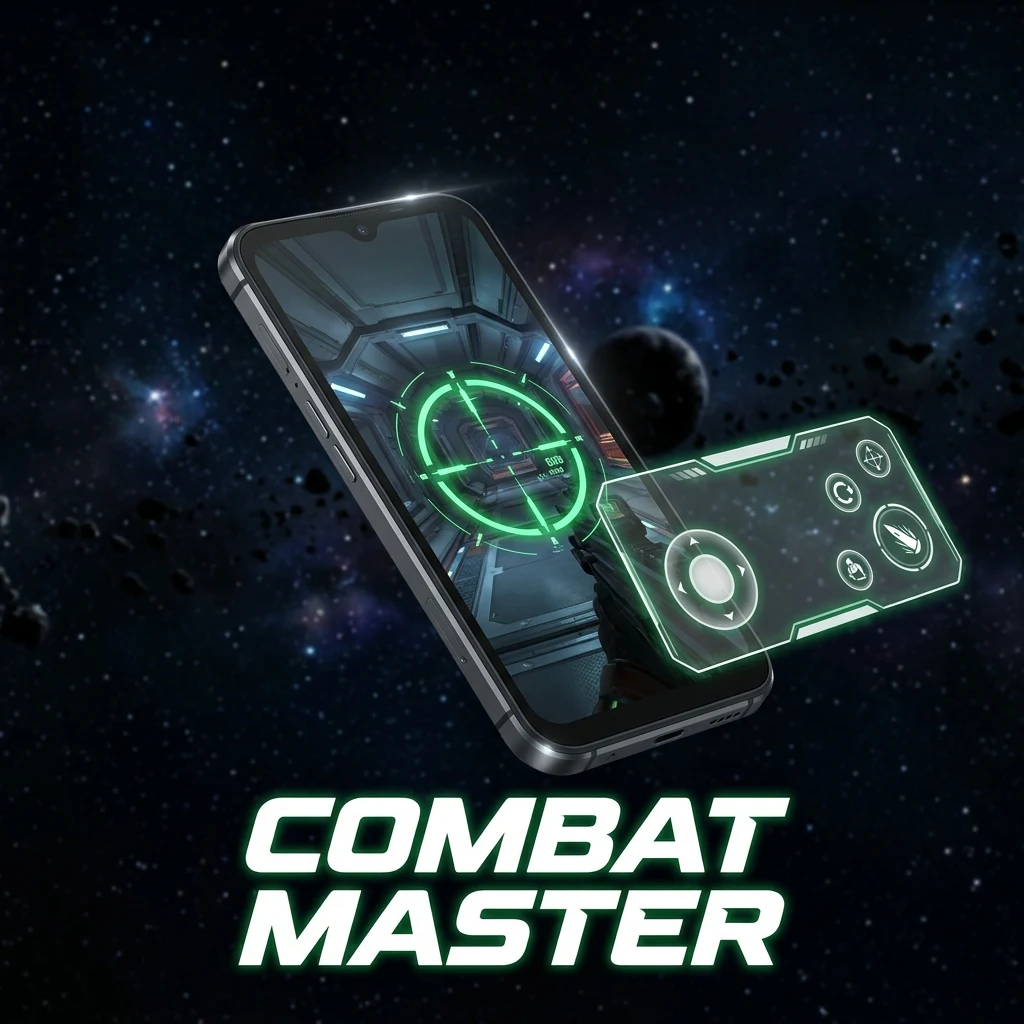
Combat Master brings lightning-fast arcade gunplay, fluid slide-canceling, and responsive cross-play combat to PC and mobile. Operating on a standard 0.022 yaw scale, convert your exact cm/360 from Modern Warfare, Warzone, and CS2 with our comprehensive settings guide.
Ultra-Fast Arcade Movement: Slide-Canceling in Combat Master
Combat Master has earned a dedicated global following as a pure, hyper-responsive alternative to mainstream military shooters. With instantaneous weapon draw speeds, zero sprint-to-fire delay, and buttery-smooth slide canceling, Combat Master tests pure mechanical tracking and flick speed.
Whether you compete on PC with an 8000Hz mouse or on mobile with four-finger claw touch controls, matching your sensitivity eliminates overshooting and unlocks effortless target switching across rapid multi-kills.
Engine Sensitivity Architecture: Standard 0.022 Yaw Multiplier
On PC, Combat Master utilizes standard 1:1 first-person input with an angular yaw multiplier of 0.022 degrees per count, identical to Source engine titles (CS2, Apex Legends, Team Fortress 2).
Quick Reference Conversion Table at 800 DPI
| cm/360 Distance | CoD / Warzone (800 DPI) | Valorant (800 DPI) | Combat Master Sens (800 DPI) | Combat Master (1600 DPI) |
|---|---|---|---|---|
| 28.0 cm/360 (Arcade Fast) | 6.18 | 0.582 | 1.85 | 0.93 |
| 35.0 cm/360 (Balanced) | 4.95 | 0.467 | 1.48 | 0.74 |
| 45.0 cm/360 (Precision) | 3.85 | 0.363 | 1.15 | 0.58 |
| 52.0 cm/360 (Tac Standard) | 3.33 | 0.314 | 1.00 | 0.50 |
Matching PC and Mobile Touchscreen Sensitivity
If you switch between PC and mobile touch controls in Combat Master:
- Touch Camera Sensitivity: Set horizontal/vertical swipe sensitivity so that a thumb sweep across half your screen produces a clean 180-degree turn.
- ADS Scaling: Keep ADS sensitivity at 85% to 90% of your camera look speed to ensure stable recoil tracking on touchscreen controls.
Zero-Lag Graphics & Polling Calibration
Combat Master is exceptionally lightweight and easily runs at 240FPS+ even on budget hardware. In the Video settings, uncap your framerate and disable V-Sync to minimize input buffer lag.
Test your click reaction times with the DCPROSENS Reaction Time Test and convert your sensitivity with our Sensitivity Converter.
Frequently Asked Questions
Frequently Asked Questions
Does Combat Master use the same sensitivity as Call of Duty?
No. Combat Master on PC uses a 0.022 yaw scale (Source engine standard), while Call of Duty uses 0.0066. Multiply your Call of Duty sensitivity by 0.3000 to match it in Combat Master.
How do I match PC and Mobile sensitivity in Combat Master?
Focus on physical rotation distance: tune your mobile touch slider so that a single comfortable thumb swipe across the screen covers the same 180-degree rotation as your standard mouse swipe on PC.
🎯 Lock In Perfect 1:1 Aim & Pro Consistency
Tired of daily aim inconsistency? Calibrate your physical cm/360, scope matching, and sensor latency. Get the complete Precision Aim System (4-Part Technical Manifestos) today for only $9.00 USD!
Unlock Elite Precision ($9) ⚡Dalto Outlier
Creator, DCPROSENSDalto built DCPROSENS to help competitive FPS players convert sensitivity, calibrate DPI, and keep their aim consistent across games.


