How to Detect, Calibrate, and Eliminate Controller Stick Drift in 2026
TL;DR
Test raw resting X/Y offsets first in an HTML5 Gamepad Tester. If resting jitter exceeds 0.05 (5%), set your in-game inner deadzone just above the drift floor or clean/upgrade to TMR sticks.


The Phantom Crosshair Curse
Nothing is more infuriating than setting down your controller only to watch your sniper rifle aim slowly drift toward the sky. Analog stick drift affects over 80% of modern DualSense and Xbox controllers within their first 18 months of intensive gaming.
Why Potentiometer Sticks Wear Out
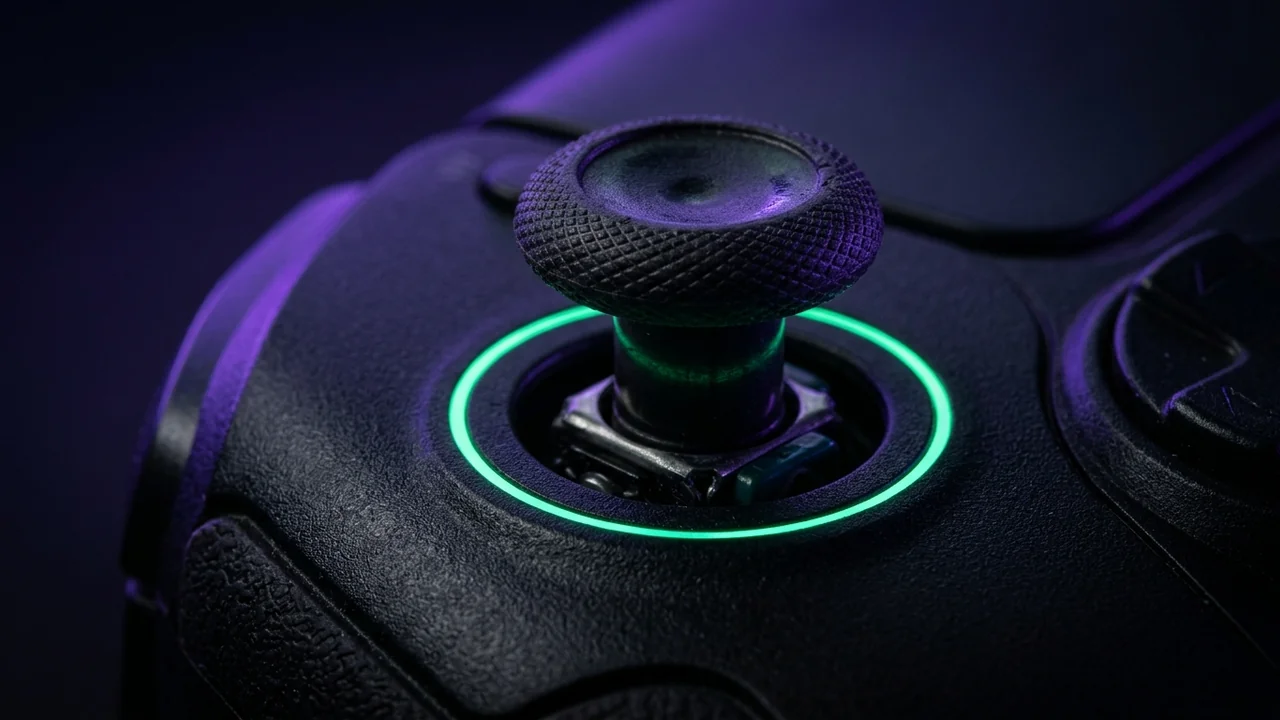
Standard ALPS joystick modules rely on carbon resistive tracks with a tiny metal wiper arm. Every time you push the stick, the wiper rubs against the carbon film. Over millions of cycles, graphite dust builds up and tracks wear thin, sending inconsistent electrical voltages that the console interprets as intentional movement.
Step 1: Diagnose With Precision Circularity
Connect your controller via USB-C or Bluetooth and launch our Online Gamepad Tester. Move each stick in complete 360-degree circles:
- Circularity Error Under 8%: Excellent factory calibration.
- Circularity Error 8% - 15%: Normal operational wear; easily corrected with in-game deadzones.
- Resting Value > 0.05: Definite hardware drift. Your stick is failing to return to dead center.
Step 2: Non-Destructive Cleaning Protocol
Before buying a new $70 controller, try the high-purity electrical contact cleaner method:
- Disconnect power and remove batteries.
- Spray a fast-drying electronic cleaner (such as WD-40 Specialist Contact Cleaner or BW-100) directly around the analog sphere.
- Rotate the thumbstick 40 times in each direction while depressing L3/R3.
- Allow 20 minutes to completely evaporate before powering on.
Step 3: Dialing In Your Minimum Competitive Deadzone
Once your controller sticks are clean, keep the Gamepad Tester open and flick both thumbsticks softly 10 times before letting go. Record the highest resting offset on your right aiming stick — for example 0.038 (3.8%). Set your game's Right Stick Inner Deadzone to the nearest clean step above it, typically 0.04 or 0.05.
Pairing a minimal deadzone with controlled rotational aim assist settings keeps micro-tracking sticky in GTA VI, Call of Duty Warzone, and Apex Legends without phantom camera drift.
Frequently Asked Questions
What resting axis readout counts as real stick drift?
Healthy sticks rest within 0.000 to 0.020. Readings stuck consistently past 0.050–0.080 indicate real potentiometer drift requiring calibration or hardware repair.
Why does circularity test error matter?
Excessive circularity asymmetry changes diagonal turn speed versus horizontal speed, which affects tracking smoothness in Apex Legends, Warzone, and GTA VI.
Where can I test my controller before changing game settings?
Open the DCPROSENS Gamepad Tester via USB or Bluetooth to monitor live X/Y drift bars and trigger response.
Dalto Cardoso (Dalto Outlier)
✓ Verified Founder, DCPROSENSSoftware developer and founder of DCPROSENS (DCOUTLIER). Dalto engineers precision sensitivity calculators, yaw telemetry databases, and hardware calibration guides for competitive FPS players.
Related Guides & Articles

Disclosure: some links on this page are affiliate links. As an Amazon Associate, DCPROSENS earns from qualifying purchases at no extra cost to you.