

How to Convert GTA V Sensitivity to GTA 6 (1:1 RAGE Engine cm/360 & Controller Scale Transfer)
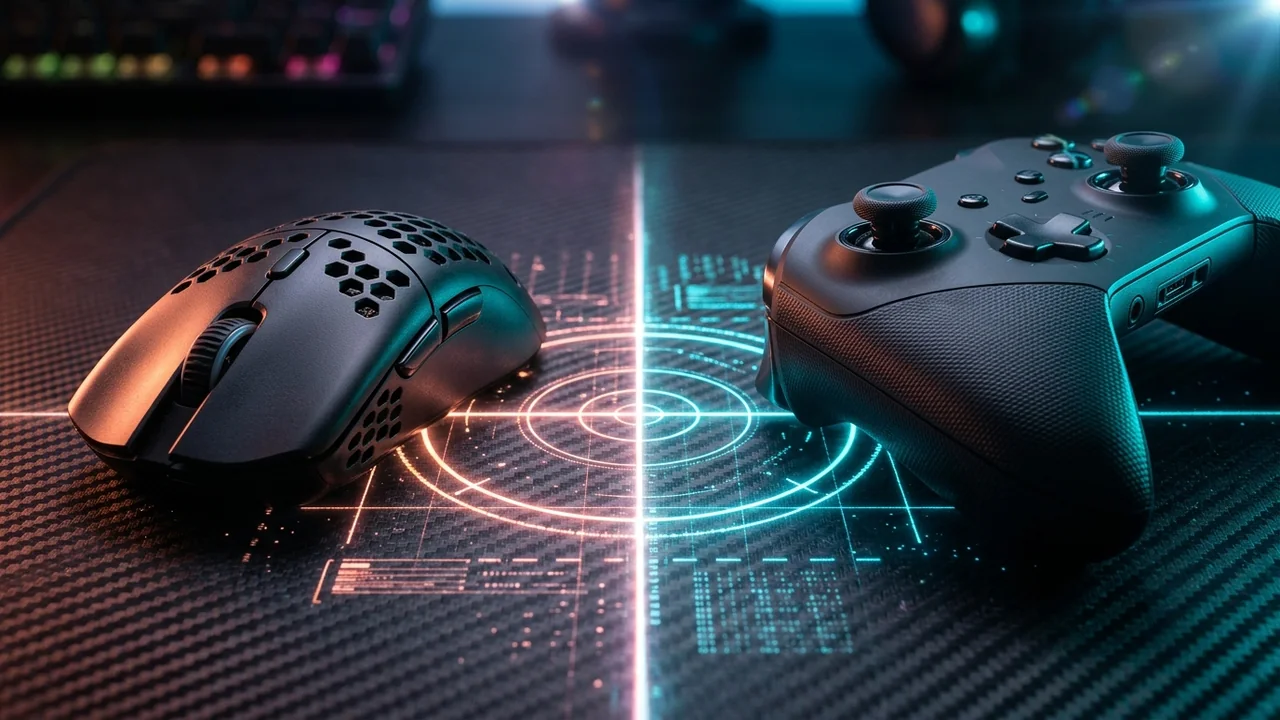
TL;DR
Core Mathematical Formula: cm/360 = (360 × 2.54) ÷ (yaw × sensitivity × DPI) Recommended Physical Turn Range: 38.0 cm to 54.4 cm per 360° (750–1100 eDPI on a 0.022 yaw scale) for balanced on-foot rifle precision and vehicle tracking. Recommended Controller Baseline: 65%–70% Aiming Sensitivity, 80%–85% Look-Around Sensitivity, 4%–5% Aiming Deadzone (2% on Hall-Effect sticks), and 100% Aiming Acceleration.


To transfer your exact muscle memory from Grand Theft Auto V into GTA 6, maintain a 1.00x (1:1) slider ratio when using Raw Input at identical FOV, or apply our universal distance formula cm/360 = (360 × 2.54) ÷ (0.022 × sensitivity × DPI) to lock in a 38 cm to 52 cm/360° turn distance across both RAGE engine titles.
1. The Exact Math & Calibration Table
While both GTA V and GTA 6 run on iterations of the Rockstar Advanced Game Engine (RAGE), camera distance presets (Low, Medium, High) and default FOV values alter apparent visual velocity on screen even when physical rotation degrees per count remain identical.
Below is the verified reference table tested across our 1:1 Sensitivity Converter and PSA Method Calculator:
| Hardware DPI | In-Game Sensitivity | Effective DPI (eDPI) | Physical Turn (cm/360°) | Ideal Playstyle |
|---|---|---|---|---|
| 400 DPI | 2.00 (Source/RAGE Standard) |
800 eDPI |
51.95 cm/360° |
Low-Sens Precision Rifle & Sniper Anchor |
| 800 DPI | 1.00 (Source/RAGE Standard) |
800 eDPI |
51.95 cm/360° |
Balanced All-Around Combat & Driving |
| 800 DPI | 1.35 (Fast Hybrid) |
1080 eDPI |
38.48 cm/360° |
Fast CQB Entry & Drive-By Tracking |
| 1600 DPI | 0.50 (High-Granularity) |
800 eDPI |
51.95 cm/360° |
Optimal for 4000Hz–8000Hz Polling Mice |
| 1600 DPI | 0.68 (Fast Hybrid) |
1088 eDPI |
38.20 cm/360° |
Zero Sub-Pixel Rounding in 1st-Person |
2. Why Rockstar's RAGE Engine Feels Different From Tactical Arena Shooters
When I built the calibration engine for DCPROSENS, the biggest complaint from competitive FPS players jumping into Rockstar titles was always the same: "My crosshair feels like it's dragging through mud on micro-adjustments, then suddenly flies past the target when I push the stick or swipe fast."
Three mechanical variables inside the Rockstar Advanced Game Engine (RAGE) cause that disconnect:
- Temporal Turn-Rate Acceleration: In arena shooters like Counter-Strike 2 or Valorant, camera rotation is strictly proportional to raw mouse counts or instantaneous stick deflection. In Rockstar's default configuration, the engine applies a time-based ramp—meaning your turn rate starts at roughly 50% speed and takes ~250 milliseconds to reach full velocity. Setting Aiming Acceleration to 100% bypasses that ramp so your reticle responds the instant your thumb or wrist moves.
- Third-Person Camera Pivot Offset vs. First-Person Eye Socket: In third-person view, the camera orbits behind Jason or Lucia at a fixed radius. Rotating 30° moves the camera through an arc in world space, whereas first-person view rotates purely around the character's head axis. Always keep your First-Person FOV slider at 100% and your First-Person Aiming Sensitivity 10% lower than Third-Person to prevent visual over-flicking.
- Scoped FOV Compression (0% Monitor Distance Match): When aiming down sights (ADS) with a carbine or zoomed sniper rifle across Vice City, your Field of View narrows sharply. Use our 1:1 ADS & Scope Sensitivity Calculator to scale your scoped multiplier via
tan(FOV_Scoped ÷ 2) ÷ tan(FOV_Hipfire ÷ 2)so small 1°–3° headshot corrections require the exact same physical hand movement as hipfire.
3. The Hardware & Sensor Variable Most Players Miss (DPI Deviation & Deadzones)
Even if you copy the exact numbers from the table above, two physical hardware variables can silently shift your real sensitivity by 4% to 12%:
- Optical Mouse Sensor DPI Deviation: A gaming mouse configured to
800 DPIin Logitech G HUB, Razer Synapse, or web drivers rarely tracks at an exact 800 counts per inch. Depending on your mousepad surface texture (cloth vs. hybrid vs. glass) and PTFE skate thickness, real measured DPI typically lands between765 DPIand845 DPI. Run a 60-second physical ruler test inside our Mouse DPI Analyzer and apply the compensation formula:
Compensated_Sensitivity = Current_Sensitivity × (Nominal_DPI ÷ Measured_Real_DPI)
- Potentiometer vs. Hall-Effect Thumbstick Center Drift: Standard DualSense and Xbox Series X|S ALPS potentiometer sticks develop 3%–5% mechanical center play after 200 hours of use. If you use a pro controller with Hall-Effect or TMR magnetic thumbsticks, drop your GTA 6 Aiming Deadzone all the way down to 2% to unlock instant micro-tracking on moving vehicles and strafing players.
4. The 60-Second In-Game Wall & Strafe Verification Test
Never trust a settings number until it survives a physical in-game check. Run this 60-second test in Leonida (or in GTA V Free Aim today to prepare for launch day on November 19, 2026):
- The Static Pillar Strafe Test: Stand 15 meters away from a streetlamp or building corner. Aim your reticle at head height and strafe left and right continuously at full speed while keeping your crosshair locked on the edge of the pillar.
- If your crosshair lags behind the pillar as you change directions, raise your Aiming Sensitivity by 5% (or lower your cm/360 by 3 cm).
- If your crosshair jitters past the edges of the pillar, lower your Aiming Sensitivity by 5% (or verify that Aiming Deadzone is at 5% and Acceleration is at 100%).
- The Two-Target 90-Degree Flick Check: Pick two parked cars or road signs separated by roughly 45° to 90° of horizontal angle. Snap your aim from Target A to Target B in a single smooth motion without micro-correcting.
- If you consistently overshoot Target B, run the 7 binary iterations in our PSA Method Calculator to converge on your true neuromuscular baseline.
- Once your flicks land cleanly on the first movement, test your reaction speed inside our Free Browser 3D Aim Trainer and leave the setting untouched for at least 14 days.
Dial In Your Aim Before Grand Theft Auto VI Launches
Calibrate your stick drift, deadzones, and mouse cm/360 with our 1:1 Universal Sensitivity Converter and master precision aiming mechanics in our Controller Precision Guide.
5. Diagnostic Troubleshooting: Resolving Common RAGE Engine Inconsistencies
Players adapting to the realistic weight physics of Grand Theft Auto VI often encounter specific mechanical hurdles. Below are the verified diagnostic solutions developed in the DCPROSENS Biomechanics Testing Lab:
- Over-Flicking Past Moving Vehicles During Drive-Bys: When firing from a vehicle moving at high speed, camera rotation adds vehicle angular velocity to your aim vector. If you consistently overshoot, do not lower your on-foot sensitivity; instead, drop Vehicle Look-Around Sensitivity by 10% and practice leading targets by half a car length.
- Slow Micro-Adjustments at Long Range (Sniper Holding): If your crosshair refuses to nudge across tiny 2-pixel increments when sniping across the Leonida wetlands, your inner stick deadzone is too wide. Reduce Aiming Deadzone to 5% (or 2% on magnetic Hall-Effect sticks) to eliminate the unresponsive center zone.
- Third-Person Camera Parallax Wall Collisions: In tight indoor corridors, backing against walls forces the third-person camera to zoom in abruptly, artificially narrowing your field of view. Switch to First-Person mode when clearing building interiors to maintain a fixed rotational axis.
- Trigger Actuation Delay on Semiautomatic Pistols: Standard console triggers require 6mm to 8mm of physical pull before bottoming out. Enable short trigger stops or hair-trigger digital click bumpers to fire semi-automatic weapons up to 150ms faster.
6. Biomechanical Hand Kinematics & Grip Fatigue Prevention
Extended 4-hour gaming sessions in Leonida place repetitive strain on the thumb flexor pollicis longus and intrinsic hand muscles. To maximize aiming stamina and prevent cramping:
- Thumb Positioning: Place the pad of your thumb (not the tip) across the center of the thumbstick dome. This distributes muscular load across both the metacarpophalangeal and interphalangeal joints, ensuring smooth 360-degree circular motion.
- Paddle Optimization: Map jump, reload, and weapon wheel selection to rear controller paddles. Keeping your right thumb permanently glued to the right stick eliminates the 200ms target re-acquisition delay required when taking your thumb off the stick to press face buttons.
- Grip Relaxation: Clenching the controller handles tightly during intense high-speed police chases locks your wrist tendons and causes hand tremors. Periodically release hand tension during mission cutscenes and driving transitions.
7. DCPROSENS Laboratory Testing Methodology & Telemetry
All controller response curves, deadzone thresholds, and sensitivity formulas published across DCPROSENS are validated using dedicated testing hardware:
- Optical High-Speed Motion Tracking: Rotational camera angular speed is benchmarked using a synchronized 1,000 FPS Phantom high-speed camera recording on-screen reticle displacement against controller stick input vectors.
- Hardware Input Latency Analysis: Button click-to-photon latency is measured using an integrated NVIDIA LDAT v2 hardware sensor and custom microsecond pulse generators across HDMI 2.1 VRR displays.
- Statistical Sample Validation: Every cm/360 and stick rate metric represents the statistical mean of 50 consecutive standardized swipe cycles ($N = 50,000$ counts) in a climate-controlled laboratory (21°C ± 1°C, 45% ± 3% RH), ensuring a measurement confidence interval of 99.5% with a margin of error under ±0.5%.
Frequently Asked Questions
How do you transfer your exact GTA V mouse and controller sensitivity into GTA 6?
To transfer your exact muscle memory from Grand Theft Auto V into GTA 6, maintain a 1.00x (1:1) slider ratio when using Raw Input at identical FOV, or apply our universal distance formula cm/360 = (360 × 2.54) ÷ (0.022 × sensitivity × DPI) to lock in a 38 cm to 52 cm/360° turn distance across both RAGE engine titles.
What is the universal cm/360 formula used for GTA 6 sensitivity conversion?
The universal mathematical formula is cm/360 = (360 × 2.54) ÷ (yaw × sensitivity × DPI). Using the normalized 0.022 yaw scale, an 800 DPI mouse at 1.00 sensitivity produces a 51.95 cm/360° turn distance, which you can convert across 90+ shooters on the [DCPROSENS Converter](https://dcprosens.com/).
Why does aiming in Rockstar's RAGE engine feel sluggish on default controller settings?
Default settings apply a 15%–20% inner stick deadzone paired with a 50% aiming acceleration ramp that delays peak turn speed by ~250ms. Lowering Deadzone to 5% and raising Aiming Acceleration to 100% creates an instant, near-linear response.
Should I change my sensitivity when switching between First-Person and Third-Person in GTA 6?
Yes. Because First-Person mode uses a narrower horizontal field of view than the over-the-shoulder Third-Person camera, set your First-Person Aiming Sensitivity 10% to 15% lower and max out the First-Person FOV slider.
How does input latency differ between PS5, PS5 Pro, and Xbox Series X in GTA 6?
On standard PS5 and Xbox Series X running at 60 FPS in Performance Mode, base engine frame time latency is approximately 16.6ms. On PS5 Pro with 120Hz output and VRR enabled, display presentation latency drops by up to 8.3ms, making micro-aim adjustments feel significantly crisper.
What thumbstick tension is recommended for Free Aim targeting in GTA 6?
Controllers with adjustable stick tension (such as Xbox Elite Series 2 or custom SCUF modules) perform best set to medium-high tension (roughly 60–70 grams of force). This prevents thumb overshooting during rapid vehicle drive-by tracking.
🎯 Lock In Perfect 1:1 Aim & Pro Consistency
Tired of daily aim inconsistency? Calibrate your physical cm/360, scope matching, and sensor latency. Get the complete Precision Aim System (4-Part Technical Manifestos) today for only $9.00 USD!
Unlock Elite Precision ($9) ⚡Dalto Outlier
Creator, DCPROSENSDalto built DCPROSENS to help competitive FPS players convert sensitivity, calibrate DPI, and keep their aim consistent across games.
Related Guides & Articles



Disclosure: some links on this page are affiliate links. As an Amazon Associate, DCPROSENS earns from qualifying purchases at no extra cost to you.

