

The Cleanest Crosshair Can Be the Hardest to See
TL;DR
Choose a crosshair you can locate during movement, across the backgrounds you actually play against. A clean-looking preview is not enough to establish that it is usable in a match.


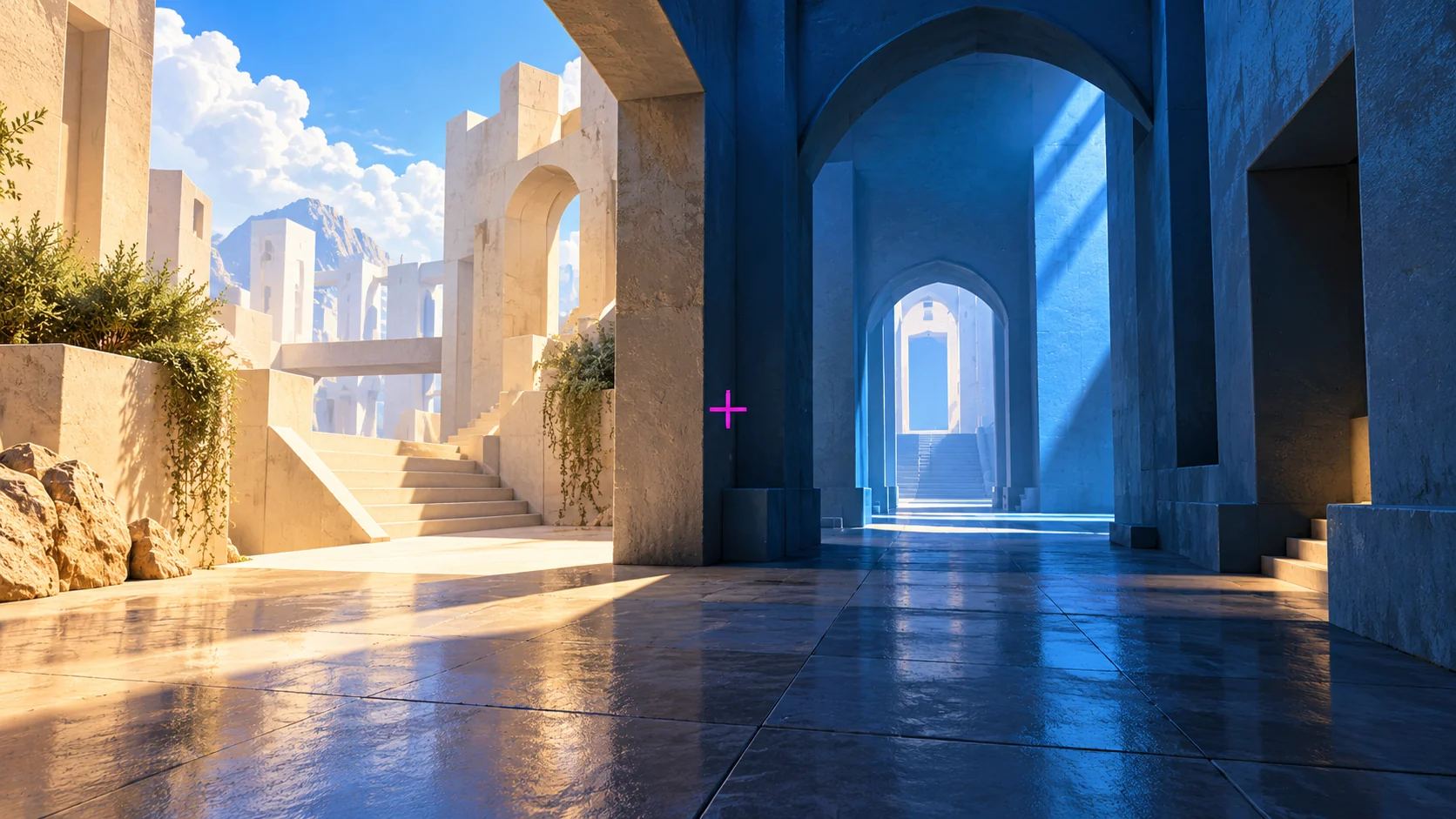
A tiny crosshair looks excellent in a settings screenshot. Then you turn toward a bright wall during a match and spend a moment trying to find it.
Choose a crosshair you can locate during movement, across the backgrounds you actually play against. A clean-looking preview is not enough to establish that it is usable in a match.
Test the scene, not just the preview
A preview usually gives you a controlled background. A match gives you changing light, architecture, effects and targets at different distances. A design that looks precise in the menu may not remain obvious in those conditions.
Start with three locations in a practice environment: a bright surface, a dark area and a visually busy scene. Turn between landmarks at your normal speed. Ask whether you can find the center immediately without deliberately searching for the crosshair.
This is an individual visibility check, not a claim that one color works best for every map or every person's vision.
Change the property that matches the problem
If the crosshair blends into a background, compare color or an outline where the game supports it. If it covers the target detail you need, compare thickness, length or center-dot size. Those are different problems and may need different changes.
Riot's VALORANT patch notes 5.04 documented expanded crosshair customization, including custom colors and independent line adjustments. That is historical background about available design controls, not a claim about a new patch or the exact menu layout in your current build.
Use the options currently offered by your game. Do not assume a numeric preset transfers identically to another title or resolution.
| What you notice | A focused comparison |
|---|---|
| Crosshair vanishes on pale surfaces | Compare an outline or a contrasting color |
| Center covers distant target detail | Compare a smaller center mark or less thickness |
| Shape is hard to locate during turns | Compare slightly more visible line length or thickness |
| One map is comfortable but another is not | Repeat the background check on both |
Treat each change as a candidate. A thicker line may solve visibility while introducing obstruction, so return to the distant target after testing the bright wall.
Keep one reference profile
Save the original profile or code before making changes. Create one alternative, then compare the two in the same environment. Ten simultaneous experiments make it easy to lose track of what helped.
Keep sensitivity and display settings steady. If you change the image scale and crosshair together, you will not know which change altered the apparent size or feel.
You can sketch a candidate with the DCPROSENS crosshair generator. Confirm its appearance inside the game before keeping it; a browser preview is a design aid, not a substitute for the final rendering.
Judge the task instead of the screenshot
The crosshair has to remain useful when your attention is on a target. It does not need to win a comparison of the smallest possible shapes.
After trying a candidate, write down the specific improvement: easier to locate on a bright wall, less obstruction at distance, or no meaningful difference. A score alone can hide the reason you preferred it.
A slightly more visible crosshair may be the right choice even if it looks less minimal in a shared screenshot. The final test is whether you can use it without repeatedly noticing the effort of finding it.
Master Angle Control & Crosshair Placement
Learn the 90% placement rule and retinal contrast reticle setups in Crosshair Placement & Angle Control, or calculate your anatomical cm/360 in The Architect of Precision.
🎯 Lock In Perfect 1:1 Aim & Pro Consistency
Tired of daily aim inconsistency? Calibrate your physical cm/360, scope matching, and sensor latency. Get the complete Precision Aim System (4-Part Technical Manifestos) today for only $9.00 USD!
Unlock Elite Precision ($9) ⚡Dalto Outlier
Creator, DCPROSENSDalto built DCPROSENS to help competitive FPS players convert sensitivity, calibrate DPI, and keep their aim consistent across games.
Related Guides & Articles



Disclosure: some links on this page are affiliate links. As an Amazon Associate, DCPROSENS earns from qualifying purchases at no extra cost to you.

