Does Stretched Resolution Change Your Sensitivity?
TL;DR
Stretched resolution changes your field of view without changing your sensitivity slider — which means the same mouse movement covers a different amount of the game world than it did at native resolution. Use the stretched resolution simulator to see the FOV shift before you decide whether to compensate.
Stretching Changes FOV, Not Yaw
Running a game at a stretched resolution — a lower native resolution (like 4:3) forced to fill a widescreen monitor — doesn't change your sensitivity slider or your yaw constant. What it changes is your effective horizontal field of view: objects appear wider and closer to center, and less of the world is visible at the edges. That's a genuinely different visual experience from your sensitivity setting, even though the two get conflated constantly in FPS communities.
Why It Feels Faster Even Though the Math Didn't Change
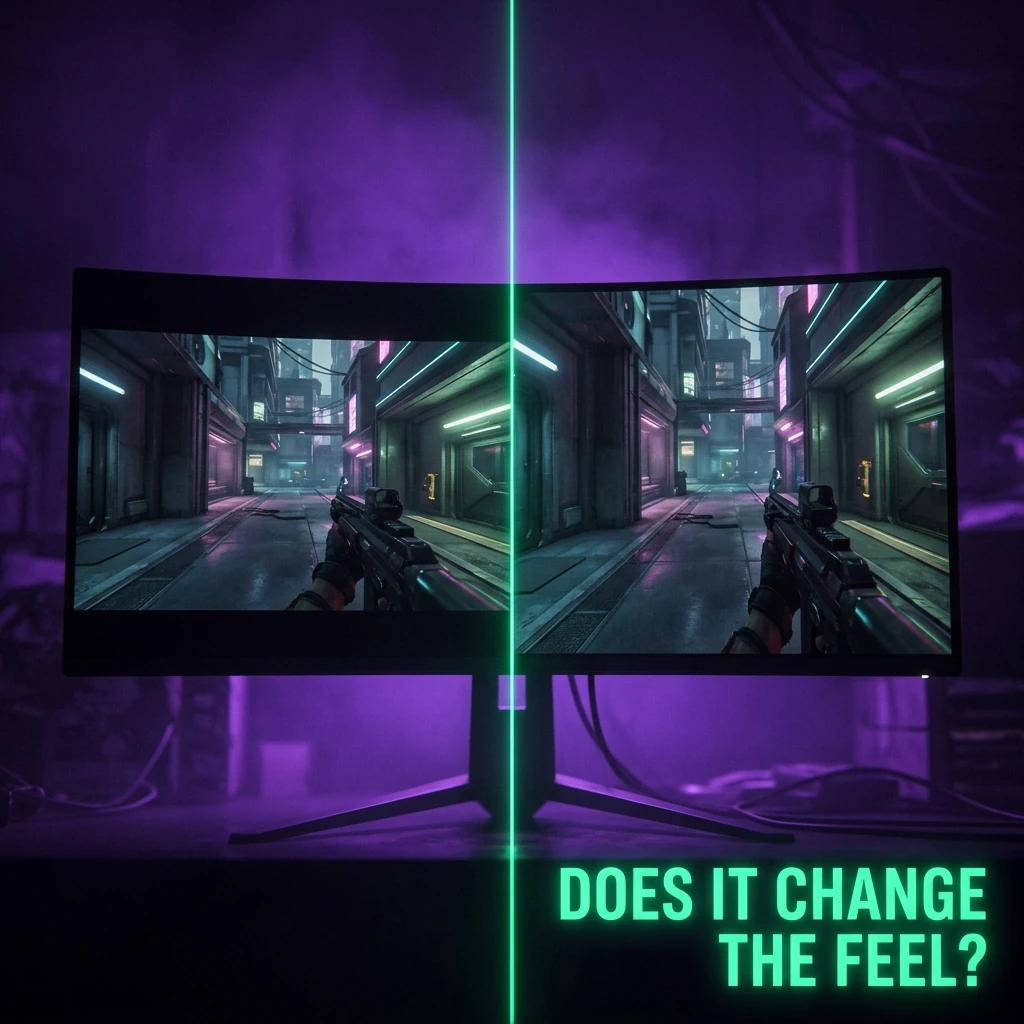
Because a narrower effective FOV shows less world per degree of camera rotation, the same physical mouse movement produces what feels like a faster, more zoomed-in sweep across the visible scene — even though your actual angular rotation speed (the thing sensitivity conversion controls) hasn't changed at all. This is the same underlying effect that makes FOV mismatches break "correctly converted" sensitivity between two different games, just triggered by a resolution setting inside one game instead of a cross-game switch. See our monitor and stretched resolution simulator to see the visual difference directly rather than guessing at it.
Does This Mean You Should Compensate?
That's a personal preference call, not a math requirement. Some competitive players who stretch resolution specifically want the visual effect — bigger, more central hitboxes — and don't compensate sensitivity at all, since their target acquisition muscle memory adapts to the new visual scale over time. Others prefer to keep the visual feel of turning consistent with their native-resolution habits and adjust sensitivity slightly to compensate for the narrower effective FOV. Neither approach is objectively correct; what matters is picking one and sticking with it rather than switching back and forth, which is what actually breaks muscle memory.
How This Interacts With Cross-Game Sensitivity Conversion
If you use a converted sensitivity from another game and also play at a stretched resolution, you're stacking two variables that both affect perceived aim speed — the yaw-based conversion, and the FOV shift from stretching. If a converted sensitivity feels off specifically in a title where you stretch resolution but not in others, that's very likely the FOV effect described above, not an error in the conversion itself. Isolate it by briefly testing at native resolution before concluding the sensitivity math is wrong.
Frequently Asked Questions
Frequently Asked Questions
Does stretched resolution actually change my sensitivity number?
No — your sensitivity slider and yaw constant stay exactly the same. What changes is your effective field of view, which makes the same mouse movement feel like it covers more of the screen.
Should I lower my sensitivity when I switch to stretched resolution?
Only if you want to compensate for the narrower FOV making things feel faster. It's a personal preference, not something the underlying sensitivity math requires you to correct.
Why does my converted sensitivity feel wrong only on games where I use stretched res?
That's very likely the FOV shift from stretching, not a conversion error — test the same converted sensitivity at native resolution to isolate the variable.
🎯 Lock In Perfect 1:1 Aim & Pro Consistency
Tired of daily aim inconsistency? Calibrate your physical cm/360, scope matching, and sensor latency. Get the complete Precision Aim System (4-Part Technical Manifestos) today for only $9.00 USD!
Unlock Elite Precision ($9) ⚡Dalto Outlier
Creator, DCPROSENSDalto built DCPROSENS to help competitive FPS players convert sensitivity, calibrate DPI, and keep their aim consistent across games.