Mouse Polling Rate Explained: 125Hz vs 1000Hz vs 8000Hz
TL;DR
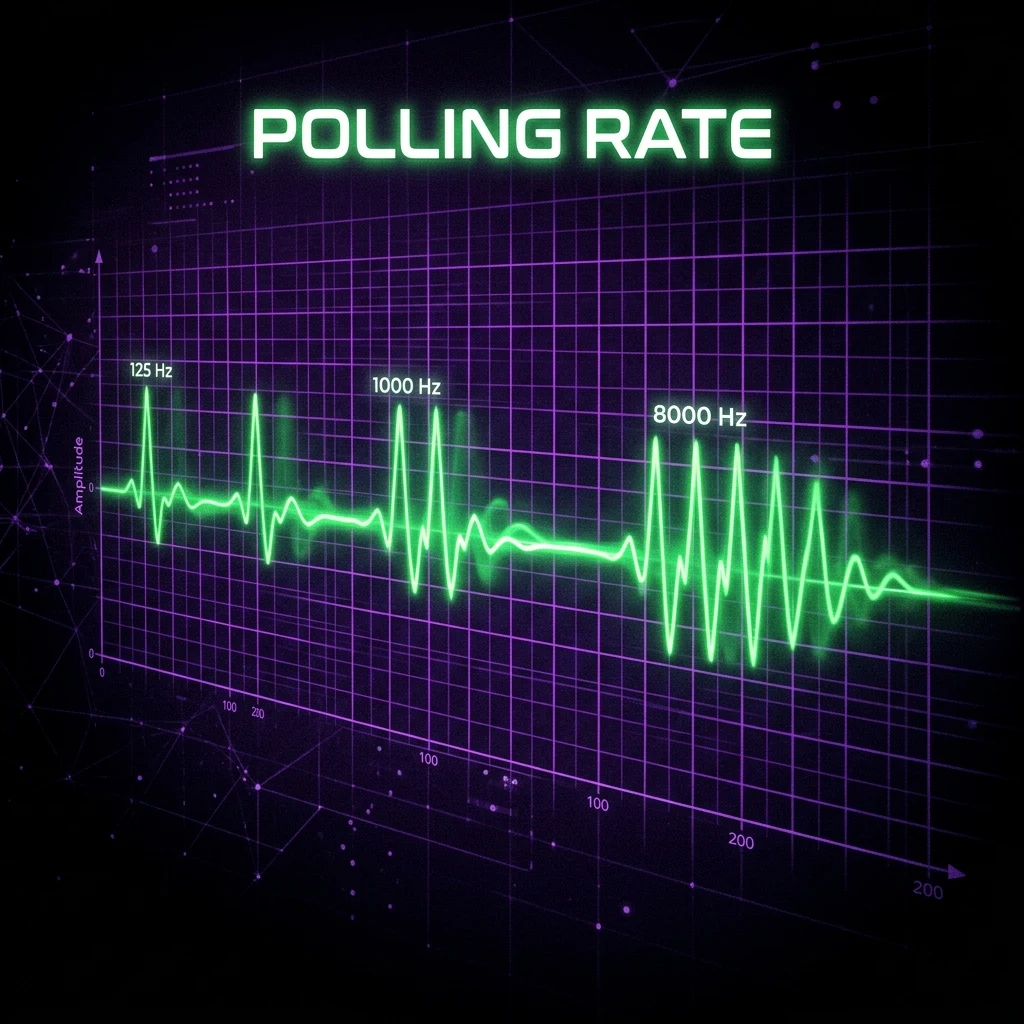
Polling rate is how many times per second your mouse reports its position to your PC — 125Hz reports every 8ms, 1000Hz every 1ms, and 8000Hz every 0.125ms. The jump from 125Hz to 1000Hz produces the largest real improvement in input consistency; going from 1000Hz to 8000Hz yields a much smaller, mostly marginal gain.
What Polling Rate Actually Measures
Polling rate is how many times per second your mouse sends a position update to your PC over USB, measured in Hertz (Hz). A 125Hz mouse reports its position every 8 milliseconds; a 1000Hz mouse reports every 1 millisecond; an 8000Hz mouse reports every 0.125 milliseconds. It has nothing to do with sensor accuracy or DPI — a mouse can have a flawless, high-DPI sensor and still report its position infrequently if polling rate is set low, introducing a small window of "staleness" between when you actually moved and when your PC finds out about it.
Mechanically, your mouse's sensor is always tracking movement continuously — polling rate only governs how often that tracked data gets packaged up and sent over the USB connection. Between two poll events, any movement that happened is simply queued and delivered at the next scheduled report, rather than lost outright, which is why lower polling rates don't cause missed clicks or dropped input so much as a consistent, small added delay before the game receives what already happened.
125Hz vs 500Hz vs 1000Hz vs 8000Hz Compared
| Polling Rate | Report Interval | Worst-case delay |
|---|---|---|
| 125Hz | 8ms | up to 8ms |
| 500Hz | 2ms | up to 2ms |
| 1000Hz | 1ms | up to 1ms |
| 8000Hz | 0.125ms | up to 0.125ms |
The gap between steps isn't linear in practical impact. Moving from 125Hz to 1000Hz cuts the worst-case reporting delay by up to 7 milliseconds — a genuinely noticeable change, larger than the frame-time difference between a 144Hz and a 240Hz monitor. Moving from 1000Hz to 8000Hz only removes a further 0.875 milliseconds at most, a much smaller improvement sitting close to the edge of what's perceptible even for trained competitive players.
It helps to compare this delay against other latency sources already present in a typical gaming setup. Display response time on a good competitive monitor is commonly in the 1–5ms range; render latency (the time between a frame being generated and displayed) can add anywhere from a handful of milliseconds to well over 10ms depending on frame rate and settings; and human reaction time itself averages somewhere around 150–250 milliseconds. Polling rate's worst-case delay — even at the slow end, 8ms at 125Hz — is a real contributor to total system latency, but it's one piece among several, not the dominant factor most of the time. That context is useful for deciding how much priority to put on chasing the highest possible polling rate versus other latency sources in your setup.
Does Higher Polling Rate Cause More CPU Usage?
Yes, measurably, though the effect is small on modern hardware. Polling at 8000Hz generates roughly eight times more USB interrupt requests per second than 1000Hz, and Razer's own published figures put the added CPU overhead at approximately 1–3% on modern systems — noticeable on paper, but rarely enough to cost real frames on a competitive-tier gaming PC. On older or lower-end CPUs, or systems already close to a CPU bottleneck, that overhead is more likely to actually show up as inconsistent frame pacing. Use our FPS and bottleneck calculator to check whether your specific CPU/GPU pairing has headroom to spare before maxing out polling rate.
Why 125Hz Was Ever the Default
125Hz became the standard USB polling rate because it was the baseline defined for USB Human Interface Devices (HID) — the generic device class covering keyboards, mice, and similar peripherals — when the USB specification was first widely adopted, long before competitive gaming created demand for lower latency. Standard office mice still frequently ship at 125Hz today because there's no practical downside for typing or web browsing, and it uses marginally less USB bandwidth and power. Gaming-branded mice raised this default because competitive players specifically benefit from the lower reporting delay, not because 125Hz was ever technically necessary for a mouse to function.
Does polling rate matter outside FPS games? Less so. In slower-paced genres — strategy games, most single-player titles, general productivity — the few milliseconds of difference between polling rates has no meaningful impact on the experience, since reaction windows aren't measured in single-digit milliseconds the way competitive FPS duels often are. It's specifically fast target acquisition and fine tracking under time pressure where polling rate has room to matter at all.
Polling Rate vs. Click Latency
Polling rate is often confused with click latency (also called switch debounce delay), but they're separate specs measuring different things. Polling rate governs how often your mouse's position is reported; click latency governs how long it takes a button press to register once the switch physically closes, including any debounce delay the firmware adds to filter out electrical noise from the switch mechanism. A mouse can have excellent polling rate and mediocre click latency, or vice versa — optical switches (which use a light beam interrupted by the stem rather than a mechanical electrical contact) generally have lower, more consistent click latency than traditional mechanical switches, independent of whatever polling rate the mouse supports. If competitive click responsiveness matters to you specifically, check switch technology as its own spec rather than assuming a high polling rate covers it.
Wired vs. Wireless Polling Rate Differences
Wired mice deliver polling rate over a direct USB connection with no additional protocol overhead, which is why nearly every high-polling-rate mouse on the market started as a wired product. Modern wireless gaming mice can match wired polling rates using a dedicated 2.4GHz USB receiver, but this typically requires that specific receiver (not a generic USB hub or a different manufacturer's dongle) and draws more battery than a lower polling rate would. True Bluetooth connections are the exception — Bluetooth's protocol overhead makes very high polling rates impractical, which is why competitive mice almost always default to their 2.4GHz dongle rather than Bluetooth when high polling rate matters.
What Competitive Players Actually Use
1000Hz has been the de facto competitive standard for years and remains the safest, most universally supported choice — nearly every gaming mouse released in the last decade supports it natively with no added CPU cost worth worrying about. 8000Hz mice are a newer category, and adoption among competitive players is growing but still far from universal, partly because the practical benefit over 1000Hz is genuinely marginal for most play styles, and partly because some 8000Hz implementations (especially wireless ones) require a dedicated USB dongle rather than working through a standard port. If you're deciding between polling rates for a new setup, see our companion guide on choosing the best polling rate for your use case, including budget mice that support 8K polling without flagship pricing.
Whatever polling rate you land on, confirm it's actually paired with an accurate DPI reading before you lean on it for competitive conversions — check your real DPI with the DPI analyzer and convert your sensitivity across games with the sensitivity converter.
None of this replaces good fundamentals. A player with excellent crosshair placement and game sense on a 125Hz mouse will consistently outperform a player with poor fundamentals on an 8000Hz setup — polling rate closes a small, real gap at the margins, it doesn't create skill. Treat it as one part of a complete setup alongside an accurate DPI calculation and properly tuned sensitivity, not the single lever that decides outcomes.
Frequently Asked Questions
Frequently Asked Questions
Is 8000Hz polling rate worth it?
It's a genuine but small improvement over 1000Hz — reducing worst-case input delay by well under a millisecond further, compared to the roughly 7-millisecond improvement gained going from 125Hz to 1000Hz. It's worth it if you're already buying a mouse that supports it at no premium, but it's not worth paying a large price jump for on its own.
Does polling rate affect input lag?
Yes — polling rate determines how often your mouse's position updates reach your PC, so a lower polling rate adds a small window of delay (up to 8ms at 125Hz) between your physical movement and when the game receives it. Higher polling rates shrink that window, with the biggest real-world gain coming from moving off 125Hz onto at least 1000Hz.
Equipamentos de Elite Recomendados
Mouses ultra-leves topo de linha recomendados pelo Treinador Dalto para máxima precisão de sensor e consistência física no seu mousepad:
Logitech G Pro X Superlight 2
O mouse mais vencedor do cenário competitivo. Shape icônico, sensor HERO 2 e switches ópticos-mecânicos híbridos.
Razer Viper V3 Pro
Rastreador preciso com polling rate sem fio nativo de 8.000 Hz e formato simétrico ergonômico moderno.
Razer DeathAdder V3 Pro
Excelente para pegadas palm ou claw que querem apoio anatômico. Sensor Focus Pro 30K de última geração.
Lamzu Atlantis OG V2 / Thorn
Mouse boutique com peso irrisório e base vazada. Pegada traseira perfeita para controle agressivo de claw grip.
🎯 Lock In Perfect 1:1 Aim & Pro Consistency
Tired of daily aim inconsistency? Calibrate your physical cm/360, scope matching, and sensor latency. Get the complete Precision Aim System (4-Part Technical Manifestos) today for only $9.00 USD!
Unlock Elite Precision ($9) ⚡Dalto Outlier
Creator, DCPROSENSDalto built DCPROSENS to help competitive FPS players convert sensitivity, calibrate DPI, and keep their aim consistent across games.


