

Is Your Mousepad Too Small for Your Sensitivity?
TL;DR
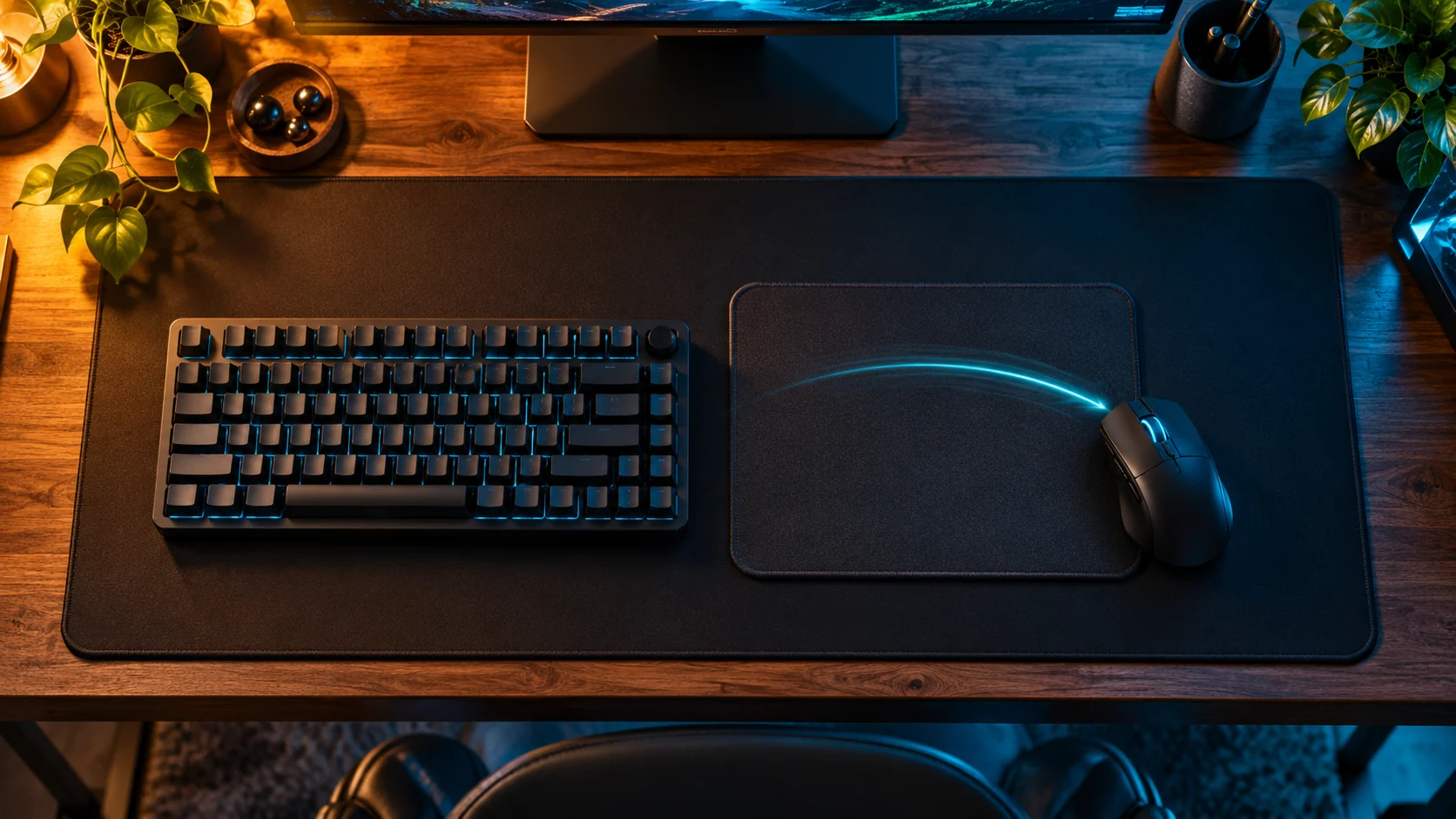
Compare your required turn distance with the usable space on each side of your normal mouse position. Under linear input, a 180-degree turn uses half your cm/360. A pad's advertised width is not the same as usable travel once the mouse, keyboard and edge clearance are considered.


Illustrative workspace, not a product size comparison.
If your mouse reaches the edge before the camera reaches the target, there is a physical constraint in the setup. Buying a larger pad is one possible response. Moving the keyboard, changing the resting position or choosing a different sensitivity may also address the problem.
Measure the constraint before deciding which option fits your desk.
Calculate the turn distance
For a linear camera configuration:
required travel = cm/360 × desired turn angle / 360
At 40 cm/360, a 90-degree turn takes 10 cm, a 180-degree turn takes 20 cm and a full turn takes 40 cm. These are geometric calculations under the stated model, not a recommendation to use 40 cm/360.
| Sensitivity | Travel for 90 degrees | Travel for 180 degrees |
|---|---|---|
| 20 cm/360 | 5 cm | 10 cm |
| 30 cm/360 | 7.5 cm | 15 cm |
| 40 cm/360 | 10 cm | 20 cm |
| 50 cm/360 | 12.5 cm | 25 cm |
| 60 cm/360 | 15 cm | 30 cm |
You can use the DCPROSENS mousepad calculator as a planning aid, then check the real desk with a ruler.
Measure from where you actually start
The common mistake is comparing a 20 cm turn with a 30 cm-wide pad and assuming there must be enough room. If your mouse starts near the middle, you do not have the full width available in either direction.
Mark your comfortable resting position. Measure usable travel to the left and right without letting the mouse feet leave the intended surface. Note anything that blocks the movement: keyboard, monitor stand, cable or the desk edge.
For example, if the usable reference-point span is 30 cm and you start in its center, you have about 15 cm each way. At 40 cm/360, that supports approximately 135 degrees in either direction before repositioning, not 180 degrees.
To permit a 20 cm sweep either way from a centered start, the usable span would need to be about 40 cm. The physical pad generally needs additional room for the device and comfortable clearance.
Do you need a full 360-degree sweep?
Not necessarily. Many players lift and recenter the mouse during play. The useful requirement is the uninterrupted movement your tasks demand, not a rule that every setup must support one continuous full rotation.
Choose a repeatable task from your game: turning toward a flank, tracking a moving target or correcting between two positions. Notice when you recenter and whether that action interrupts the task.
If you need to lift at awkward moments repeatedly, the combination of space, starting position and sensitivity deserves attention. If your normal movements are comfortable, a larger pad may add little practical value.
Compare four possible changes
| Option | What to test | Main trade-off |
|---|---|---|
| Move the keyboard | More clear mouse travel without changing aim settings | Keyboard comfort may change |
| Change the resting position | More space in the direction you frequently need | Less space on the opposite side |
| Use a larger pad | More usable surface if the desk supports it | It cannot remove physical desk obstructions |
| Raise sensitivity | Less travel per turn | Aiming control must be reassessed |
Change one item at a time. If you increase sensitivity, use a short comparison in the actual game rather than deciding from one fast turn. Your aim and your available space need to work together.
Keep surface changes separate
A new pad can also change how movement feels. If you replace the mouse, pad and sensitivity simultaneously, you will struggle to identify why control changed.
The new-mouse comparison guide explains how to separate physical rotation from handling. Keep the current pad's condition and mouse feet in mind when comparing: the ruler only measures space, not glide or stopping feel.
Is Static Friction Ruining Your Micro-Adjustments?
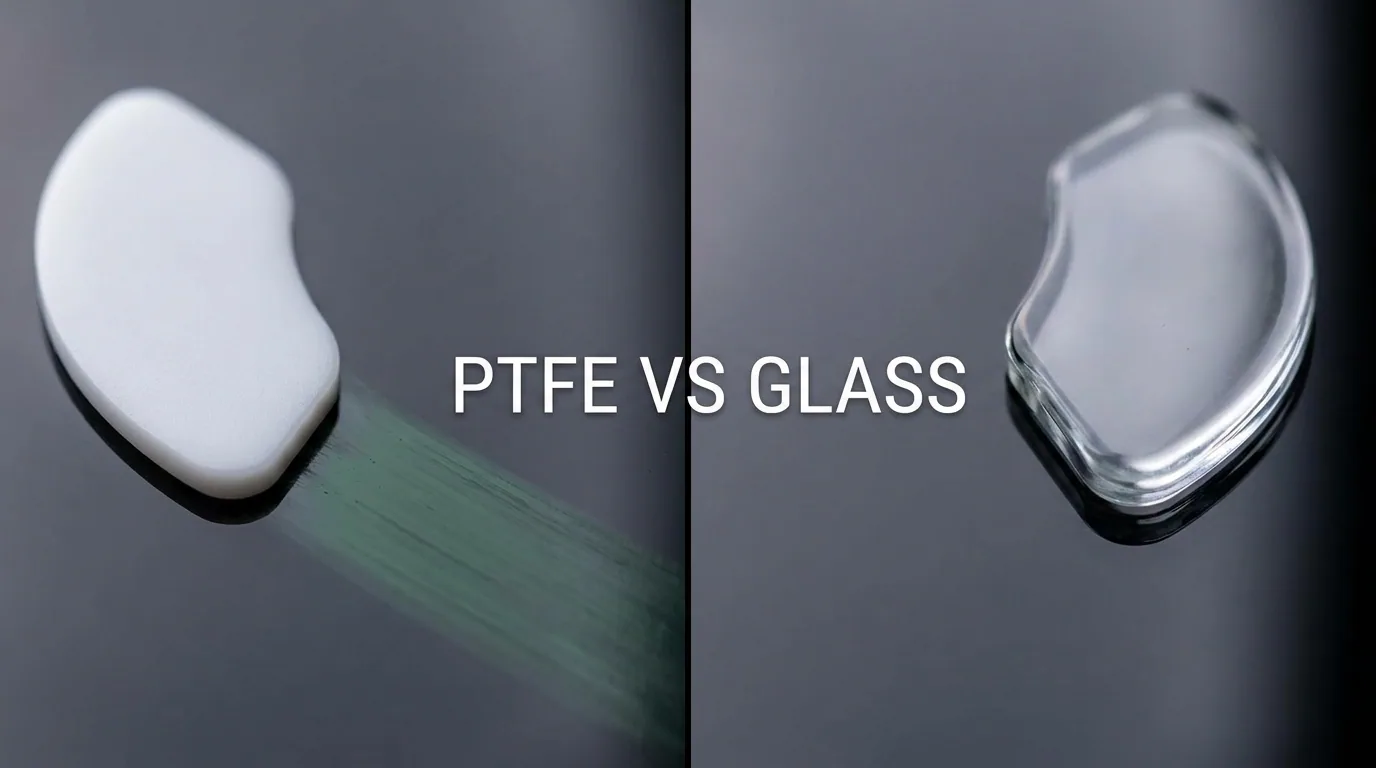
Understand Poron base hardness, virgin PTFE vs glass skates, and relative humidity defenses in our Friction & Control Matrix Field Guide.
Frequently Asked Questions
Is an XL pad automatically better for FPS games?
No. The useful measurement is unobstructed travel for your chosen sensitivity and tasks. Product labels such as XL do not describe your available desk space.
Can I calculate pad size from DPI alone?
No. You also need the game's sensitivity relationship or a measured physical turn distance.
Should I increase DPI to use a smaller pad?
Only the resulting movement scale matters for this question. If you raise DPI and proportionally lower sensitivity, the physical travel stays approximately the same. See the <a href="05-change-dpi-keep-sensitivity.md">DPI conversion formula</a>.
Equipamentos de Elite Recomendados
Mouses ultra-leves topo de linha recomendados pelo Treinador Dalto para máxima precisão de sensor e consistência física no seu mousepad:
Logitech G Pro X Superlight 2
O mouse mais vencedor do cenário competitivo. Shape icônico, sensor HERO 2 e switches ópticos-mecânicos híbridos.
Razer Viper V3 Pro
Rastreador preciso com polling rate sem fio nativo de 8.000 Hz e formato simétrico ergonômico moderno.
Razer DeathAdder V3 Pro
Excelente para pegadas palm ou claw que querem apoio anatômico. Sensor Focus Pro 30K de última geração.
Lamzu Atlantis OG V2 / Thorn
Mouse boutique com peso irrisório e base vazada. Pegada traseira perfeita para controle agressivo de claw grip.
🎯 Lock In Perfect 1:1 Aim & Pro Consistency
Tired of daily aim inconsistency? Calibrate your physical cm/360, scope matching, and sensor latency. Get the complete Precision Aim System (4-Part Technical Manifestos) today for only $9.00 USD!
Unlock Elite Precision ($9) ⚡Dalto Outlier
Creator, DCPROSENSDalto built DCPROSENS to help competitive FPS players convert sensitivity, calibrate DPI, and keep their aim consistent across games.
Related Guides & Articles
Disclosure: some links on this page are affiliate links. As an Amazon Associate, DCPROSENS earns from qualifying purchases at no extra cost to you.

