

New Mouse, Same DPI, Different Feel: What to Check
TL;DR
The same selected DPI does not make two mice feel identical. Verify the active profile, compare physical turn distance in the same game and separate movement scaling from shape, weight and surface feel. If the turn distance matches, changing sensitivity may be solving the wrong problem.


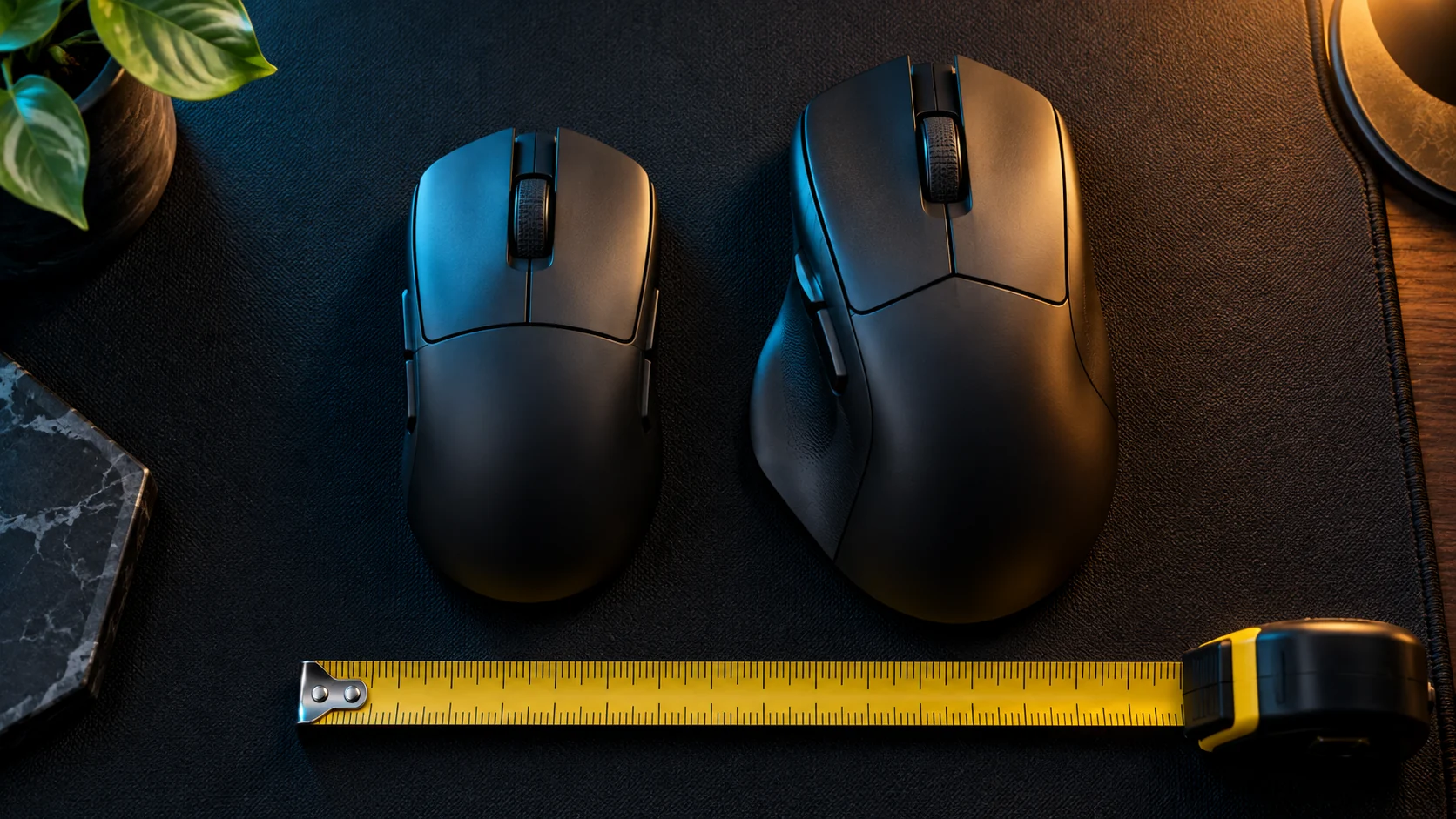
Illustrative equipment scene; the mice are not reviewed products.
You enter the familiar DPI and sensitivity, join a practice range and immediately overshoot. It is tempting to conclude that the new sensor needs a special conversion factor.
Before doing that, determine what “different” means. Does the camera rotate farther for the same physical movement? Or does it travel the same distance but feel easier to start, harder to stop or less comfortable to hold?
Those observations lead to different adjustments.
Step 1: Confirm the settings actually in use
Check the DPI stage that is active while the game is running. Then check whether the device software uses a game profile or onboard memory. A value visible in one profile may not be the value used in another.
Logitech's onboard-memory documentation explains that supported devices can retain settings such as DPI on the mouse itself. That makes profile selection worth checking; it does not mean every mouse has the same controls.
Also record the game's hip-fire sensitivity, ADS settings and any acceleration option. Use the same resolution, FOV and camera state for the comparison. Avoid comparing hip-fire on one mouse with a zoomed view on the other.
Step 2: Compare a physical turn
For a linear, non-accelerated camera setup, cm/360 is the physical mouse travel associated with a full horizontal turn.
- Enter a practice area and face a recognizable fixed landmark.
- Mark the mouse's starting position without putting tape under its feet or sensor.
- Move in a straight horizontal path until the camera completes one full turn.
- Measure the displacement of the same reference point on the mouse.
- Repeat several times with each device, without changing the game settings.
If desk space is limited, use a clearly identifiable 180-degree turn and double the distance. This introduces its own alignment uncertainty, so avoid reporting excessive decimal precision.
This is an approximate physical comparison. Curved movement, lifting, inconsistent starting orientation and different hand pressure can affect it. A single sweep is not a sensor accuracy certificate.
What does your comparison suggest?
| Observation | Investigate next |
|---|---|
| One mouse repeatedly turns farther | Active DPI, profile selection and input scaling |
| Turn distance matches, stopping feels different | Shape, grip, feet, pad and pressure |
| Only ADS feels different | Zoom state and ADS configuration |
| Movement hitches instead of merely feeling faster | Polling-rate or frame-delivery troubleshooting |
| The difference changes between launches | Automatic profiles or saved configuration |
If movement becomes choppy at a new report rate, use the polling-rate isolation test. Do not compensate for hitches by endlessly lowering sensitivity.
Step 3: Adjust only a measured scaling difference
If your repeated measurements show a stable difference, you can calculate a starting correction under a linear model:
new sensitivity = current sensitivity × measured cm/360 ÷ desired cm/360
For example, suppose the new mouse repeatedly measures about 38 cm/360 at sensitivity 0.30, while you want 40 cm/360. The starting value is 0.30 × 38 / 40 = 0.285.
Those are illustrative numbers, not test results. Repeat the physical check after applying the change. The formula assumes the same game and input mode, with no acceleration and no change to other scaling factors.
Step 4: Evaluate handling separately
If turn distance already matches, keep the sensitivity stable while trying the new shape in a short practice session. Check whether your grip shifts, the cable catches or your mouse runs out of usable pad space.
Changing the pad and mouse at the same time makes this comparison harder. If possible, keep the original surface while assessing the new device. Comfort and predictable control matter more than making the specification sheets look identical.
Stop Guessing Your cm/360 and Sensor DPI Deviation
Calculate your exact focal length alignment and discover your biological sensitivity sweet spot in 30 minutes with The Architect of Precision Field Guide.
Frequently Asked Questions
Should I copy the old mouse's DPI exactly?
It is a reasonable starting point. Verify the active profile and compare physical movement before assuming the transfer is complete.
Does a lighter mouse require lower sensitivity?
There is no universal conversion based on weight. Measure rotation separately from your handling preference.
Can I use a browser DPI analyzer?
The <a href="https://dcprosens.com/dpi-analyzer/">DCPROSENS DPI analyzer</a> can help organize a movement check. Browser input conditions affect interpretation, so confirm the final result inside the game. Save the original settings before experimenting. Your goal is a configuration you can explain and reproduce, not an unexplained number that happened to feel good for one round. ---
Equipamentos de Elite Recomendados
Mouses ultra-leves topo de linha recomendados pelo Treinador Dalto para máxima precisão de sensor e consistência física no seu mousepad:
Logitech G Pro X Superlight 2
O mouse mais vencedor do cenário competitivo. Shape icônico, sensor HERO 2 e switches ópticos-mecânicos híbridos.
Razer Viper V3 Pro
Rastreador preciso com polling rate sem fio nativo de 8.000 Hz e formato simétrico ergonômico moderno.
Razer DeathAdder V3 Pro
Excelente para pegadas palm ou claw que querem apoio anatômico. Sensor Focus Pro 30K de última geração.
Lamzu Atlantis OG V2 / Thorn
Mouse boutique com peso irrisório e base vazada. Pegada traseira perfeita para controle agressivo de claw grip.
🎯 Lock In Perfect 1:1 Aim & Pro Consistency
Tired of daily aim inconsistency? Calibrate your physical cm/360, scope matching, and sensor latency. Get the complete Precision Aim System (4-Part Technical Manifestos) today for only $9.00 USD!
Unlock Elite Precision ($9) ⚡Dalto Outlier
Creator, DCPROSENSDalto built DCPROSENS to help competitive FPS players convert sensitivity, calibrate DPI, and keep their aim consistent across games.
Related Guides & Articles



Disclosure: some links on this page are affiliate links. As an Amazon Associate, DCPROSENS earns from qualifying purchases at no extra cost to you.

