

Same cm/360, Different Aim Feel? Check FOV and Zoom
TL;DR
Matching cm/360 matches physical mouse travel to camera rotation under the chosen input assumptions. It does not guarantee identical screen-space movement, target size, zoom behavior or game mechanics. Verify the turn first, then compare FOV, aspect ratio and ADS separately.


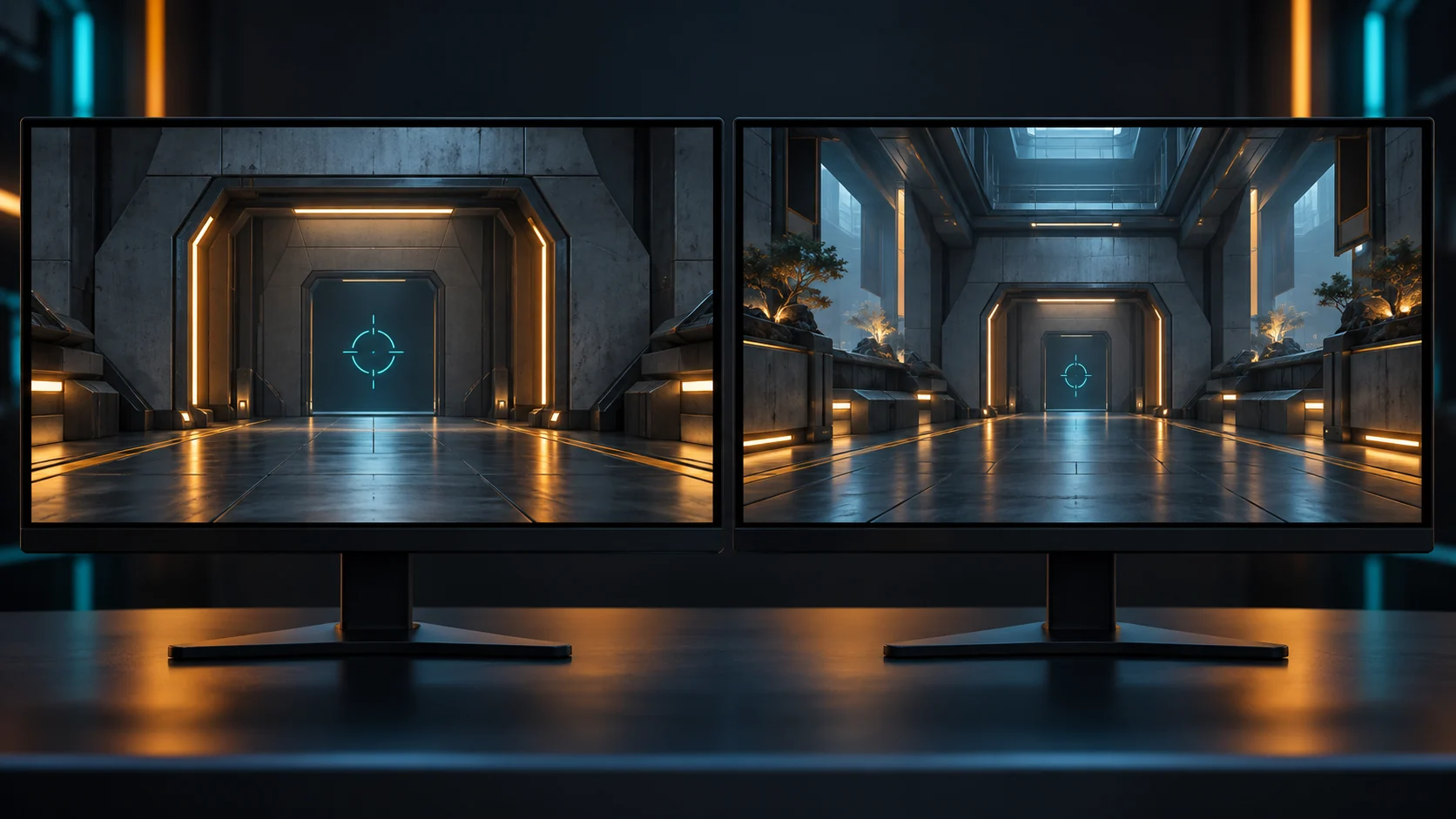
A converter can return the correct rotational match while the destination game still feels unfamiliar. The apparent contradiction disappears when you separate two measurements: how far the camera turns and how far an object appears to move across your screen.
What cm/360 preserves
If two linear, non-accelerated configurations both measure 40 cm/360, a 20 cm movement corresponds to a 180-degree horizontal turn in each. That is a useful shared reference.
It says nothing by itself about the size of a target on the display, the speed of a character or the mouse movement needed to reach a particular screen position while zoomed. Treat it as a rotational baseline, not a promise of identical aim.
Start with the DCPROSENS converter, then verify a physical turn inside both games. Game-specific scaling and input modes still need to be correct.
FOV changes the visual context
Field of view determines how much of the scene the camera shows. EA's Apex Legends settings guidance explicitly notes that increasing FOV reveals more surroundings while making distant objects appear smaller.
Different games can label their FOV controls differently. One may use a horizontal angle, another a vertical angle or a value referenced to a particular aspect ratio. Two sliders displaying “90” are therefore not automatically equivalent.
For a standard rectilinear perspective camera, the relationship is:
horizontal FOV = 2 × atan(tan(vertical FOV / 2) × aspect ratio)
Use consistent angular units when calculating. At 16:9, a vertical FOV of 60 degrees corresponds to approximately 91.49 degrees horizontally. This is a geometry example, not a claim about a particular game's slider.
The DCPROSENS FOV converter is a useful place to organize that comparison. Confirm the game's actual convention before interpreting its output.
Compare these settings in order
| Check | Why it matters | Practical action |
|---|---|---|
| Physical turn distance | Establishes the rotational baseline | Measure the same turn in both games |
| FOV convention | Equal slider numbers can describe different views | Identify horizontal, vertical or reference-aspect behavior |
| Aspect ratio and scaling | Stretching changes apparent shapes and motion | Record native, stretched or letterboxed output |
| Zoom state | ADS changes the visual context | Compare hip-fire first, then each scope separately |
| Game mechanics | Movement and target behavior differ | Test in the destination game's practice environment |
Do not change all five at once. If your measured turn does not match, fix the input conversion first. If it does match, investigate presentation and zoom before recalculating the sensitivity again.
A simple two-task comparison
Choose two tasks in each game: a broad turn to a landmark and a small correction near the center of the screen. Keep your normal posture and use the same mouse and pad.
Write down which task feels wrong. “Broad turns match, but small ADS corrections feel too fast” is a useful observation. “The converter is broken” is not specific enough to guide the next test.
For the first case, keep the hip-fire baseline and investigate ADS sensitivity matching. If broad turns also fail to match, check DPI, active profiles and input acceleration.
What should you prioritize?
Choose a matching goal based on the task you care about. Preserving rotational travel is convenient for turning. A screen-distance approach can be useful when comparing corrections at a particular point in the view. Neither creates a universal match for every zoom level and every target position.
You can also prefer different sensitivities in different games. A shared baseline helps you start systematically; it is not a rule requiring every game to feel identical.
Stop Guessing Your cm/360 and Sensor DPI Deviation
Calculate your exact focal length alignment and discover your biological sensitivity sweet spot in 30 minutes with The Architect of Precision Field Guide.
Frequently Asked Questions
Does the same eDPI mean the same sensitivity across games?
No. eDPI multiplies DPI by the game's sensitivity value. Different games can apply different angular scaling, so equal products need not yield equal turns.
Does changing resolution always change cm/360?
No. In a raw, linear angular-input setup, resolution alone need not change rotational travel. It can still alter presentation, especially when aspect ratio or scaling changes.
Can a converter preserve every part of muscle memory?
No single conversion promises that. It can preserve a defined mathematical relationship, while the destination game still requires practice. <em>Technical context: <a href="https://developer.mozilla.org/en-US/docs/Web/API/WebGL_API/WebGL_model_view_projection">MDN's perspective-projection explanation</a> describes the role of field of view and aspect ratio. The calculation and comparison workflow here are explanatory examples.</em> ---
🎯 Lock In Perfect 1:1 Aim & Pro Consistency
Tired of daily aim inconsistency? Calibrate your physical cm/360, scope matching, and sensor latency. Get the complete Precision Aim System (4-Part Technical Manifestos) today for only $9.00 USD!
Unlock Elite Precision ($9) ⚡Dalto Outlier
Creator, DCPROSENSDalto built DCPROSENS to help competitive FPS players convert sensitivity, calibrate DPI, and keep their aim consistent across games.
Related Guides & Articles



Disclosure: some links on this page are affiliate links. As an Amazon Associate, DCPROSENS earns from qualifying purchases at no extra cost to you.

