Stretched Resolution Explained: Does It Actually Give You an Advantage?
TL;DR
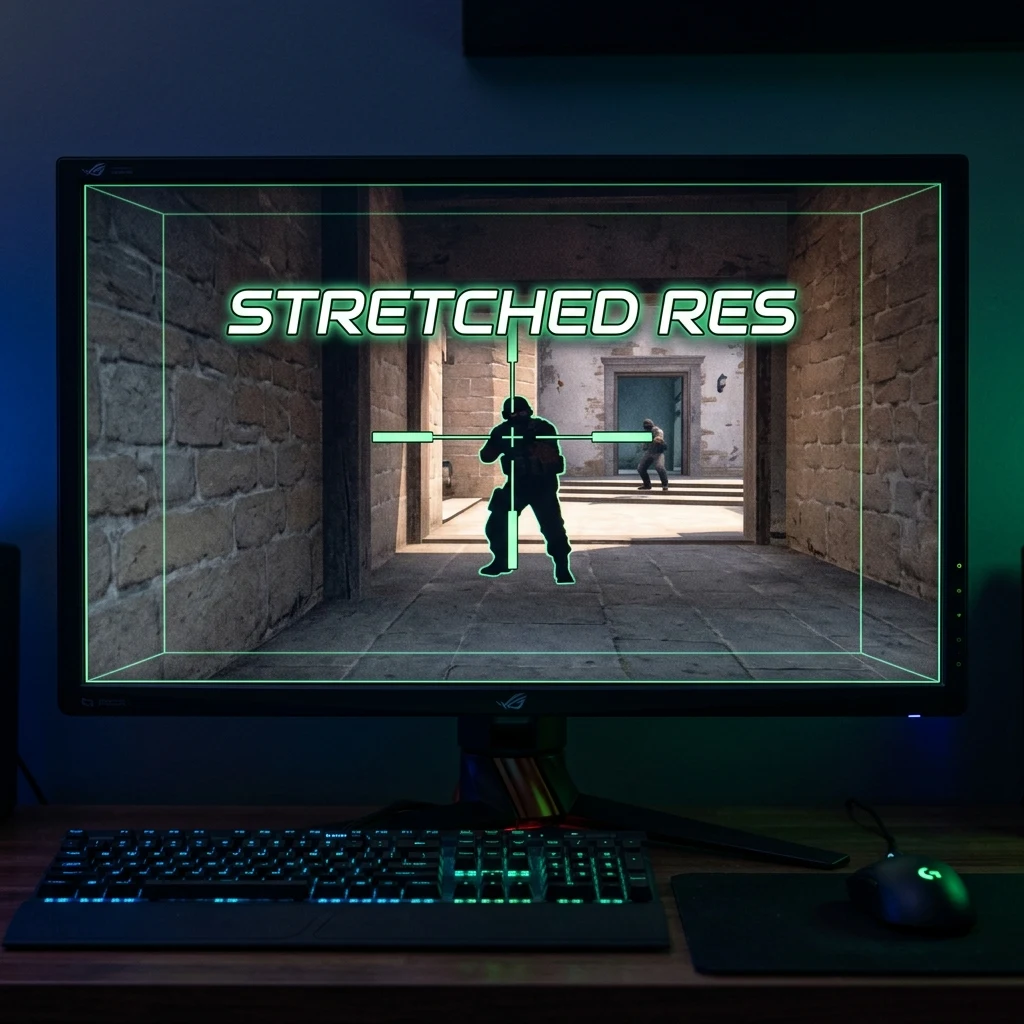
Why do more than 70% of professional Counter-Strike 2 players still play on 4:3 stretched resolution (1280×960) in 2026? Uncover the mathematical truth behind 33% wider player model hitboxes, reduced horizontal FOV, increased pixel velocity, and GPU frametime consistency.
The History of Stretched Resolution: From CRT Tubes to Modern OLEDs
In competitive first-person shooters—most notably Counter-Strike 2—one setting continues to dominate esports tournament stages: 4:3 Stretched Resolution (most commonly 1280×960 or 1024×768 stretched across a 16:9 widescreen panel). Over 70% of active tier-1 Counter-Strike professionals play on stretched resolution despite having access to high-end 1440p and 4K displays.
Is stretched resolution just stubborn nostalgia from the CRT monitor days of CS 1.6, or does it offer genuine, measurable competitive advantages? Here is the complete mathematical and perceptual breakdown.
The Mathematical Reality: 33% Wider Character Models
When you render a game in a 4:3 aspect ratio and stretch the image horizontally to fill a 16:9 display, the horizontal axis is stretched by a factor of: $$\text{Stretch Factor} = \frac{16/9}{4/3} = \frac{16}{9} \times \frac{3}{4} = 1.3333 \text{ (33.33% wider)}$$
This means enemy character silhouettes, head hitboxes, and doorway gaps appear 33.33% wider horizontally on your screen, making it visually easier for your brain to acquire targets and align first-bullet headshots.
The Optical Tradeoff: Increased Horizontal Pixel Velocity
Stretching the image does not change the physical game world or the mathematical collision hitboxes inside the server engine. Because targets appear 33% wider, their travel speed across your screen also accelerates by 33%:
- On 16:9 Native: An enemy running across your screen moves at standard visual velocity across a 106° horizontal FOV.
- On 4:3 Stretched: The same running enemy covers screen real estate 33% faster within a narrower ~90° horizontal FOV. Reaction flick windows are visually shorter.
Comparison: 4:3 Stretched vs. 16:9 Native
| Aspect Ratio | Target Visual Width | Horizontal FOV | FPS Performance | Primary Playstyle Synergy |
|---|---|---|---|---|
| 4:3 Stretched (1280×960) | +33.3% Wider | ~90° (Tunnel Focus) | Maximum FPS / Stable 1% Lows | Aggressive Entry Fraggers & Snipers (NiKo, s1mple, m0NESY) |
| 16:10 Stretched (1680×1050) | +10.0% Wider | ~100° (Balanced) | High FPS | Hybrid Riflers (EliGE, Twistzz) |
| 16:9 Native (1920×1080) | Baseline (100%) | 106° (Full Peripheral) | Standard | Anchor / Support Players (ropz, device) |
The Sensitivity Myth: Should You Change m_yaw?
When playing on 4:3 stretched, horizontal mouse movement visually feels faster than vertical movement. Some players attempt to alter their console command from m_yaw 0.022 to m_yaw 0.0165.
DO NOT DO THIS. Altering m_yaw alters your physical 3D angular rotation ratio, destroying your muscle memory when flicking diagonally. Top pros universally keep m_yaw 0.022 default and allow their brain to adapt to the visual stretch naturally.
GPU Scaling Configuration Guide
To configure 4:3 stretched on PC:
- Open NVIDIA Control Panel (or AMD Radeon Software).
- Navigate to Adjust desktop size and position.
- Set Scaling Mode to Full-screen.
- Set Perform scaling on to GPU (or Display if your monitor supports hardware scaling).
- In CS2 Video settings, select Aspect Ratio: 4:3 and Resolution: 1280×960.
Test stretched aspect ratios visually with our Interactive Stretched Resolution Calculator and match your sensitivity on the Universal Sensitivity Converter.
Frequently Asked Questions
Frequently Asked Questions
Is stretched resolution still used by pros in 2026?
Yes. Over 70% of Counter-Strike 2 professionals compete on 4:3 stretched resolution (most commonly 1280×960) for wider target silhouettes and maximized frametimes.
Does stretched resolution count as cheating?
No. Stretched resolution is 100% legal across all competitive esports tournaments (including Valve CS2 Majors and ESL Pro League events).
🎯 Lock In Perfect 1:1 Aim & Pro Consistency
Tired of daily aim inconsistency? Calibrate your physical cm/360, scope matching, and sensor latency. Get the complete Precision Aim System (4-Part Technical Manifestos) today for only $9.00 USD!
Unlock Elite Precision ($9) ⚡Dalto Outlier
Creator, DCPROSENSDalto built DCPROSENS to help competitive FPS players convert sensitivity, calibrate DPI, and keep their aim consistent across games.


