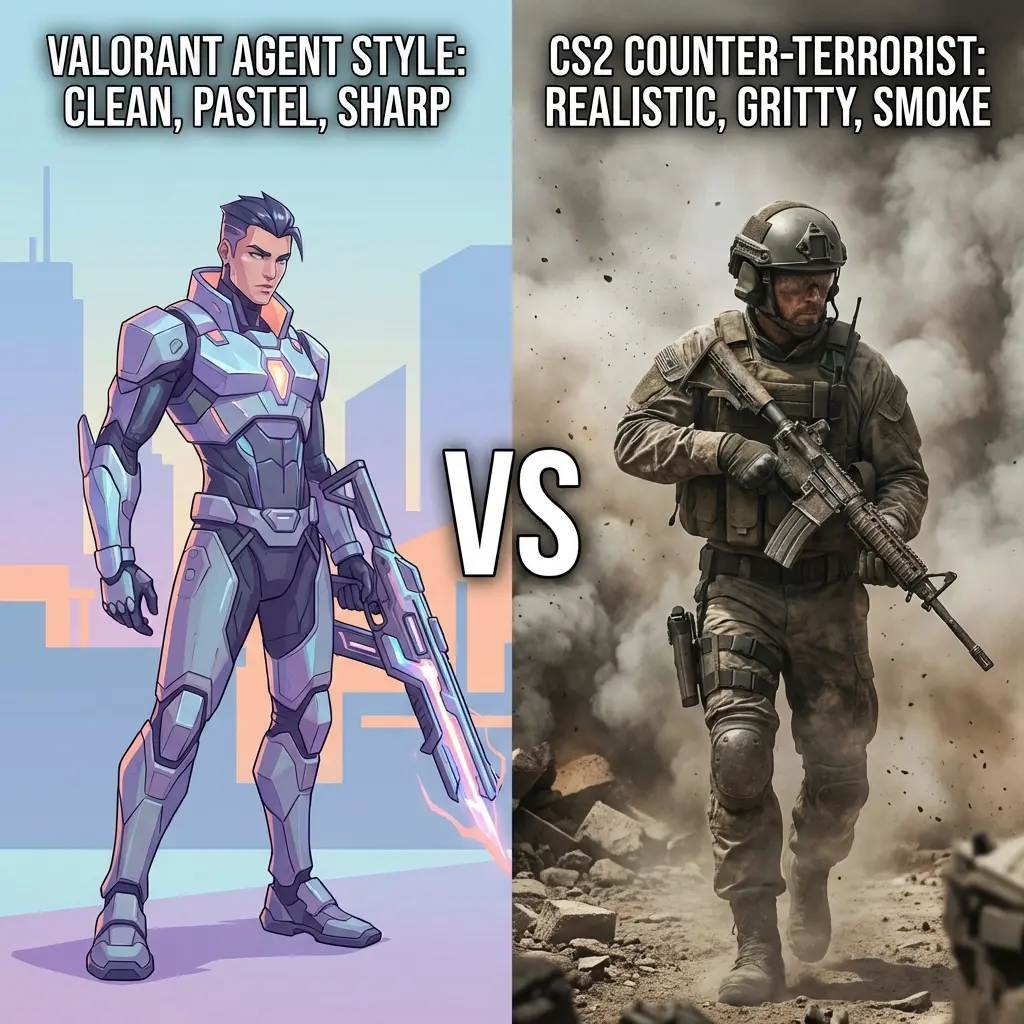
Why Does Your Aim Feel Different After Converting Sensitivity?
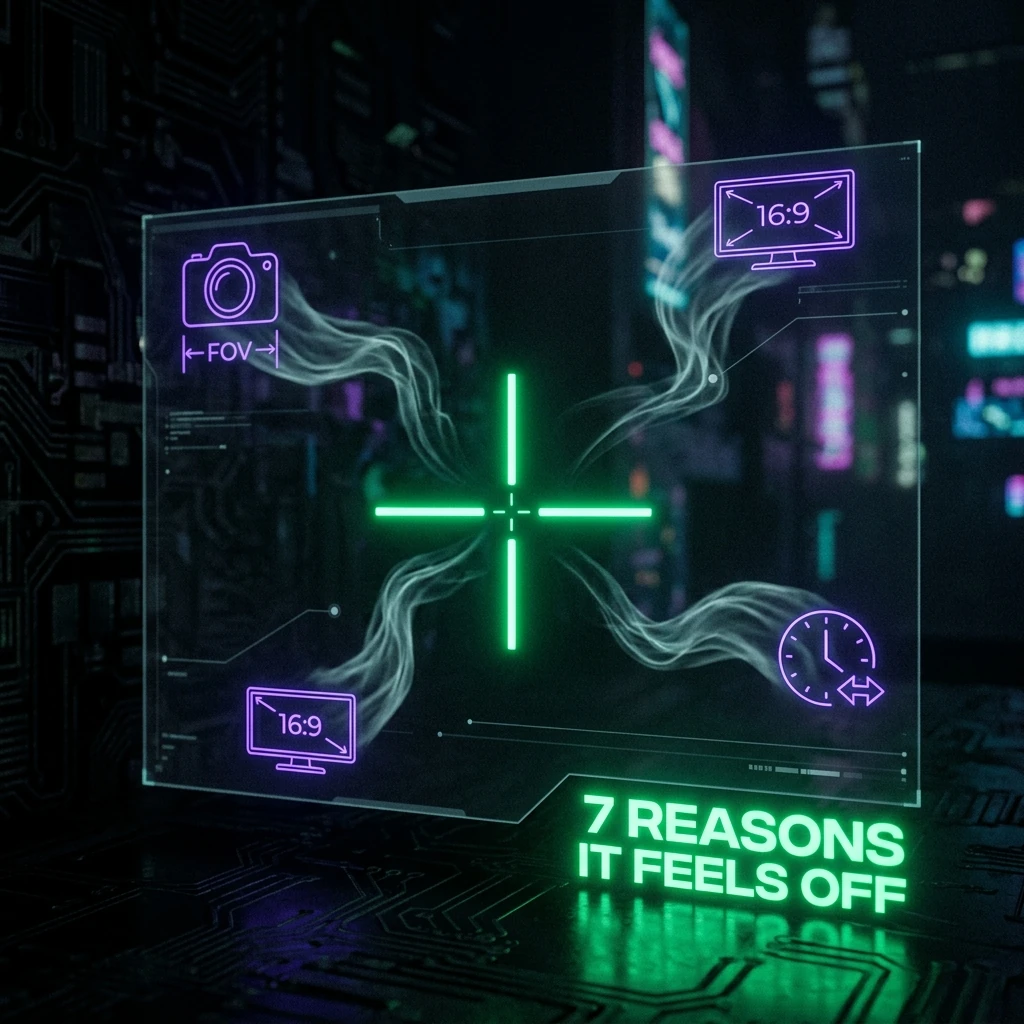
TL;DR
Your cm/360 is almost certainly right. The mismatch usually comes from one of six other variables the conversion doesn't touch: FOV, aspect ratio, mouse acceleration still running somewhere, frame rate/input latency, an unconverted scope multiplier, or a mousepad/grip change made at the same time.
Your cm/360 Is Right. Here's What Isn't.
If you used a real yaw-based converter (not a generic ratio table), your physical hand movement for a 360° turn is almost certainly identical between the two games. When aim still feels wrong after that, the cause is one of six things the sensitivity conversion never touched in the first place — not a bad conversion.
Cause 1: FOV Is Different
Two games at the exact same cm/360 will feel different if their Field of View settings don't match. A wider FOV shows more of the world moving past the same physical mouse swing, which reads as "faster" even though your camera is rotating at the identical angular speed. Check both games' FOV sliders before assuming the sensitivity conversion is the problem — a mismatch here is one of the most common false positives.
Cause 2: Aspect Ratio and Stretched Resolution
Playing one game at native 16:9 and another at a stretched 4:3 resolution changes how much horizontal rotation maps to a given amount of screen-space movement, independent of yaw. If you use stretched resolution in one title and not the other, that's an extra variable on top of the sensitivity conversion. See our stretched resolution guide for how much this actually shifts your effective sensitivity.
Cause 3: Mouse Acceleration Is Still On Somewhere
Windows' "Enhance Pointer Precision," a mouse driver's built-in acceleration curve, or an in-game acceleration setting can all silently distort your input even when your raw sensitivity number is correct. Acceleration means the same physical swing produces different amounts of rotation depending on how fast you moved — which breaks a fixed-yaw conversion by definition, since that math assumes a constant, linear response. Check all three layers: Windows pointer settings, your mouse manufacturer's software, and each game's own acceleration toggle.
Cause 4: Frame Rate and Input Latency Aren't Equal
A game running at 240 FPS feels more responsive to the same mouse movement than the same game at 90 FPS, purely from render latency — your input reaches the screen faster relative to your hand motion. This isn't a sensitivity issue at all, but it's frequently misdiagnosed as one. Use our FPS calculator to check whether your hardware is actually delivering comparable frame rates in both titles before you chase a sensitivity explanation.
Cause 5: Your Scope and ADS Sensitivity Didn't Convert
This is the cause that catches the most people. A hipfire sensitivity converter — including the one on this site — deliberately doesn't touch scoped/ADS sensitivity, because that uses a completely separate multiplier system per game. If your hipfire feels perfect but every scoped duel feels wrong, this is almost always why. Most competitors lock this conversion behind a paid tier; DCPROSENS' scope calculator is free, covering Valorant, CS2, Apex, and Warzone.
Cause 6: Character Movement and Weapon Sway
Some games apply extra camera sway or bob tied to movement state (sprinting, sliding, crouching) that has nothing to do with your sensitivity setting. If your aim feels inconsistent specifically while moving rather than while stationary, that's a movement-system difference between the two games, not a conversion error — no yaw-based calculator can compensate for it, because it isn't a sensitivity variable at all.
Cause 7: You Changed Mousepad or Grip at the Same Time
Switching games is a common moment to also switch mousepads, grip style, or even mouse — and stacking that change on top of a sensitivity conversion makes it hard to tell which variable is responsible for the "off" feeling. Higher-friction cloth pads and lower-friction glass/hard pads genuinely change how controlled your micro-adjustments feel at an identical cm/360. See our mousepad friction comparison if you changed surfaces recently.
How to Diagnose Which One Is Your Problem
- Check FOV first. Set both games to the same effective FOV (or use each game's "match" setting if it has one) before touching anything else.
- Confirm raw input / acceleration off in Windows, mouse software, and in-game settings, in all three places.
- Test hipfire only in an empty range or bot match before judging scoped feel — isolate the variable.
- Then test ADS/scope separately using the dedicated scope calculator, not your hipfire number.
- Compare frame rate between the two games under similar in-game conditions, not just in the menu.
- If you changed hardware (mousepad, mouse, grip) at the same time as the game switch, revert one variable at a time.
Frequently Asked Questions
I matched my cm/360 exactly — why does the new game still feel faster?
Check FOV first. Two games at an identical cm/360 but different Field of View settings will feel like different speeds, because a wider FOV shows more world movement per degree of rotation. This is the single most common cause of a 'correct but wrong-feeling' conversion.
Does mouse acceleration really break sensitivity conversion that much?
Yes — a fixed-yaw conversion assumes a linear relationship between hand movement and camera rotation. Any acceleration curve (Windows, driver, or in-game) breaks that assumption, since the same physical swing now produces different rotation depending on speed.
Why does my scoped sensitivity still feel off even though hipfire is perfect?
Hipfire and scoped/ADS sensitivity are separate systems in every FPS. A hipfire converter intentionally doesn't touch scope multipliers — use a dedicated ADS calculator for that.
🎯 Lock In Perfect 1:1 Aim & Pro Consistency
Tired of daily aim inconsistency? Calibrate your physical cm/360, scope matching, and sensor latency. Get the complete Precision Aim System (4-Part Technical Manifestos) today for only $9.00 USD!
Unlock Elite Precision ($9) ⚡Dalto Outlier
Creator, DCPROSENSDalto built DCPROSENS to help competitive FPS players convert sensitivity, calibrate DPI, and keep their aim consistent across games.