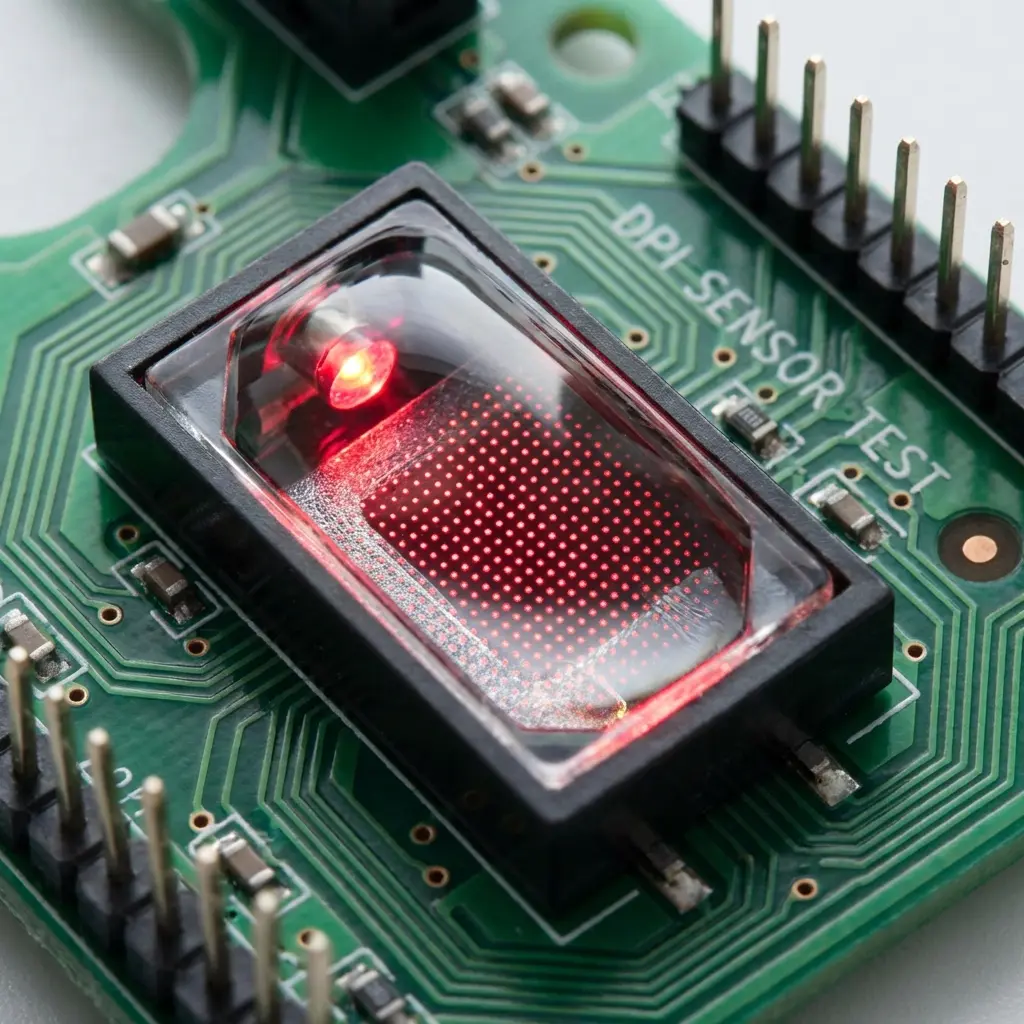
The Microscopic Enemy: Sensor Jitter
In competitive FPS games like Valorant or CS2, consistency is everything. You train your aim for hours in KovaaK’s or Aim Labs, but when you enter a ranked lobby, your crosshair feels slightly erratic, heavy, or floaty. Often, this isn’t a skill issue—it’s sensor jitter and signal latency ruining your muscle memory.
Sensor jitter refers to the microscopic, unintended variations in your cursor’s trajectory. When you flick your mouse in a straight horizontal path, your sensor registers thousands of sub-millimeter displacement frames per second. If there is surface friction variation, wireless radio interference, or a low-quality sensor, the crosshair will “micro-shake” along its path, deviating by 2-5 pixels from where your hand physically moved.
How Jitter Destroys Muscle Memory
Human motor learning operates on absolute consistency. When you repeat a movement, your brain calculates the exact force required to slide your hand a specific distance. If your mouse sensor registers different displacement counts for the same physical movement due to jitter, the cognitive loop breaks down. Your brain cannot build a reliable reflex, forcing you to constantly react and micro-adjust rather than rely on subconscious muscle memory.
The Three Primary Sources of Input Latency
1. DPI Deviation (DPI Variance)
Most gaming mice do not actually output the exact DPI set in their software. A mouse set to 800 DPI might actually track at 824 DPI (a 3% deviation). If you switch to a new mouse, even at the same DPI, your physical sensitivity will feel completely off. Calibrating this deviation is critical.
2. Wireless Interference
Dedicated 2.4GHz wireless dongles are incredibly fast, but they operate on the same congested radio band as your home router, Bluetooth devices, and smart appliances. Microscopic packet drops from RF congestion create tiny spikes in system latency, which feels like “slippery” or heavy aiming.
3. Surface Friction (Skates vs Pad)
The static friction between your mouse skates (PTFE or glass) and your mousepad dictates the force required to start moving. High static friction makes micro-adjustments jerky, leading to over-aiming when trying to click heads at long range.
How to Calibrate and Achieve 1:1 Precision
To eliminate jitter and build unbreakable muscle memory, you must run a hardware diagnostic:
- Lock the Sweet Spot: Use 800 DPI or 1600 DPI to minimize sensor processing latencies (input lag) inside your mouse microcontroller.
- Raw Input: Enable Raw Input in all games to bypass the Windows cursor pointer multiplier entirely.
- Value Stack Calibration: If you are serious about achieving pro-level mechanical accuracy, check out our newly launched Precision Aim System (4-Part Technical Manifestos). Specifically, System 1 (“The Architect of Precision”) and System 4 (“Zero-Friction Hardware”) cover every calibration equation to eliminate jitter and lock in a 1:1 physical response on your mousepad.

Leave a Reply