
The Scoped Aim Paradox
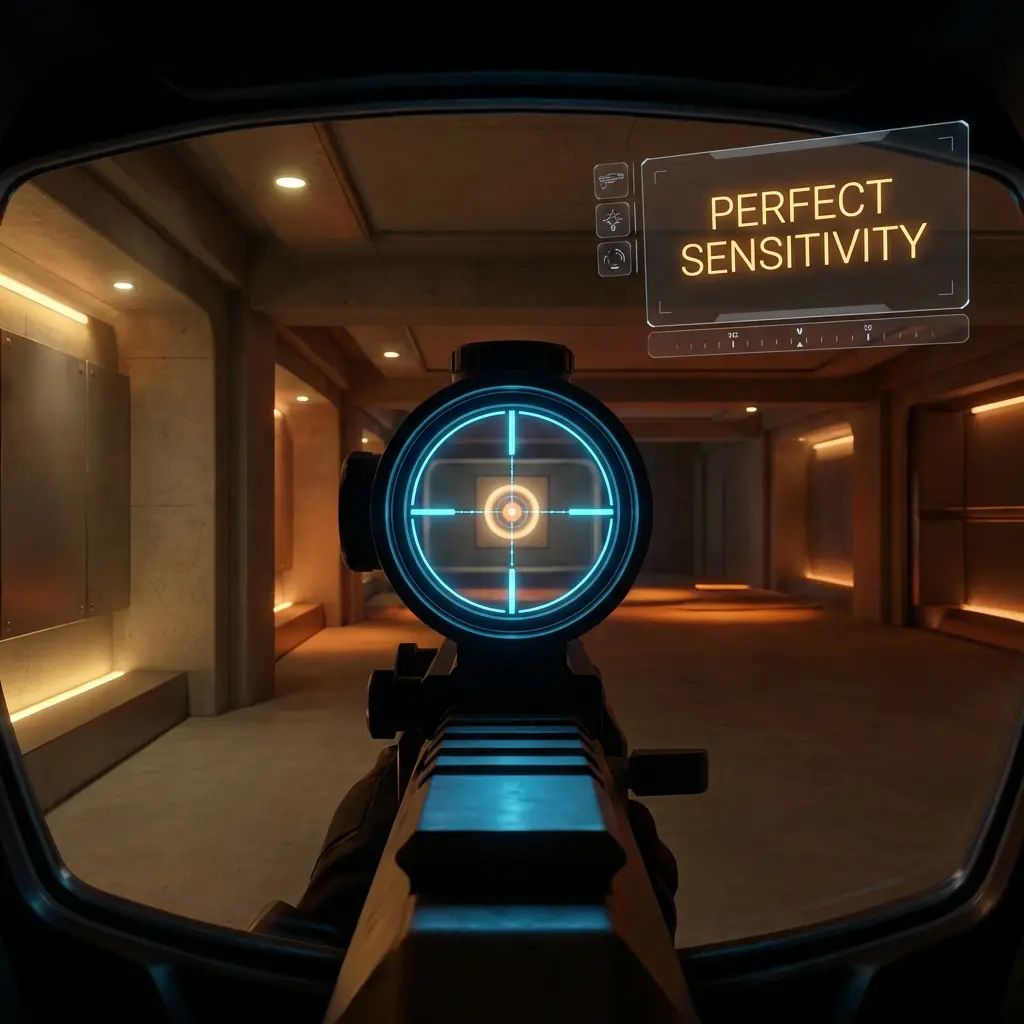
Nothing breaks down muscle memory faster than switching between normal firing (Hipfire) and scoped zoom (AWP in CS2, Operator/Marshal in Valorant) with mismatched sensitivities. When you zoom in, your Field of View (FOV) compresses. If your camera rotation speed remains identical to your hipfire, the movements on screen will feel incredibly fast, jerky, and uncontrollable.
To solve this, game engines apply a multiplier to your sensitivity when you zoom. However, default multipliers are rarely set to preserve your physical muscle memory. To achieve true 1:1 consistency, you must understand the mathematics of **focal distance matching**.
Focal Lens Matching & Monitor Distance Matching
To match scoped sensitivity to hipfire, aim theorists utilize a system called **Monitor Distance Match (MDM)**. The goal is to ensure that moving your mouse a specific physical distance on your mousepad moves the crosshair to the exact same relative spot on your screen, regardless of zoom level.
The 0% Monitor Distance Match (The Professional Standard)
The most successful competitive method is 0% MDM (Focal Match). This aligns the scaling with the center of your screen. In other words, micro-adjustments and flicks extremely close to your crosshair (micro-flicks) feel identical between hipfire and zoom.
Since tactical shooters are games of holding angles and making tiny adjustments, 0% MDM is the absolute standard for pro sniper players.
The Exact Ratios for CS2 & Valorant
1. Valorant (Operator & Marshal)
Valorant’s default Operator zoom FOV compresses the screen by a specific factor. The mathematically perfect 0% MDM zoom sensitivity multiplier for the main zoom level is 0.847. For the second zoom level (high magnification), the perfect ratio is 1.150.
Set your in-game Scoped Sensitivity Multiplier to 0.847 to immediately align your sniper flicks with your hipfire reflexes.
2. Counter-Strike 2 (AWP & Scout)
In CS2, the engine matches zoom using a default console command: zoom_sensitivity_ratio. The mathematically calculated value for 0% Monitor Distance Matching in CS2 is 0.818933.
Open your developer console in CS2 and type: zoom_sensitivity_ratio 0.818933 to calibrate your AWP muscle memory instantly.
How to Complete Your Sniper Calibrations
Calibrating scopes is only half the battle. If your physical sensitivity (cm/360) has discrepancies or if your posture and mousepad friction are uncalibrated, your flicks will still fail. To access complete calculations, check out our Precision Aim System (4-Part Technical Manifestos). System 2 (“Perfect Crosshair Placement”) and System 3 (“Neuro-Muscular Aim Conditioning”) break down the advanced formulas to synchronize hipfire, ADS, and tracking reflexes at a pro-player tier.
Leave a Reply