Best Call of Duty Controller Settings (Multiplayer & Ranked)
TL;DR
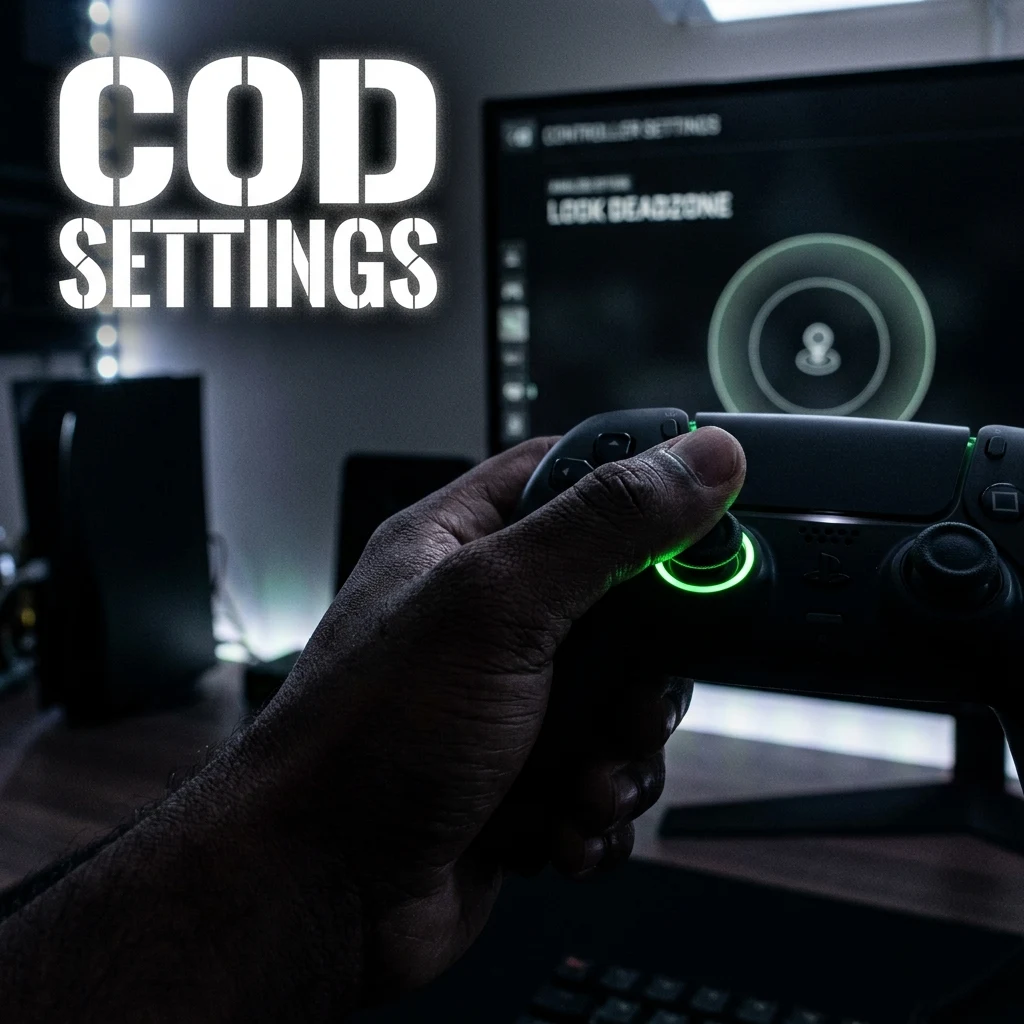
CDL pros and top Ranked Play competitors rely on 6-6 Stick Sensitivity, Dynamic Aim Response Curve, and custom ADS multipliers to win fast-paced 4v4 Hardpoint and Search & Destroy duels. Learn how to calibrate your stick deadzones for fluid omnidirectional movement and instant target snapping.
CDL Pro Standard Controller Settings Table
Competitive Call of Duty Multiplayer (CDL ruleset, 4v4 Hardpoint, Control, and Search & Destroy) demands snappy centering, lightning-fast slide canceling, and crisp recoil compensation. Below are the settings standardized by CDL champions:
| Setting | CDL Standard | Pro Range |
|---|---|---|
| Horizontal Stick Sensitivity | 6 | 6 – 7 |
| Vertical Stick Sensitivity | 6 | 6 – 7 |
| ADS Sensitivity Multiplier | 0.85 – 0.90 | 0.80 – 1.00 |
| Aim Response Curve Type | Dynamic | Dynamic (99% of CDL) |
| Left Stick Min Deadzone | 2 – 3 | 1 – 5 |
| Left Stick Max Deadzone | 65 – 70 | 60 – 80 |
| Right Stick Min Deadzone | 3 – 5 | 2 – 6 |
| Right Stick Max Deadzone | 99 | 99 |
| Controller Vibration | Off | Off |
| Trigger Deadzones (L2 / R2) | 0 | 0 (Instant Fire) |
Stick Sensitivity & Custom ADS Sens Multipliers
Playing on 6-6 or 7-7 sensitivity is the benchmark in competitive Call of Duty. At 6-6, your turn rate is fast enough to snap onto an enemy flanking you from behind, while remaining stable enough to hold tight head glitches across lanes.
Tuning the ADS Sensitivity Multiplier to 0.85 or 0.90 reduces the sensitivity when zoomed in, giving Assault Rifle players laser-like stability when beaming cross-map, while allowing SMG sub-players to keep their hipfire snappy for close-quarters entry fragging.
Aim Response Curve: Dynamic vs. Standard
In Call of Duty's multiplayer engine, Dynamic remains the dominant choice across both CDL and Challengers tiers:
- Standard: Linear-to-exponential curve. Good for casual play, but can feel sluggish when flicking to a second target during multi-kills.
- Dynamic: S-curve response. Provides instant initial velocity for micro-adjustments, stabilizes the mid-range tracking zone, and ramps up at full stick deflection for quick 180s.
Deadzones Calibration for Omnidirectional Sprinting
Call of Duty features aggressive tactical movement systems (omni-sprint, diving, and slide canceling). Lowering your Left Stick Max deadzone to 65 allows you to trigger full tactical sprint almost instantly upon moving the stick forward, giving you a tangible speed advantage in rotation timings.
Ensure Trigger Deadzones (L2/R2) are set to 0 (or use digital mouse-click triggers) to reduce firing latency by up to 50ms compared to analog trigger pulls.
FOV Scale Aim Assist & Target Aim Assist Settings
Under the Graphics settings, make sure your Field of View (FOV) is set between 100 and 105 with ADS Field of View set to Affected. Setting ADS FOV to Affected prevents the camera from zooming in drastically when aiming, preserving your situational awareness and keeping the rotational aim assist bubble consistent.
Test your target acquisition with the DCPROSENS Aim Trainer and calibrate your mouse or controller settings across titles with our Call of Duty sensitivity converter.
Frequently Asked Questions
Frequently Asked Questions
What's the best deadzone for Call of Duty?
Set your Right Stick Min deadzone between 2 and 5 (the lowest value without stick drift) and Left Stick Max between 65 and 70 to trigger tactical sprint immediately with minimal stick deflection.
Does aim assist get weaker at higher sensitivity?
Aim assist strength remains mathematically identical, but higher sensitivity can make your crosshair blow through the rotational aim assist slowdown window too quickly if your right-stick thumb control is not precise.
🎯 Lock In Perfect 1:1 Aim & Pro Consistency
Tired of daily aim inconsistency? Calibrate your physical cm/360, scope matching, and sensor latency. Get the complete Precision Aim System (4-Part Technical Manifestos) today for only $9.00 USD!
Unlock Elite Precision ($9) ⚡Dalto Outlier
Creator, DCPROSENSDalto built DCPROSENS to help competitive FPS players convert sensitivity, calibrate DPI, and keep their aim consistent across games.


