

How to Fix DPC Latency Spikes in Windows 11: Eliminate Audio Cracks & Micro-Stutters
TL;DR
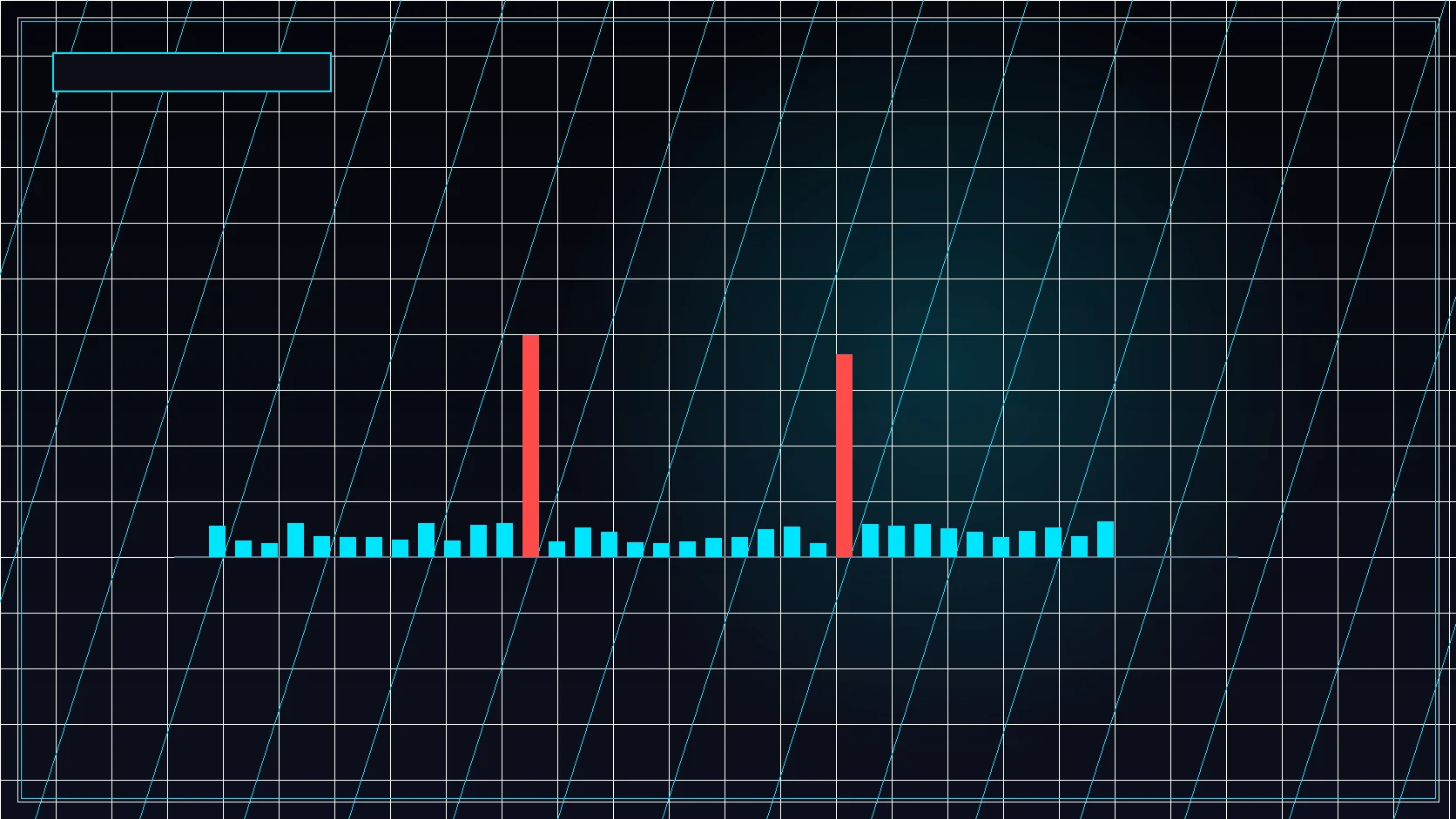
Deferred Procedure Call (DPC) latency occurs when background hardware drivers monopolize CPU cores, delaying urgent game physics and render tasks. Diagnosing drivers like nvlddmkm.sys or ndis.sys using LatencyMon restores buttery frametime delivery.


The Architecture of Windows Driver Interrupts
When external hardware (like your network card, SSD controller, or GPU) finishes a task, it sends a hardware interrupt request (IRQ) to the CPU. The operating system handles the immediate interrupt and schedules a Deferred Procedure Call (DPC) to complete the heavier data processing.
If a poorly coded driver, conflicting background service, or energy-saving power state takes too long to execute its DPC routine, it blocks other threads on that CPU core. In competitive games running at 240+ FPS, a single 2-millisecond driver delay causes an immediate frametime spike—felt as an infuriating micro-freeze or missed hit-registration moment.
The Primary DPC Offenders & Fixes
| Culprit Driver | Associated Hardware | Targeted Resolution |
|---|---|---|
| nvlddmkm.sys | NVIDIA Graphics Driver | Clean DDU install; set Power Management Mode to "Prefer maximum performance"; disable unused NVIDIA HD Audio in Device Manager |
| ndis.sys / tcpip.sys | Network Interface Card (NIC) | Disable "Energy Efficient Ethernet" and "Green Ethernet" in NIC advanced properties; update to manufacturer Ethernet driver |
| storport.sys | NVMe Storage Controller | Install manufacturer NVMe driver; disable aggressive Link State Power Management (ASPM) in Windows power options |
| Wdf01000.sys | Kernel Driver Framework | Disable conflicting motherboard RGB software, anti-cheat conflicts, and proprietary performance suites |
Step-by-Step LatencyMon Diagnostic Workflow
- Download and Run LatencyMon: Launch LatencyMon with administrator privileges, click the green Play button, and play your target game for 10 minutes.
- Inspect the Drivers Tab: Sort by Highest execution (ms). Any driver that exceeds 1.0 ms is actively generating frametime micro-stutters.
- Configure MSI (Message Signaled Interrupts): Use the MSI Utility tool to set your GPU and network adapter to MSI mode with a High interrupt priority, decoupling legacy shared IRQ lines.
- Enable Ultimate Performance Plan: Prevent CPU cores from parking or idling down below base frequencies during match play.
After stabilizing your system frame pacing, test your physical aim consistency with the DCPROSENS Mouse Calibration Suite.
Transform Your PC Into an Esports-Grade Weapon
Get the complete low-level registry, IRQ, and timer optimization guide in our FPS & Input Lag Playbook, or have our senior engineers tune your PC live in the DCPROSENS 360° VIP Overhaul.
Frequently Asked Questions
What is an acceptable DPC latency reading in LatencyMon?
A well-optimized competitive gaming PC should maintain maximum DPC execution times below 500 microseconds (µs). Readings exceeding 1000 µs (1.0 ms) will introduce audible crackles and micro-stutters in game engines.
Why does nvlddmkm.sys cause high DPC latency spikes?
NVIDIA driver power-management states, HD audio device conflicts over HDMI/DisplayPort, or corrupted driver caches can cause the graphics kernel driver to hang CPU threads during dynamic clock transitions.
Does disabling High Precision Event Timer (HPET) help DPC latency?
On modern Ryzen and Intel Core architectures, leaving HPET in default platform timer synchronization is recommended. Forcing synthetic timer toggles in Windows BCD can cause timer desync.
🎯 Lock In Perfect 1:1 Aim & Pro Consistency
Tired of daily aim inconsistency? Calibrate your physical cm/360, scope matching, and sensor latency. Get the complete Precision Aim System (4-Part Technical Manifestos) today for only $9.00 USD!
Unlock Elite Precision ($9) ⚡Dalto Outlier
Creator, DCPROSENSDalto built DCPROSENS to help competitive FPS players convert sensitivity, calibrate DPI, and keep their aim consistent across games.
Related Guides & Articles



Disclosure: some links on this page are affiliate links. As an Amazon Associate, DCPROSENS earns from qualifying purchases at no extra cost to you.

