Mouse Skates Guide 2026: PTFE vs Glass Feet & Friction Dynamics
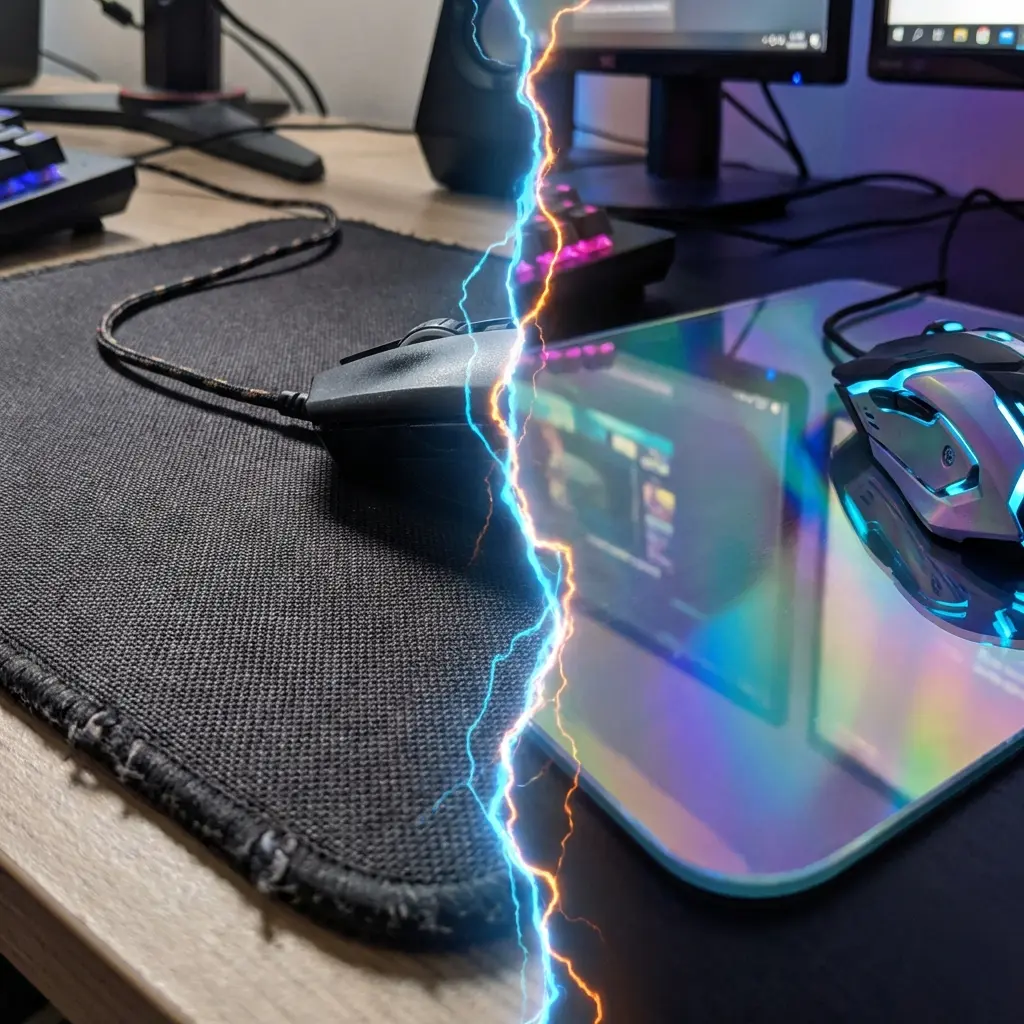
The Physics of Mouse Friction
To understand skates, you must understand the two types of friction acting on your mouse:
- Static Friction (Initial Friction): The force required to start the mouse moving from a standstill. High static friction makes it difficult to make tiny micro-adjustments (causing "muddy" tracking).
- Dynamic Friction (Glide Friction): The resistance while the mouse is already in motion. Low dynamic friction means the mouse glides fast, but provides less stopping power when you need to halt your flick exactly on a head.
The Hierarchy of Mouse Skates
1. Stock Black Skates (Dyed PTFE)
Found on older or budget gaming mice. The black dye mixed into the PTFE (Teflon) increases friction and wear over time. They often have sharp edges that scratch against cloth pads. They are usable, but upgrading provides an immediate improvement in smoothness.
2. 100% Virgin Grade White PTFE (The Competitive Standard)
Aftermarket brands like Corepad, Tiger Ice, and Hyperglides popularized pure white PTFE. Modern mice (Superlight, Razer V3) now include these as stock.
- Pros: Extremely low static friction, allowing for effortless micro-adjustments. Rounded edges prevent scratching. Consistent glide over months of heavy use.
- Cons: They wear down relatively quickly on rough-texture pads, requiring replacement every 6-12 months for optimal feel.
3. Glass Skates (Superglides / Pulsar)
Aluminosilicate glass skates became a massive trend in recent years. They provide an almost frictionless experience.
- Pros: Virtually zero static friction. The mouse feels like it is floating on air. Incredible for tracking-heavy games (Apex, Overwatch). They never wear down.
- Cons: Almost zero stopping power. In tactical shooters (CS2, Valorant), many players find it difficult to stop their flicks precisely, leading to over-aiming. They also drastically increase the wear and tear on cloth mousepads, sometimes ruining them with "muddy spots" over time.
Matching Skates to Mousepads (The Friction Matrix)
Skate feel depends entirely on the mousepad surface:
When Should I Replace My Skates?
If your aim feels inconsistent, "muddy," or if you feel a scratchy sensation when pushing down slightly while adjusting your aim, it's time for new PTFE skates. Changes in friction directly impact the feel of your sensitivity. If you change skates, spend a few days re-adapting before rushing to change your in-game sensitivity on our eDPI calculator.
Equipamentos de Elite Recomendados
Mouses ultra-leves topo de linha recomendados pelo Treinador Dalto para máxima precisão de sensor e consistência física no seu mousepad:
Logitech G Pro X Superlight 2
O mouse mais vencedor do cenário competitivo. Shape icônico, sensor HERO 2 e switches ópticos-mecânicos híbridos.
Razer Viper V3 Pro
Rastreador preciso com polling rate sem fio nativo de 8.000 Hz e formato simétrico ergonômico moderno.
Razer DeathAdder V3 Pro
Excelente para pegadas palm ou claw que querem apoio anatômico. Sensor Focus Pro 30K de última geração.
Lamzu Atlantis OG V2 / Thorn
Mouse boutique com peso irrisório e base vazada. Pegada traseira perfeita para controle agressivo de claw grip.
🎯 Lock In Perfect 1:1 Aim & Pro Consistency
Tired of daily aim inconsistency? Calibrate your physical cm/360, scope matching, and sensor latency. Get the complete Precision Aim System (4-Part Technical Manifestos) today for only $9.00 USD!
Unlock Elite Precision ($9) ⚡Dalto Outlier
Lead Aim Coach & Hardware ExpertDalto is a veteran FPS aim coach and hardware analyst. Having trained hundreds of competitive players in Valorant and CS2, he specializes in mouse sensor technology, perfect sensitivity calibrations, and cognitive muscle memory optimization.